


 Log In

Free gifts available with your purchase
Product information
Tony Maserati Signature Series
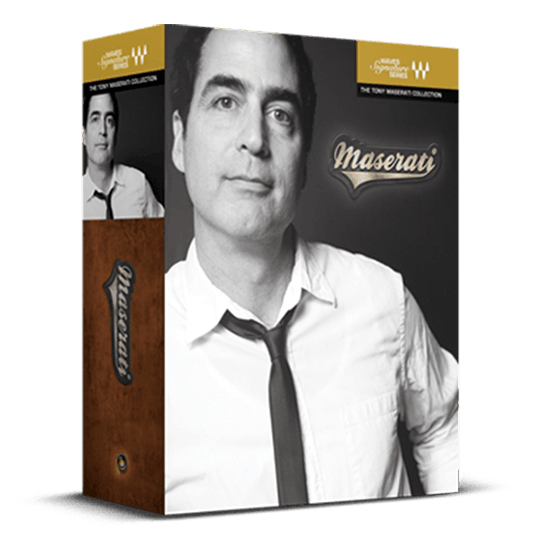
Mixing Chains for Vocals and Instruments from the Bowie, Beyoncé, & Biggie Mixer
Tony Maserati is synonymous with shaping the vibrant sounds of New York R&B and hip hop in the 1990s, defining hits for The Notorious B.I.G., Mary J. Blige, and more. Today, his influence extends across billions of streams from artists ranging from Beyoncé to Bowie, Jay Z to BØRNS, Selena Gomez to Alicia Keys.
These plugins offer a direct route to exceptional sound, reflecting Tony's hallmark blend of power and simplicity, focus and versatility. Let Tony Maserati's expertise enhance your creative inspiration with ease and precision.
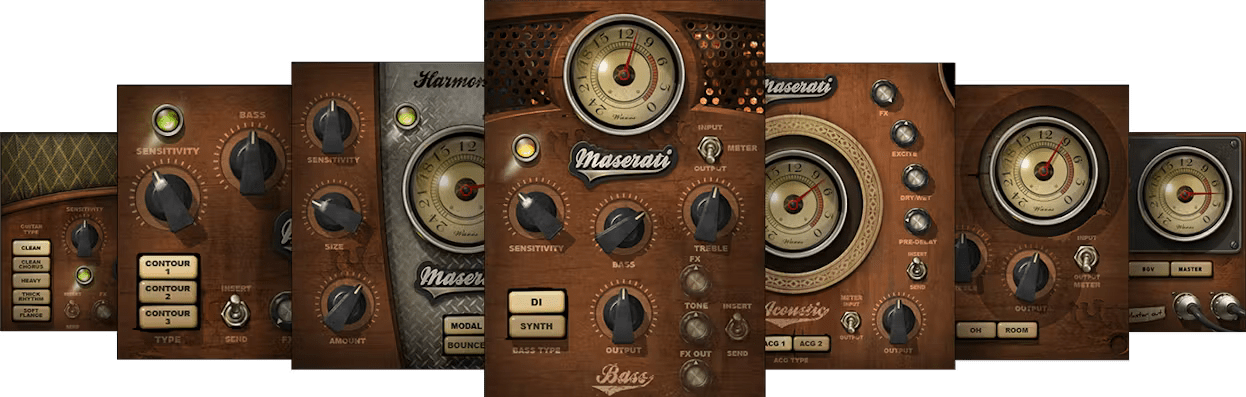
Included plugins:
- Maserati ACG
- Maserati B72
- Maserati DRM
- Maserati GRP
- Maserati GTi
- Maserati HX1
- Maserati VX1
Features
- Designed in close association with Grammy® winner Tony Maserati
- Plugins are dedicated to specific instruments and mix scenarios
- Based on Maserati’s go-to signature mixing chains
- Obtain superior results with minimal tweaking
- Timeless character fits perfectly with R&B, hip hop, urban, pop
- Classic and cutting-edge presets provide instant inspiration
System Requirements
Mac
- macOS Monterey 12, Ventura 13, Sonoma 14, Sequoia 15
- VST / AU / AAX
PC
- Windows 10+
- VST / AAX
Installation Instructions














