


 Log In
Free gifts available with your purchase
Product information
Important Note: An existing copy of Pitch Innovations Groove Shaper is required to use these expansions.
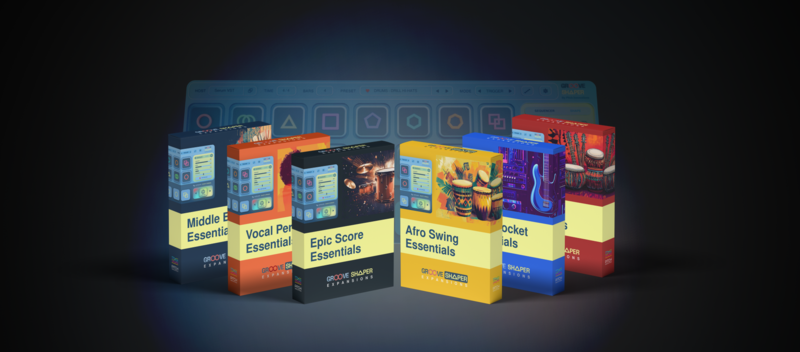
Groove Shaper, Unlocked
Get the complete Essential Expansions Bundle—a collection of six expansion packs designed exclusively for the award-winning Groove Shaper plugin.
This bundle includes 1000+ ready-to-use groove presets, covering a wide range of genres, from Cinematic and African to Middle Eastern and beyond.
Each expansion is crafted to bring out the full potential of Groove Shaper, making it easier than ever to create striking epic drums, short string patterns, energetic synth leads, and more.
Bundle Contents
- Bass Pocket Essentials - Lock in tight grooves with all things bass for pocket-perfect beats.
- Epic Score Essentials - Create cinematic magic with thunderous, dynamic grooves for Epic Drums & Strings.
- Middle East Essentials - Infuse your beats with the striking and unmistakeable percussion of the Middle East.
- Desi Beat Essentials - Must-have pack to produce the vibrant & iconic rhythms of South Asia effortlessly.
- Vocal Perc Essentials - Add rhythmic flair with creative vocal-based percs such as Beatboxing & Konnakol.
- Afro Swing Essentials - Infuse your tracks with the infectious rhythms and soulful grooves of Africa.
System Requirements
- An existing copy of Pitch Innovations Groove Shaper is required to use these expansions.
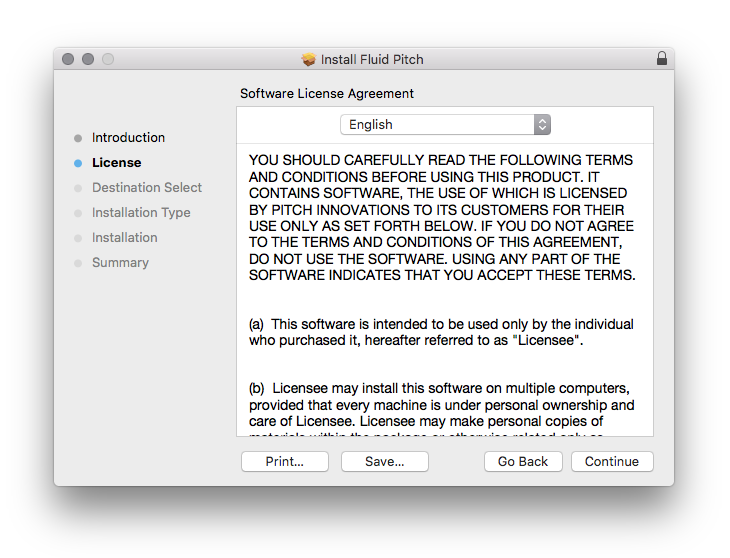
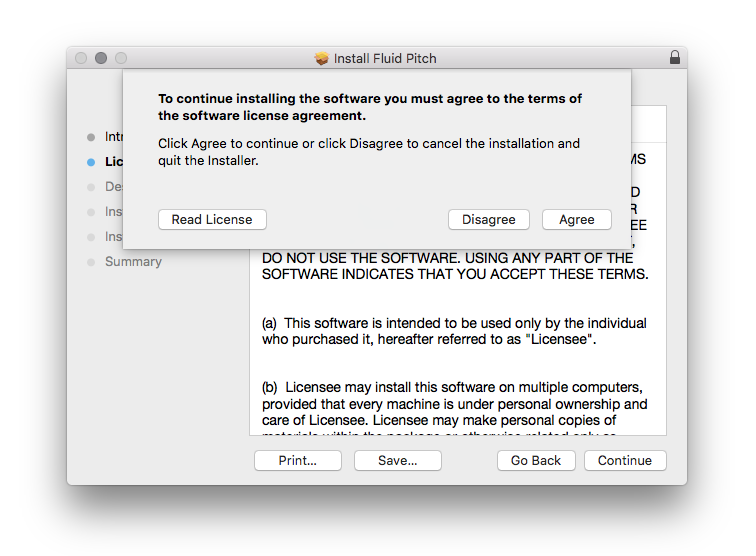
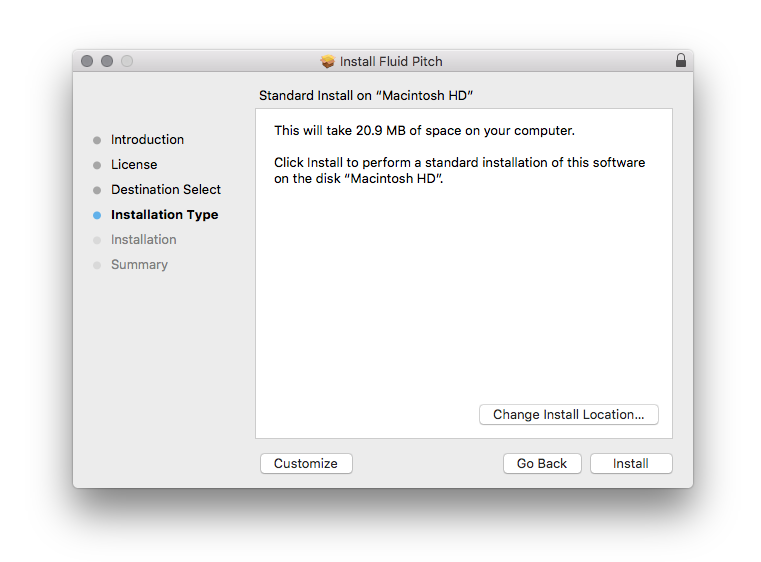
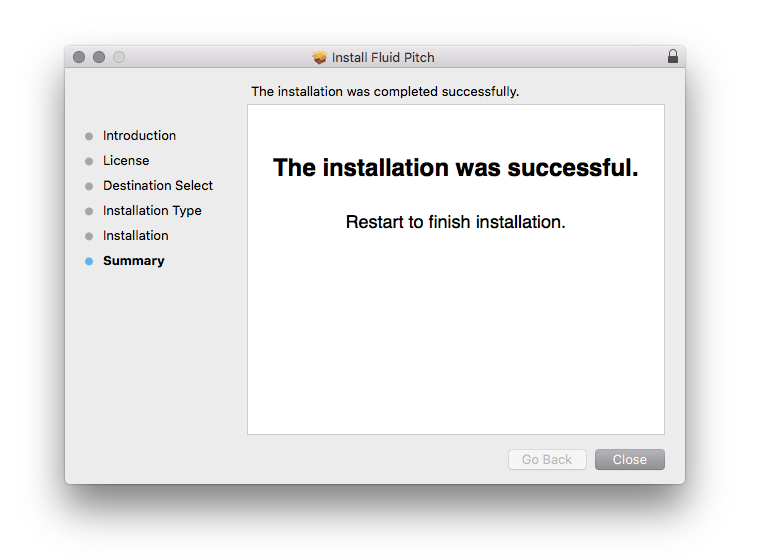
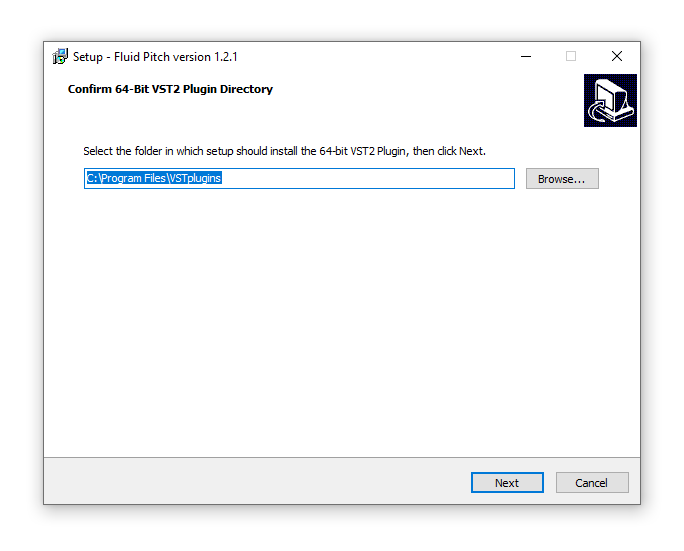
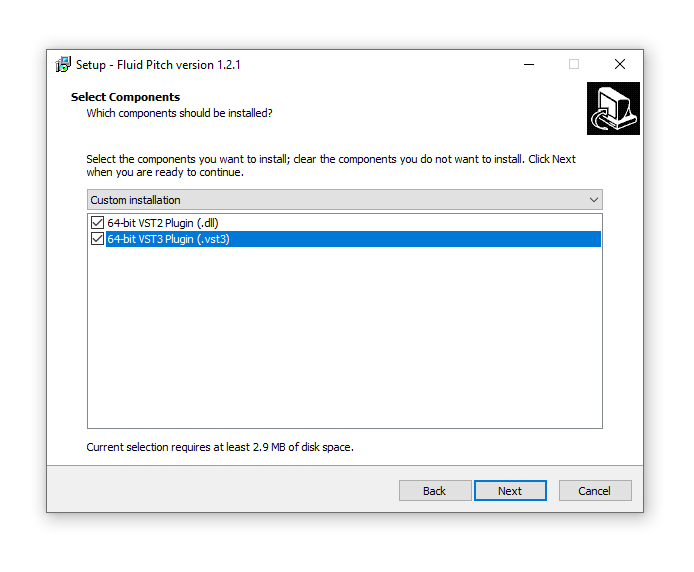
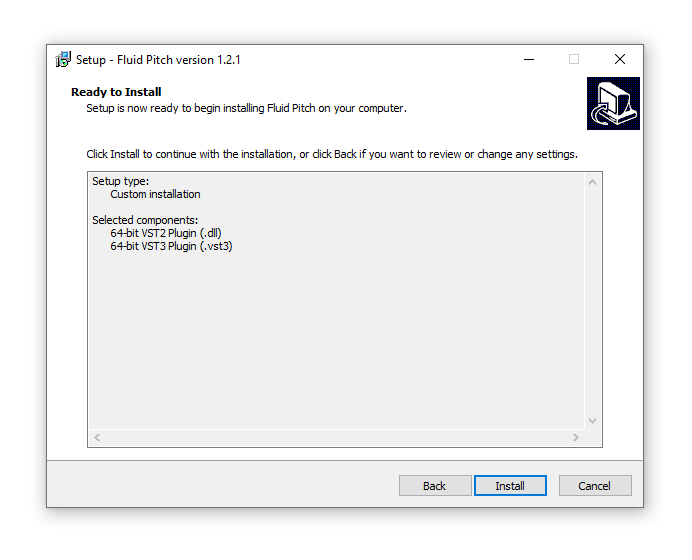
Installation Instructions

Customer Reviews
(2)


