Log In
Free gifts available with your purchase
Ambient & Atmospheric
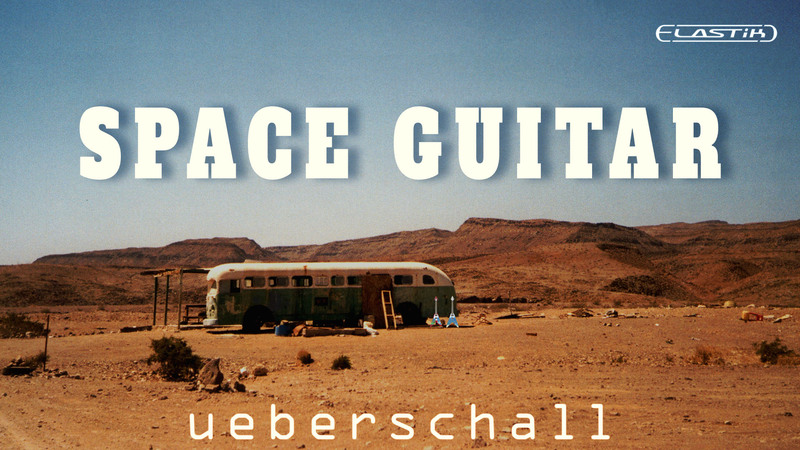
If you need to create music that conjures an image of vast, open, spaces, then Space Guitar will provide you with some ideal source materials to kick-start your next cue composition. The library delivers a huge collection of atmospheric guitar performances in the super-convenient Elastik format. Space Guitar is an ideal choice for media composers looking to capture the musical sound of wide- open spaces.
Hugely Atmospheric Guitar-based Loops
The library contains 4.9GB of sample data and nearly 900 individual loops organized into over 100 musical folders. Folders fall into three categories; Themes, Ambient and SFX. The Themes folders contain more obvious melodic content. Ambient folders provide atmospheric sound design. The SFX folders deliver plenty of guitar-based ear-candy to punctuate your compositions with. Folders are also divided by tempo into 80 BPM and 120 BPM groups. All loops are either 8 or 16 bars in length. Space Guitar is also a perfect complement to the Cinematic Guitar Loops library.
Dry And Processed Loops For Maximum Flexibility
Eight individual loops are present within each of the 100+ folders. These include one electric guitar part, one acoustic guitar part and one bass part. Each of these is presented both with effects and dry for maximum flexibility when mixing. Two pre-mixed loops, one with full effects (the space mix) and one with a reduced amount of effects (the close mix), rounds out each folder. As suggested by the library name, the effects used are dominated by lush reverbs and delays to create a real sense of an expansive space.
And, of course, with the power of Elastik, you can quickly adjust the tempo and pitch of any loop to fit your project. In addition, the consistent character of the sounds across the entire library makes it easy to mix and match loops between any of the folders to create extended musical cues.
Flexible Combinations
With characterful slide guitar melodies, the library itself is inspired by music such as Ry Cooder’s iconic musical score for the film „Paris, Texas“. So, whether you are looking for a soothing or melodic ambience, or a darker, more disturbing, soundbed, this library will inspire your creativity. Space Guitar is an ideal choice for media composers looking to capture the musical sound of wide- open spaces.
Elastik Features
The Elastik Player is the ideal tool for loop-based music production. The advanced algorithms by zplane development can match all samples in Space Guitar to any track in pitch, key and tempo. All installed Elastik libraries share a clearly structured browser, granting immediate access to all installed loops. Functions such as resample, formant and reverse as well as an effective sequence mode allow creative sound design on the fly.
Attention: The drums used in the demo track are not part of the library!
Features
- 4.9 GB
- 109 Construction Kits
- 872 Loops & Phrases
System Requirements
For the Elastik Player:
- macOS: recommended 10.12 or higher
- Windows: recommended Windows 8 or higher
For the Ueberschall Downloader:
- Internet connection
- macOS: recommended 10.12 or higher
- Windows: recommended Windows 8 or higher