


 Log In
Free gifts available with your purchase
Product information
Cinematic SciFi and Technologic sounds require the most expert-level sound design techniques. Luckily for you, W.A. Production's team of professionals is here to help!
What About: Robotic & Transformers FX contains more than 300 mind-bending sounds that will feel at home in any major action flick. Thundering Impacts, squelching Mutations, metallic Mechanics, and transformative transition FX are just some of the many sounds you'll hear in this pack.
If you need to score an epic robot-alien battle, you've come to the right place! Download What About: Robotic & Transformers FX and get inspired!
Features
- 25 Impacts
- 30 Mechanics
- 100 Mutations
- 20 Power Downs
- 25 Power Ups
- 20 Rises
- 50 Robotics
- 30 Voices
- 40 Weapons
- 100% Royalty Free
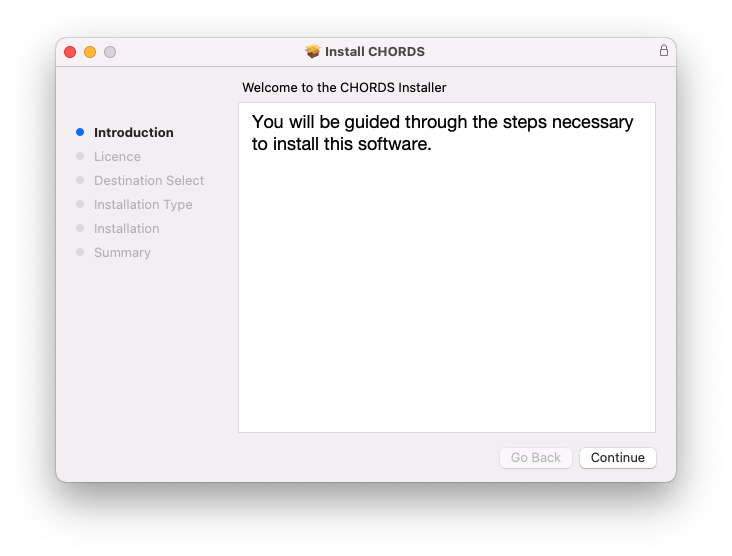
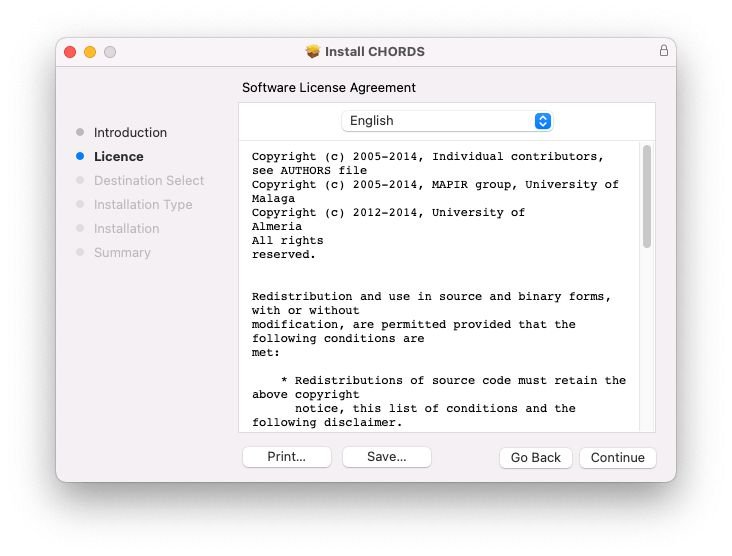
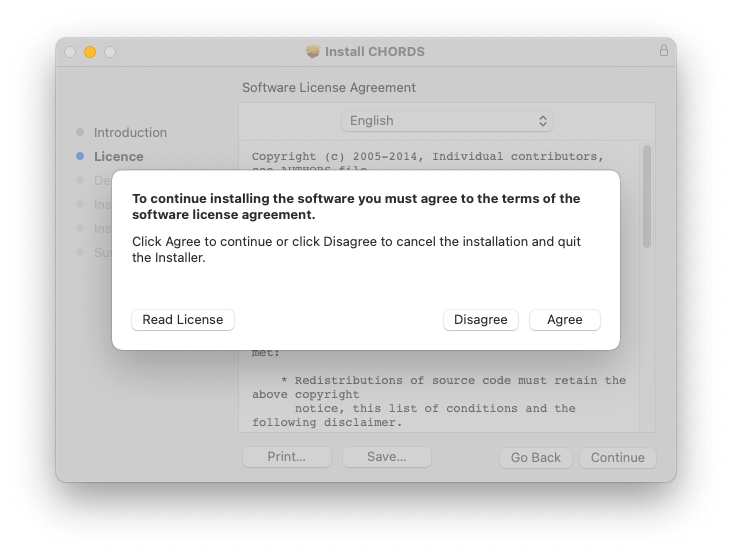
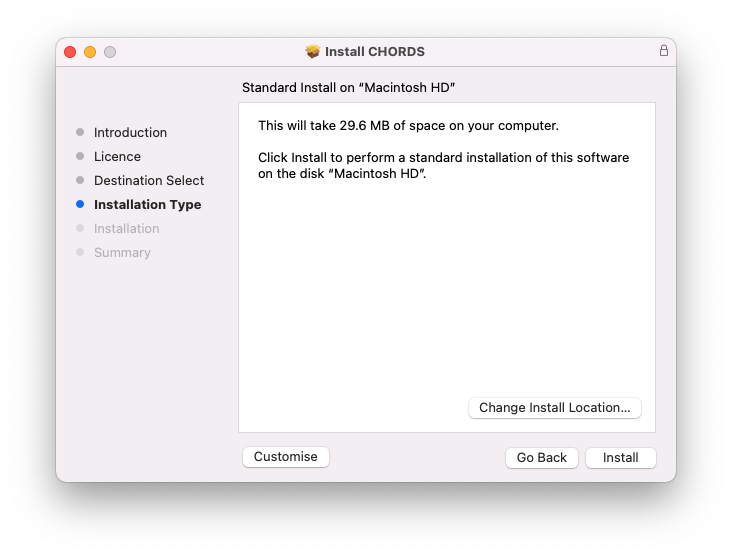
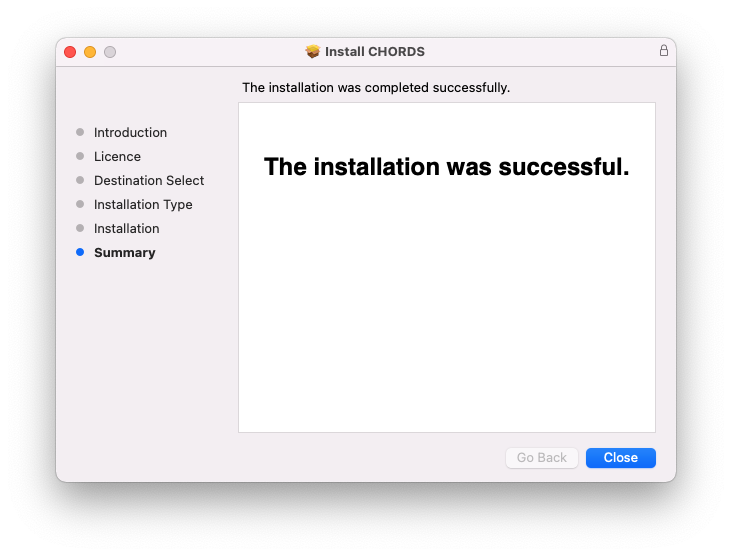
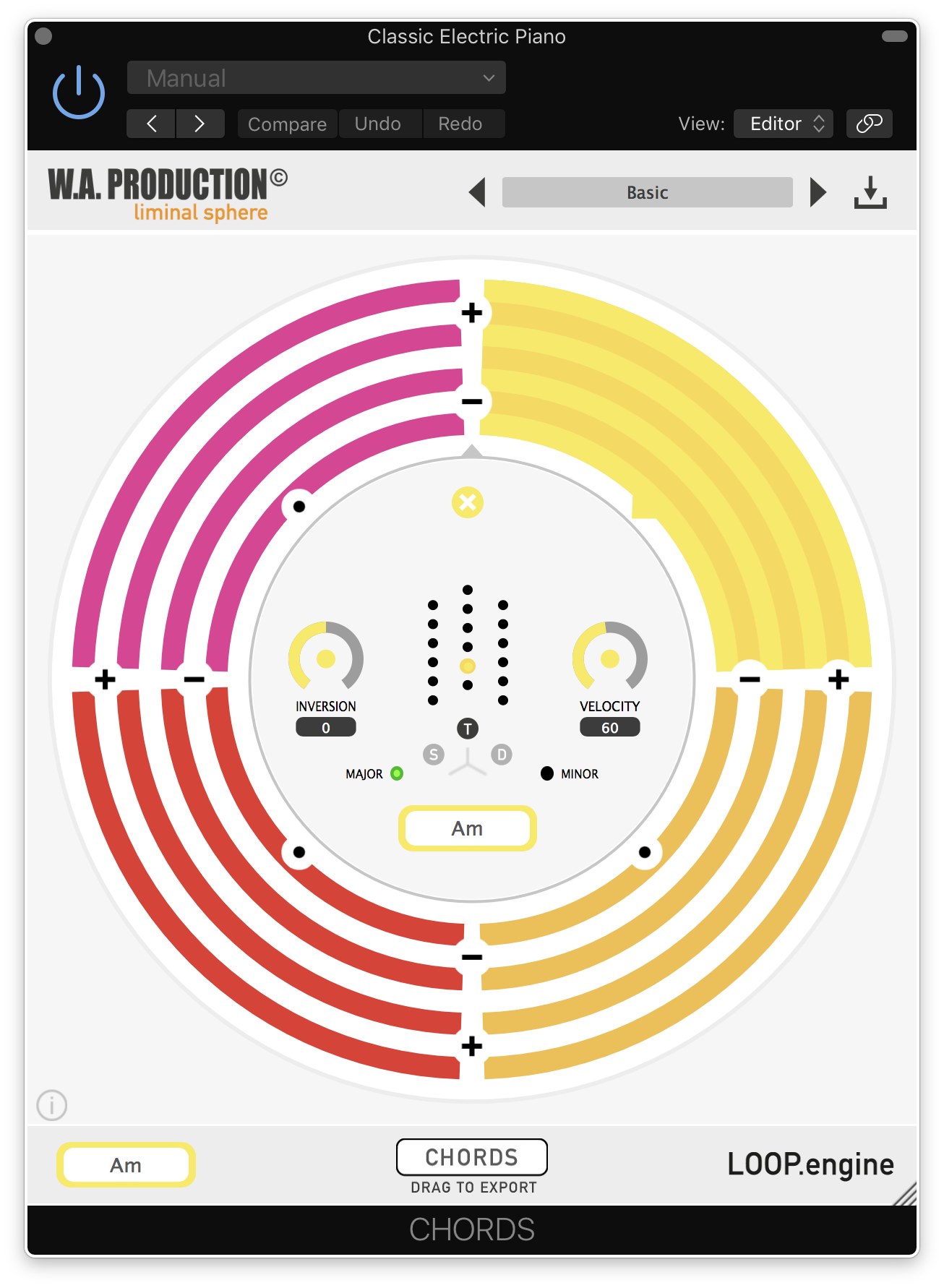
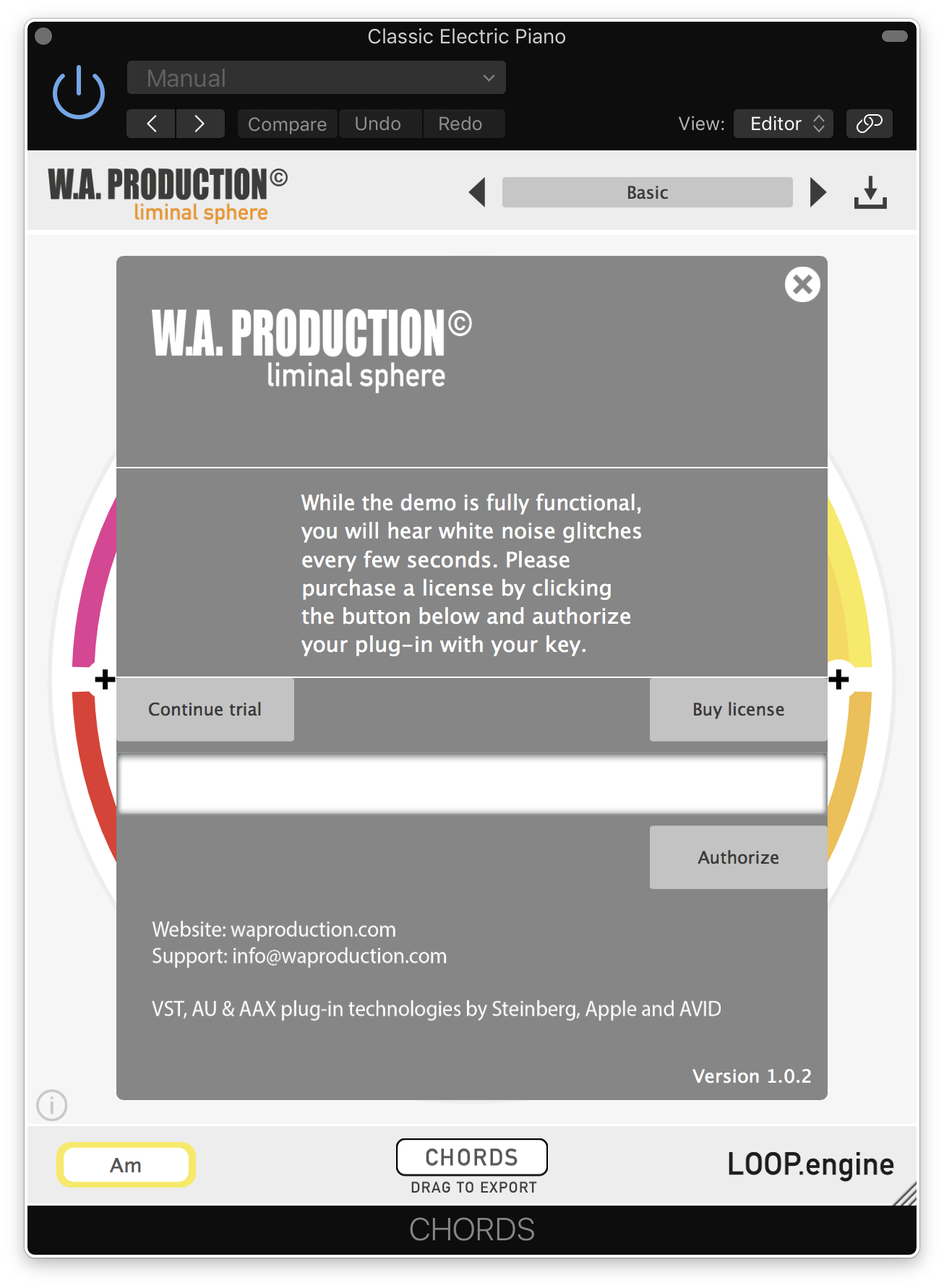
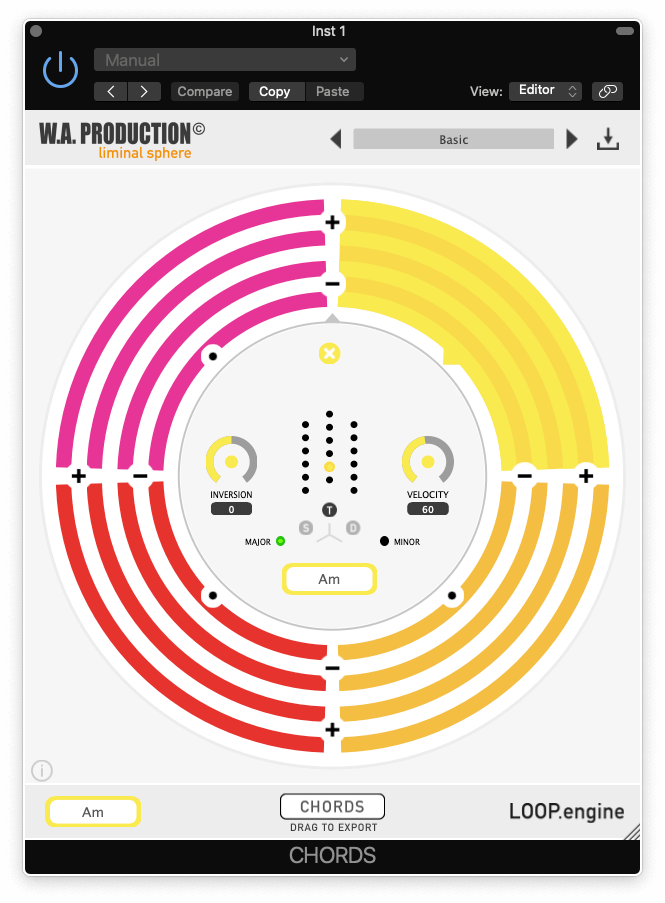
Installation Instructions




Bundle & Save
Babylon 2 + Cinematic Sounds Bundle
$388.00
$19.90
(94% off)


