Effective transitions and spatial FX can take a decent track and turn it into a hit. However, the sounds need to be unique, interesting, and high - quality to make an impact. That's where What About: FX Essentials 3 from W.A. Production comes in!
Containing more than 300 sounds, What About: FX Essentials 3 includes a tantalizing variety of impressive FX to build fantastic soundscapes. The humungous Drum Fills, novel Foley FX, all - encompassing Impacts, monumental Risers, scorching Vocal FX, and crispy White Noise FX are sure to excite and delight you, as well as your listeners. These FX will get your track that last 10% towards the finish line and help you get past the more tedious parts of music production with ease.
6. Your product will now be displayed in your W.A Production account > Scroll down to My Orders and click 'View Order'.
7. Click 'Download Files'.
8. Click 'Download'.
Mac Installation
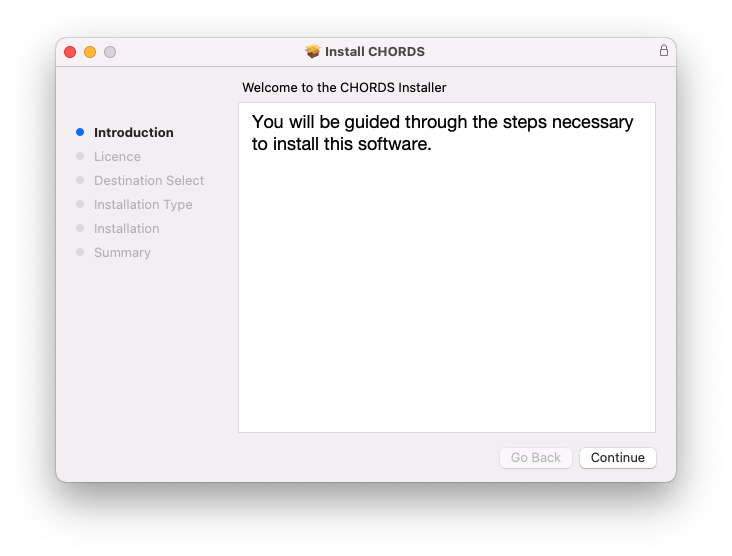
1. Once the download is complete, extract and open the ZIP folder you just downloaded > Open the Mac folder > Double-click the CHORDS .pkg installer file.
2. Click 'Continue'.
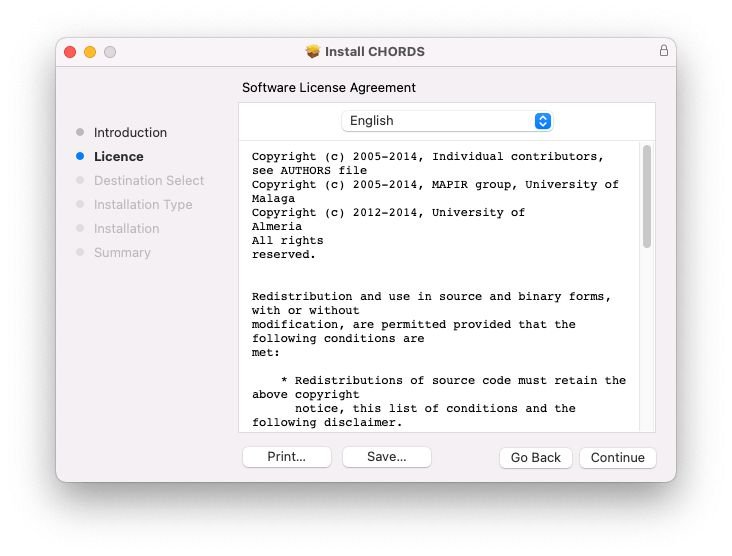
3. Read the Software License Agreement > Click 'Continue'.
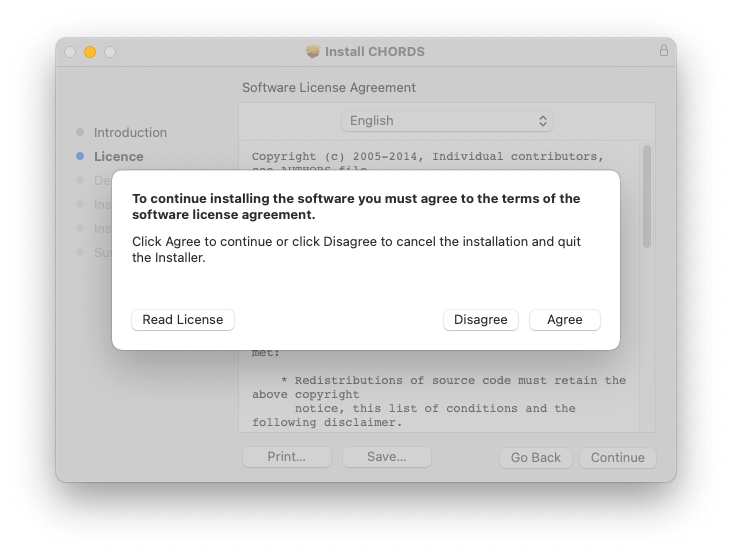
4. Click 'Agree'.
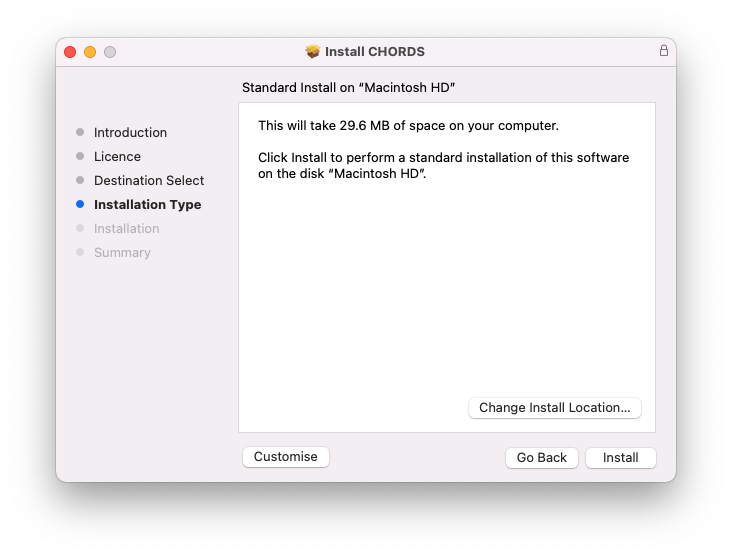
5. Click 'Install'.
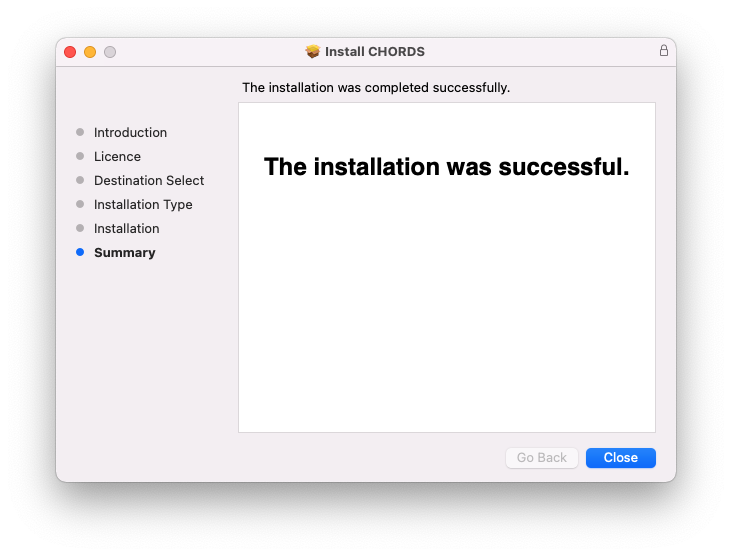
6. Click 'Close'.
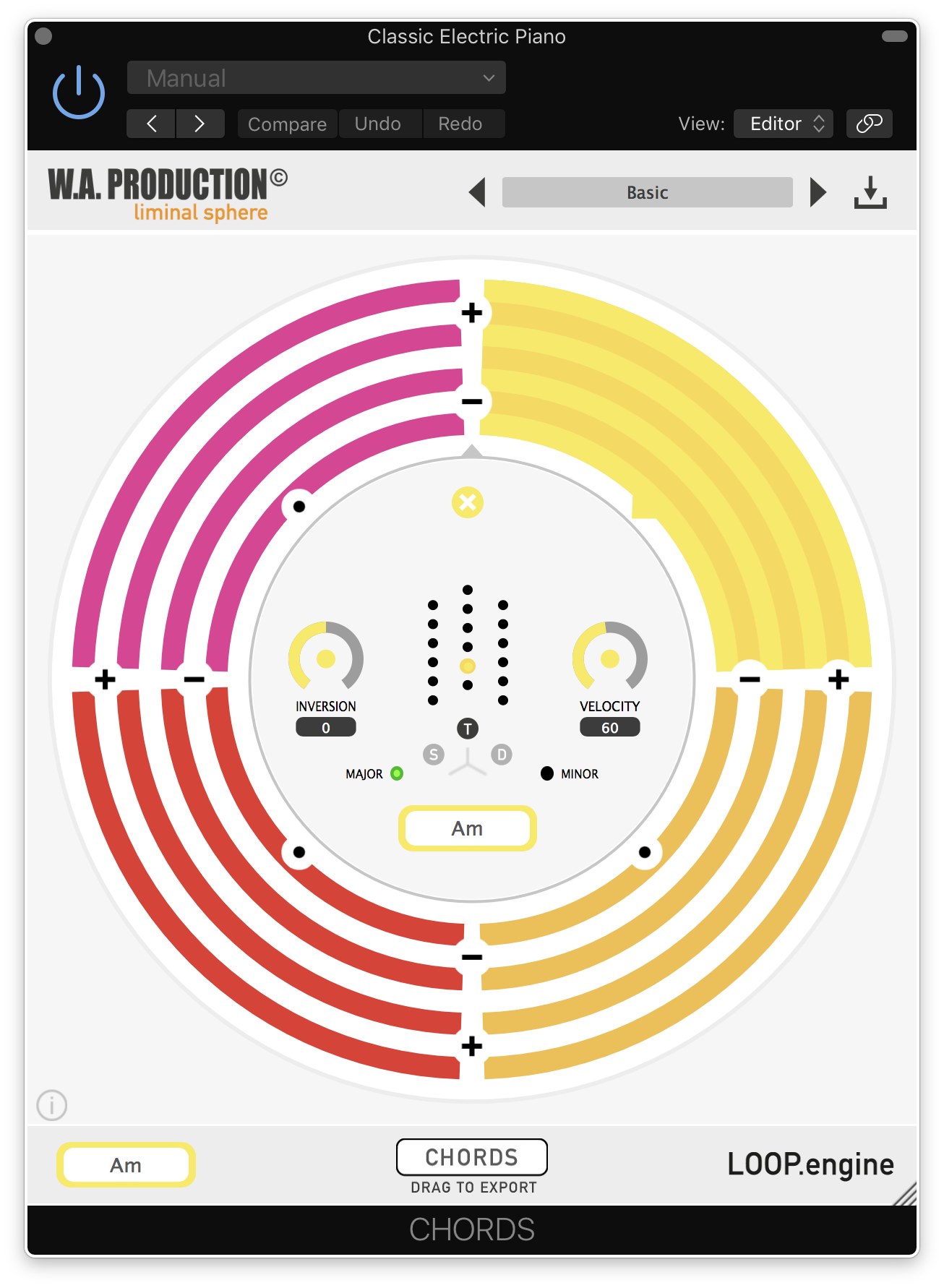
7. Open CHORDS in your DAW.
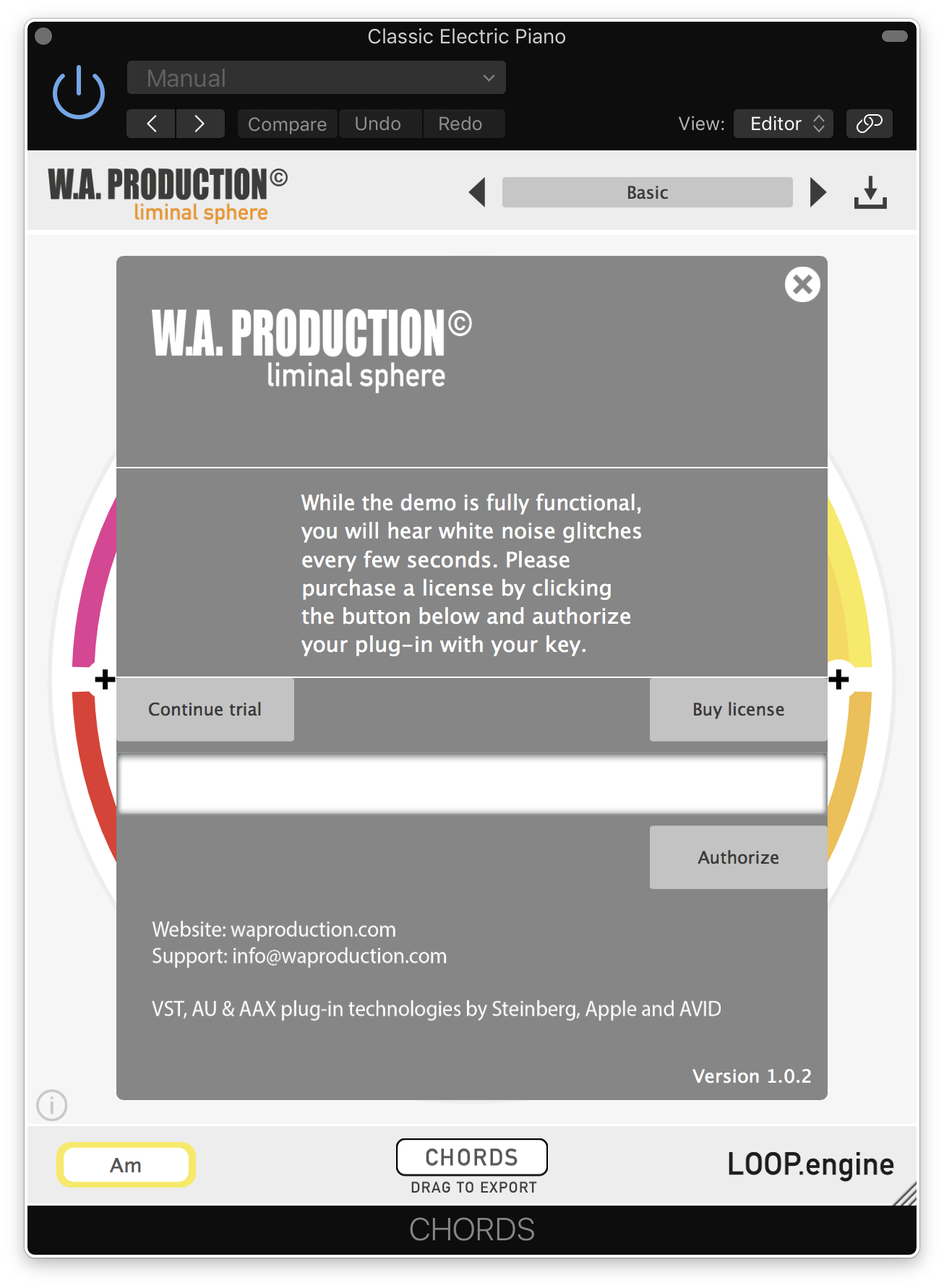
8. Click the information icon in the bottom left-hand corner > Enter the serial number you were given in your W.A Production account > Click 'Authorize'.
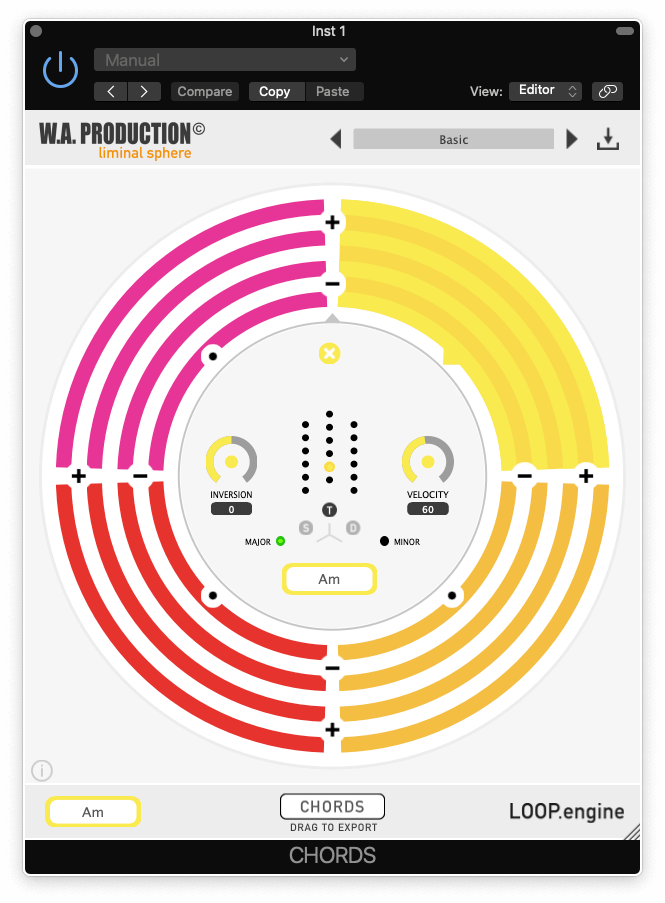
Your software is now ready to use in your DAW!
Windows Installation
1. Once the download is complete, extract and open the ZIP folder you just downloaded > Open the PC folder > Double-click the CHORDS PC installer file.
2. Click 'Next'.
3. Click 'Next'.
4. Select which plugin formats you would like to install > Click 'Next' > Click 'Install'.
5. Click 'Finish'.
6. Open CHORDS in your DAW.
7. Click the information icon in the bottom left-hand corner > Enter the serial number you were given in your W.A Production account > Click 'Authorize'.
Your software is now activated and ready to use in your DAW!


 Log In