Nothing defines gaming more than its classic repertoire of digital sounds that goes hand in hand with the work of Electronic Music Production. By the skill of our creative sound designers comes What About: Gamer FX- an expansive collection of digital ear candy designed to sweeten the sound of your next electronic masterpiece with distinctive beeps, blips, and buttons.
At WA, each and every sample we sell is vetted and quality controlled to offer you confidence in our sonic arsenal. See and hear for yourself today!
6. Your product will now be displayed in your W.A Production account > Scroll down to My Orders and click 'View Order'.
7. Click 'Download Files'.
8. Click 'Download'.
Mac Installation
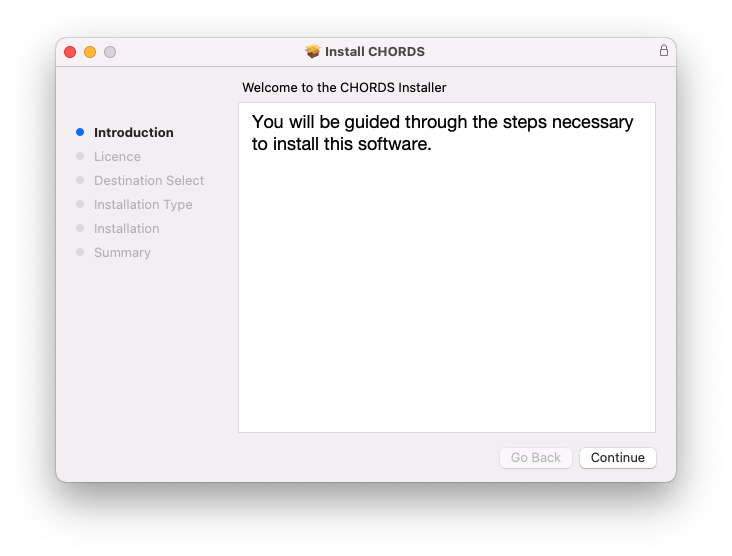
1. Once the download is complete, extract and open the ZIP folder you just downloaded > Open the Mac folder > Double-click the CHORDS .pkg installer file.
2. Click 'Continue'.
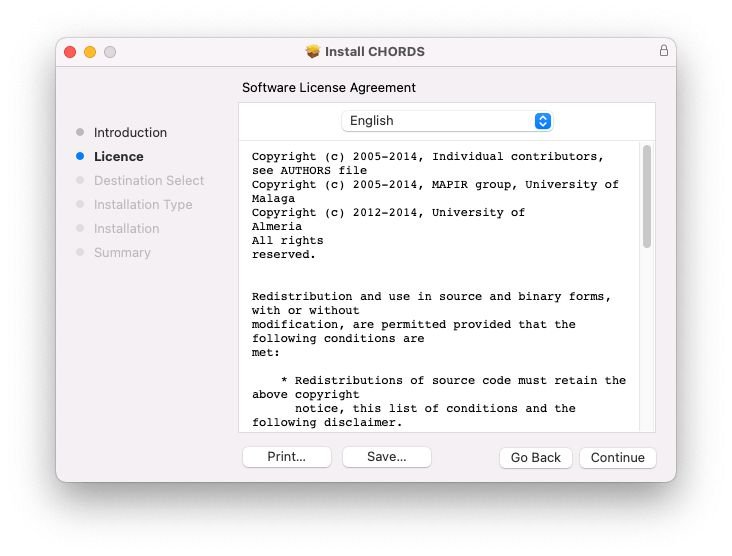
3. Read the Software License Agreement > Click 'Continue'.
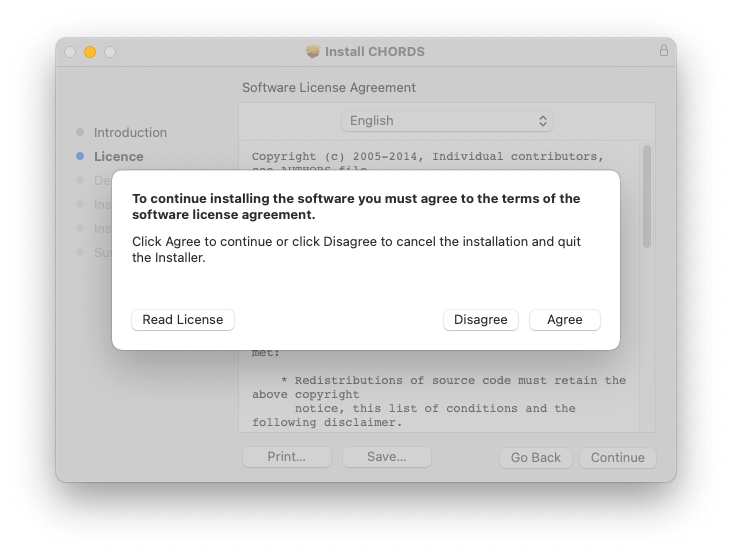
4. Click 'Agree'.
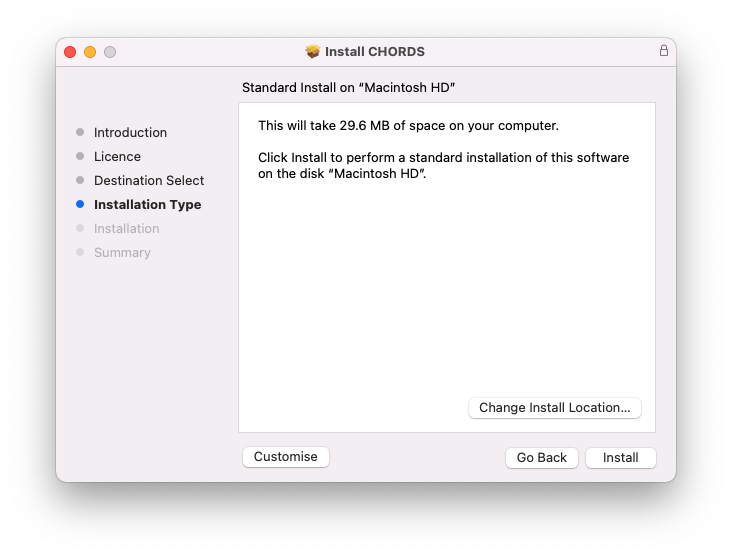
5. Click 'Install'.
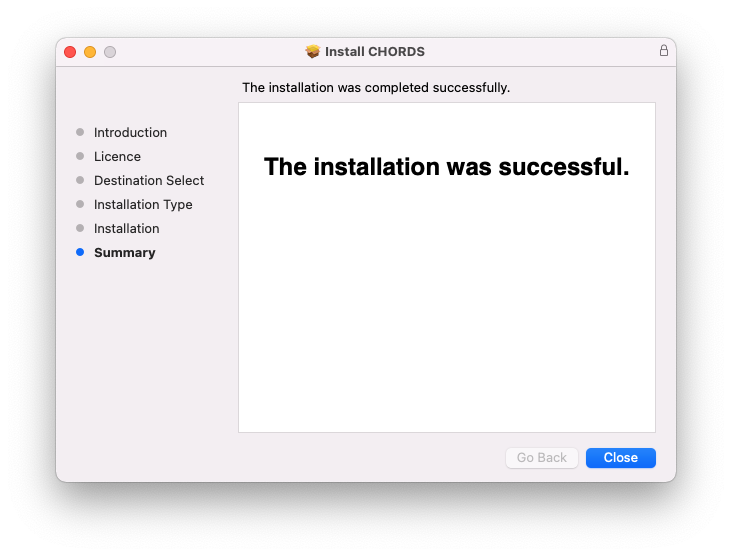
6. Click 'Close'.
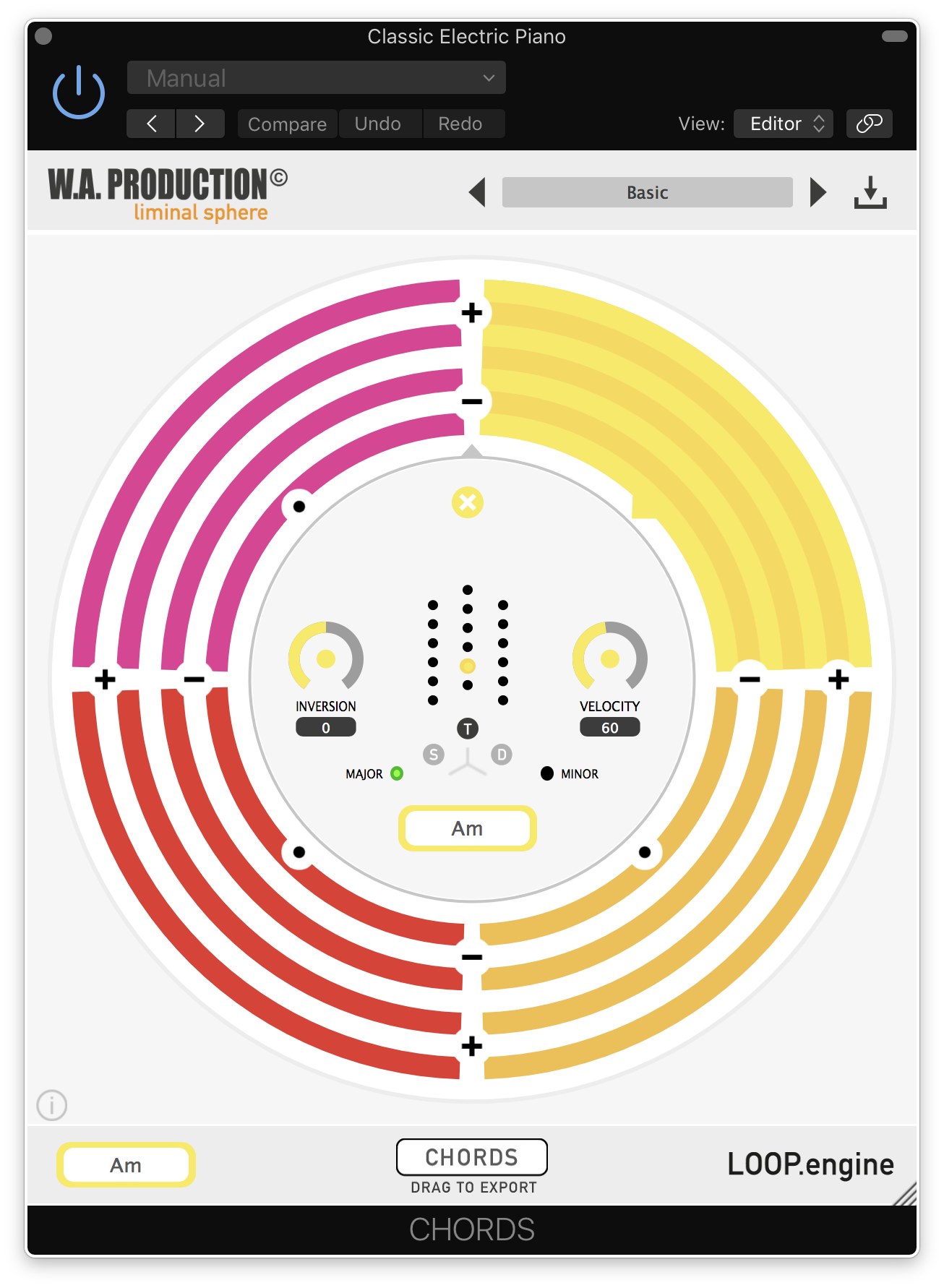
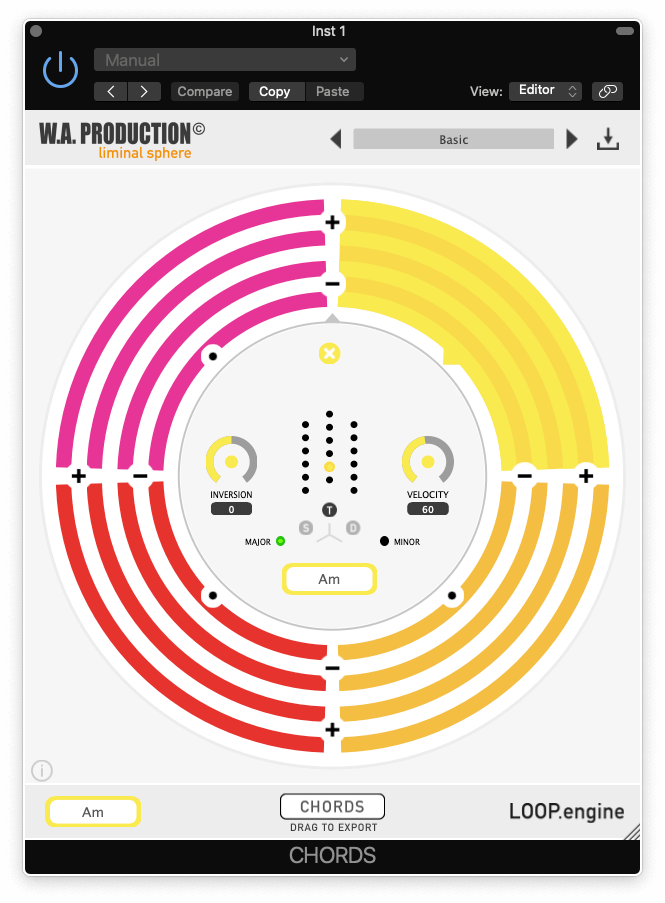
7. Open CHORDS in your DAW.
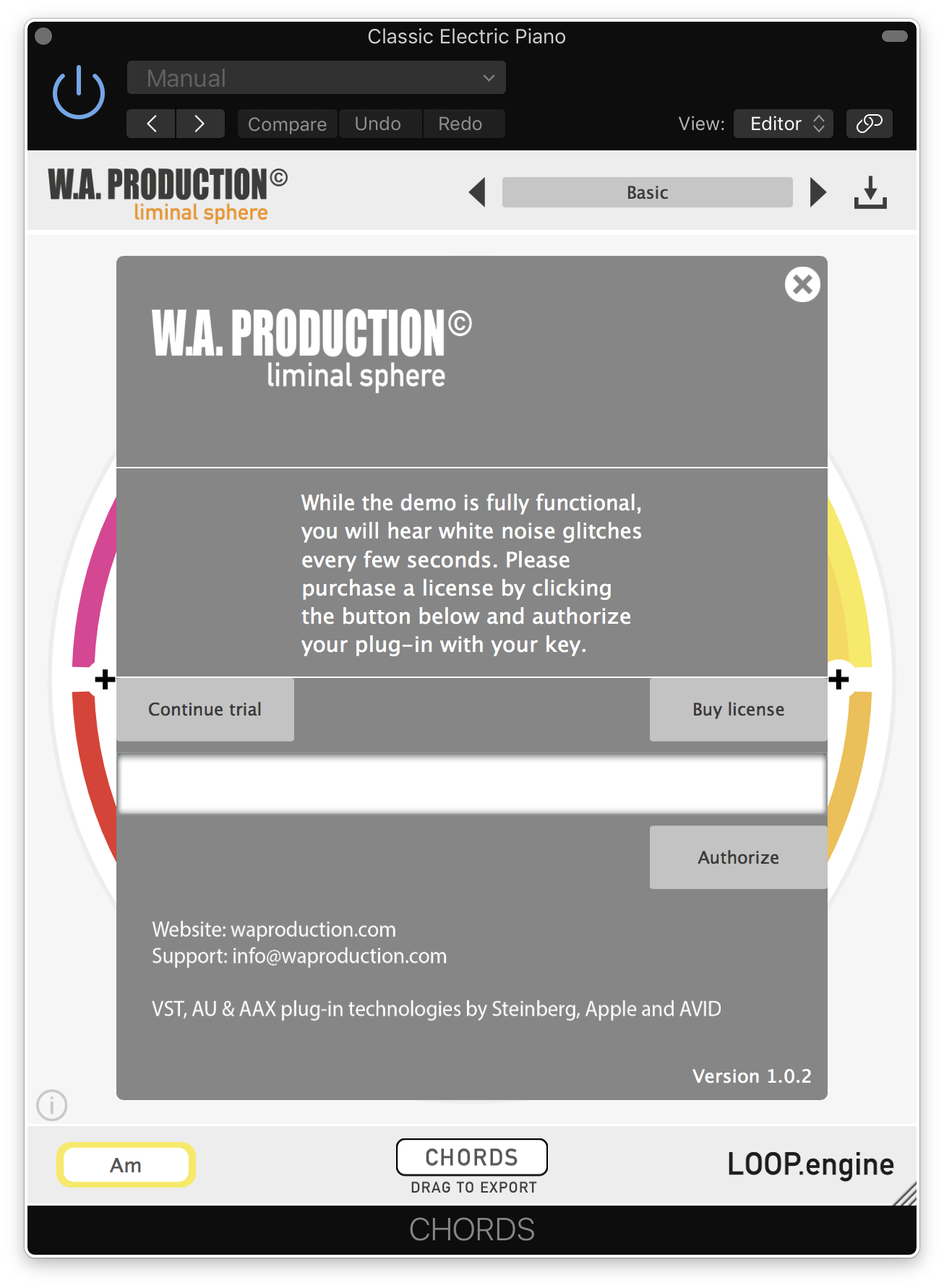
8. Click the information icon in the bottom left-hand corner > Enter the serial number you were given in your W.A Production account > Click 'Authorize'.
Your software is now ready to use in your DAW!
Windows Installation
1. Once the download is complete, extract and open the ZIP folder you just downloaded > Open the PC folder > Double-click the CHORDS PC installer file.
2. Click 'Next'.
3. Click 'Next'.
4. Select which plugin formats you would like to install > Click 'Next' > Click 'Install'.
5. Click 'Finish'.
6. Open CHORDS in your DAW.
7. Click the information icon in the bottom left-hand corner > Enter the serial number you were given in your W.A Production account > Click 'Authorize'.
Your software is now activated and ready to use in your DAW!


 Log In