If you're creating music or soundscapes for horror or action films, or even heavier music genres like Dubstep or Riddim, gory, gruesome sound FX can be a game-changer. However, the sound design involved can be tedious and all-consuming.
What About: Gore Sounds & FX from W. A. Production contains a top-quality selection of gory sounds that a team of professionals have designed from the ground up. In this pack, you'll find Break FX, Squelch sounds, Stabs, Textures, and even Vocals that you can use to create your horrific soundscape. Download today and level up your productions!
6. Your product will now be displayed in your W.A Production account > Scroll down to My Orders and click 'View Order'.
7. Click 'Download Files'.
8. Click 'Download'.
Mac Installation
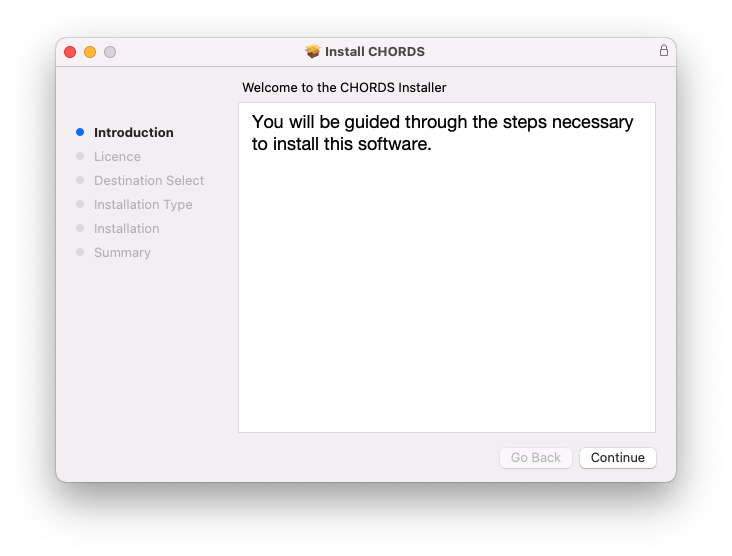
1. Once the download is complete, extract and open the ZIP folder you just downloaded > Open the Mac folder > Double-click the CHORDS .pkg installer file.
2. Click 'Continue'.
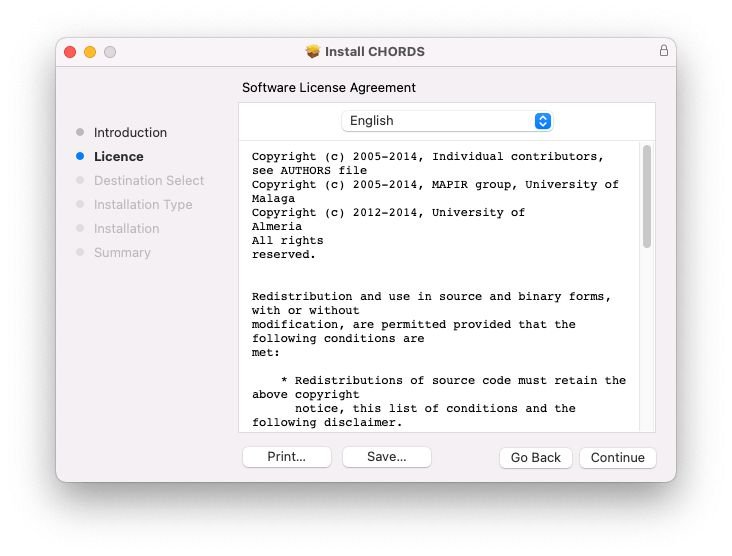
3. Read the Software License Agreement > Click 'Continue'.
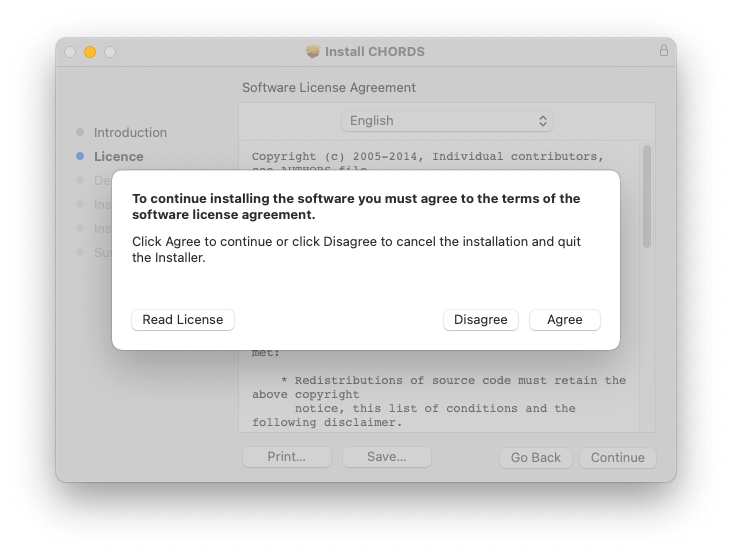
4. Click 'Agree'.
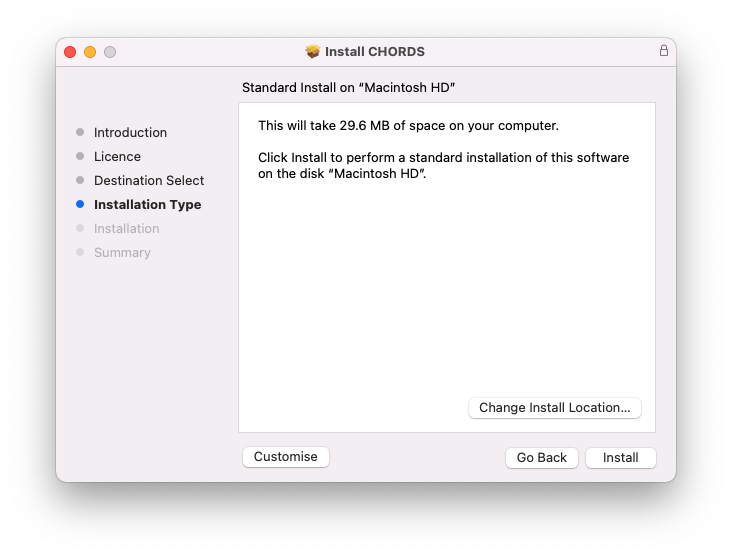
5. Click 'Install'.
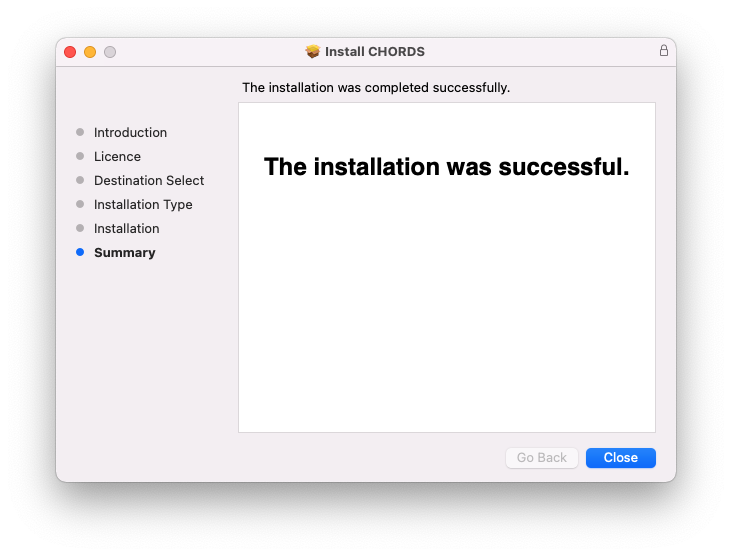
6. Click 'Close'.
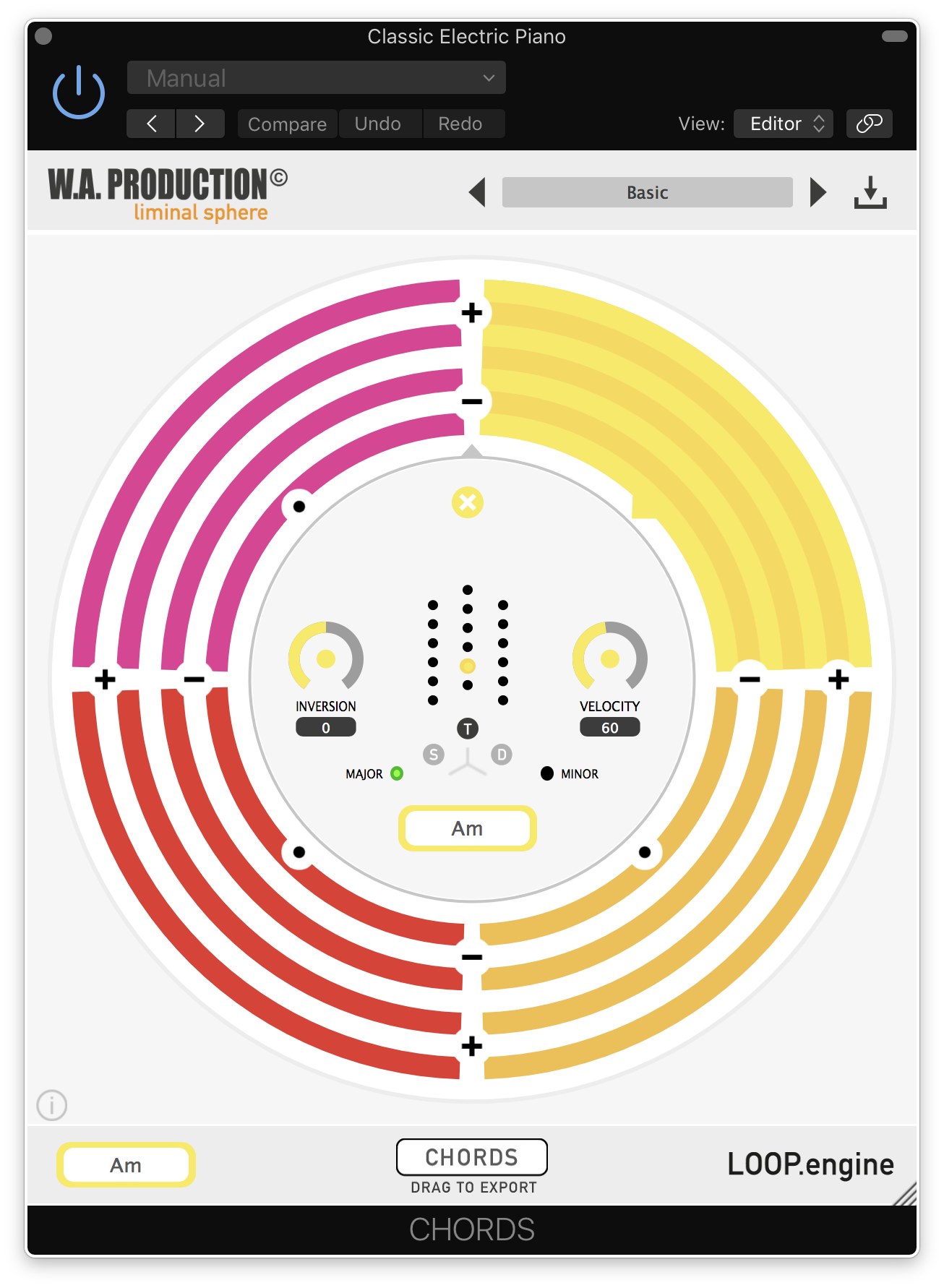
7. Open CHORDS in your DAW.
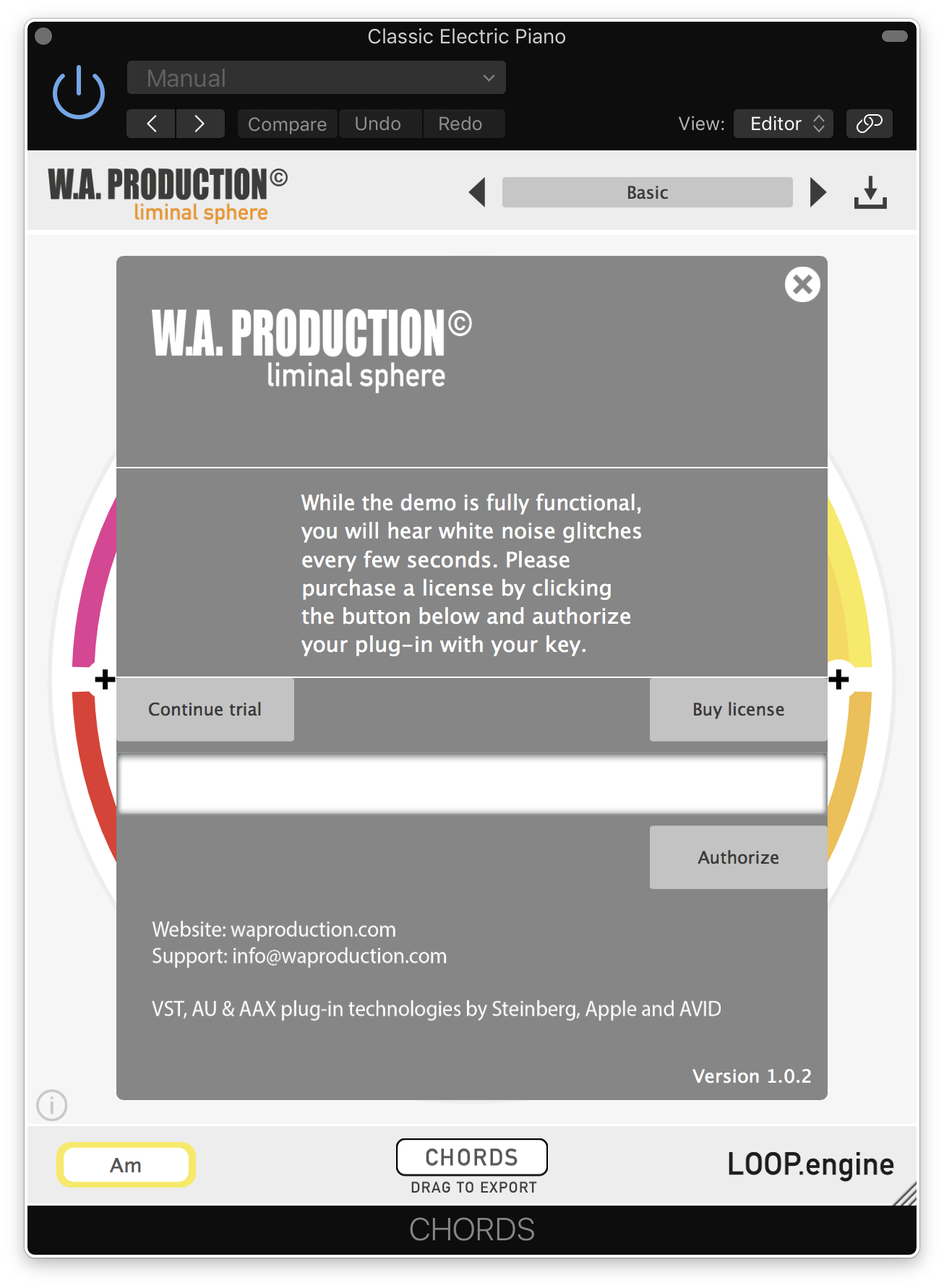
8. Click the information icon in the bottom left-hand corner > Enter the serial number you were given in your W.A Production account > Click 'Authorize'.
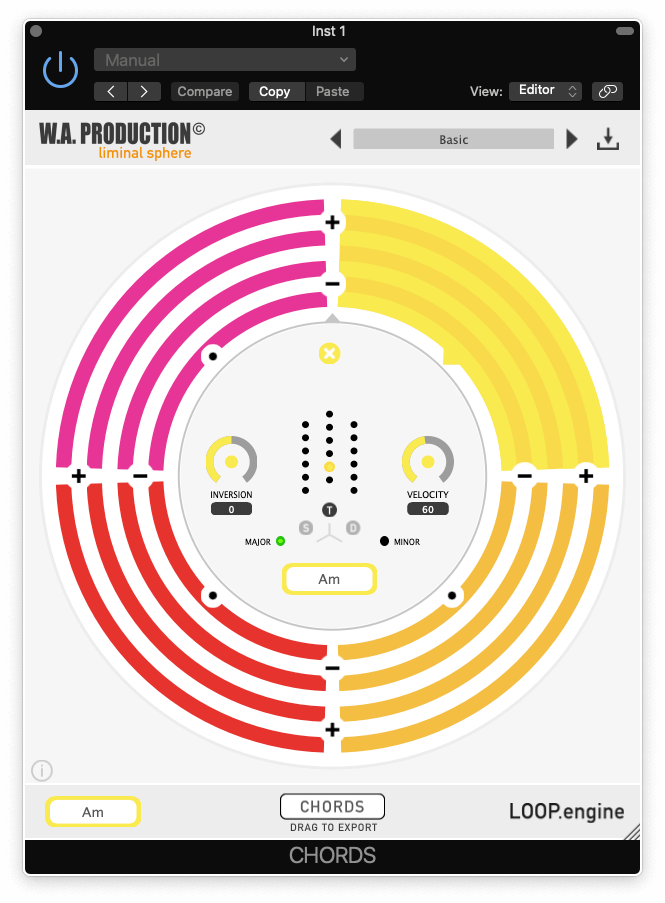
Your software is now ready to use in your DAW!
Windows Installation
1. Once the download is complete, extract and open the ZIP folder you just downloaded > Open the PC folder > Double-click the CHORDS PC installer file.
2. Click 'Next'.
3. Click 'Next'.
4. Select which plugin formats you would like to install > Click 'Next' > Click 'Install'.
5. Click 'Finish'.
6. Open CHORDS in your DAW.
7. Click the information icon in the bottom left-hand corner > Enter the serial number you were given in your W.A Production account > Click 'Authorize'.
Your software is now activated and ready to use in your DAW!


 Log In