


 Log In
Free gifts available with your purchase
Product information
Orchestral sounds can breathe fresh life into songs of any genre due to their universal popularity and organic construction. But getting high-quality, realistic orchestral sounds can often be a challenge. That's why W.A are bringing you this sequel to one of their most popular packs -- What About: Dramatic Orchestra Toolkit 2!
What About: Dramatic Orchestra Toolkit 2 from W. A. Production contains a vast selection of Melody Loops, Drum Loops, Orchestral Hits, and Orchestral Percussion that will help you construct epic and versatile soundscapes. Add this wonderful collection to your library and power up your productions!
Features
- 100 Melody Loops (+ MIDI)
- 55 Drum Loops
- 25 Tonal Loops
- 5 Crashes
- 17 Impacts
- 3 Orchestral Hits
- 10 Timpanis
- 15 Toms
- 100% Royalty-Free
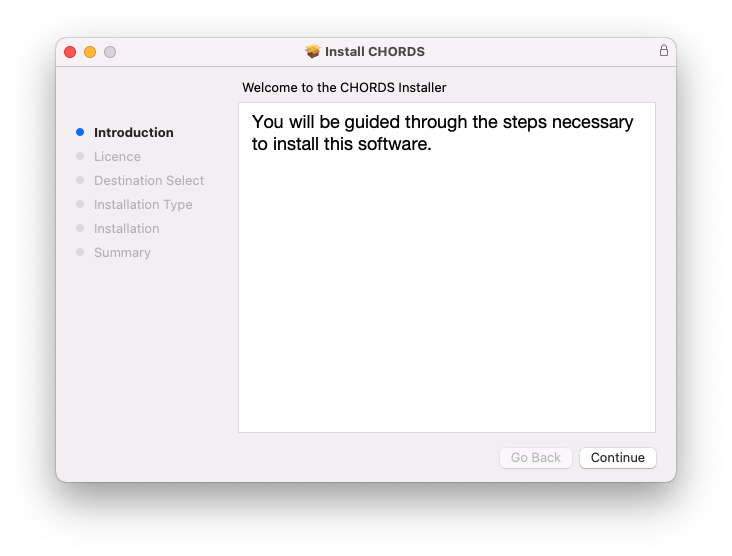
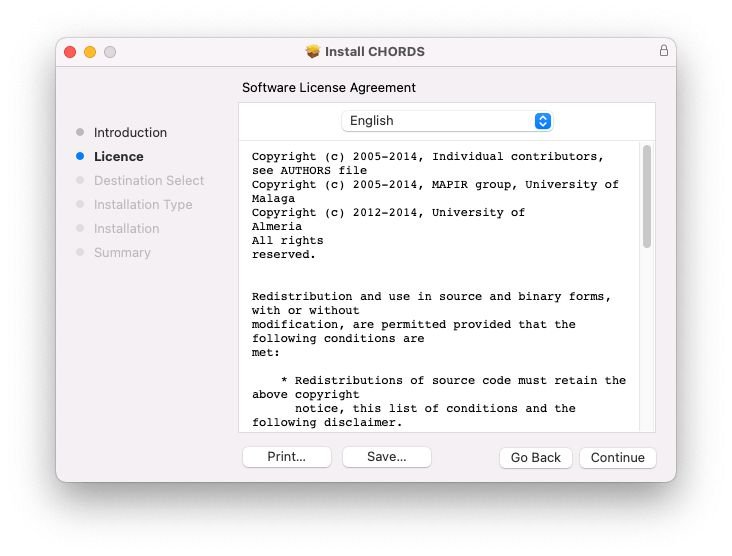
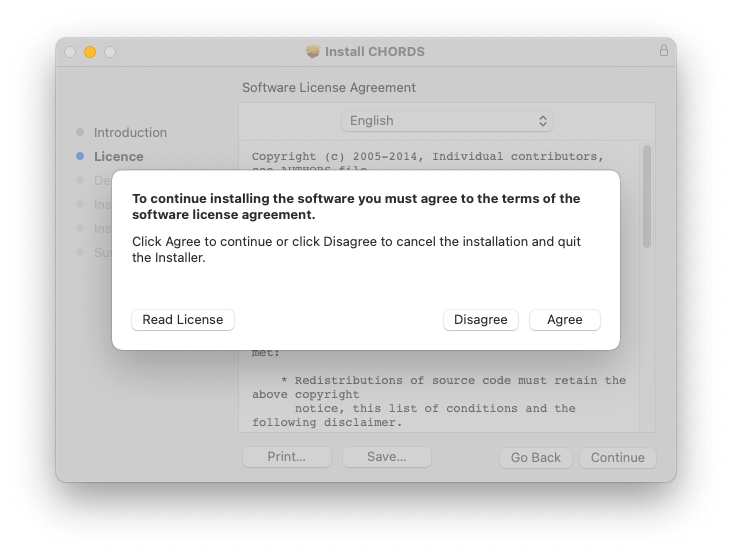
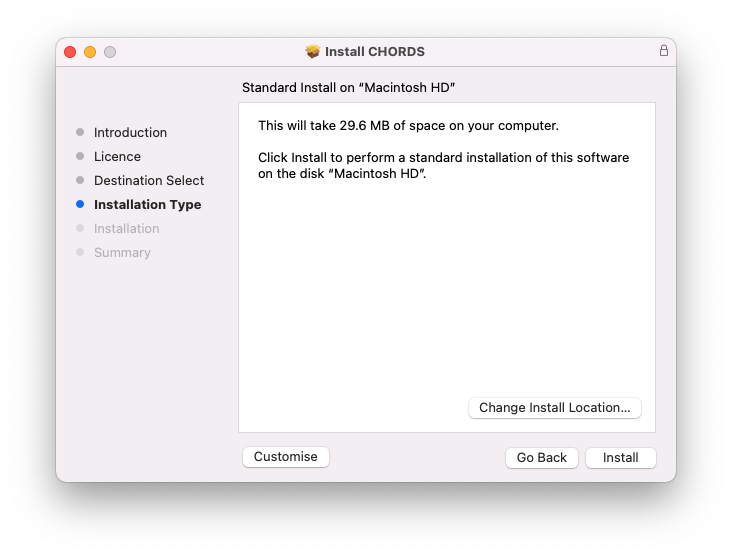
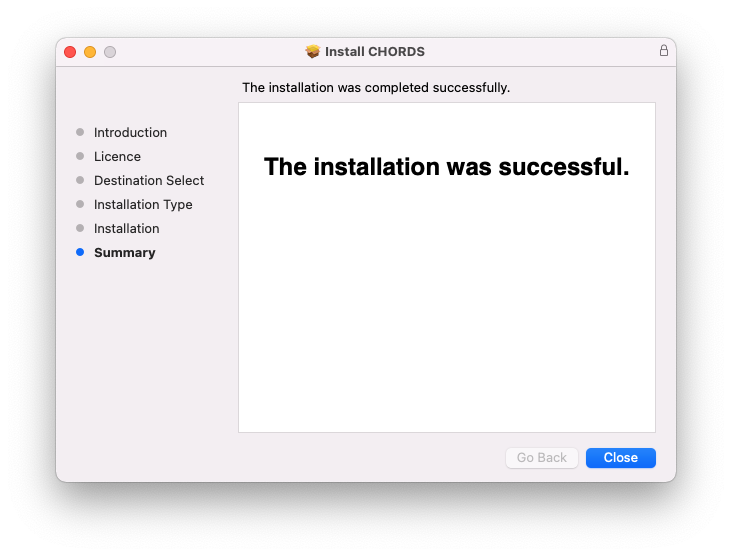
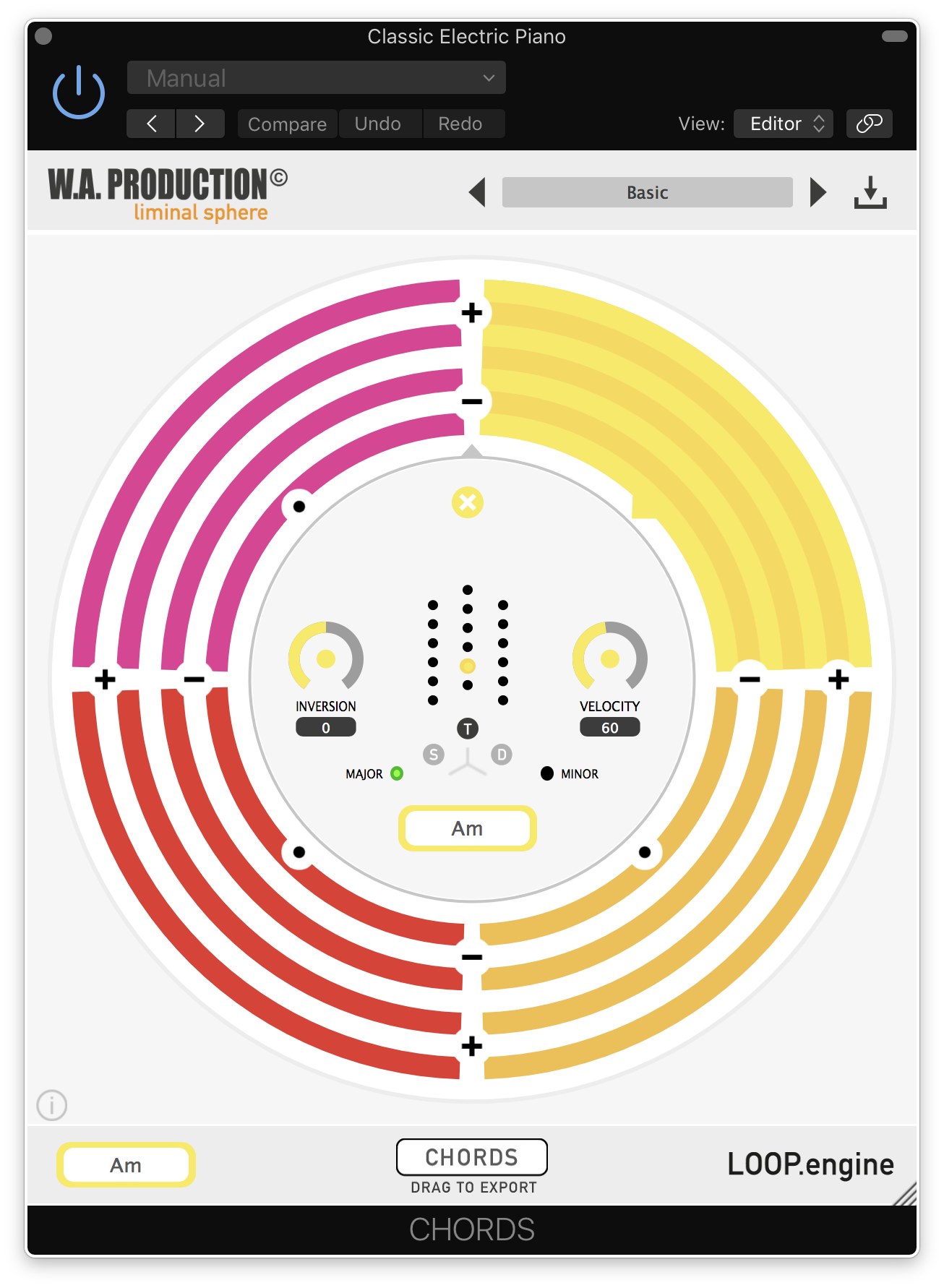
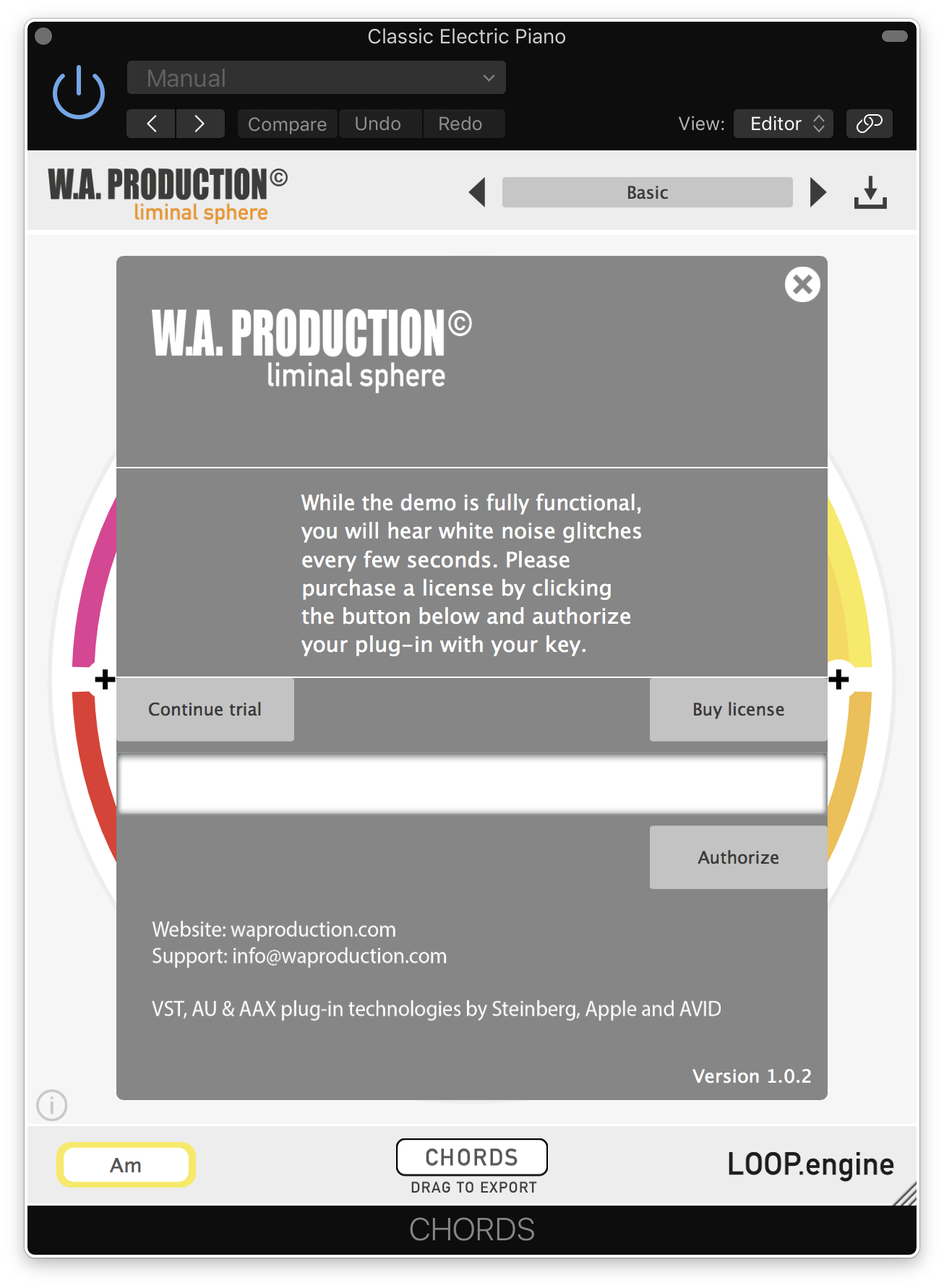
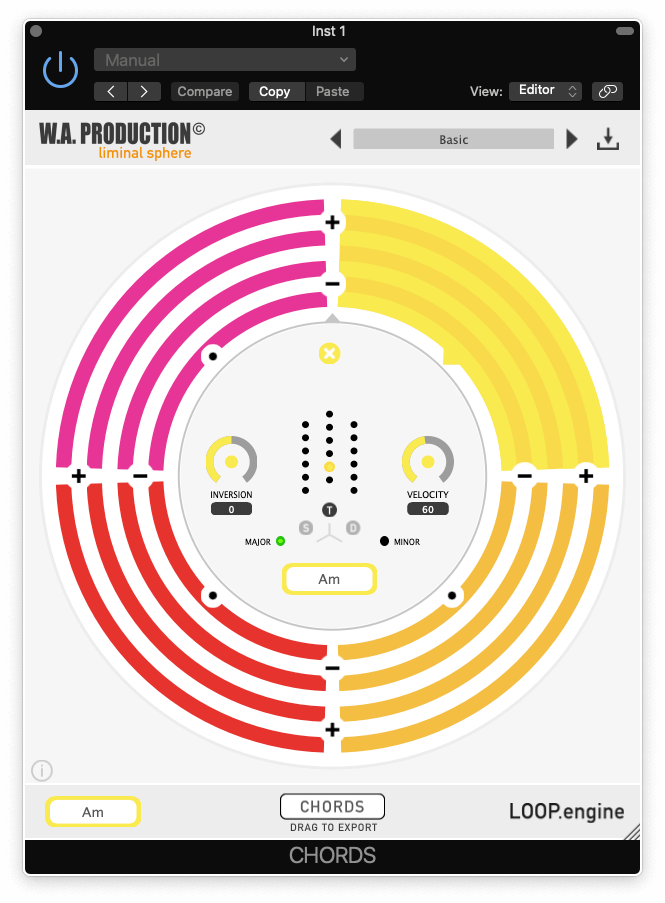
Installation Instructions




Bundle & Save
Babylon 2 + Cinematic Sounds Bundle
$388.00
$19.90
(94% off)


