Log In
Free gifts available with your purchase
Brass Funk & Soul
Funk On Fire
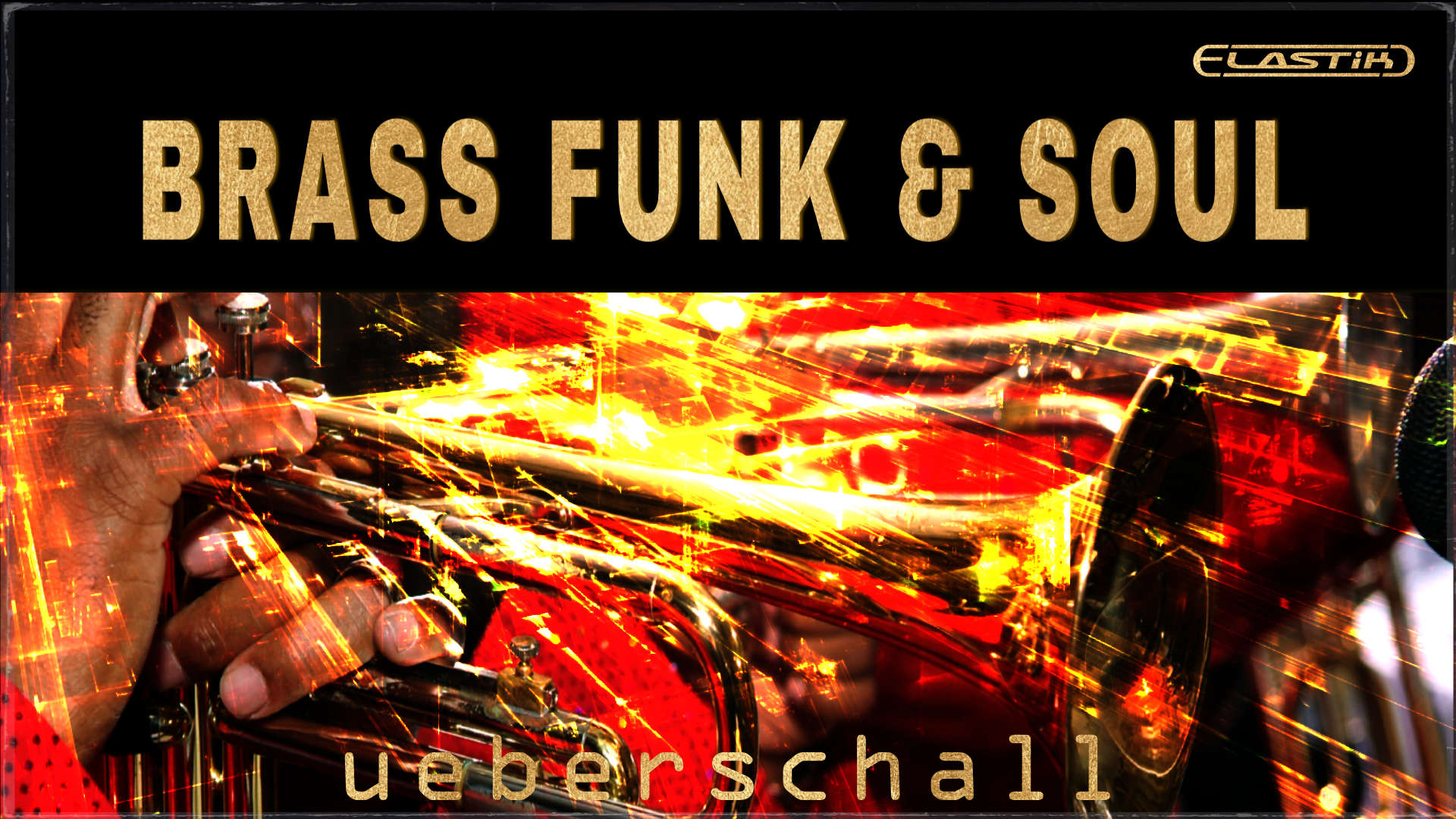
Is there anything that defines classic funk better than a full brass section blowing hot? Brass Funk & Soul captures that classic sound in all its soulful glory in 5 massive constructions kits. Full backing instrumentation is provided but the highlight is a full brass section featuring six trumpets and four flugelhorns. This is the essence of funk; the earth may move, the wind may blow, and the brass is definitely on fire.
Full Range Of Classic Funk Instrumentation
With 3.7 GB of sample data and over 850 individual performance loops and phrases, each of the 5 construction kits provides plenty of arrangement options letting you build your perfect mix. Original tempos range from 114 to 144BPM although Elastik’s powerful tempo and pitch shifting capabilities allow you to easily adjust the content to fit your project. Each kit includes both intro and outro sections in addition to 3 or 4 main musical parts. With individual loops up to 33 seconds in length, phrases offer lots of performance variety.
Comprehensive Construction Kit Format
Within each of the musical sections, you get combinations of electric bass (amp and DI versions), electric guitars (amp and DI), synth bass, electric piano, clavinet, kalimba, synths, strings and percussion such as conga and bongos. A pre-mixed stereo drum mix is included. but individual loops for bassdrum (mics in and out), snare (mics top and bottom), hihat, tom, overheads, room and cymbals are also provided, allowing you to fully customize your drum mix. A pre-mixed and panned brass section mix is also included for instant brass magic. However, each sub-folders contain individual parts for each of the six trumpet and four flugelhorns. These are presented without effects and ready for your own choice of EQ, compression, effects and panning in the stereo field; make that brass blow exactly how you want it. A PDF is included that documents the full brass arrangements.
Funky Horns On Fire
The brass section delivers the authentic sound of classic funk and is beautifully supported by drums, bass, guitars and keys. Other Elastik libraries such as Funk & Soul, Funk Guitar, Late Night Session and the Rare Groove Series would make great compliments for the content here. Whether you are a media composer needing that distinctive sound of a funk-fueled brass section, or a producer looking to capture that classic funk/soul vibe in your latest song project, Brass, Funk & Soul is the perfect choice.
Elastik Features
Elastik is the ideal tool for loop-based music production. The ReTune algorithm gives complete control over scale and key of any tonal loop, polyphonic or monophonic. This way, you can easily combine loops from different libraries. All loops include information about the base key and tempo, making fast searches and immediate song-integration quick and simple.
Features
- 3.7 GB
- 5 Contruction Kits
- 858 Loops & Samples
- Elastik Soundbank for Mac/Win - AU/VST/AAX/StandAlone
- Elastik Player included - no sampler required!
System Requirements
For the Elastik Player:
- macOS: recommended 10.12 or higher
- Windows: recommended Windows 8 or higher
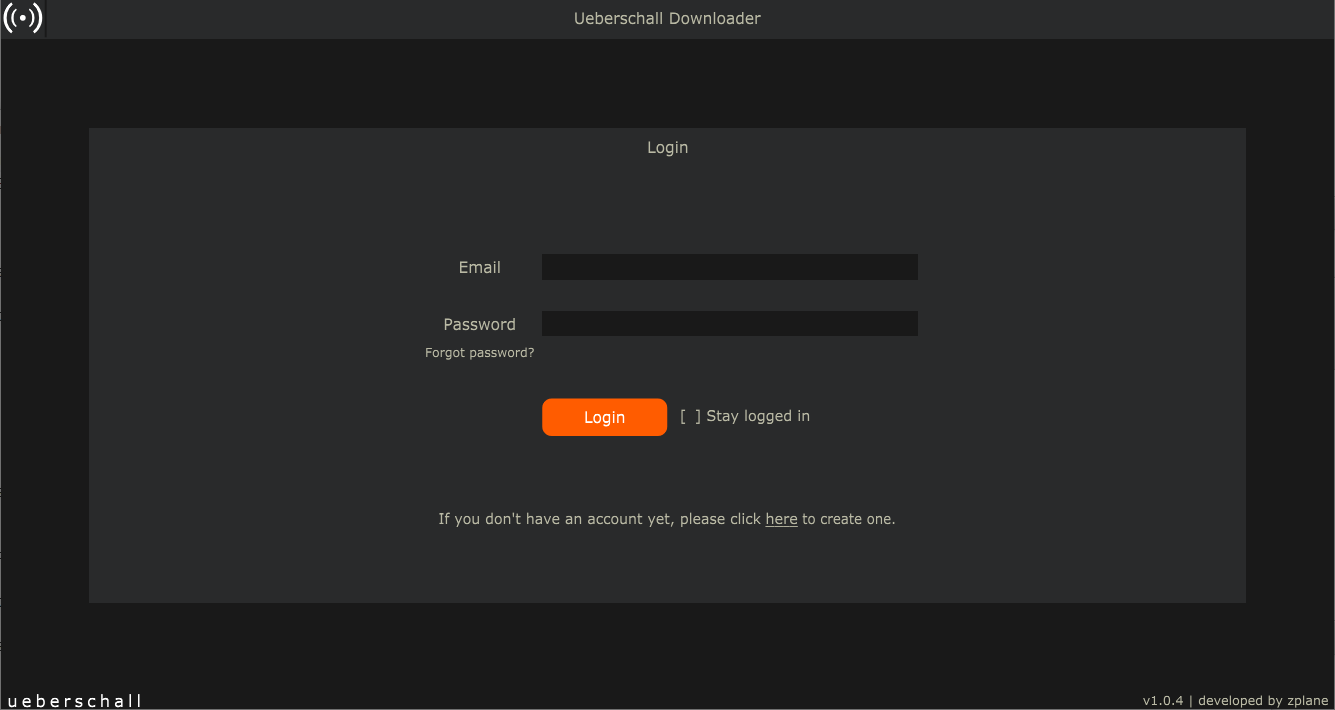
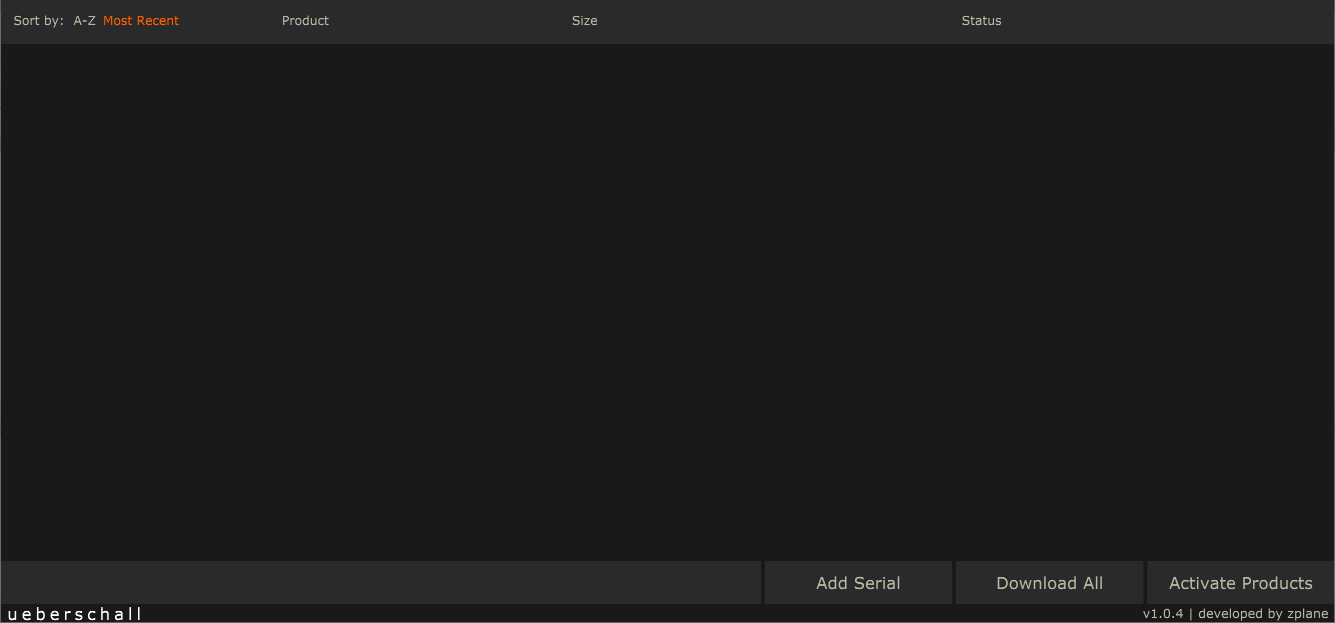
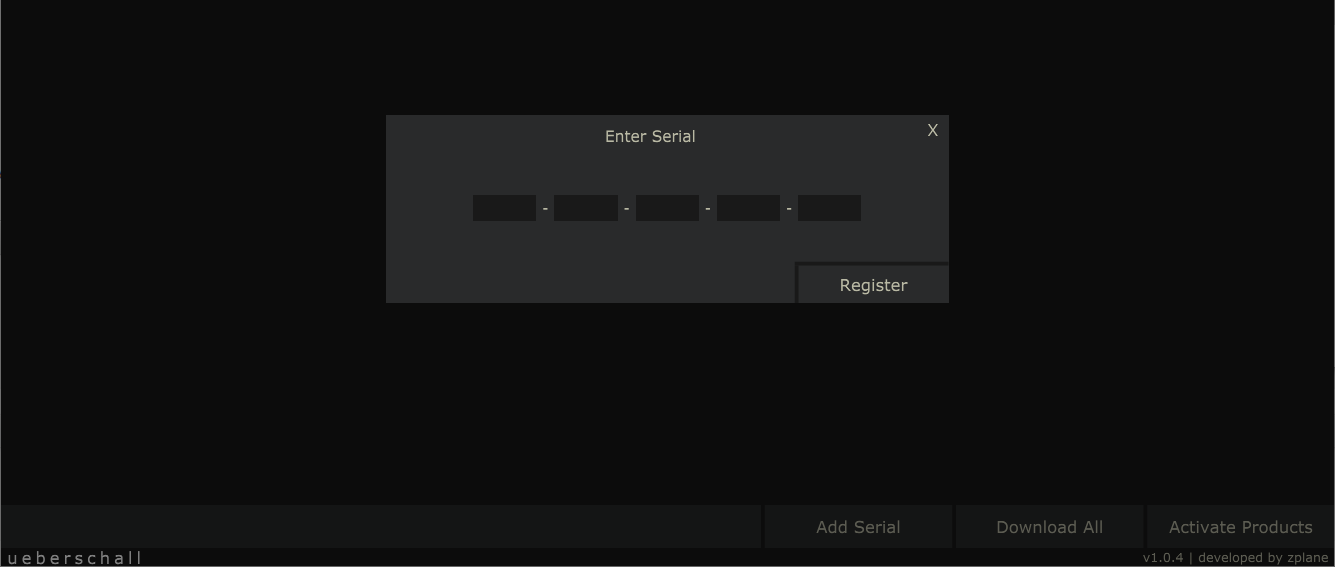
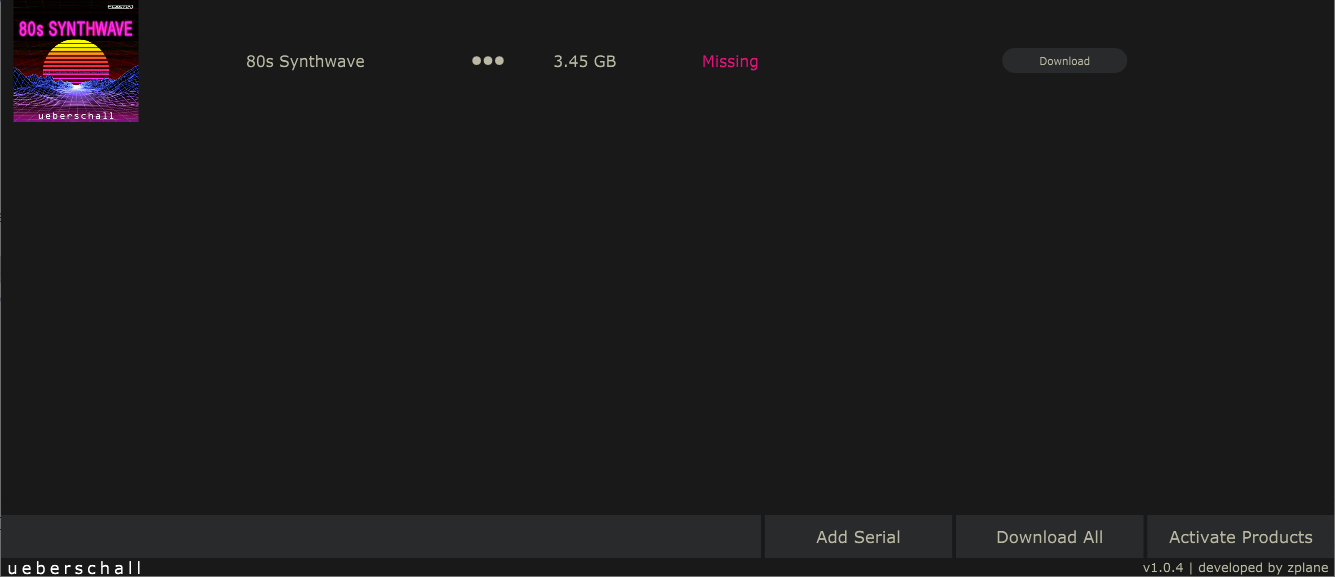
For the Ueberschall Downloader:
- Internet connection
- macOS: recommended 10.12 or higher
- Windows: recommended Windows 8 or higher