Log In
Free gifts available with your purchase
Upright Piano
Vintage Performance Vibes
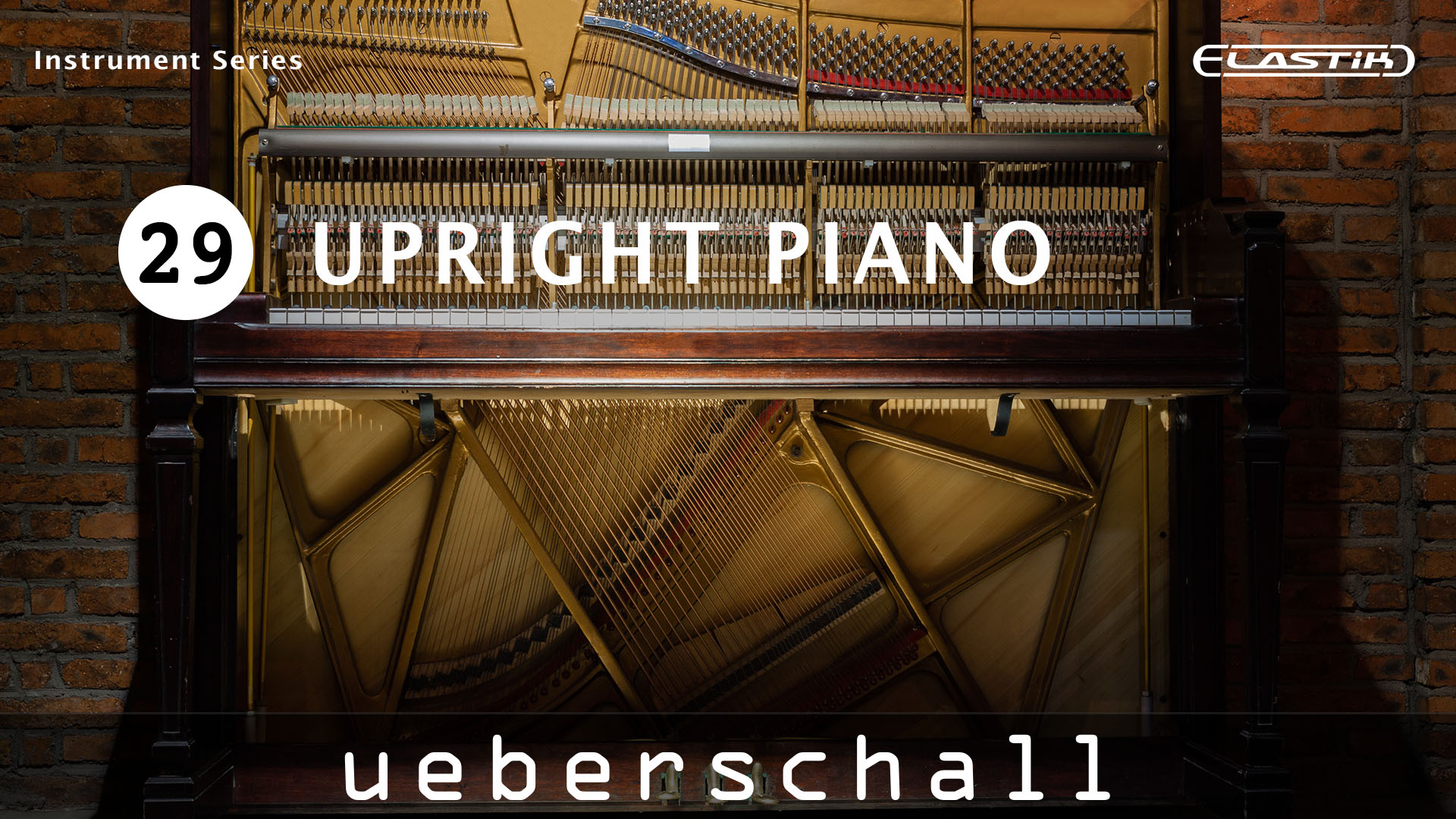
For music producers or songwriters looking for some instant inspiration, Upright Piano is ideal for a 60s or 70s pop sound but can equally be used for funk, soul, house, hiphop, lounge, ambient or even latin musical styles. Whatever the musical style, if you are looking to add the sound of an authentic piano performance to your next production, Upright Piano hits exactly the right note.
Perfect For 60s/70s Pop But Equally Great For Other Genres
While a concert grand has its musical place, there is nothing quite like the sound of a upright piano for classic pop. Upright Piano, which forms part of our Elastik Instrument Series, offers exactly this. The emphasis here is on ‘character’. The performances capture an old-school 60s/70s vibe. In addition, you get the genuine sound of the piano including all those sonic details – the hammer action, the pedals and the subtle tuning imperfections - that make it sound real. With a versatile collection of instantly useable musical phrases, the library delivers the sound of a real upright in a real room.
Flexible Format For Song Construction
The library contains over 2GB of sample data and a total of over 800 loops and phrases. Each phrase is presented both dry (without effects) and processed. The processed versions add to the vintage vibe with tape FX, space reverb and echo, analog-style EQ, tape compression and just a hint of noise. This gives the user either instant ‘ready to use’ versions or, by using the dry versions, full control by adding their own processing choices.
The phrases are organized by tempo into folders containing collections of musically related loops. Original recording tempos ranging from 70 to 120 BPM. Loops are generally 4 bars in length and recorded in the major keys of A/E and minor keys a/e. However, with a consistent sound across the entire loop collection, and Elastik’s powerful tempo-matching and ReTune features, it is incredibly easy to mix and match phrases between the different folders and to build a full song-based performance.
Authentic Sound With Lots Of Character
For music producers or songwriters looking for some instant inspiration, Upright Piano is ideal for a 60s or 70s pop sound but can equally be used for funk, soul, house, hiphop, lounge, ambient or even latin musical styles. Whatever the musical style, if you are looking to add the sound of an authentic piano performance to your next production, Upright Piano hits exactly the right note.
Elastik Features
The Elastik player allows adapting the loops to your current song project in speed, scale and pitch. The intuitive browser manages all Elastik libraries for immediate access to all samples. This way, not only loops from Upright Piano but from all installed Elastik libraries can be combined. With functions such as resample, formant and reverse as well as an effective multi mode filter, samples can be easily modified and alienated.
Please note: The backing loops used in the demo are not part of the library!
Features
- 2.2 GB
- 812 Loops & Phrases
- Elastik Soundbank for Mac/Win - AU/VST/AAX/StandAlone
- Elastik Player included - no sampler required!
System Requirements
For the Elastik Player:
- macOS: recommended 10.12 or higher
- Windows: recommended Windows 8 or higher
For the Ueberschall Downloader:
- Internet connection
- macOS: recommended 10.12 or higher
- Windows: recommended Windows 8 or higher