Log In
Free gifts available with your purchase
Mellow Fingerpicked Phrases
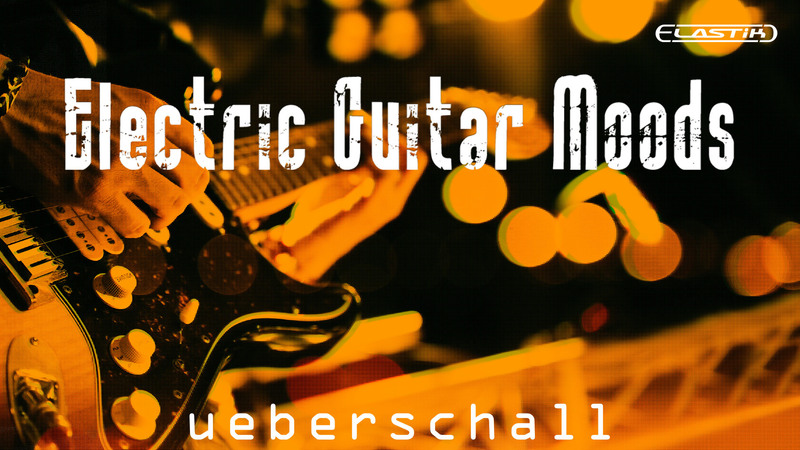
If you need to create music that captures a mellow, sophisticated and super-smooth vibe, then Electric Guitar Moods is the ideal choice to inspire your next composition. With top-class performances, matched by top-class recordings, Electric Guitar Moods delivers a huge collection of delicate and intricate electric guitar loops.
Flexible Combinations Of Performances For Each Musical Theme
In total, the library contains 2.9 GB of sample data and over 1400 individual loops and phrases. This is built from over 240 individual guitar performances with original keys in A minor or E minor, which can be transposed to any desired key or scale via ReTune. The loops are divided into tempo-based folders featuring performances at 90, 100, 110 or 120 BMP. Each of the 240 performances features two different guitar recordings, one that is predominantly chord-based and a second one that is more focused on a single note phrase. Each sub-folder contains multiple phrase variations, enabling you to build a complete guitar performance.
Sophisticated Fingerpicked Electric Guitar-Based Loops
In addition, each phrase is presented as both a ‘dry’ version without effects, and an ‘FX’ version featuring high-end reverb and delay treatments. The content is also divided into two Elastik soundbanks; Mixes (A) and Singletracks (B). For speed and convenience, the Mixes soundbank provides pre-mixed versions of each paired guitar performance. Two alternative mixes are included in each case with both a full complement of effects (Mix 1) and a drier version (Mix 2) so that users can add their own choice of effects. For those wanting greater control, the Singletracks soundbanks features all the individual loops, allowing you to create your own perfect mix.
And, of course, with the power of Elastik – including the powerful ReTune feature – you can quickly adjust the tempo and pitch so that any loop can fit your project. In addition, the consistent character of the sounds across the entire library makes it easy to mix and match loops between any of the folders to create extended musical arrangements.
Dry And Processed Loops For Maximum Flexibility
Electric Guitar Moods makes a great complement to our Space Guitar and Cinematic Guitar Loops titles. For songwriters or media composers looking to set a sophisticated musical atmosphere, point your finger at Electric Guitar Moods; it’s the perfect pick.
Elastik Features
The Elastik player allows you to fit all loops to your current song project in BPM, scale and pitch. Use ReTune to change the scale from minor to major or create your own scale. The intuitive browser manages all Elastik libraries for immediate access to all samples. This way, not only loops from Electric Guitar Moods but from all installed Elastik libraries can be combined freely.
Credits
Guitars played by Kai Reuter.
Attention: Please note that the backing loops used in the demo are not part of the library!
Features
- 2.9 GB
- 1446 Loops & Phrases
System Requirements
For the Elastik Player:
- macOS: recommended 10.12 or higher
- Windows: recommended Windows 8 or higher
For the Ueberschall Downloader:
- Internet connection
- macOS: recommended 10.12 or higher
- Windows: recommended Windows 8 or higher