Are you ready to have your mind cinematically devoured? The most emotionally capturing instruments are orchestral. In movies and music they can have you white - knuckling your chair in suspense or drop you to your knees in sorrow. With Orchestral Elements from Angry Parrot, your mix will deliver an over the top twist of addictive sensations.
Sounds include tribal style drum pounding sequences, military - style patterns, suspenseful build - ups, strings as clear as if you were sitting in a live concert hall, epic movie storyboard melodies and symphonic brass. Themed sounds that accommodate the thrill seeker and the unknown element of surprise and suspense.
6. Your product will now be displayed in your W.A Production account > Scroll down to My Orders and click 'View Order'.
7. Click 'Download Files'.
8. Click 'Download'.
Mac Installation
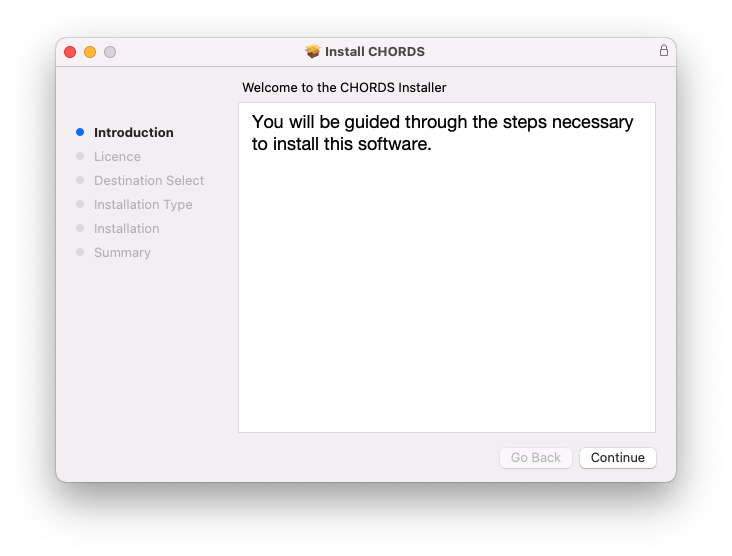
1. Once the download is complete, extract and open the ZIP folder you just downloaded > Open the Mac folder > Double-click the CHORDS .pkg installer file.
2. Click 'Continue'.
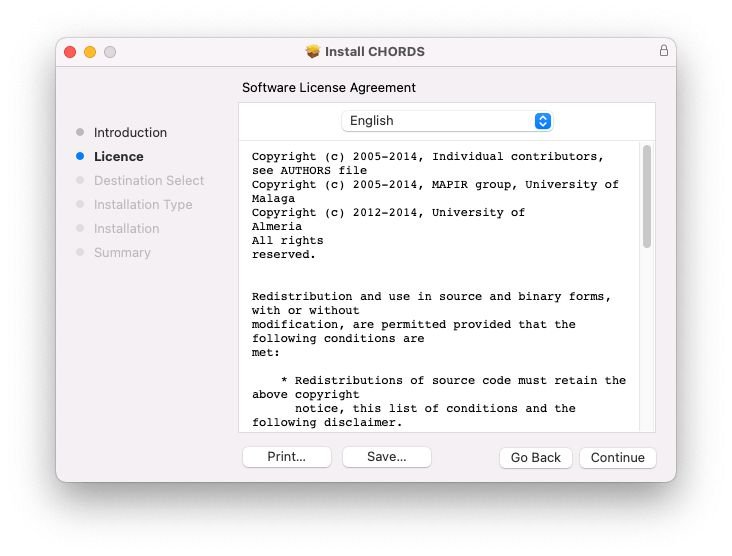
3. Read the Software License Agreement > Click 'Continue'.
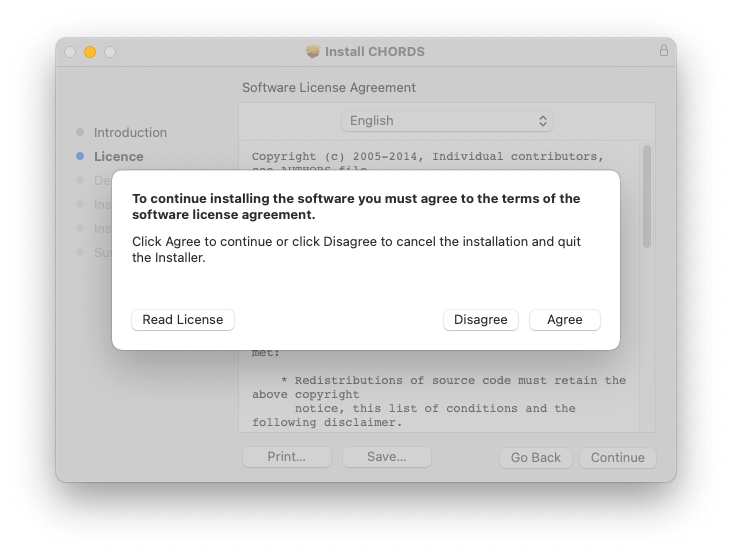
4. Click 'Agree'.
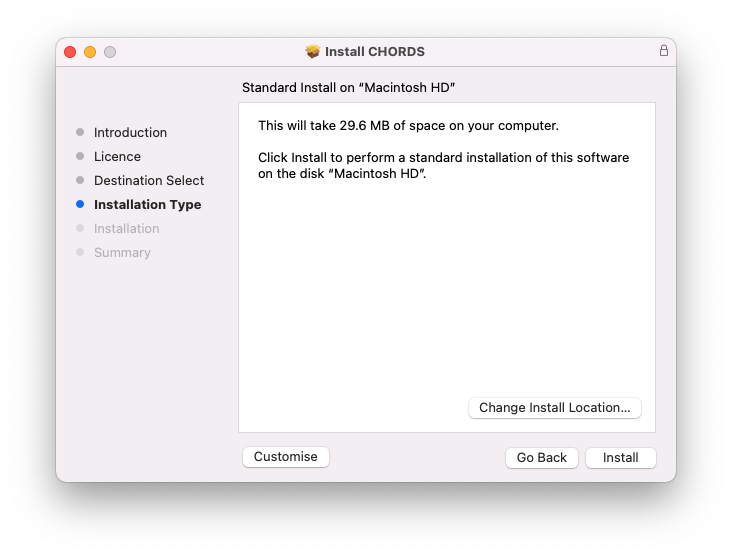
5. Click 'Install'.
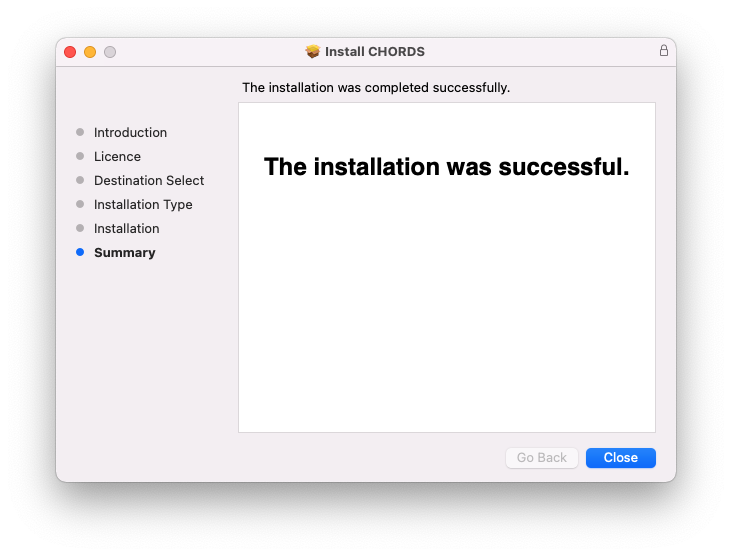
6. Click 'Close'.
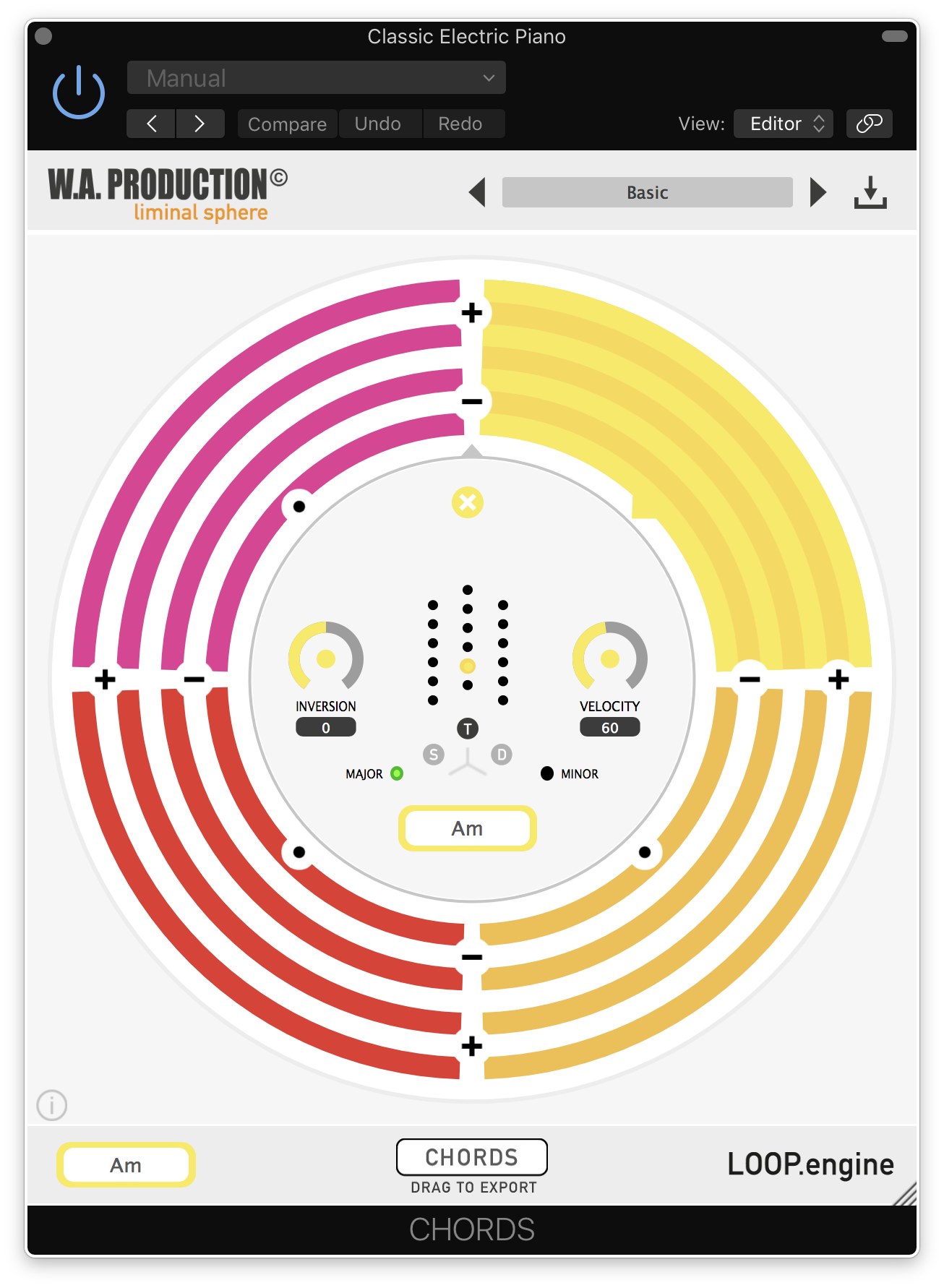
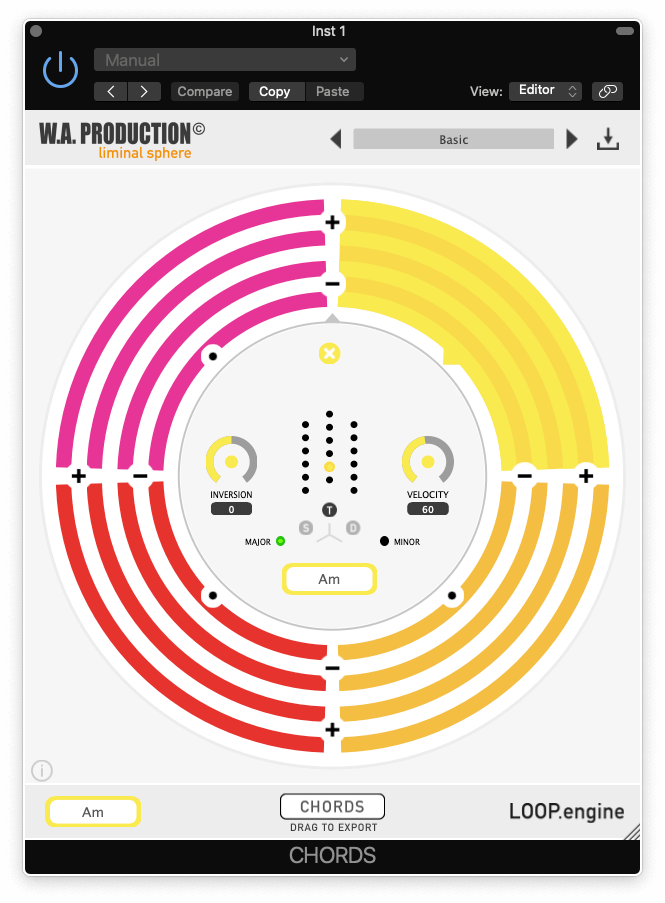
7. Open CHORDS in your DAW.
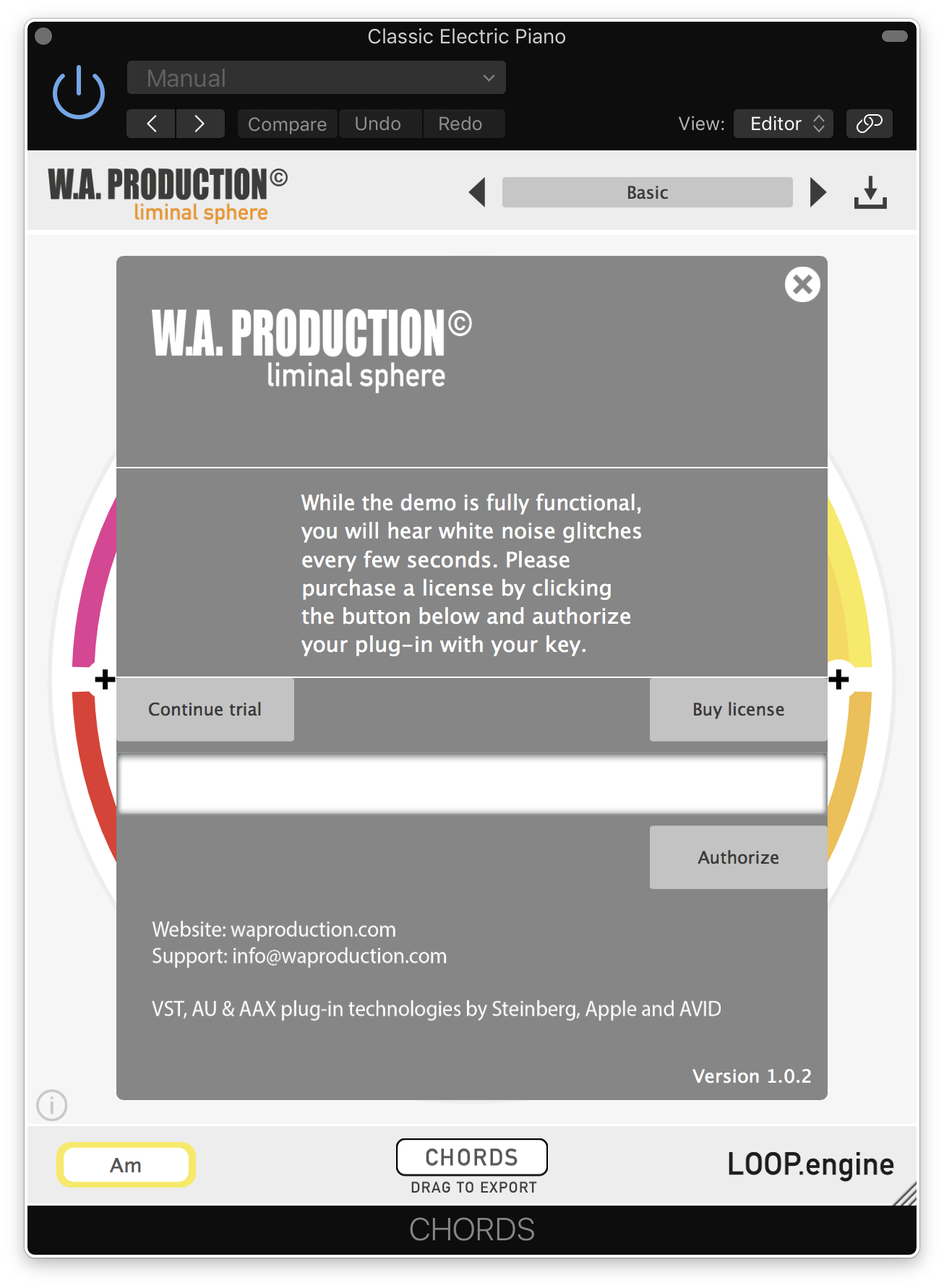
8. Click the information icon in the bottom left-hand corner > Enter the serial number you were given in your W.A Production account > Click 'Authorize'.
Your software is now ready to use in your DAW!
Windows Installation
1. Once the download is complete, extract and open the ZIP folder you just downloaded > Open the PC folder > Double-click the CHORDS PC installer file.
2. Click 'Next'.
3. Click 'Next'.
4. Select which plugin formats you would like to install > Click 'Next' > Click 'Install'.
5. Click 'Finish'.
6. Open CHORDS in your DAW.
7. Click the information icon in the bottom left-hand corner > Enter the serial number you were given in your W.A Production account > Click 'Authorize'.
Your software is now activated and ready to use in your DAW!


 Log In