There’s nothing quite like a dramatic orchestral soundscape. A truly epic mix of strings, horns, and orchestral percussion can make all the difference in a piece, whether it is for a movie, commercial, or EDM track. To get the professional quality sounds you need to make an impact, look no further than What About: Dramatic Orchestra Toolkit by W. A. Production!
This pack contains a vast selection of Melody Loops designed using professionally recorded orchestral hits, strings, and horns. Additionally, you’ll get Orchestral Percussion and Drum Loops, airy Vocal Loops, and a collection of Massive Presets, along with correlated MIDI and WAV files. Download your copy of What About: Dramatic Orchestra Toolkit today — you won’t regret it!
6. Your product will now be displayed in your W.A Production account > Scroll down to My Orders and click 'View Order'.
7. Click 'Download Files'.
8. Click 'Download'.
Mac Installation
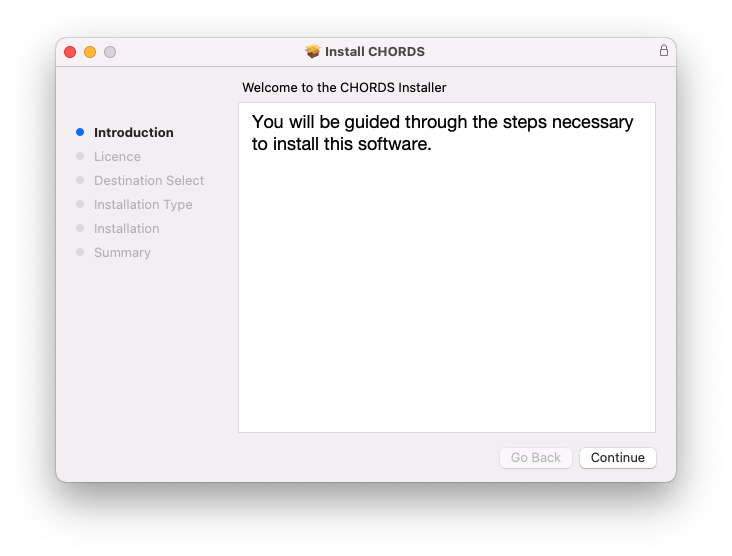
1. Once the download is complete, extract and open the ZIP folder you just downloaded > Open the Mac folder > Double-click the CHORDS .pkg installer file.
2. Click 'Continue'.
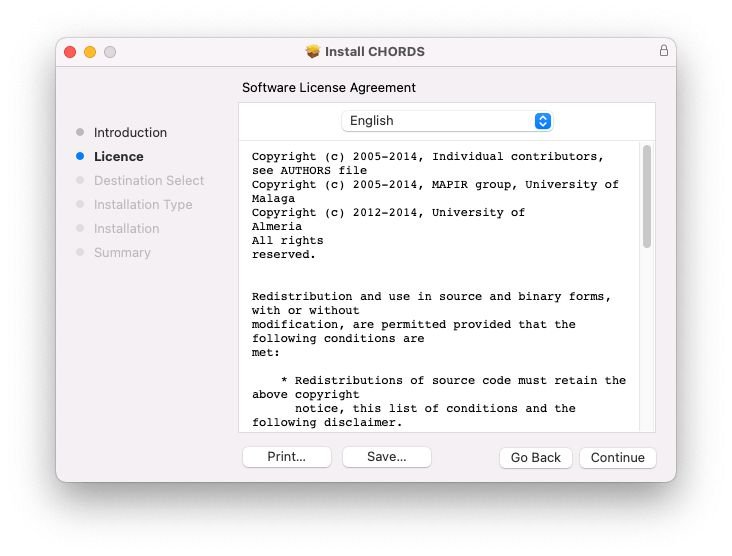
3. Read the Software License Agreement > Click 'Continue'.
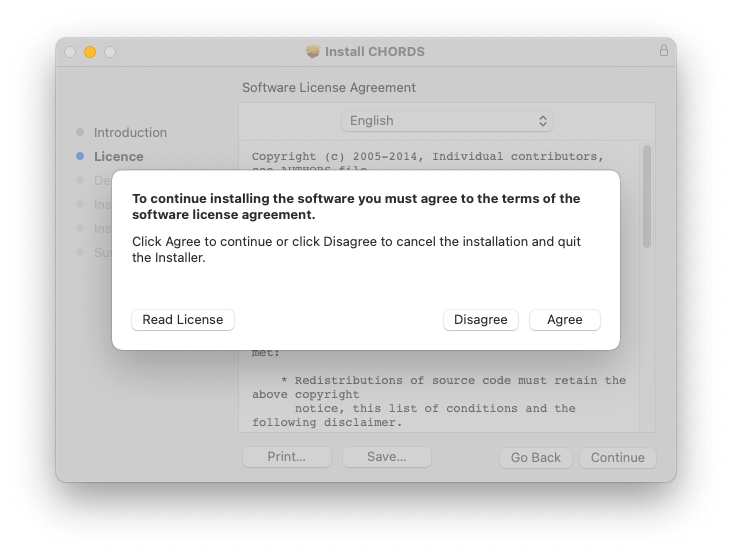
4. Click 'Agree'.
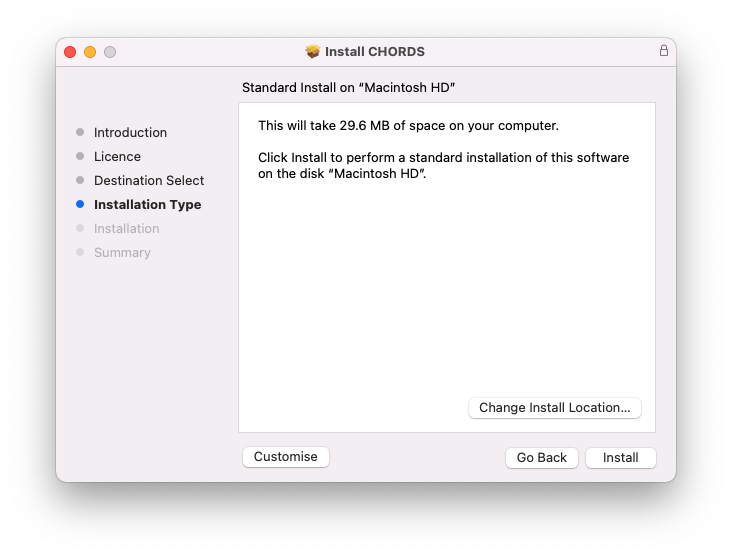
5. Click 'Install'.
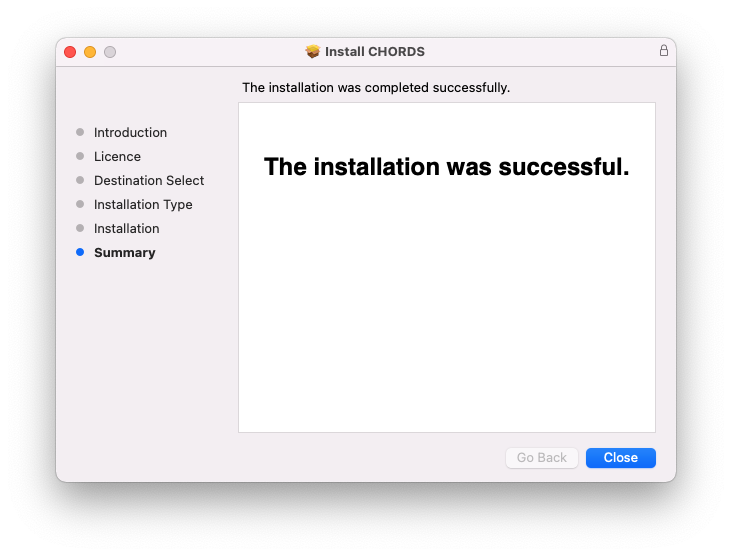
6. Click 'Close'.
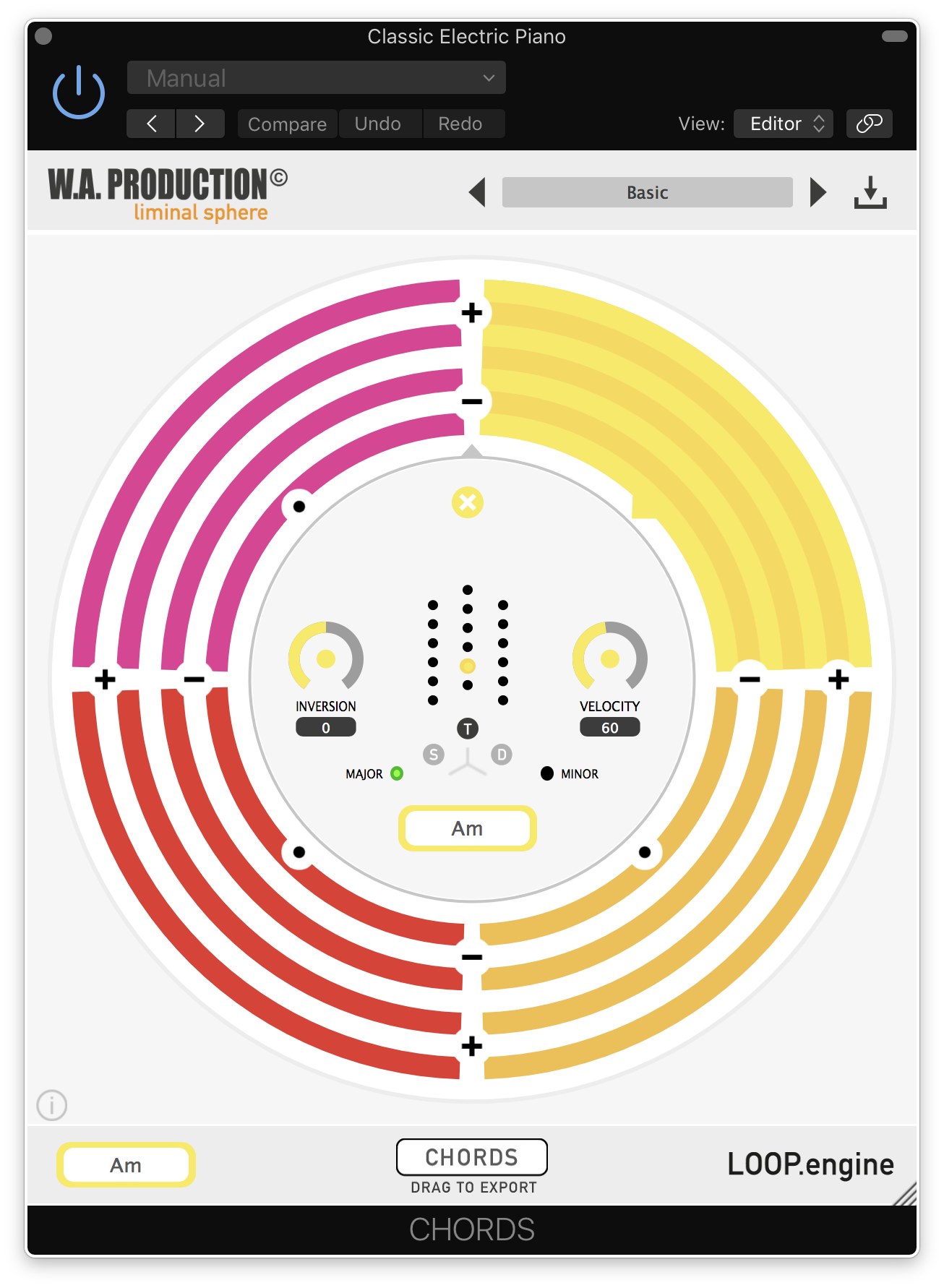
7. Open CHORDS in your DAW.
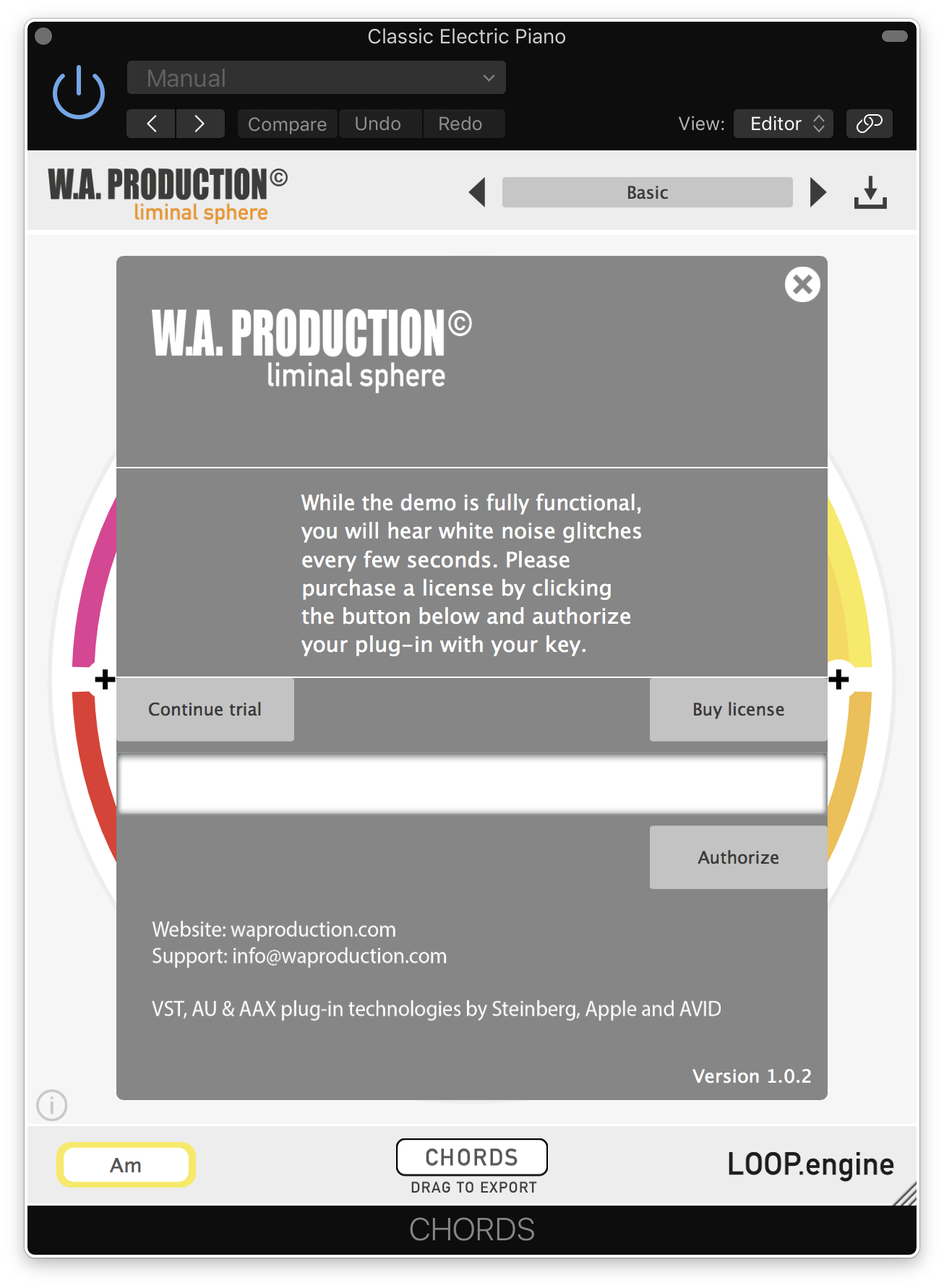
8. Click the information icon in the bottom left-hand corner > Enter the serial number you were given in your W.A Production account > Click 'Authorize'.
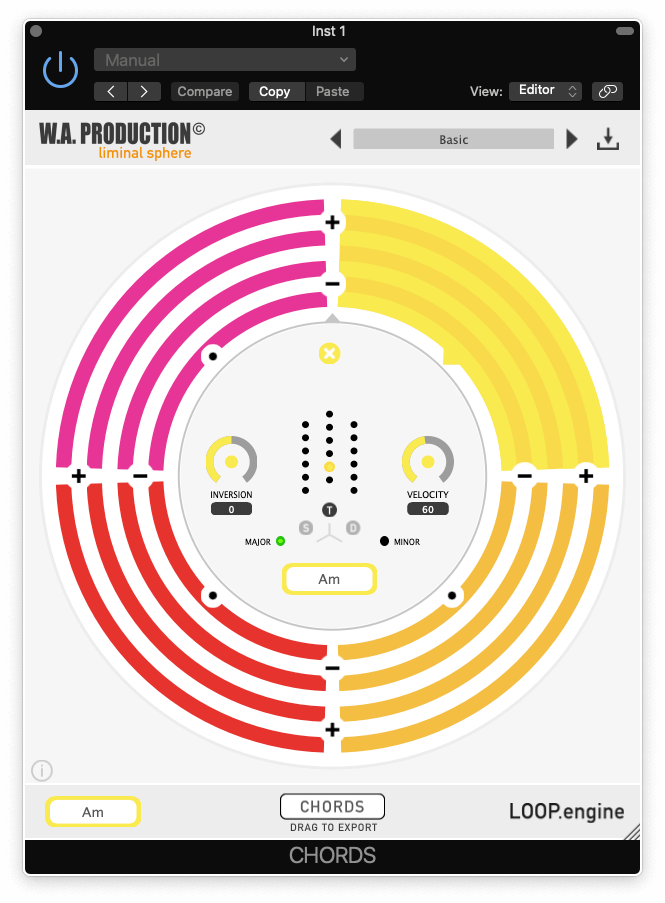
Your software is now ready to use in your DAW!
Windows Installation
1. Once the download is complete, extract and open the ZIP folder you just downloaded > Open the PC folder > Double-click the CHORDS PC installer file.
2. Click 'Next'.
3. Click 'Next'.
4. Select which plugin formats you would like to install > Click 'Next' > Click 'Install'.
5. Click 'Finish'.
6. Open CHORDS in your DAW.
7. Click the information icon in the bottom left-hand corner > Enter the serial number you were given in your W.A Production account > Click 'Authorize'.
Your software is now activated and ready to use in your DAW!


 Log In