Fading LoFi isn’t just like any other sample pack–it’s a creative journey! While many sound design labels focus on replicating specific subgenres or artists, W.A took an entirely different path. By letting their creativity flow without boundaries, they crafted song ideas that they'd genuinely enjoy listening to ourselves.
The result is a comprehensive Lo-Fi suite featuring 3 complete song ideas, along with a rich collection of additional melodic loops, drum loops, one-shots, and FX sounds.
As a bonus, you’ll also receive a folder with over 100+ unique foley recordings, including shakers and various other objects for adding organic textures to your music. Grab your copy today and unlock 296 royalty-free files to craft your own melancholic lo-fi masterpieces!
6. Your product will now be displayed in your W.A Production account > Scroll down to My Orders and click 'View Order'.
7. Click 'Download Files'.
8. Click 'Download'.
Mac Installation
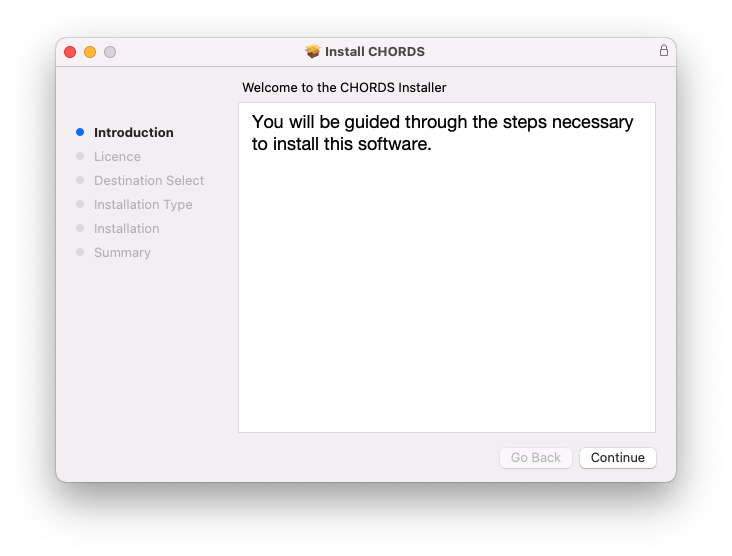
1. Once the download is complete, extract and open the ZIP folder you just downloaded > Open the Mac folder > Double-click the CHORDS .pkg installer file.
2. Click 'Continue'.
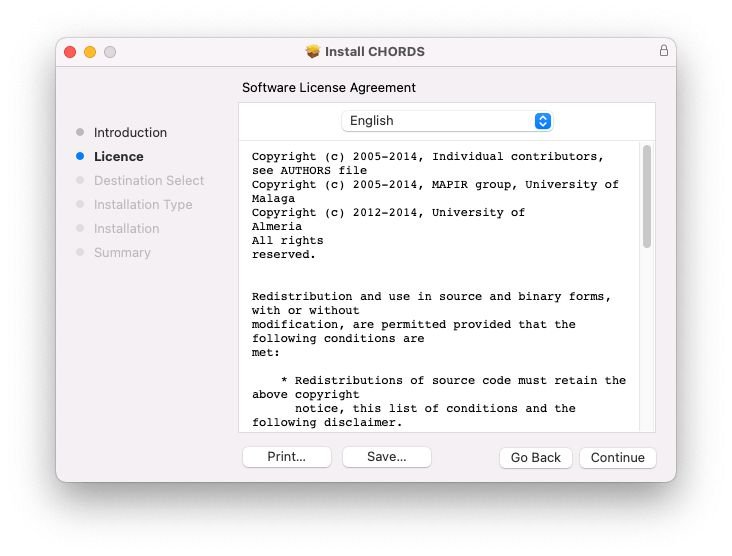
3. Read the Software License Agreement > Click 'Continue'.
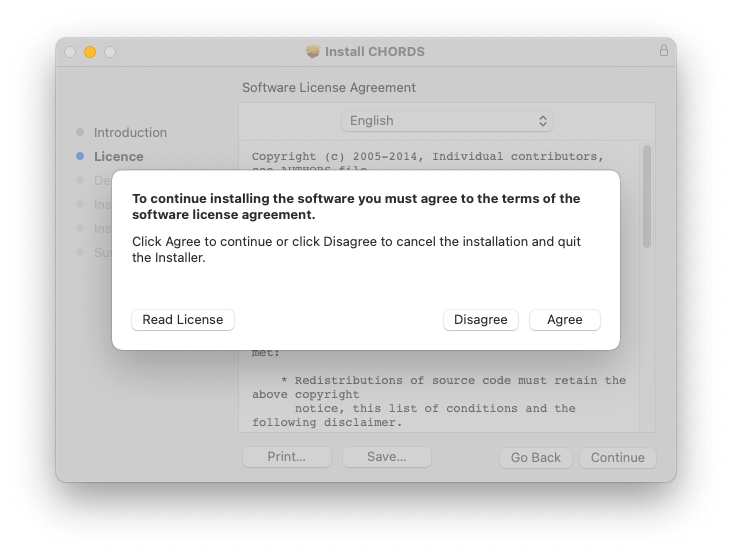
4. Click 'Agree'.
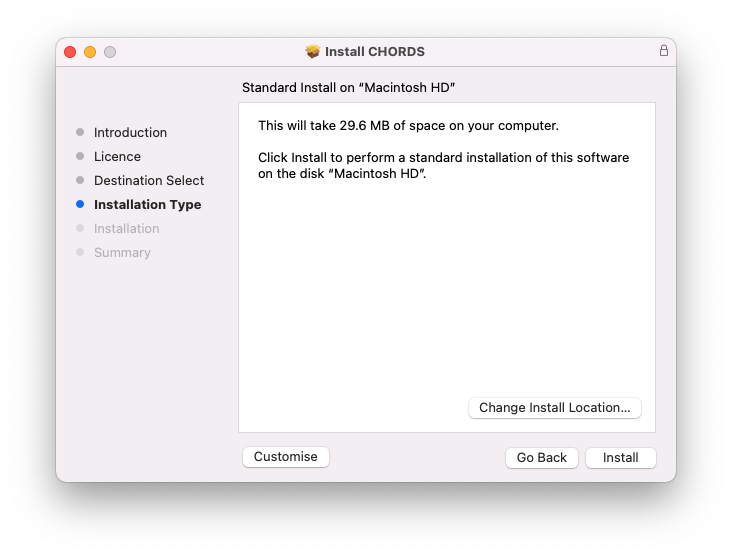
5. Click 'Install'.
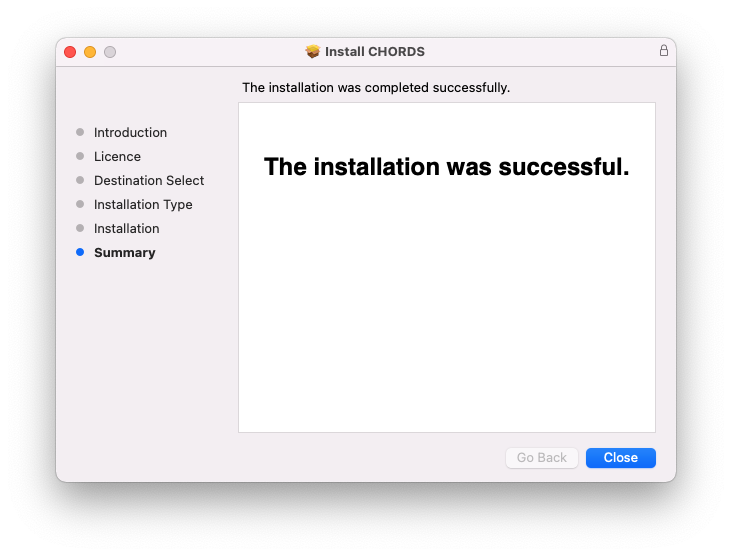
6. Click 'Close'.
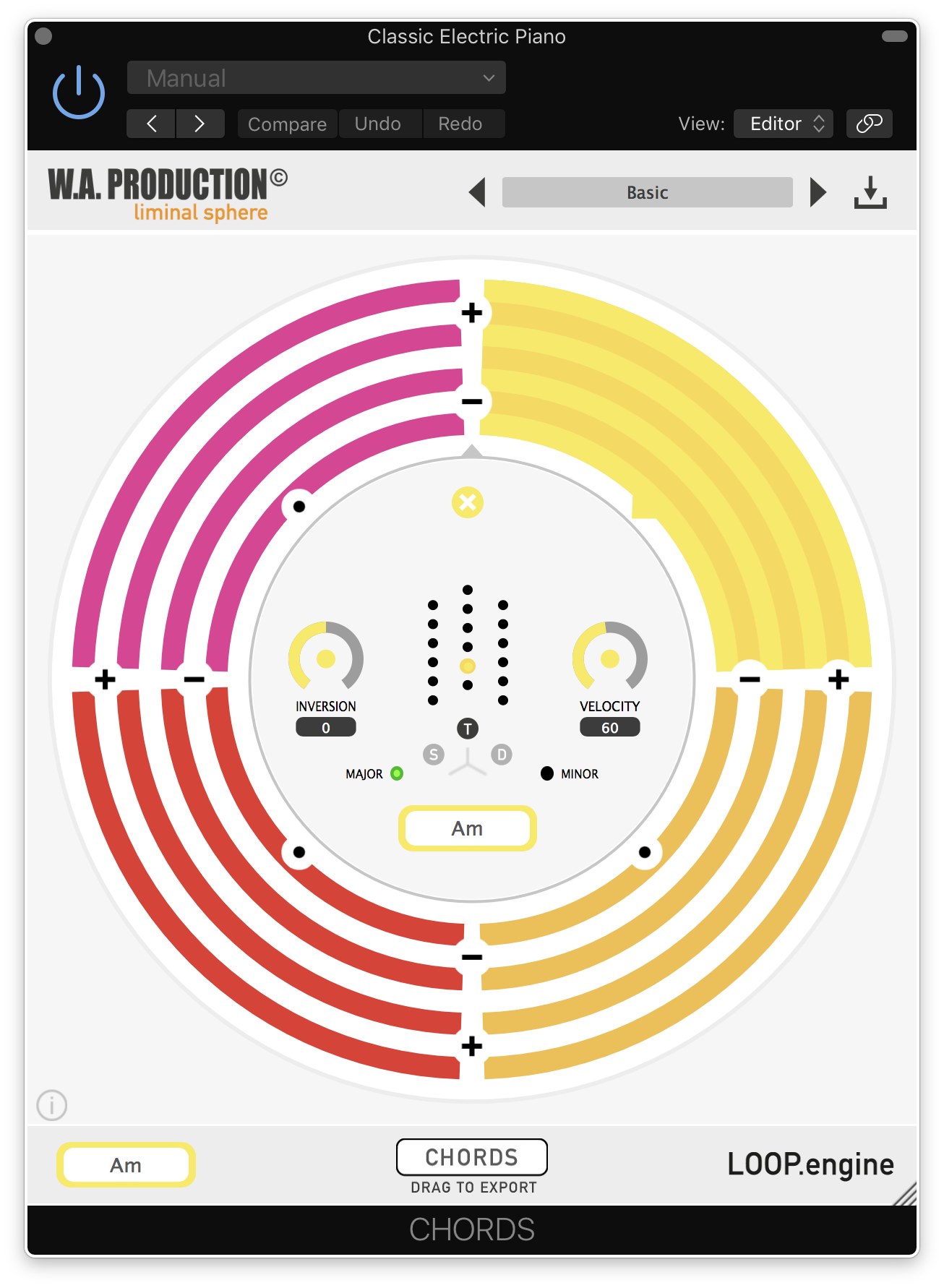
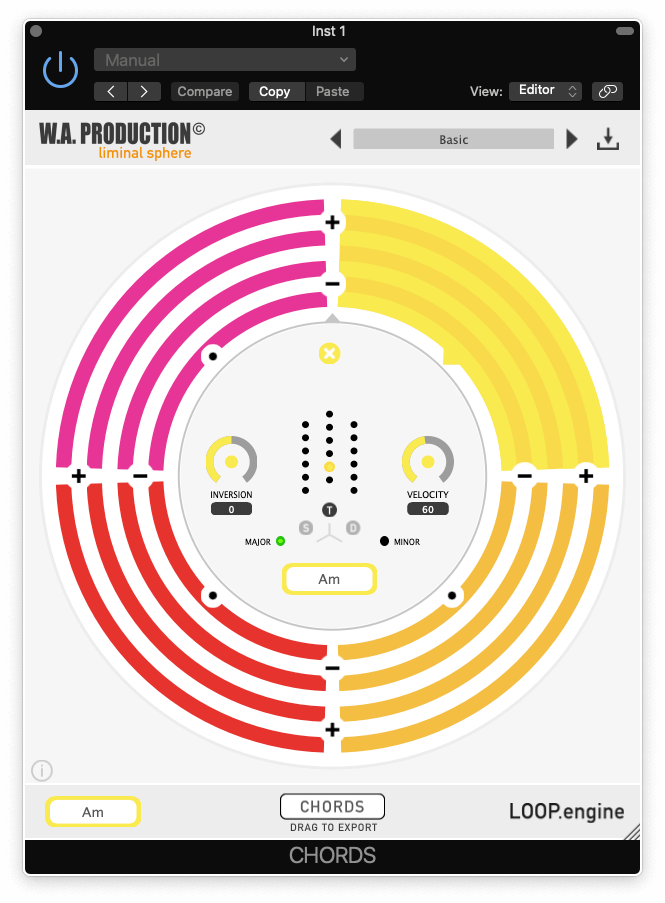
7. Open CHORDS in your DAW.
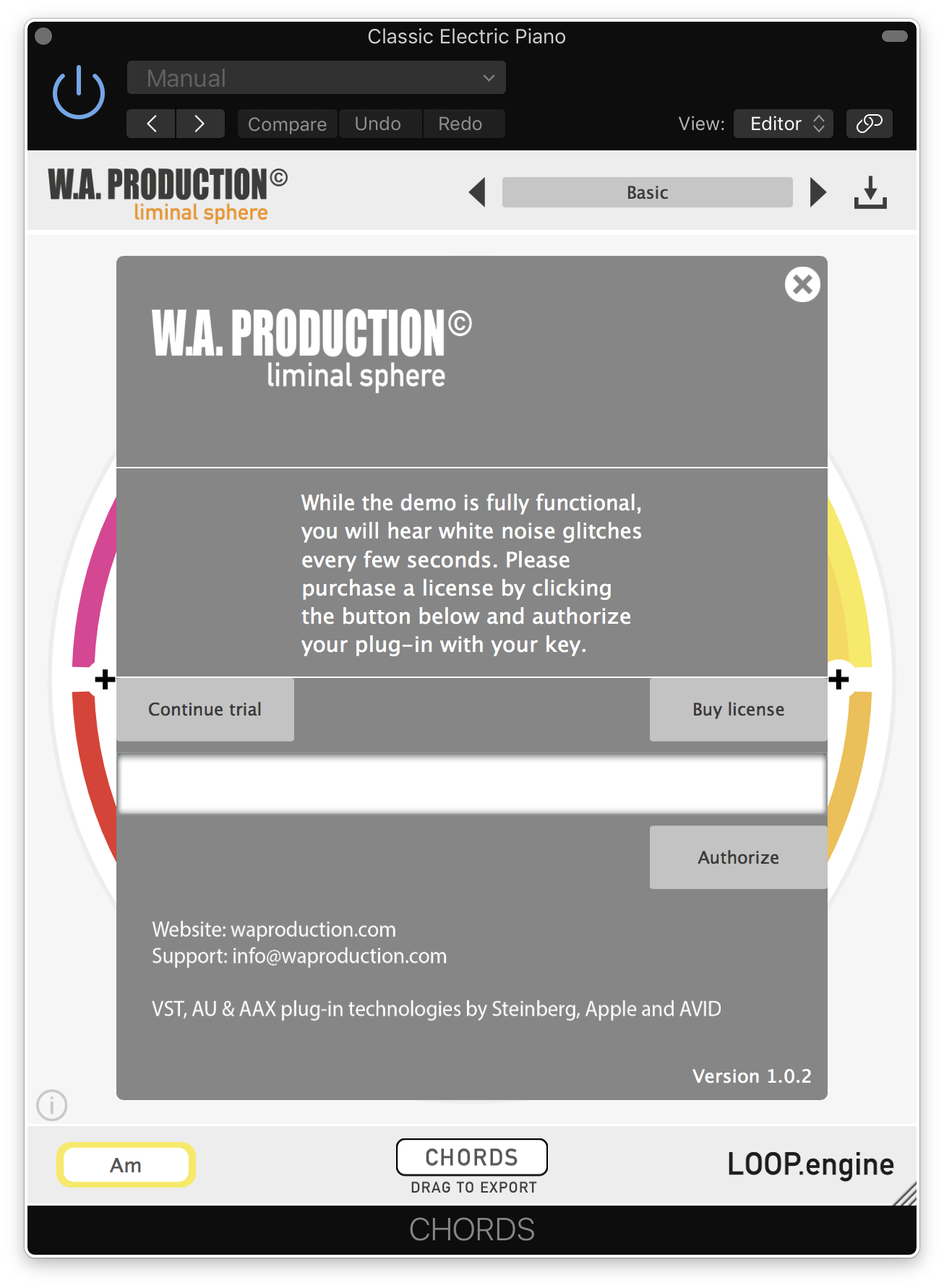
8. Click the information icon in the bottom left-hand corner > Enter the serial number you were given in your W.A Production account > Click 'Authorize'.
Your software is now ready to use in your DAW!
Windows Installation
1. Once the download is complete, extract and open the ZIP folder you just downloaded > Open the PC folder > Double-click the CHORDS PC installer file.
2. Click 'Next'.
3. Click 'Next'.
4. Select which plugin formats you would like to install > Click 'Next' > Click 'Install'.
5. Click 'Finish'.
6. Open CHORDS in your DAW.
7. Click the information icon in the bottom left-hand corner > Enter the serial number you were given in your W.A Production account > Click 'Authorize'.
Your software is now activated and ready to use in your DAW!


 Log In