Log In
Free gifts available with your purchase
Totally Groovealicous
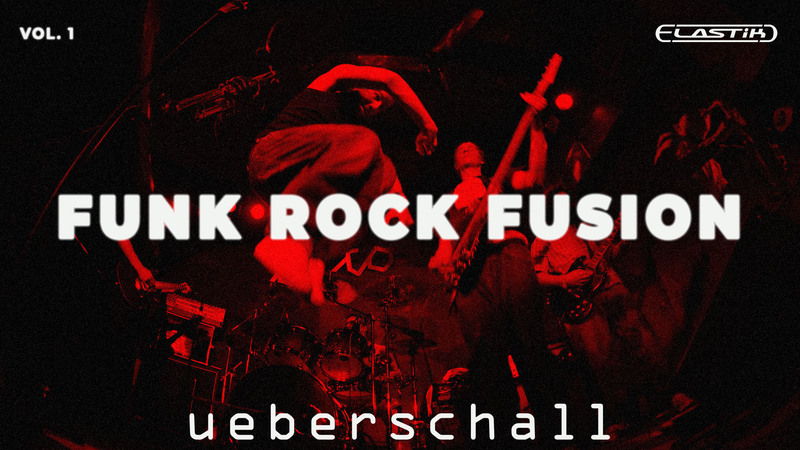
Combining funk and rock, and fused with elements of contemporary progressive jazz, Funk Rock Fusion Vol.1 delivers a tasty menu of intense and soulful instrumentals. The compositions showcase intricate arrangements, complex chord progressions and sublime solo performances on guitar, synths and trumpet. The instrumentation also features synth bass, electric bass (including slap), electric piano, marimba, a variety of synth parts, a range of clean, distorted and funk-infused wahwah guitars, horn section performances and two different drum kits. All the performances are, of course, top-class.
Cool Fusion Of Stylish Funk And Rock
Over 3GB of sample data, with nearly 650 loops and phrases, are spread over 5 extended construction kits. Each of these kits provides 5 or 6 musical sections including intro, outro, a break and 2 or 3 main sections. Song construction is therefore both easy and very flexible. In addition, many of the sections feature extended loops with sophisticated chord changes. As suits the progressive style, key changes are often used for additional musical interest. Tempos across the five kits span 110 to 142 BPM.
Massive Construction Kits For Maximum Flexibility
As ever, the highest standard of recording signal chain has been used throughout for pristine sound quality. For the electric bass and electric guitar, each phrase is provided as a mic’ed version and a DI. The former gives you instant access to a perfect ready-to-mix sound, while the latter allows you to add your own amp simulations and ambience for additional flexibility. Drum parts are provided as both pre-mixed loops for immediate use and as individual loops for kick, snare, hihat, toms, cymbals and overheads so you can fully customize your drum mix if required.
Sophisticated Chord Progressions And Musical Arrangements
Whether as a basis for your own improvisations, as a bed for song ideas, or as inspirations for a media composer’s latest instrumental underscore, these detailed construction kits provide all you need. For an ultra-cool, super-smooth, and suitably sophisticated fusion of funk and rock, look no further than Funk Rock Fusion Vol.1.
Credits
Guitar, Bass, Synth: Kai Reuter
Drums: Kai Reuter (1-3), Matze Meusel (4-5)
Trumpet: Gary Winters
Elastik Features
Ueberschall‘s Elastik-Player is the ideal plug-in for Funk Rock Fusion. It offers high quality time-stretching, pitch-shifting and scale syncing and also creative functions like resample, formant, reverse and a multimode filter. The player‘s attribute-based browser makes it possible to locate specific sounds across all installed Elastik libraries, thus opening up endless combinations and possibilities.
Features
- 3.2 GB
- 5 Construction Kits
- 641 Loops & Phrases
System Requirements
For the Elastik Player:
- macOS: recommended 10.12 or higher
- Windows: recommended Windows 8 or higher
For the Ueberschall Downloader:
- Internet connection
- macOS: recommended 10.12 or higher
- Windows: recommended Windows 8 or higher