When creating dystopian and futuristic soundtracks or songs, creepy robotic voices can provide just the right touch to set the scene. With What About: Computerized Vocal Phrases, the team at W. A. Production has gone through the painstaking process of designing a wide variety of robotic voices with a range of different characters.
Within What About: Computerized Vocal Phrases, you'll find more than 300 phrases in Male, Female, and Neutral gender tones. The phrases themselves are extremely useful in a wide variety of contexts, such as video games, film, music, and more. Get your hands on these sounds today and set the stage for your Sci-Fi masterpiece!
6. Your product will now be displayed in your W.A Production account > Scroll down to My Orders and click 'View Order'.
7. Click 'Download Files'.
8. Click 'Download'.
Mac Installation
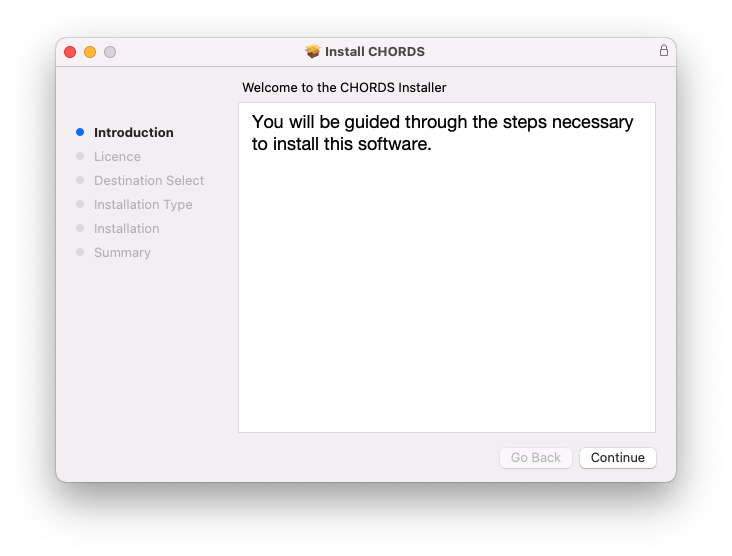
1. Once the download is complete, extract and open the ZIP folder you just downloaded > Open the Mac folder > Double-click the CHORDS .pkg installer file.
2. Click 'Continue'.
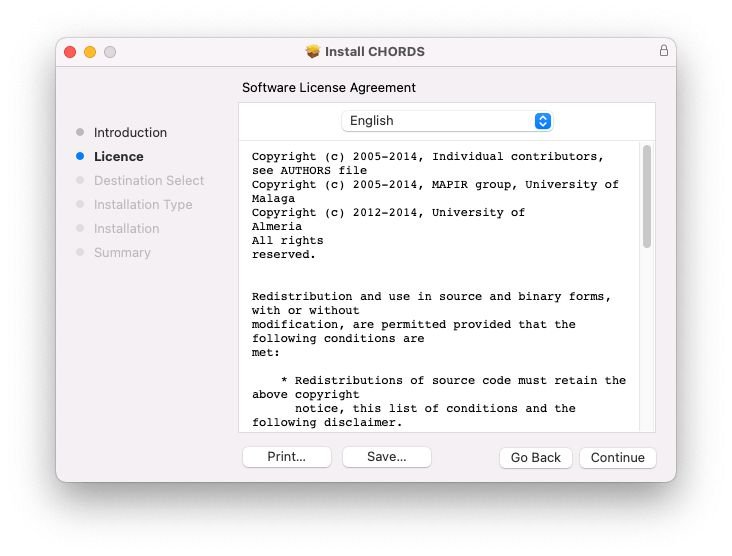
3. Read the Software License Agreement > Click 'Continue'.
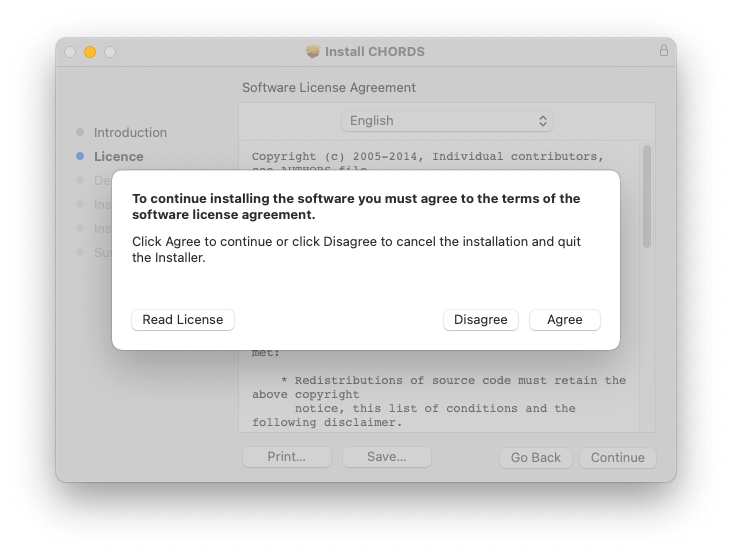
4. Click 'Agree'.
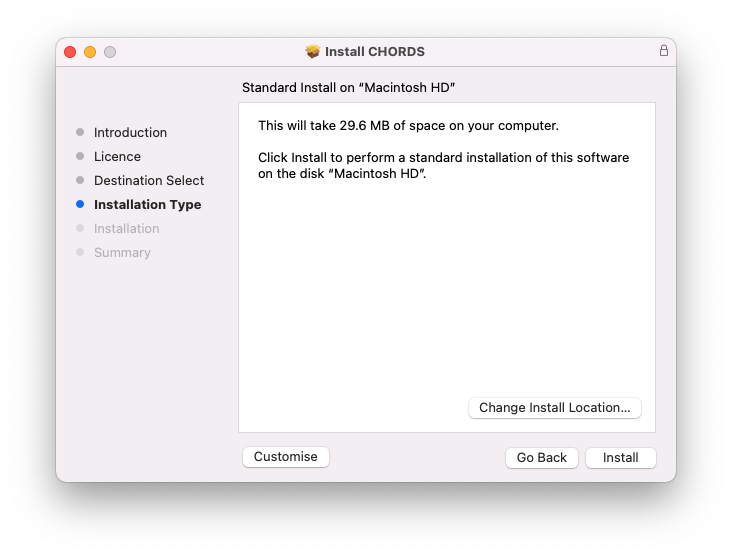
5. Click 'Install'.
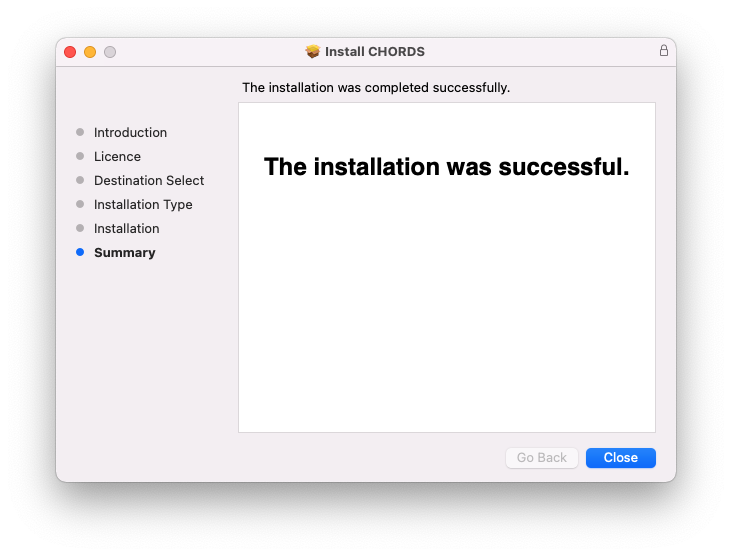
6. Click 'Close'.
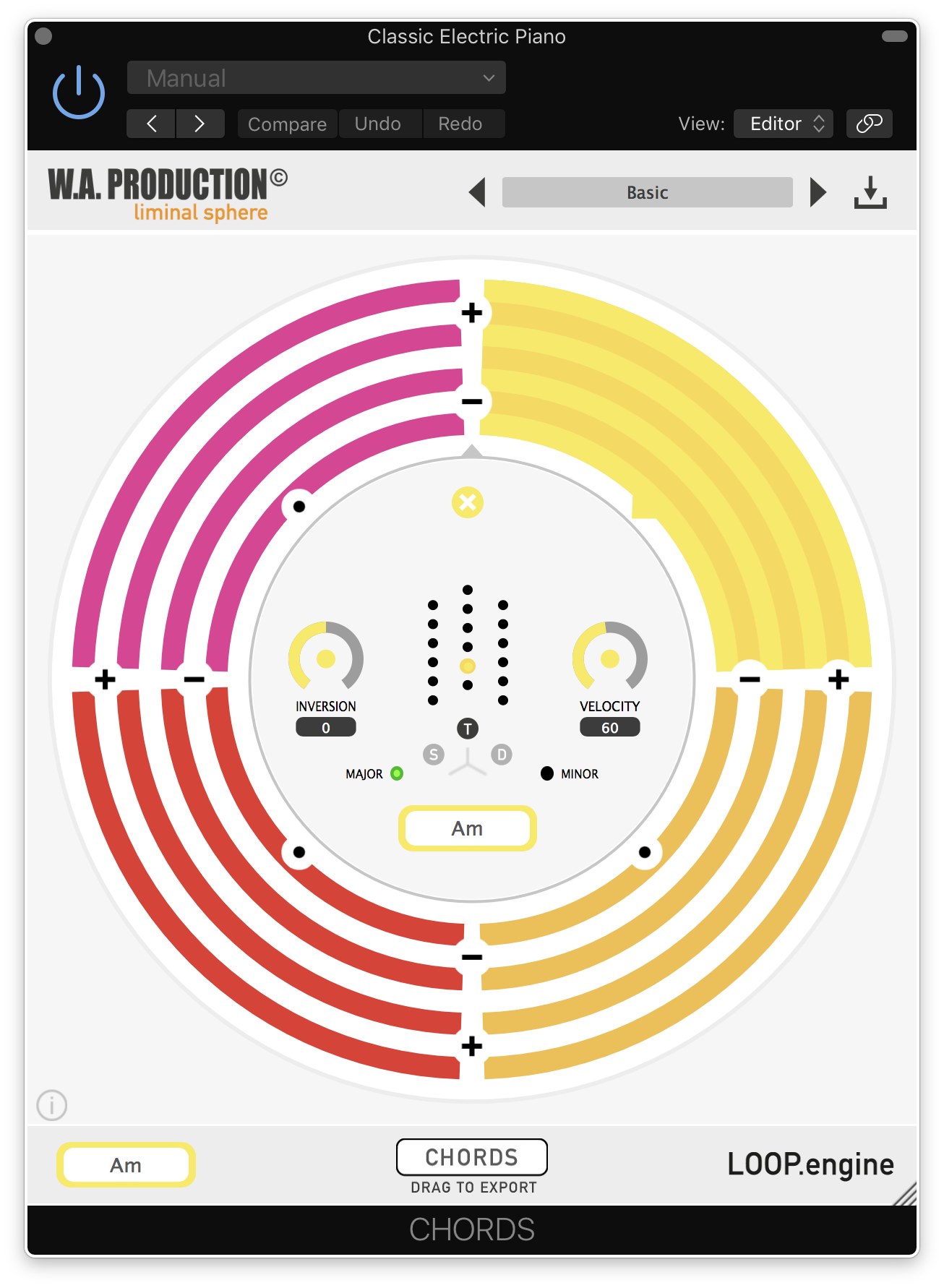
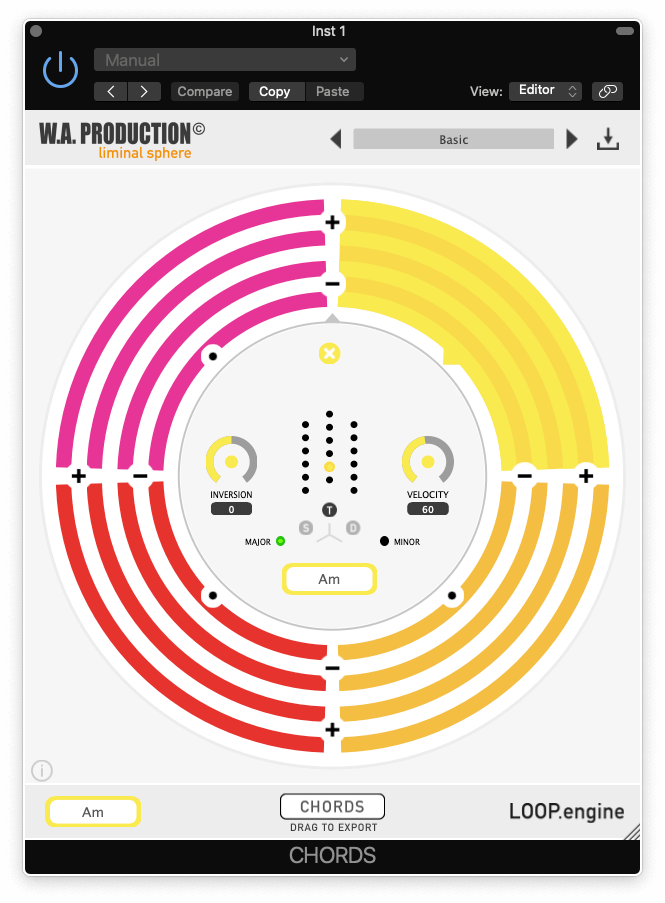
7. Open CHORDS in your DAW.
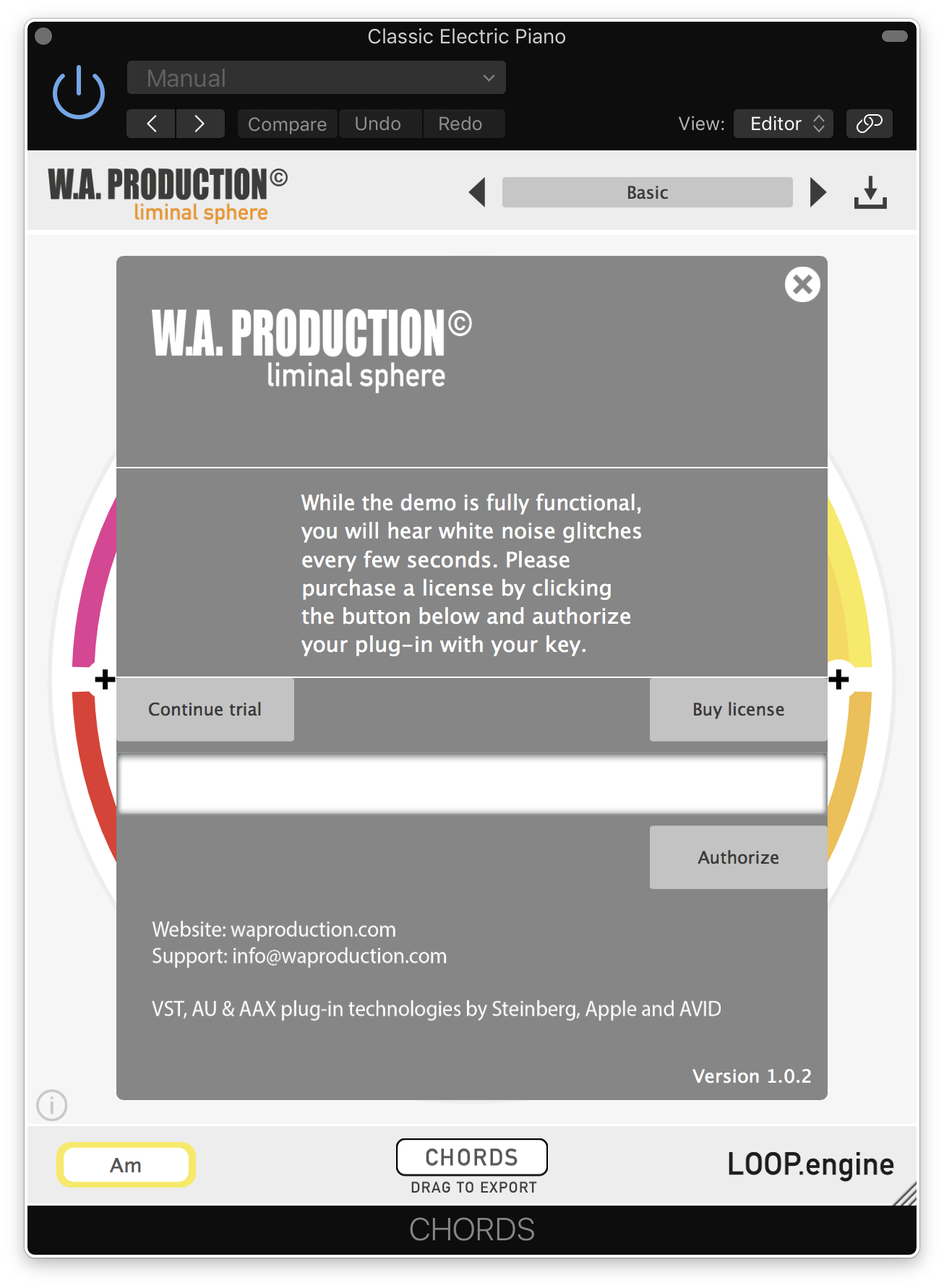
8. Click the information icon in the bottom left-hand corner > Enter the serial number you were given in your W.A Production account > Click 'Authorize'.
Your software is now ready to use in your DAW!
Windows Installation
1. Once the download is complete, extract and open the ZIP folder you just downloaded > Open the PC folder > Double-click the CHORDS PC installer file.
2. Click 'Next'.
3. Click 'Next'.
4. Select which plugin formats you would like to install > Click 'Next' > Click 'Install'.
5. Click 'Finish'.
6. Open CHORDS in your DAW.
7. Click the information icon in the bottom left-hand corner > Enter the serial number you were given in your W.A Production account > Click 'Authorize'.
Your software is now activated and ready to use in your DAW!


 Log In