Fresh out of the creative vault is WA What About: Creepy Horror Voices- a comprehensive collection of over 300 individually recorded vocal phrases and grunts designed to bring spook and fright to your next horror-inspired masterpiece. With phrases like “Kill them!” and “Get Out!” with compelling performance by our talented team of vocal producers, What About: Creepy Horror Voices is sure to offer your composition a special theatric touch.
Each and every sample in What About: Creepy Horror Voices has been thoroughly inspected for quality recording and processing so you can have confidence in the clarity of your sounds. No ghosting this pack- order today!
6. Your product will now be displayed in your W.A Production account > Scroll down to My Orders and click 'View Order'.
7. Click 'Download Files'.
8. Click 'Download'.
Mac Installation
1. Once the download is complete, extract and open the ZIP folder you just downloaded > Open the Mac folder > Double-click the CHORDS .pkg installer file.
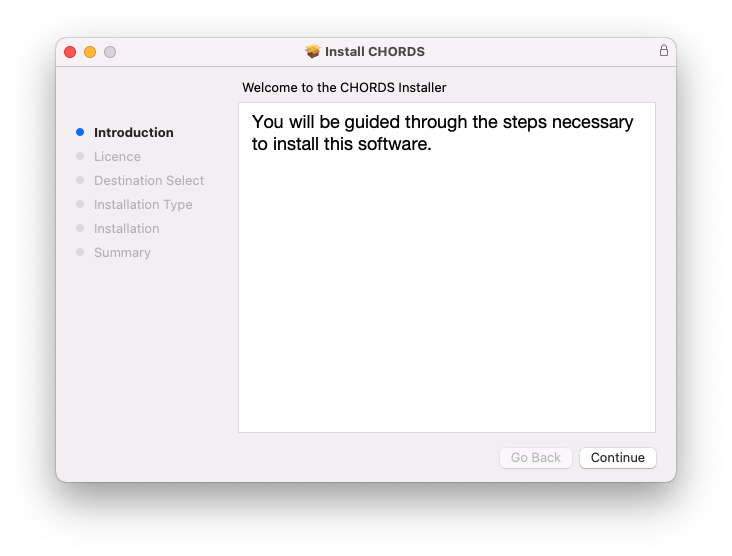
2. Click 'Continue'.
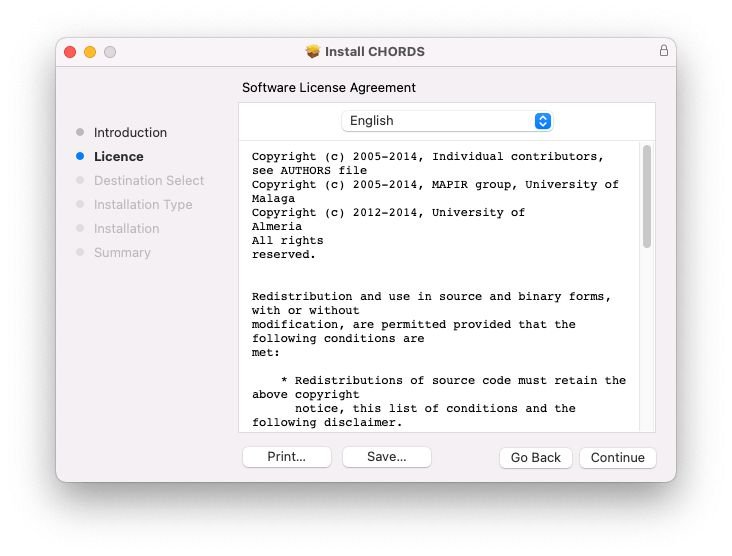
3. Read the Software License Agreement > Click 'Continue'.
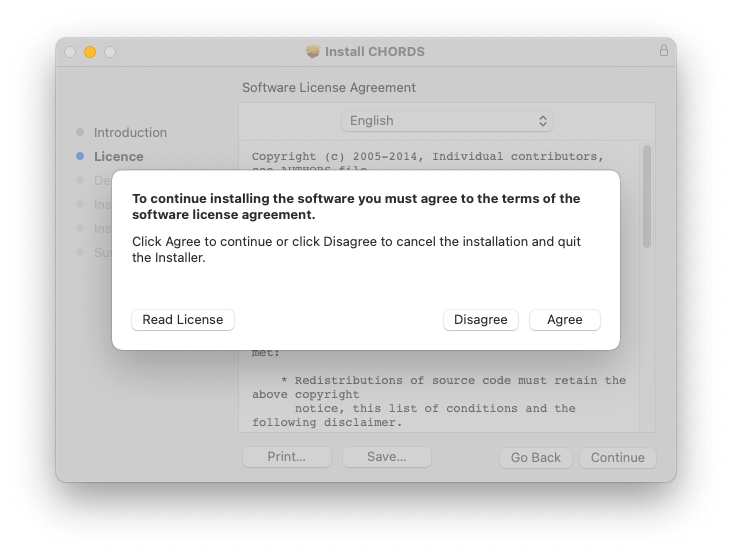
4. Click 'Agree'.
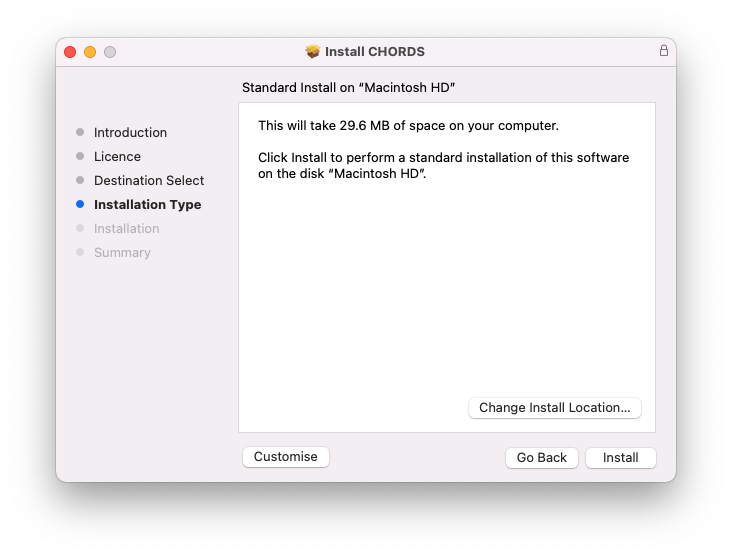
5. Click 'Install'.
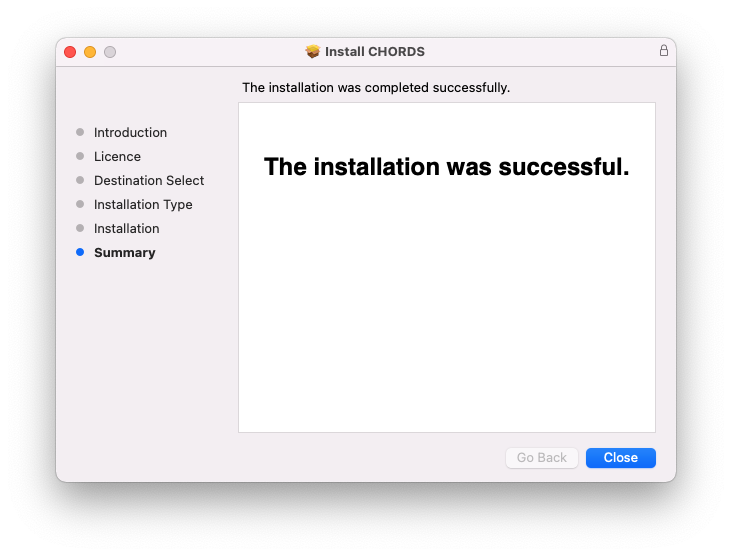
6. Click 'Close'.
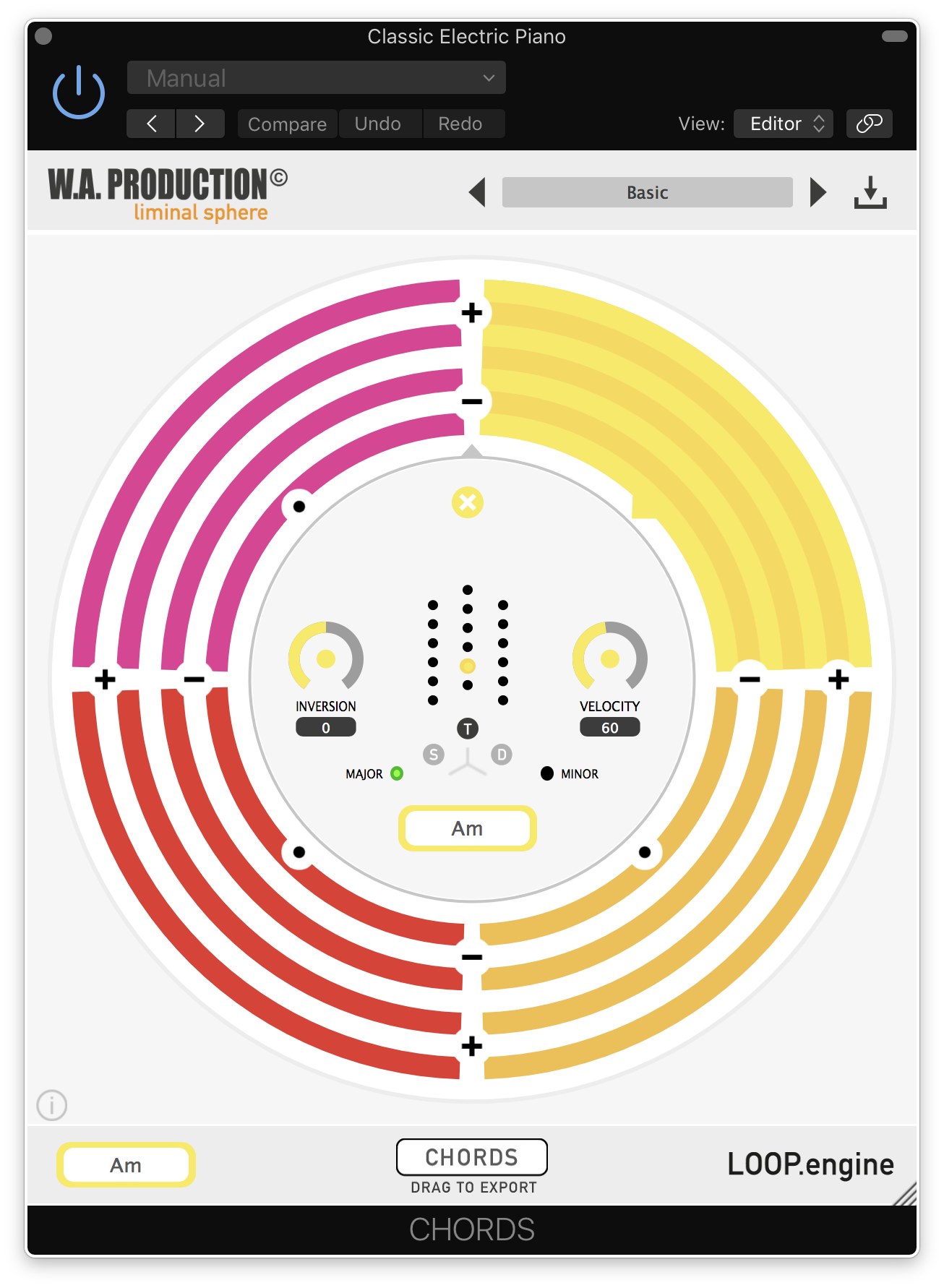
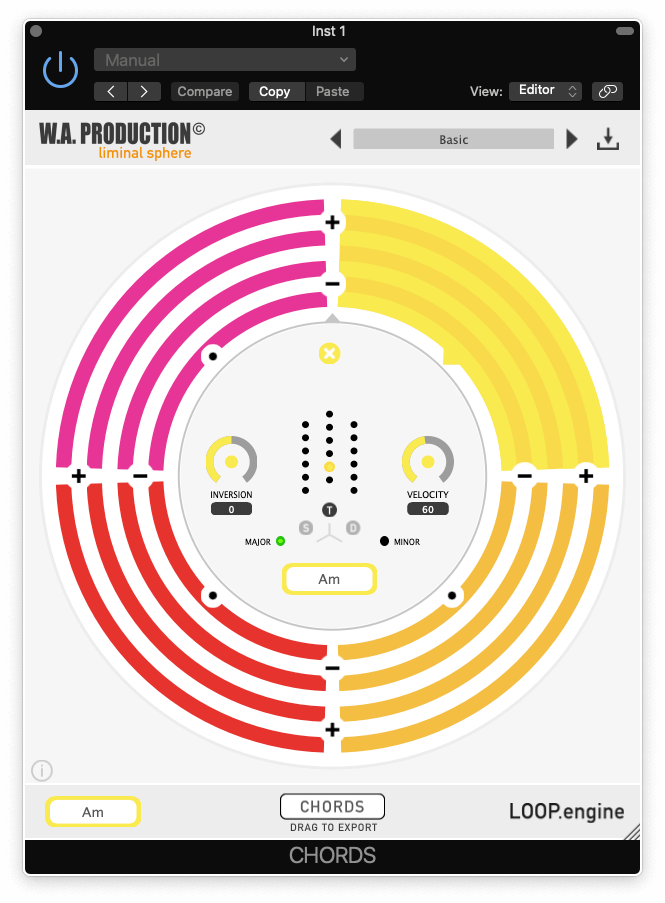
7. Open CHORDS in your DAW.
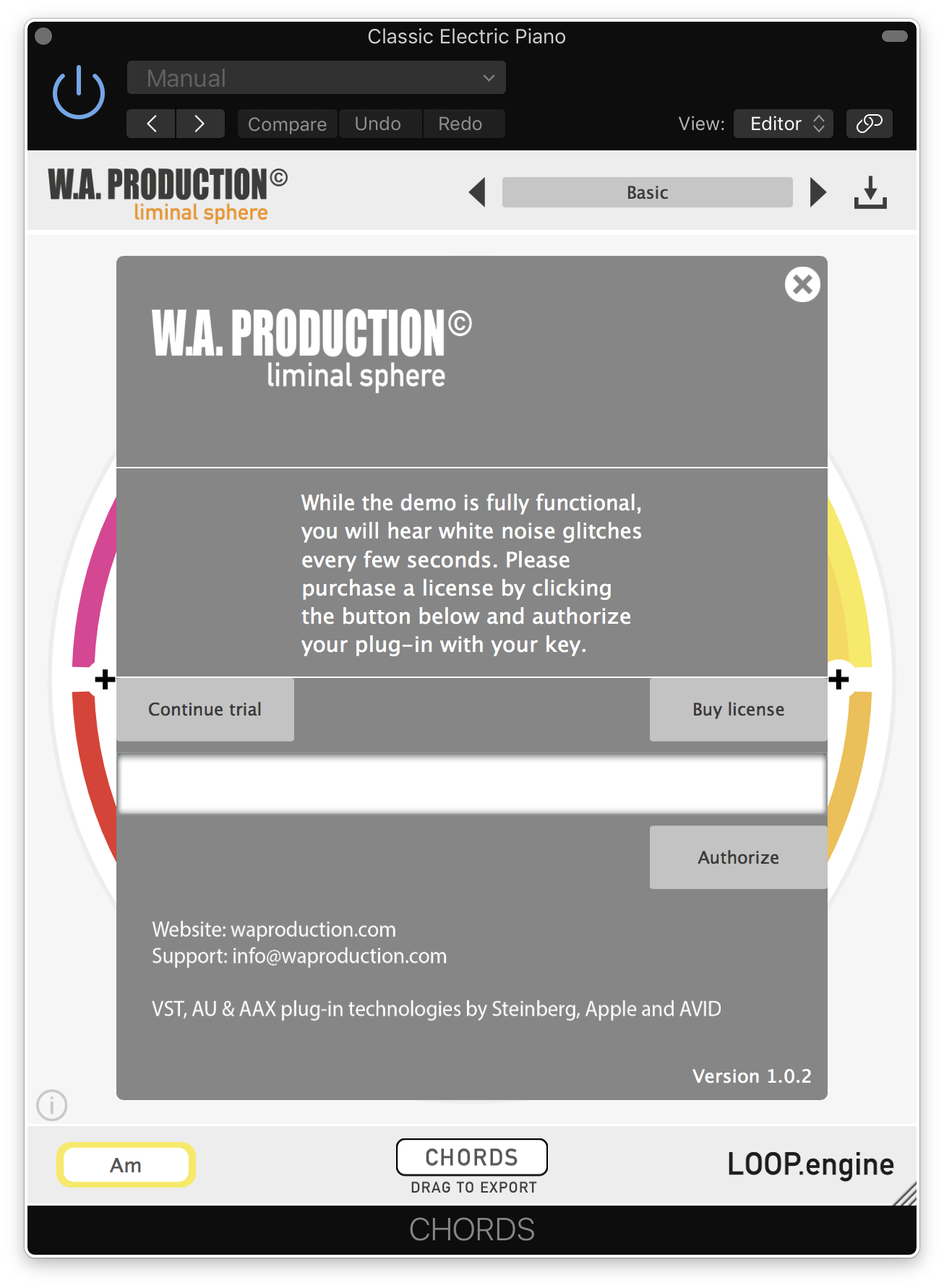
8. Click the information icon in the bottom left-hand corner > Enter the serial number you were given in your W.A Production account > Click 'Authorize'.
Your software is now ready to use in your DAW!
Windows Installation
1. Once the download is complete, extract and open the ZIP folder you just downloaded > Open the PC folder > Double-click the CHORDS PC installer file.
2. Click 'Next'.
3. Click 'Next'.
4. Select which plugin formats you would like to install > Click 'Next' > Click 'Install'.
5. Click 'Finish'.
6. Open CHORDS in your DAW.
7. Click the information icon in the bottom left-hand corner > Enter the serial number you were given in your W.A Production account > Click 'Authorize'.
Your software is now activated and ready to use in your DAW!