/ Compressor / +10db Compressor V2 Upgrade from V1
Boz Digital Labs

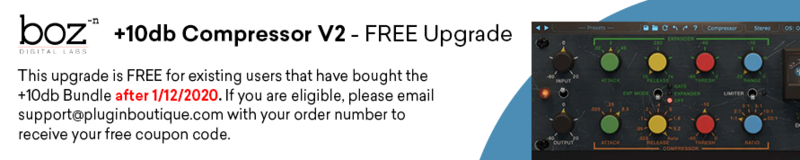
+10db Compressor V2 Upgrade from V1

4.0 (1 Reviews)
$99.00
Boz Digital Labs +10db Compressor V2
Boz Digital Labs +10 Db Review/Walkthrough gallery thumbnail
Buy Now
Product information

+10db Compressor is the first of it’s kind channel strip plugin. This plugin is modeled after a very highly sought after compressor hardware unit. They didn’t just use the hardware unit for inspiration, they dug in deep and made sure that it sounded just like the original.

Why Did They Model This Unit?

Here’s the deal. It seems like everybody is modelling hardware these days, but Boz Digital Labs wanted to do something a little different. They didn’t want to model any hardware units that have been done a million times. They wanted to do something that had never been done before but has been an icon in the recording industry, and the only way to do that was to team up with producer/mixer David Bendeth. He just happened to have a few of these in his rack, so he sent them one to pour over.

Unless you stopped listening to music after “Johnny B Goode” then you have most definitely heard this hardware unit many many times. Think of Led Zeppelin drums.

In order to get this same compressor in hardware, not only would you have to pay over $2,000 to get one, but you’d have to deal with all the other drawbacks of using analog hardware. For a very small fraction of the price, you can get that same sound in the much more convenient software format. There are really no downsides (unless you live in Alaska and need a room heater)

A Few Extra Features

Since they weren’t bound by the limits of the analog hardware, they took the liberty of adding a couple features that make this even more powerful than the original hardware. For one, they added a “Dry Passthrough” knob that makes parallel compression super easy, without having to set up extra buses.

+10db Compressor V2 is also available along with  +10db Equaliser V2 and the +10db Channel Strip V2 in the +10db Bundle V2.

System Requirements

Mac

  • MacOS 10.13 or greater (Intel or M1)
  • VST2, VST3, AU, AAX

PC

  • Windows 7 or greater (64-bit only)
  • VST2, VST3, AAX Native
Installation Instructions

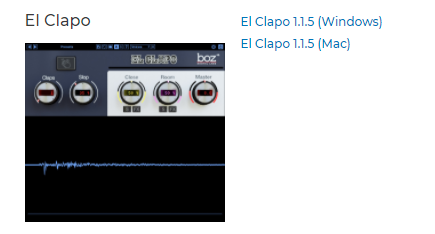
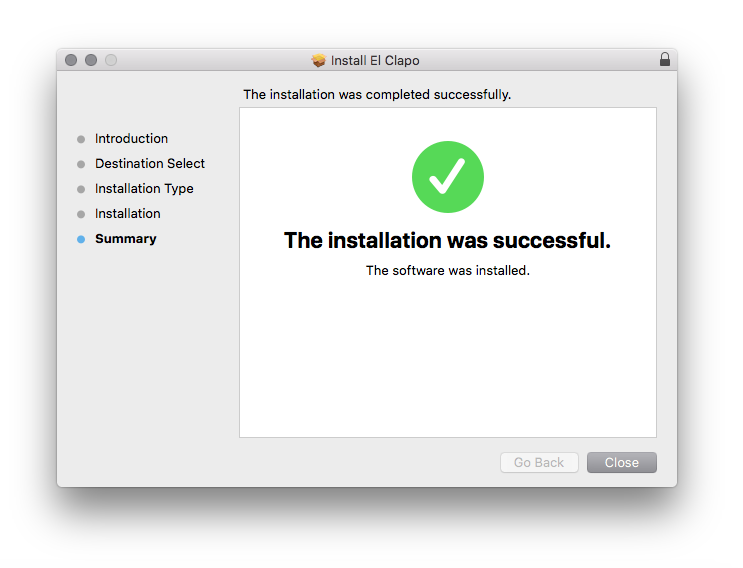
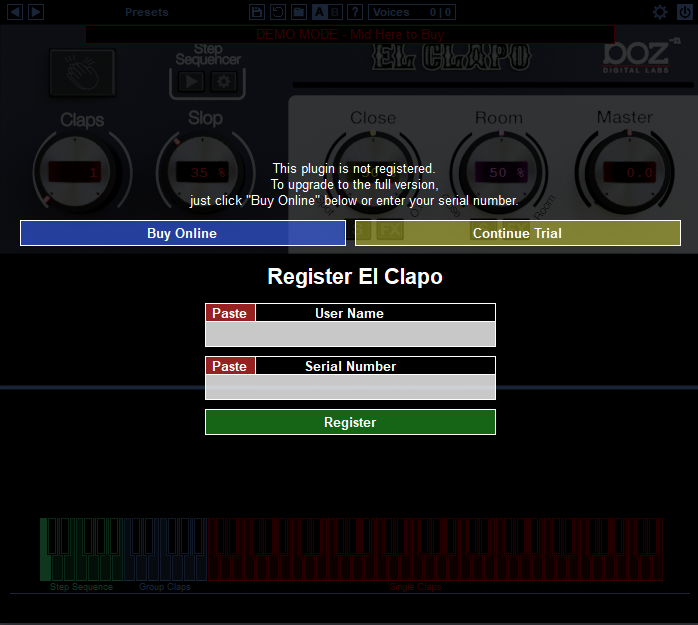
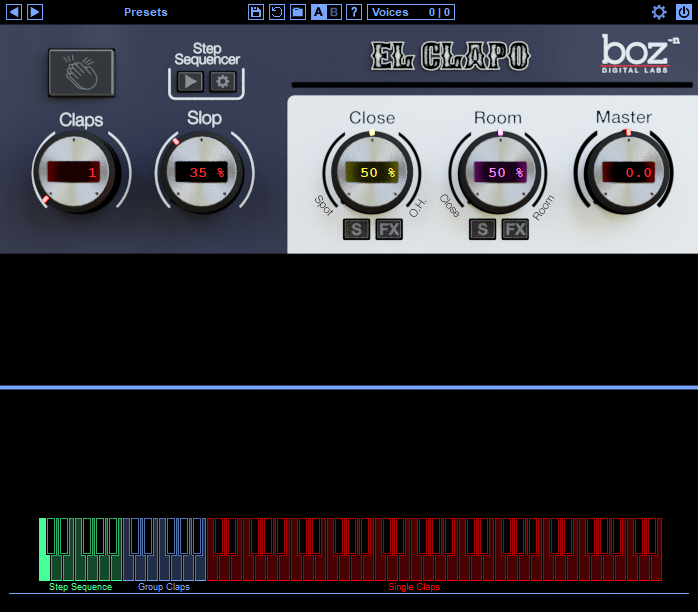
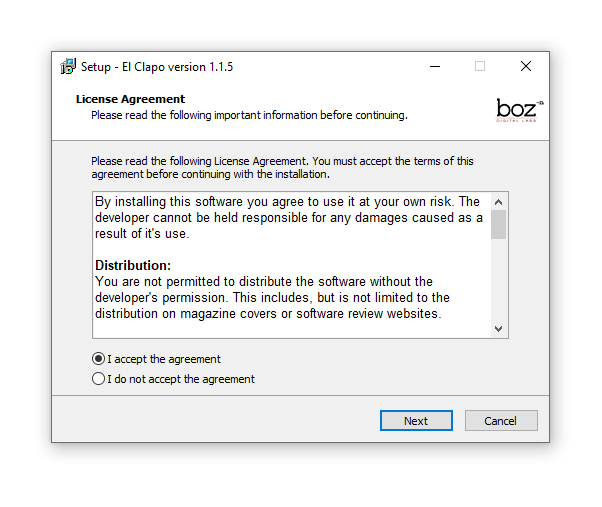
Note: El Clapo is used as an example.

Mac

Redemption

1. Click Download in your Plugin Boutique account or go to https://www.bozdigitallabs.com/plugin-boutique-retrieve/.

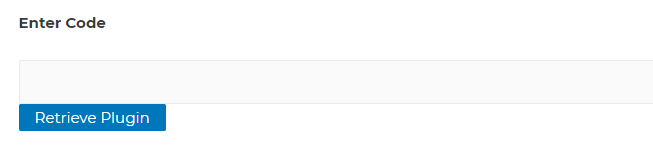
2. Copy and paste the code from your Plugin Boutique account > Click 'Retrieve Plugin'.

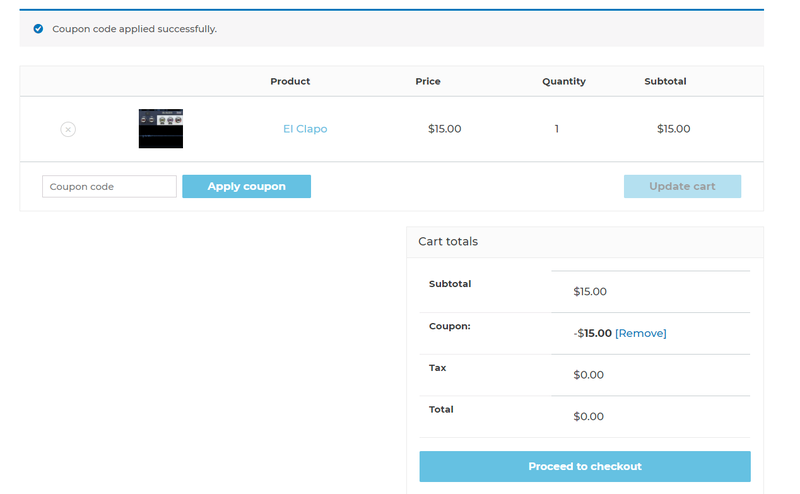
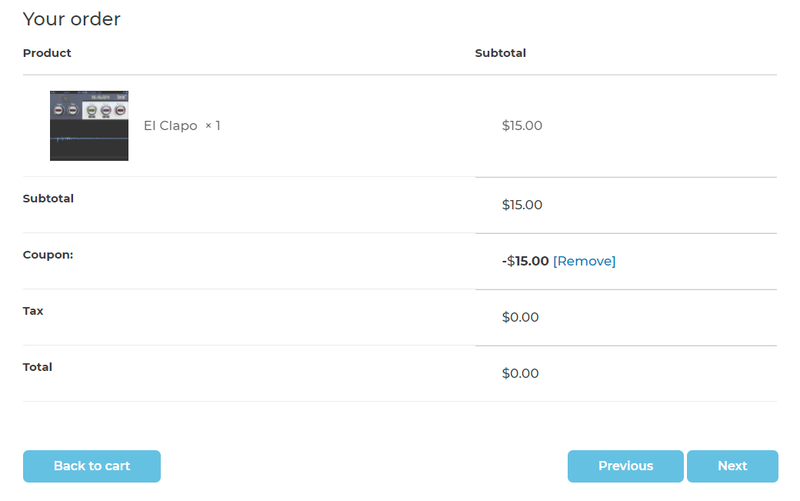
3. Review the order > Click 'Proceed to Checkout'.

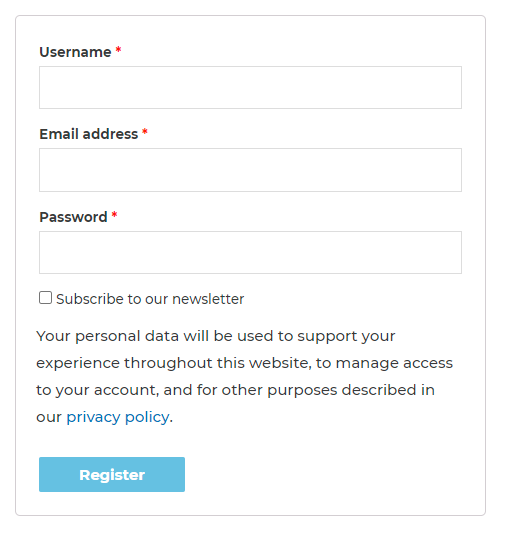
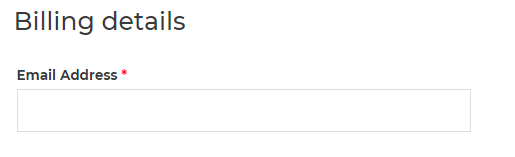
4. Enter your email address, username and password > Click 'Register'.

Note: If you already have Boz Digital Labs account, select 'Click Here to Login' after entering your email address/username and password > Click 'Login'.

5. Check that your email is correct > Click 'Next'.

6. Review your order > Click 'Next'.

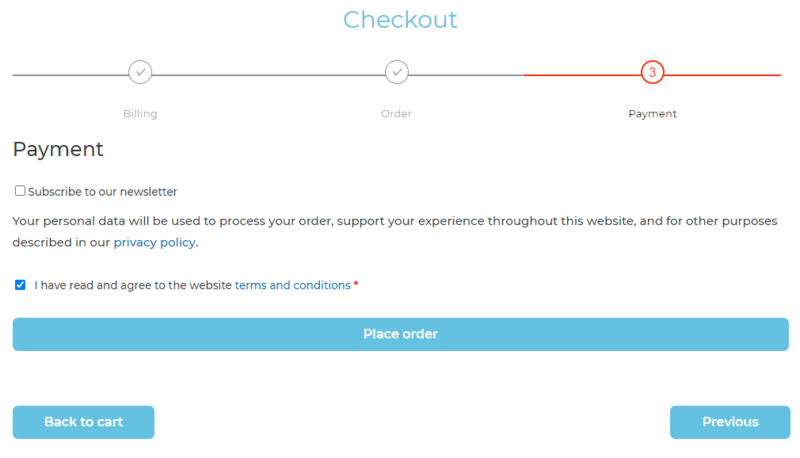
7. Click 'I have read and agree to the website terms and conditions' > Click 'Place order'.

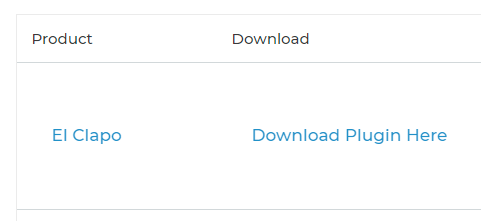
8. Click 'Download Plugin Here'.

9. Click the Mac link to download the installer.

Installation

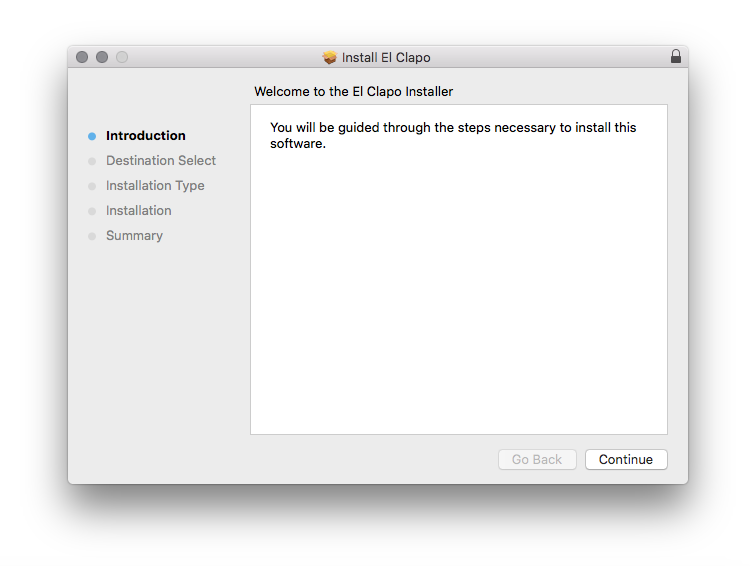
1. Run the .pkg installer > Click 'Continue'.

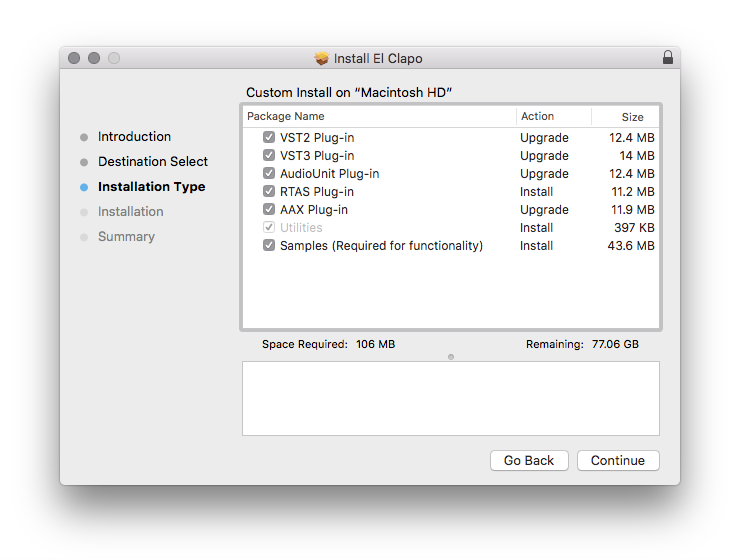
2. Select the formats you wish to install > Click 'Continue'. 

Note: If you're unsure about which format to use, leave all options selected and proceed. Check out this article for more information.

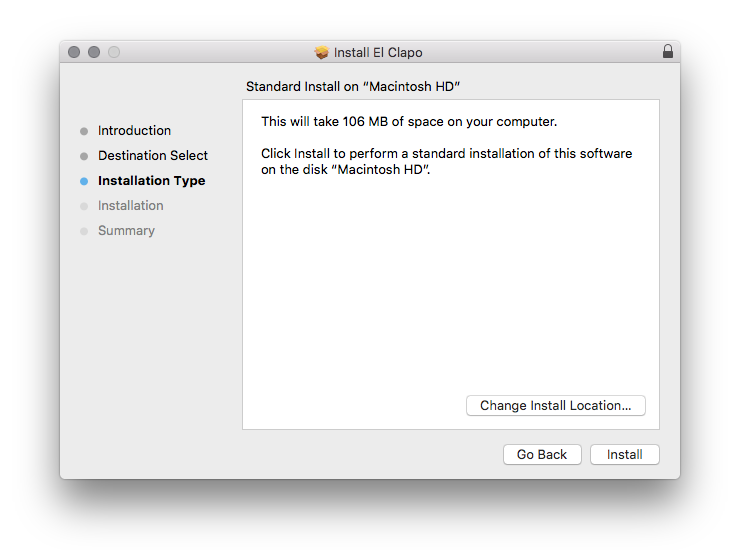
3. Click 'Install'.

4. Click 'Close'.

5. Open your DAW and open the plugin > Enter your Boz Digital Labs username and the serial code that you received in your Boz Digital Labs Account > Click 'Register'.

Your software is now authorised and ready for use!

Windows

Redemption

1. Click Download in your Plugin Boutique account or go to https://www.bozdigitallabs.com/plugin-boutique-retrieve/.

2. Copy and paste the code from your Plugin Boutique account > Click 'Retrieve Plugin'.

3. Review the order > Click 'Proceed to Checkout'.

4. Enter your email address, username and password > Click 'Register'.

Note: If you already have Boz Digital Labs account, select 'Click Here to Login' after entering your email address/username and password > Click 'Login'.

5. Check that your email is correct > Click 'Next'.

6. Review your order > Click 'Next'.

7. Click 'I have read and agree to the website terms and conditions' > Click 'Place order'.

8. Click 'Download Plugin Here'.

9. Click the Windows link to download the installer.

Installation

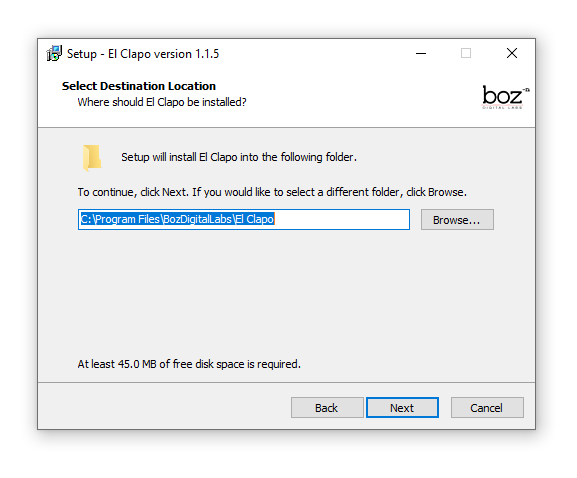
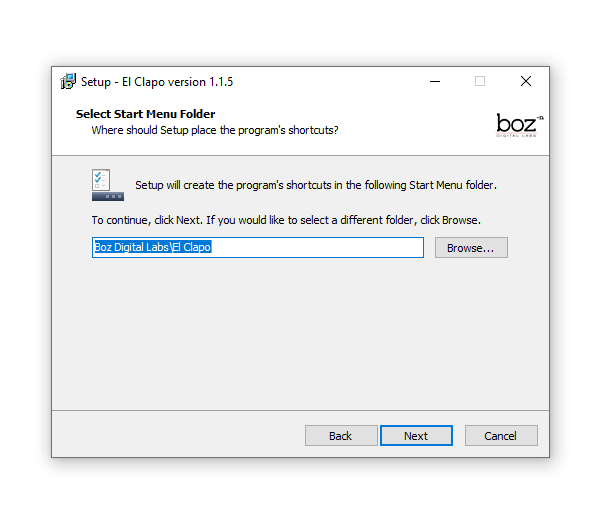
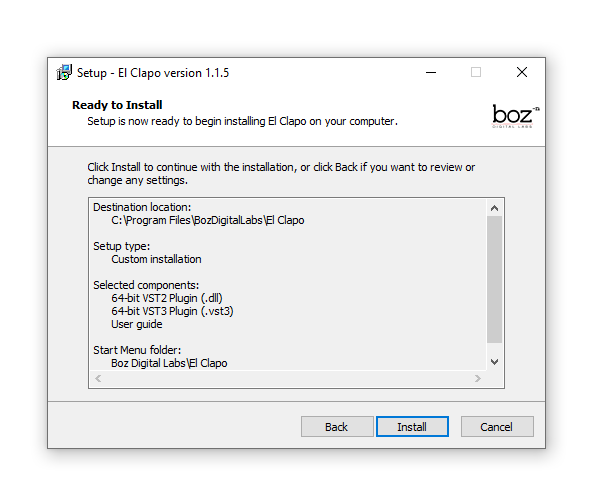
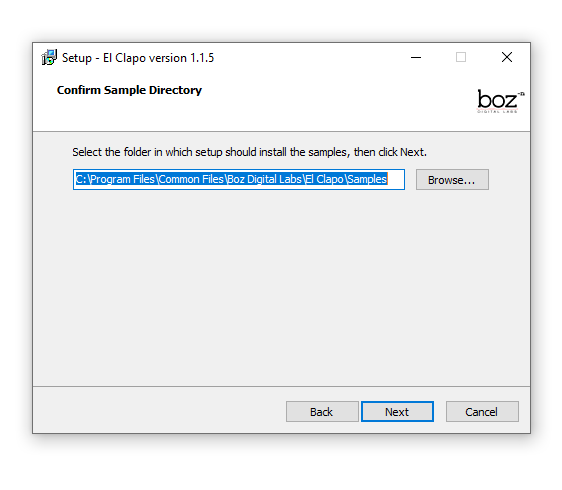
1. Double-click the .exe installer > Click 'I accept the agreement' then click 'Next'.

2. Click 'Next'.

3. Click 'Next'.

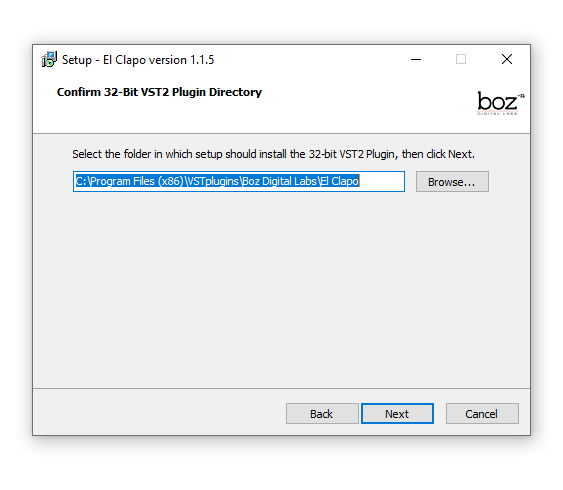
4. Select a VST folder in which to install the 32-bit software format > Click 'Next'.

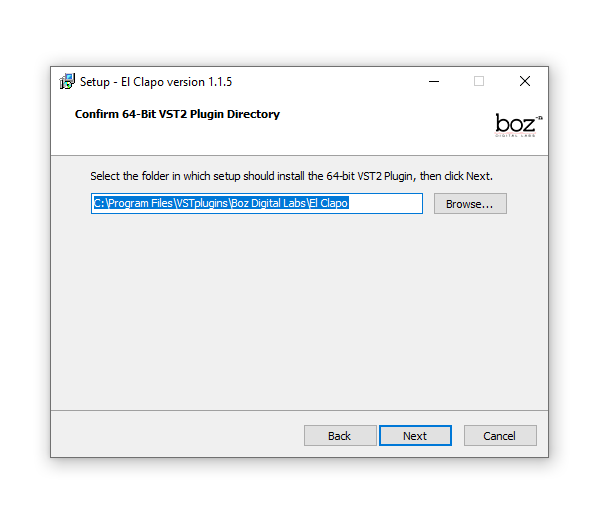
5. Select a VST folder in which to install the 64-bit software format > Click 'Next'.

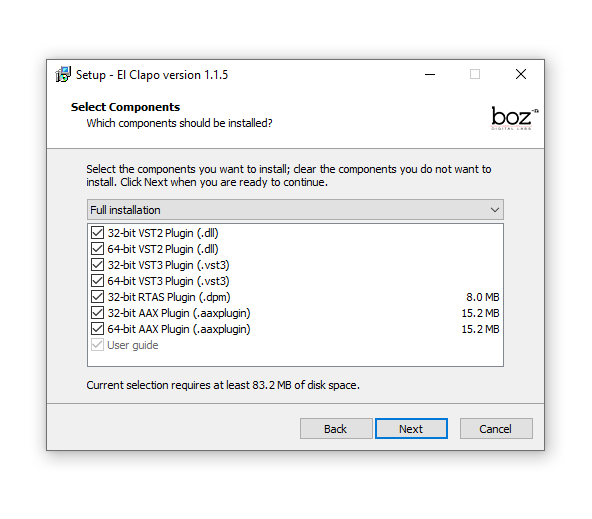
6. Select the components you wish to install > Click 'Next'.

7. Click 'Next'.

8. Click 'Install'.

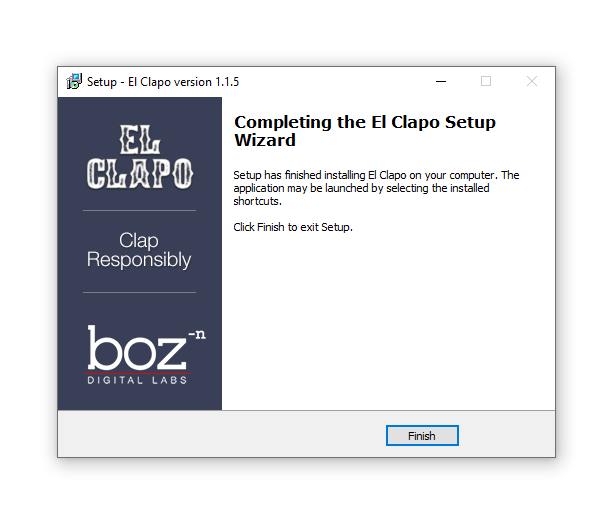
9. Click 'Finish'.

10. Open your DAW and open the plugin > Enter your Boz Digital Labs username and the serial code that you received in your Boz Digital Labs Account > Click 'Register'.

Your software is now authorised and ready for use!

Plugin Boutique Rewards

Discover the most rewarding loyalty programme among all plugin retailers.

  • Free Loopmasters Samplepacks
  • Discounts on products and courses
  • Extra Virtual Cash claimed immediately at checkout
Find out more

Follow us:

X (Twitter) Facebook YouTube Instagram
Logo Logo

Plugin Boutique Limited, Part of the Beatport Group LLC.

Copyright © 2011-2025 Plugin Boutique. All rights reserved