


 Log In
.jpg)
Free gifts available with your purchase
Add The Immersive Effects Of A Vintage Rotating Speaker Cabinet In Your Mix
Now compatible with any soundcard on Mac and PC
Waterfall Rotary Speaker gives you the jaw-dropping sounds of the classic Leslie 147 rotary speaker cabinet, enveloping your guitars, vocals, keyboards, and more in chewy, three-dimensional modulation effects — far beyond chorus and flange — for classic textures heard on decades of legendary albums.
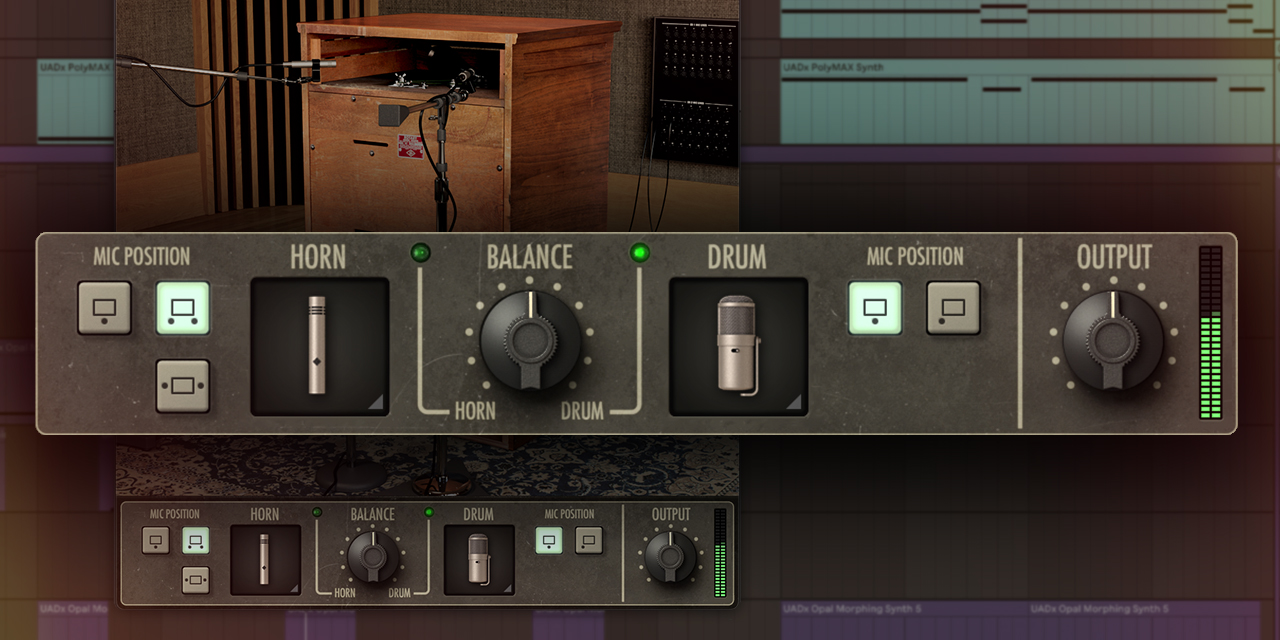
Experience Immersive Rotary Speaker Sounds
Only Waterfall Rotary gives you the three-dimensional movement and full tonal range of the legendary "Type 147" rotary speaker cabinet, captured in all its glory using expertly placed vintage mic setups as heard on decades of rock, R&B, soul, and funk records.
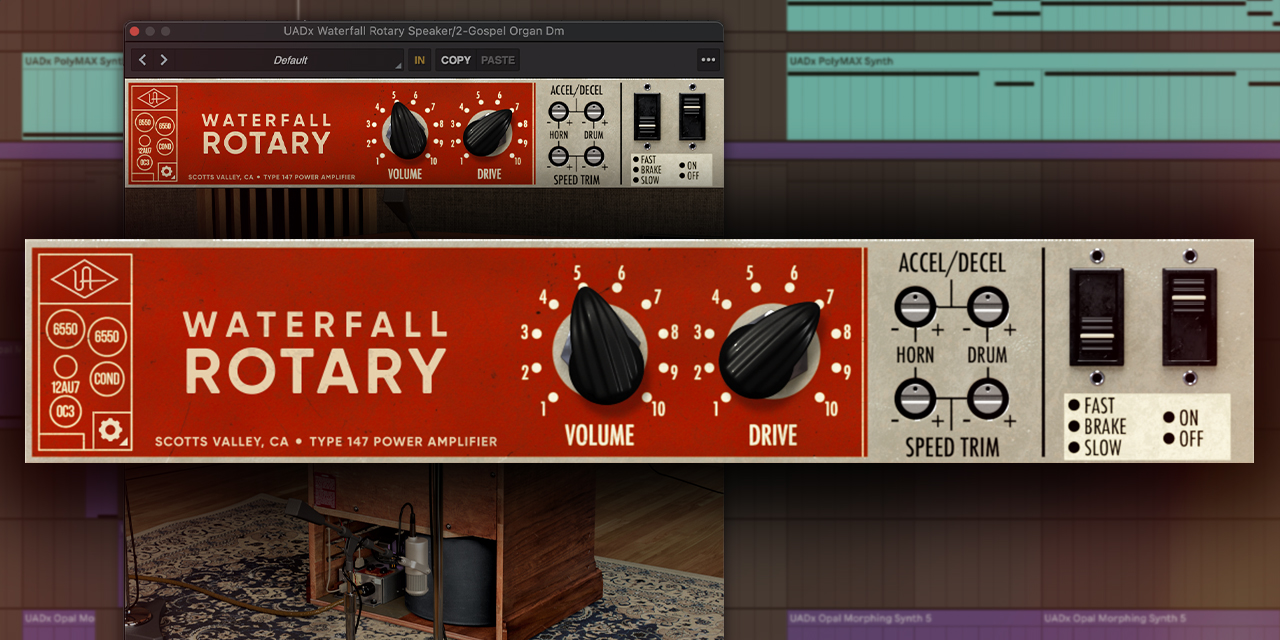
Add the Sound of a Classic Tube Power Amp
The Type 147's tube power amp is a huge part of its fat sound, and Waterfall Rotary captures all of it, giving your tracks the rich overtones and harmonics that other rotary speaker emulations lack for unmatched realism.
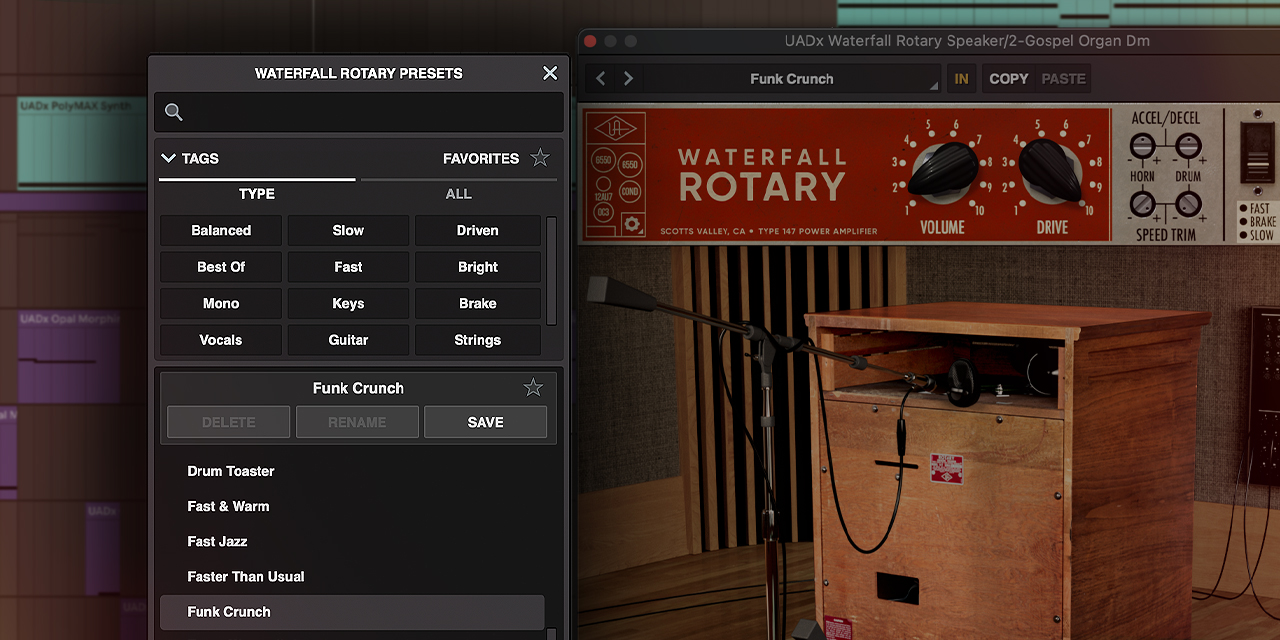
Get Mind-Blowing Rotary Effects Fast, with Presets
With deliciously-crafted presets tailored for vocals, guitar, bass, keyboards and more, Waterfall Rotary gives you the most legit "Leslie effects" ever put into a plug-in. Simply place it on an insert or aux channel, and mix with legendary effects used on thousands of hits.
Features
- Experience the rich, three-dimensional texture of a vintage Leslie 147 rotary speaker cabinet
- Get "album-ready" sounds with perfectly-placed vintage microphone setups
- Add rich tube overtones and harmonics with expertly modeled tube power amp saturation
- Quickly get unique sounds with expertly crafted presets for vocals, guitars, keyboards, drums, and more
Versions Included with your Purchase
- UAD Native: Runs on your Mac or PC without any UA hardware
- macOS Big Sur 11, Monterey 12, Ventura 13, Sonoma 14, Sequoia 15 and Tahoe 26
- Windows 10 or Windows 11 (64-bit editions)
- Intel, AMD, or Apple silicon processor
- Internet connection to download software and authorize UAD Native plug-ins (UADx)
- Free iLok account
- Compatible with iLok USB (2nd generation or higher) but not required
- Free UA Connect application for managing UAD Native plug-ins (UADx)
- A supported DAW compatible with VST3, AU, or AAX plug-in file formats.


