Log In
Save $51.97 compared to buying products individually
Free gifts available with your purchase
Legends of High Gain
Go Into Overdrive!
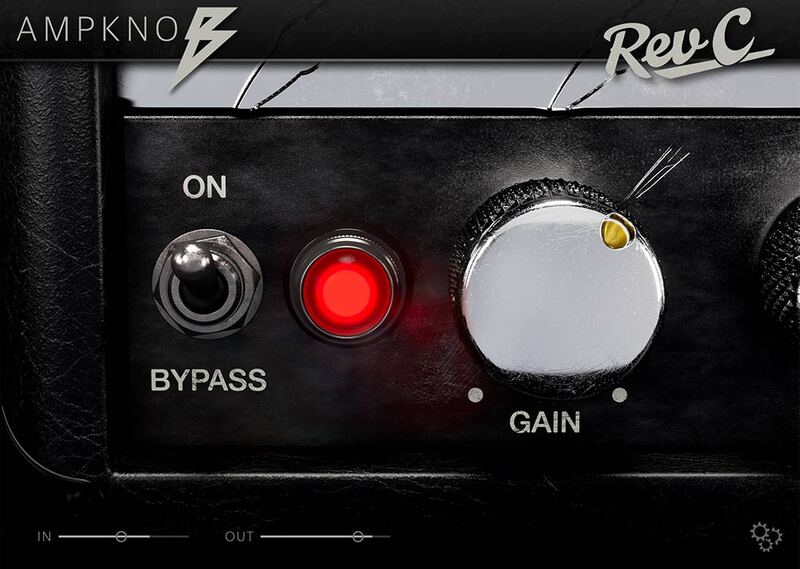
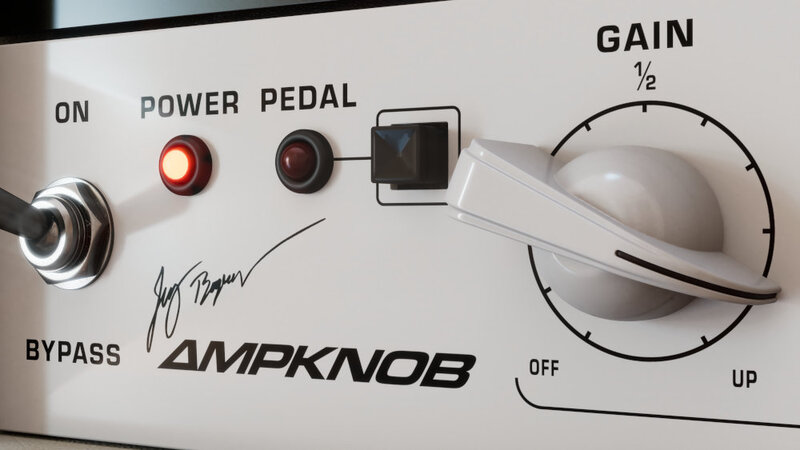
Need a boost? Every amp in the BDH collection includes a pedal switch, activated with the push of a button on the plugin’s front panel.
The pedal will effectively tighten up the lo-end and drive the input a bit harder. For heavy riffing, this would be the ideal default mode.
Record Your Ideas
When inspiration strikes, every second counts before that golden riff is gone forever.
With Ampknob, you can capture your ideas quickly and easily without even starting a DAW. The standalone version of Ampknob includes a built-in recording functionality that makes it effortless to always stay creative.
A scratch book has never been this inspiring!

Stay In Time, Stay In Tune
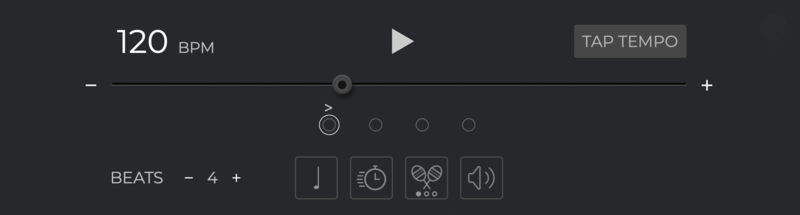
The standalone version of Ampknob now comes with a built-in metronome for you to stay sharp at your guitar playing skills.
Change meter, accent, or set automatic speed increments so you can focus on practicing without even taking your hands off the guitar.
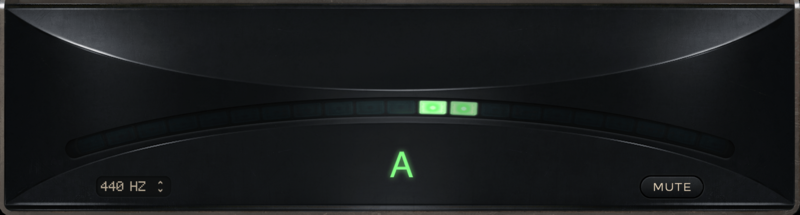
The excellent built-in tuner means you're always ready to jam!
The Perfect Tone
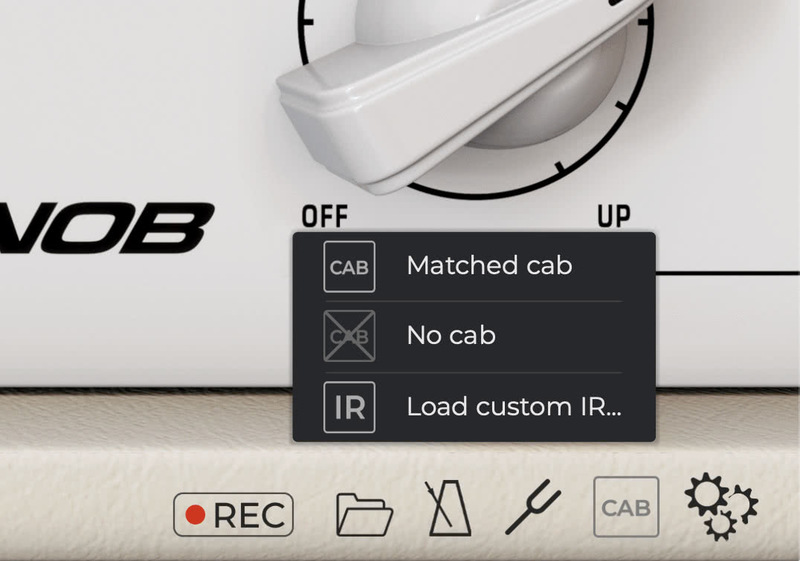
The perfect speaker cabinet, microphones, and recording chain has been expertly chosen and dialed in by producer Jens Bogren to capture the tone with outstanding detail.
If you feel like experimenting, you can disable the cab or even load your favorite impulse response right from the plugin.
Why Just One Knob?
AmpKnob was designed with two clear goals:
1. Give you the best tone available in a plugin.
2. Help you focus on creativity rather then fiddling with settings and losing your ideas.
AmpKnob captures iconic, high-gain amps perfectly dialed in by one of the best metal producers in the world.
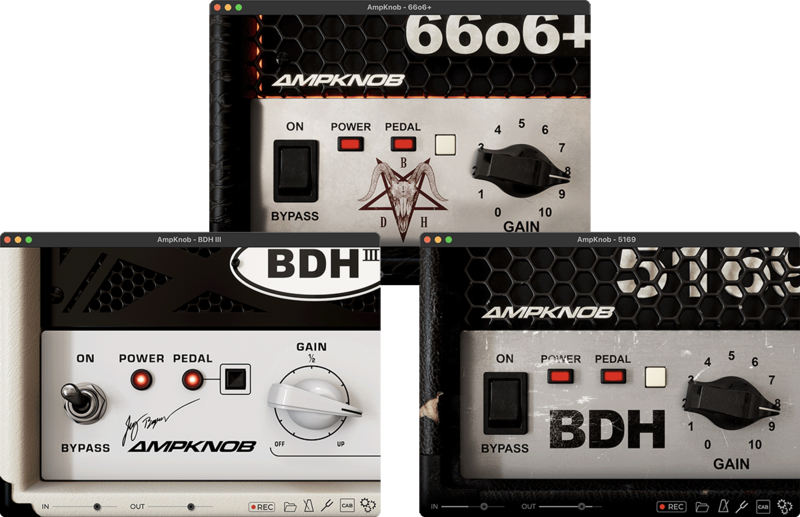
AmpKnob BDH 5169

The Icon
The one that started it all. Based on the original "block letter" amp head from 1992. Its aggressive and punchy high-gain tone quickly made it a winner among heavy metal and metalcore bands from the mid-90s and onwards.
To this day, it’s the amp to beat for other high-gain guitar amp manufacturers.
Find out more about AmpKnob BDH 5169.
AmpKnob BDH 66o6+
Devilishly Heavy
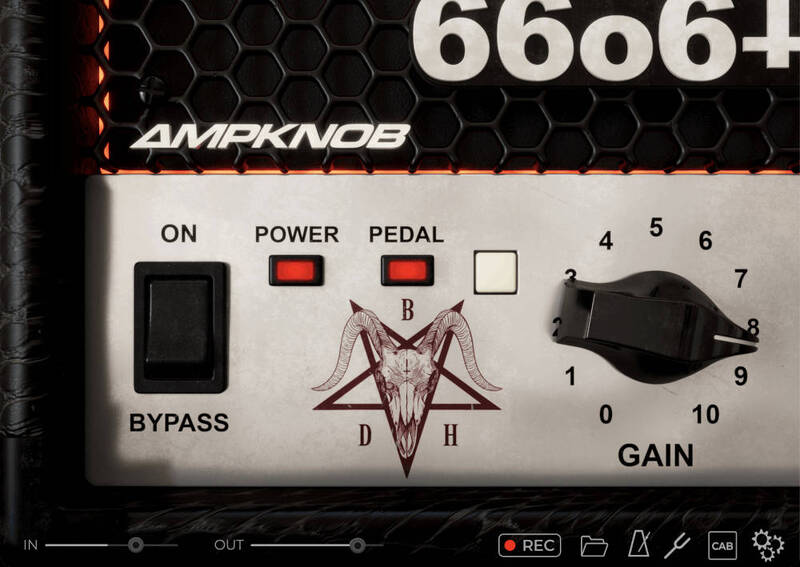
Devilishly heavy 'Sixty-Six-Oh-Six' is based on a hot-rodded and modified “plus” version, which was originally a later generation of the amp from around 2000.
The modifications ordered by Jens make this amp breathe, spit and bite in a way that is the opposite of stale modern high-gain amps.
It’s truly one of a kind — a sound you will not find anywhere else!
Find out more about AmpKnob BDH 66o6+.
AmpKnob BDH III
Modern Classic
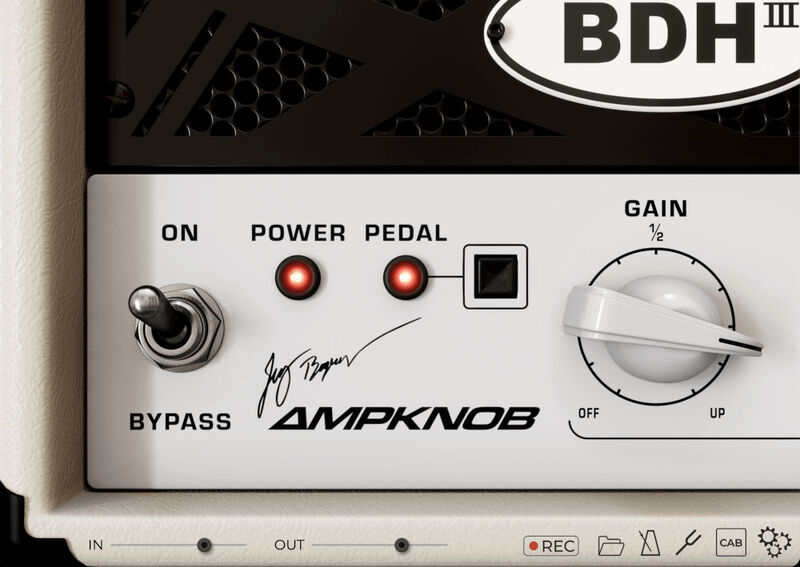
The modern take. With a full and rich sound, the dense distortion works exceptionally well for modern riffs, as well as creamy leads.
The original unit is from Jens Bogren’s personal amp collection and a part of many albums created at his Fascination Street Studios.
Find out more about AmpKnob BDH III.
System Requirements
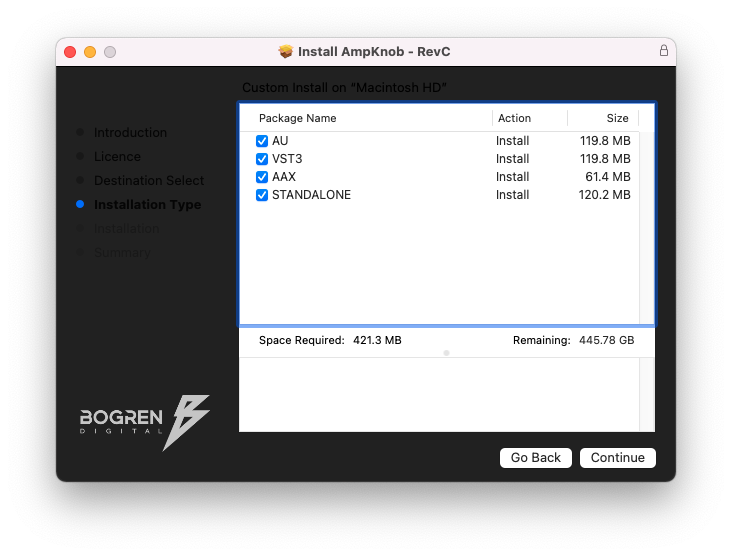
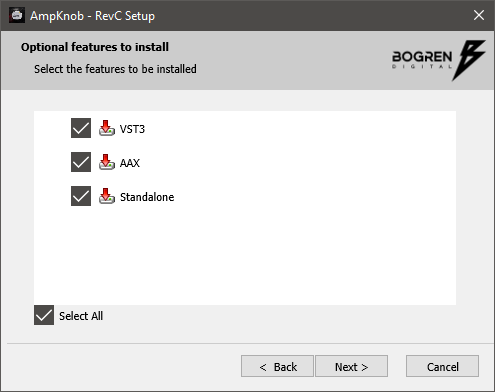
- Available in VST3, AU, AAX, Standalone formats
- Windows 10 or newer
- macOS 10.13 or newer (Intel and silicon native)