


 Log In

Free gifts available with your purchase

Cluster Delay
Tap Sequence Designer
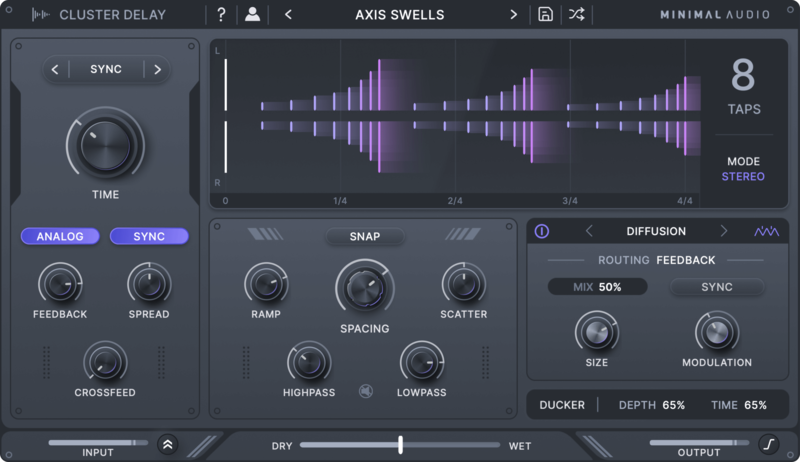
Introducing Cluster Delay, a delay plugin with a personality. Create unique musical effects that blend seamlessly into your tracks.
Sequence
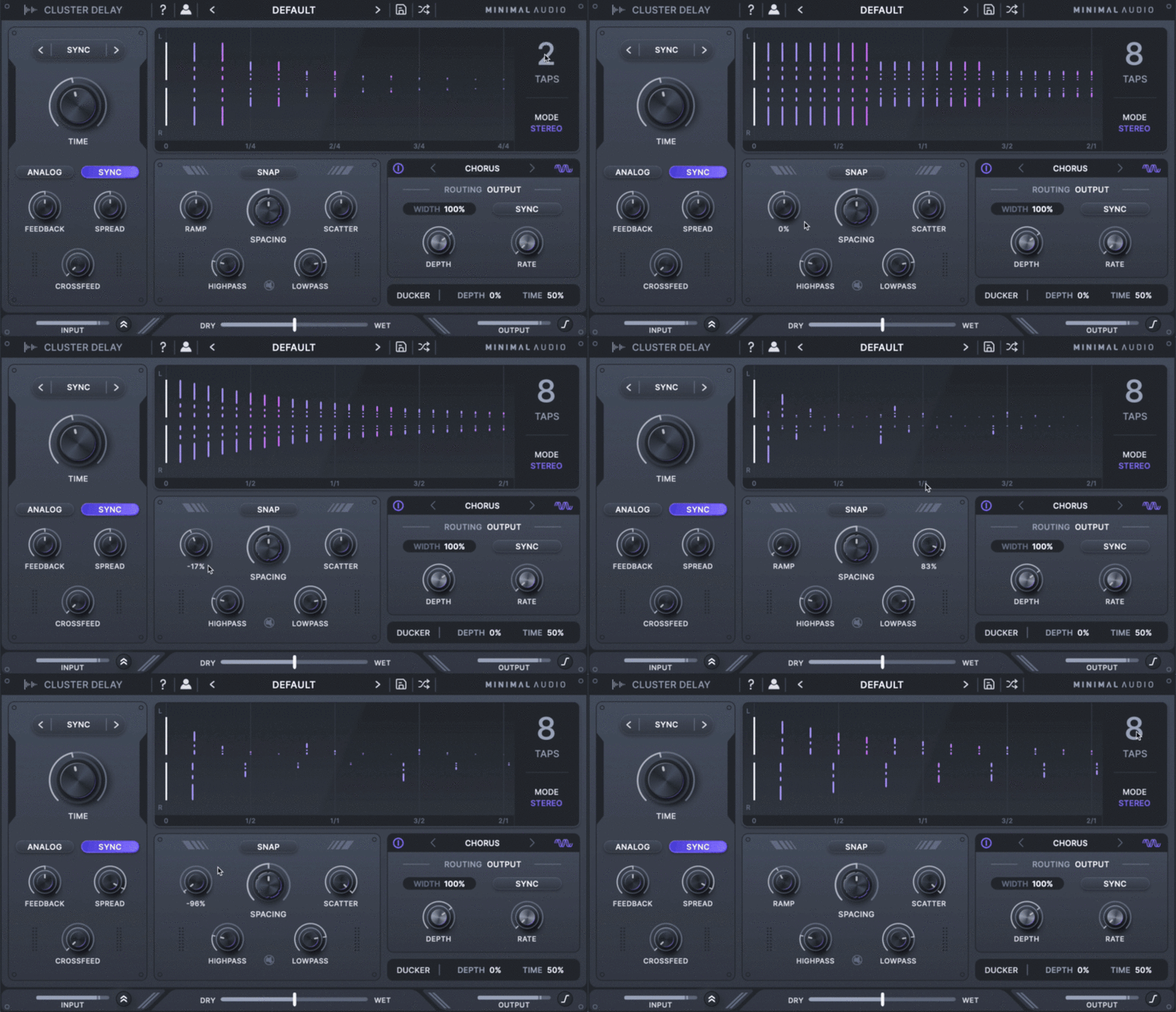
Complex Delays, Effortless Control - Cluster Delay's easy-to-use interface allows you to ramp, space, and scatter up to eight processed delay taps in time.
Effect
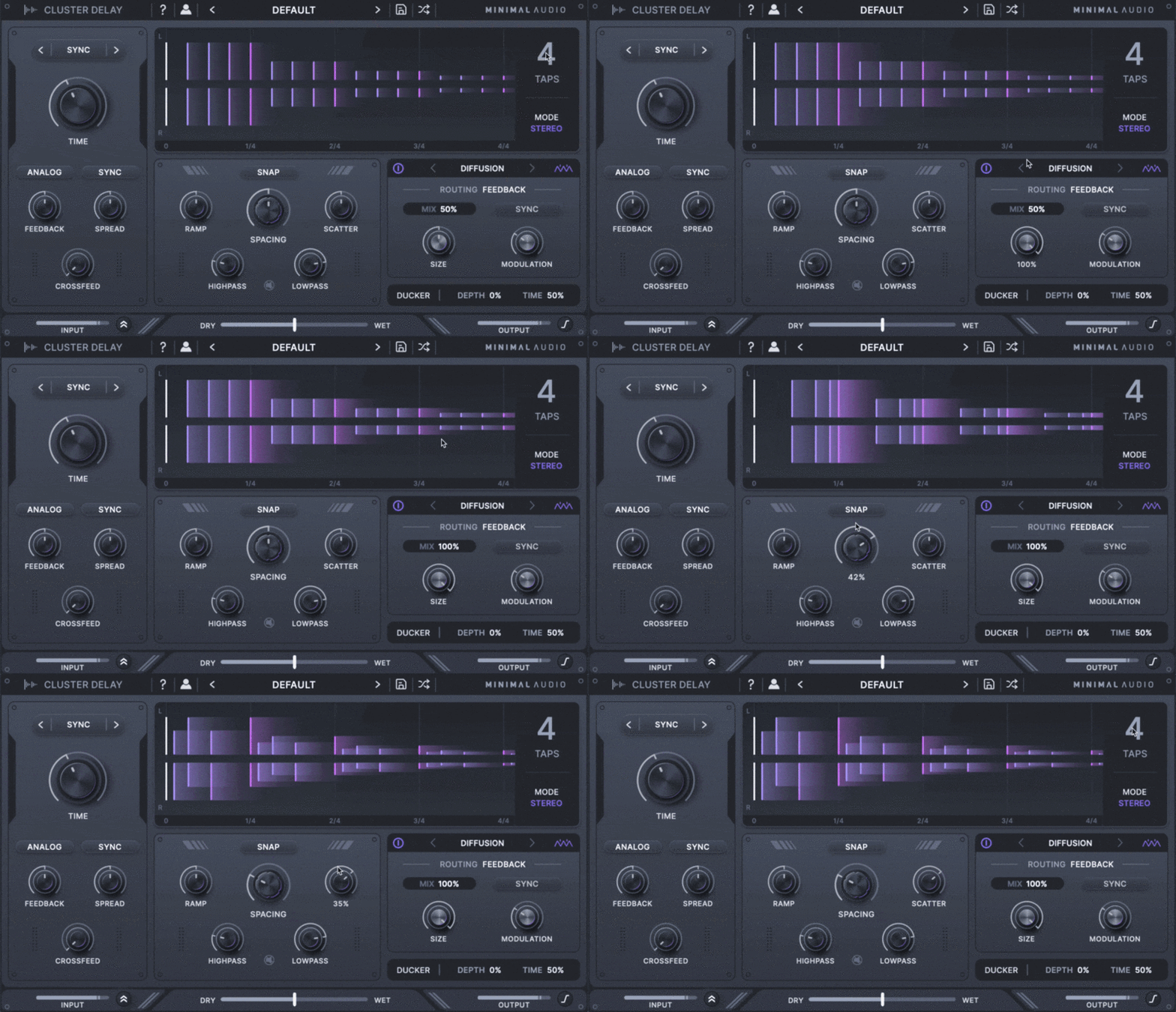
Six Integrated FX and More - Create nuanced and unique sounding delays with six routable effects. Keep your mix clean with built-in ducking, filters, and mid-side control.
Diverse Preset Library
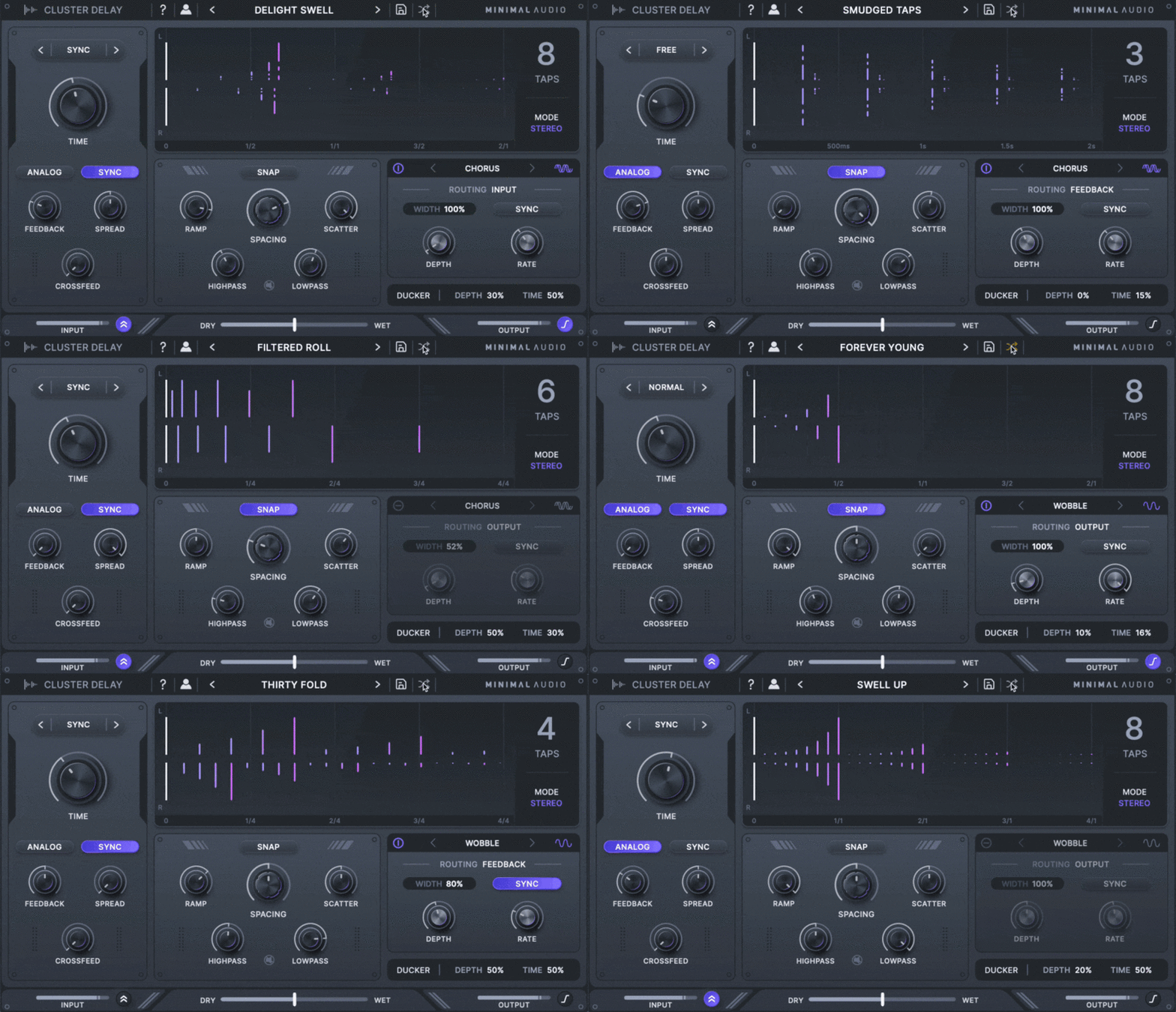
Choose from 100 versatile presets ranging from retro tape delays to modern soundscapes.
Features
- Multi-Tap Delay Sequencer - Create patterns with up to 8 taps and quickly build unique rhythms with macro controls.
- Visualise Your Delay - See exactly how your sound will evolve in time with Cluster Delay's beautiful multi-tap display.
- 100 Diverse Presets - Immediately start creating with presets that make full use of Cluster Delay's features.
- Six Integrated Effects - Transform your delay with wobble, diffusion, chorus, flanger, phaser, or frequency shifting.
- Creative Routing - Choose where each effect is placed in the delay line or use send mode for dub-style automation.
- Vast Stereo Effects - Use features such as mid-side mode, cross-feedback, and diffusion to build evolving spaces.
- Analog Modeling Mode - Activate analog modeled feedback to get rich delay effects inspired by vintage gear.
- Automatic Ducking - Keep your mixes clean and add energy by ducking the delay along to your dry input signal.
- In-App Toolkits - Become an expert with built-in tooltips that make learning Cluster Delay a breeze.
System Requirements
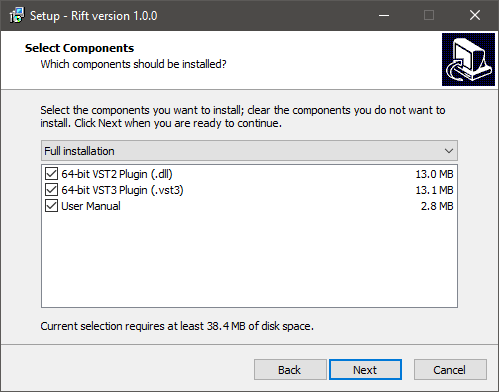
- Formats: 64 bit AU, VST, VST3, and AAX
- Works on: macOS 10.9 or higher, Windows 10 or higher
- Activation: An internet connection is required for activation.
Reviews Summary
While it aims to provide a helpful overview, it may not capture every perspective or detail. We encourage you to read individual reviews to make an informed decision.
Minimal Audio's Cluster Delay is widely praised as an innovative, creative tool that excels in sound design, experimental textures, and ambient effects. Users frequently highlight its clean visual interface, flexible multi-tap clustering, and built-in effects like diffusion, modulation, and automatic ducking. While capable of standard echo duties, reviewers note it is best suited for complex, atmospheric processing rather than basic everyday delay, with only a few finding its deep parameter set complex or unnecessary for conventional mixing.


