/ Virtual Instruments / Alienize
Sampleson

Alienize

4.5 (11 Reviews)
$59.00
Sampleson Alienize
Sampleson Alienize
Alienize - Cinematic Instrument with mouse gestures. gallery thumbnail
Alienize - Alien Zone Module Demo gallery thumbnail
Alienize - A. I. Drone Module Demo gallery thumbnail
Alienize - Electro Drone Module Demo gallery thumbnail
ALIENIZE - Automation Tutorial gallery thumbnail
Buy Now
Product information

Underscores And Ambients For Sci-Fi Scenes With Mouse Gestures

Alienize is a revolutionary way to craft dynamic underscore, melodies, and soundscapes. Utilize your mouse or MIDI controller to create intricate atmospheres, percussive textures, and melodic arpeggios to add depth and emotion to your projects. Now you can perform live and sync your creations with visuals in real time.

41 Modules. Infinite Ideas.

Alienize utilizes the mouse position on your screen to generate and manipulate sounds in real time, as well as to publish the parameter as an Automatable Parameter in your DAW. You can also map this parameter to a CC to control it from your controller. 

This innovative software has 41 sound modules, each with its own gesture behavior (for example, the Theremin pitch is regulated by the left-right cursor position). You can also play gestures over a movie in order to create synchronization on the fly.

Modulation List

  • Alien zones
  • Theremin
  • Arp 1
  • Mouse Blips
  • Mouse Booms
  • Alien Speech
  • Arp 2
  • Arp Violas
  • Hard Arp
  • Bug Flying
  • Cellos Pizz
  • A.I Drone
  • Electro Drone
  • Retro Bass Arp
  • Simple Pad
  • Simple Flute
  • Tuned Bass Drum
  • Simple Viola
  • XY Pad
  • Bass Drone
  • Sheppard 1
  • Sheppard 2
  • Arc
  • Rubbing
  • Water
  • Bronze
  • Rust
  • Coper    
  • Siren
  • Woods
  • Frame
  • Smash
  • Hit
  • String
  • Iron
  • Swoosh
  • Metal
  • Ufo
  • Percussive
  • Vibration
  • Plastic
  • Ratlle

Features

  • Cinematic Instrument for Sci-Fi music scoring.
  • Ambient, Arps, Drones, Melodic and Textures Modules.
  • ~200MB.
  • Low CPU usage.
  • 41 sound modules.
  • 120 presets.
  • Automated parameters for DAWs.
  • Granular, Wavetable, Oscillator and Sampling Engines.
  • Scalable HD interface.

System Requirements

macOS

  • OSX 10.7 or later (Monterey compatible)
  • Host must support VSTi or AU plugins.
  • 200 MB HDD
  • 4GB RAM

Windows

  • Windows 7 or later
  • Host must support VSTi plugins.
  • 200 MB HDD
  • 4GB RAM

Important Note: Pro Tools is not supported.

Installation Instructions

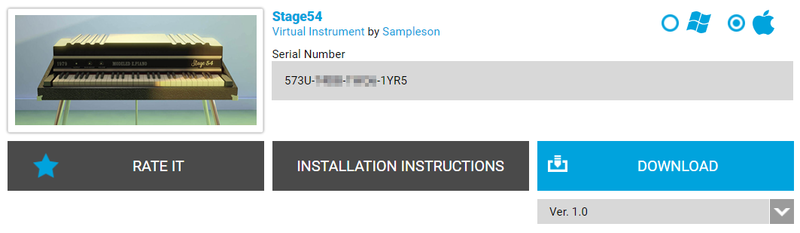
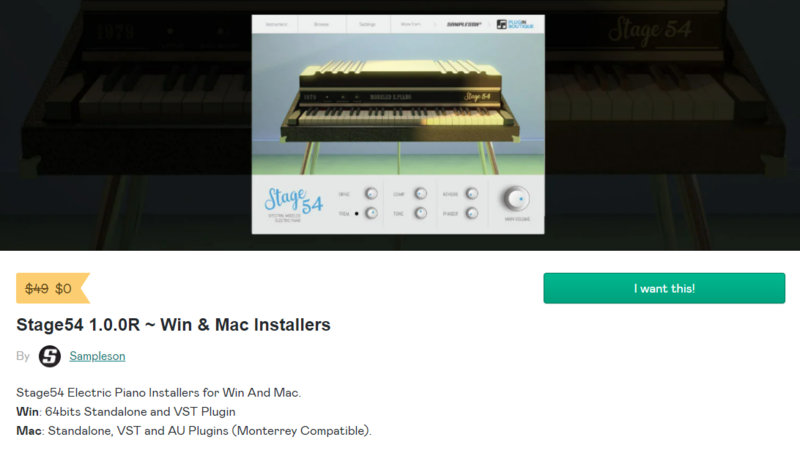
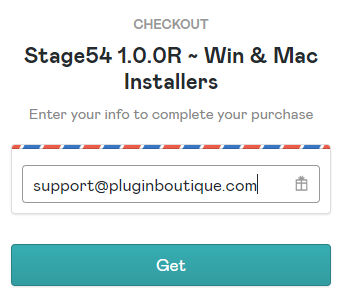
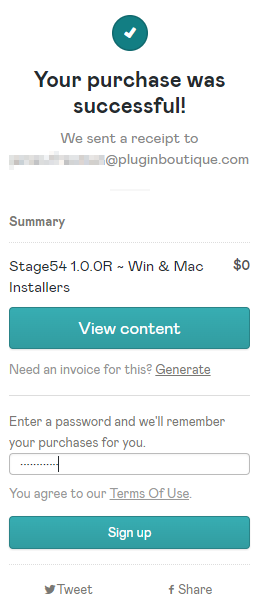
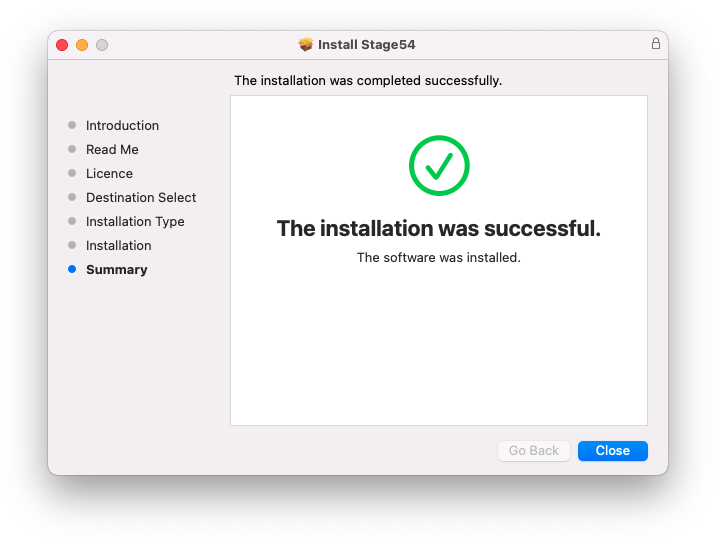
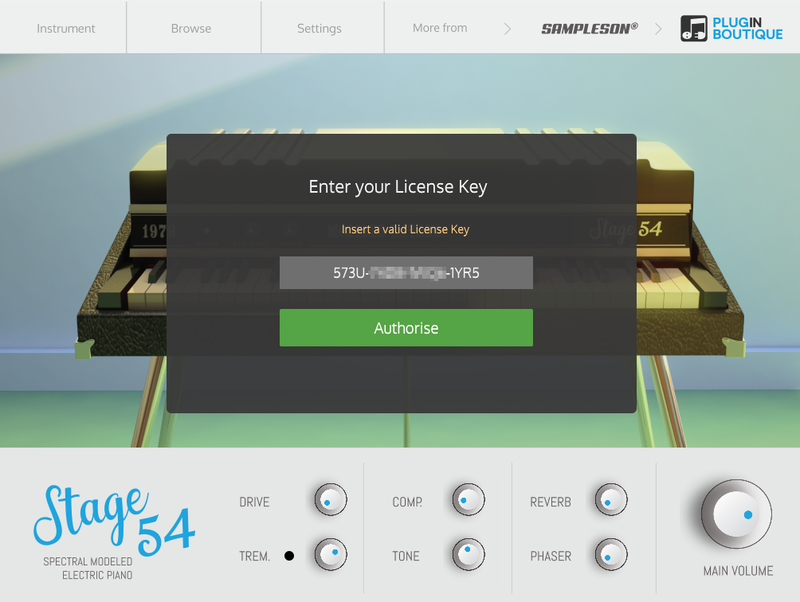
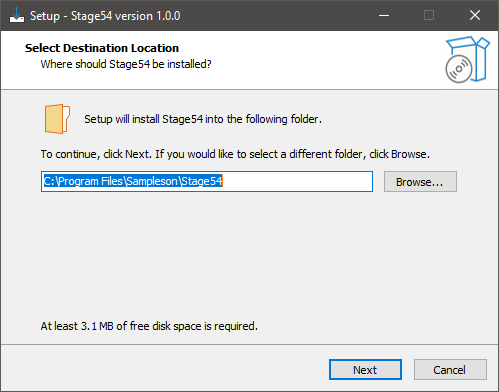
Please Note: Stage54 is used as an example.

Mac

Download Installer

1. Navigate to your Plugin Boutique User Account and locate Stage54 > Click the blue 'DOWNLOAD' button.

2. Click 'I want this!'.

3. Enter your email address > Click 'Get'.

4. Click 'View content' to proceed straight to your downloads > Alternatively, enter a password to create an account for future access to your download > Click 'Sign Up'.

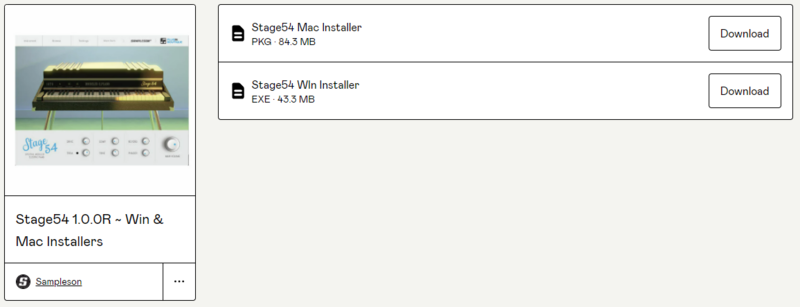
5. Locate the 'Stage54 Mac Installer' > Click 'Download'.

Installation

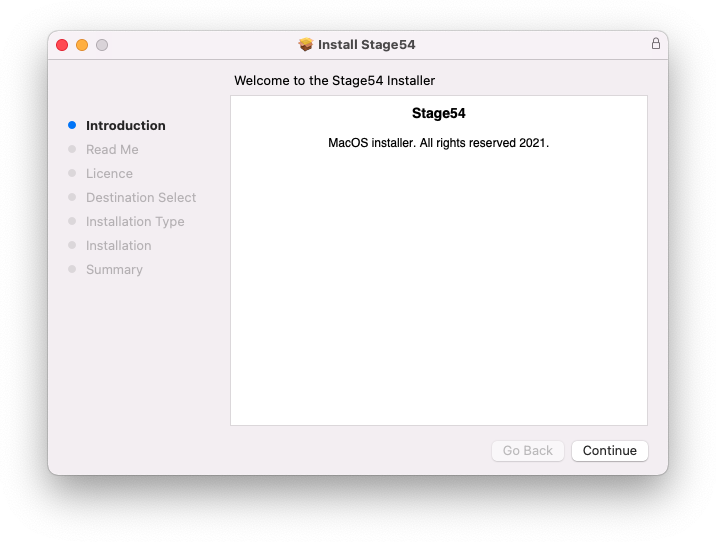
1. Navigate to your Downloads folder and locate the 'Stage54 Mac Installer.pkg' > Launch the installer.

2. Click 'Continue'.

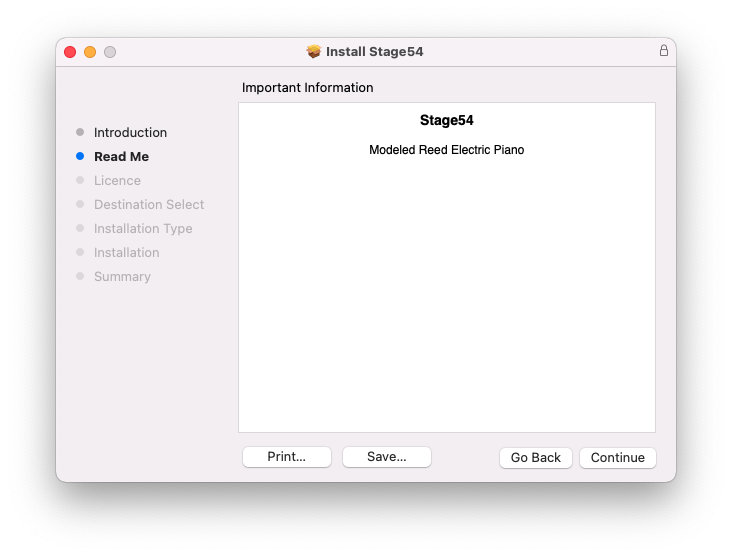
3. Click 'Continue'.

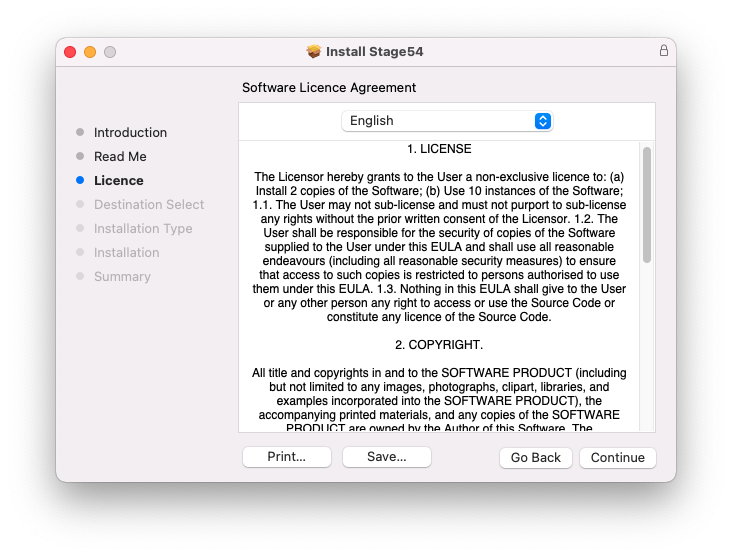
4. Click 'Continue'.

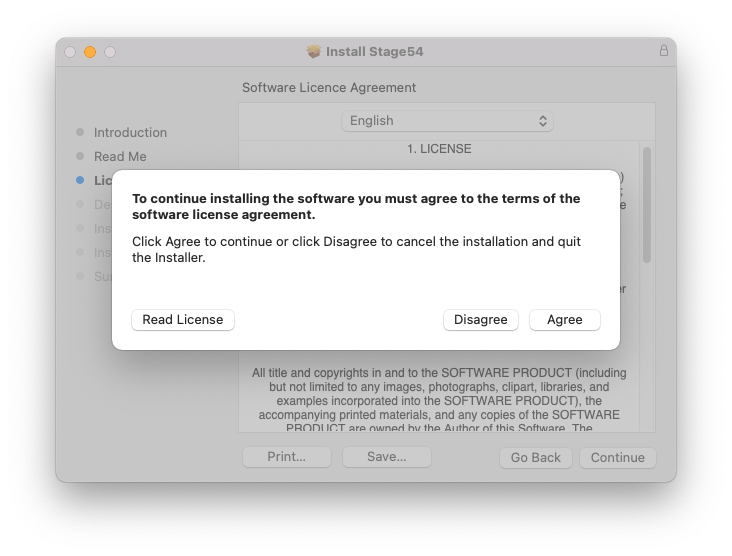
5. Click 'Agree'.

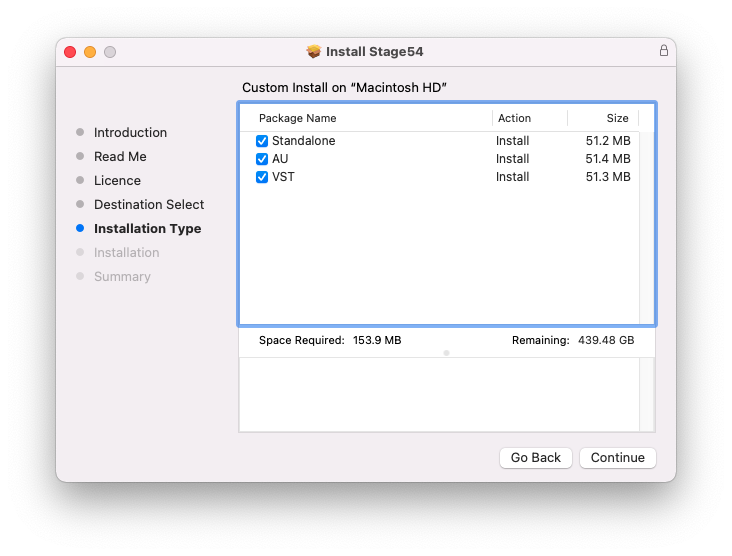
6. Click 'Continue'.

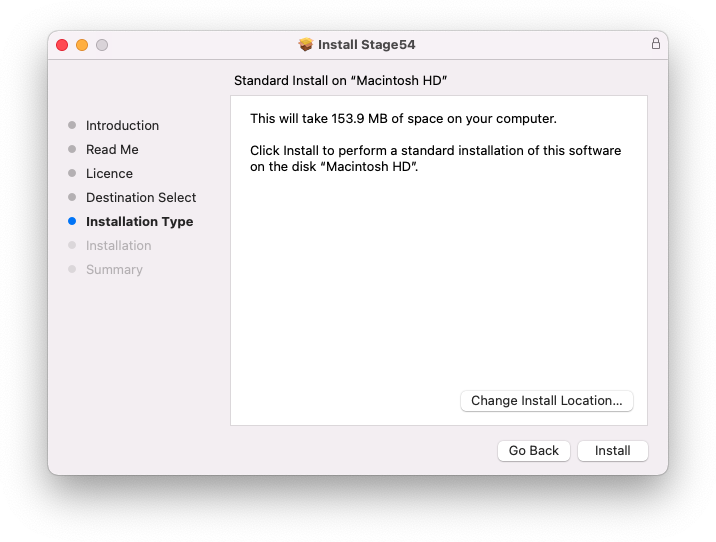
7. Click 'Install'.

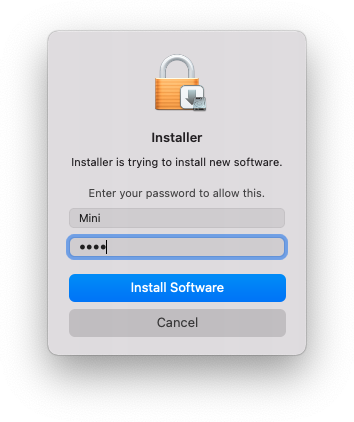
8. Enter your system password > Click 'Install Software'.

9. Click 'Close'.

10. Launch your DAW > Create a new Virtual Instrument track > Insert Stage54 onto the channel > Paste your 16 digit serial number found within your Plugin Boutique User Account into the box > Click 'Authorise'.

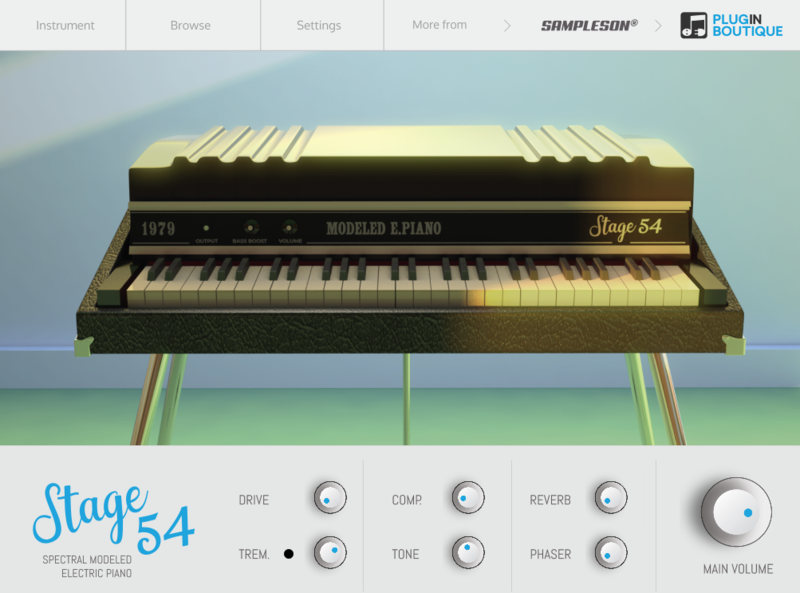
Stage54 is now installed, activated, and ready to use within your DAW.

Windows

Download Installer

1. Navigate to your Plugin Boutique User Account and locate Stage54 > Click the blue 'DOWNLOAD' button.

2. Click 'I want this!'.

3. Enter your email address > Click 'Get'.

4. Click 'View content' to proceed straight to your downloads > Alternatively, enter a password to create an account for future access to your download > Click 'Sign Up'.

5. Locate the 'Stage54 Win Installer' > Click 'Download'.

Installation

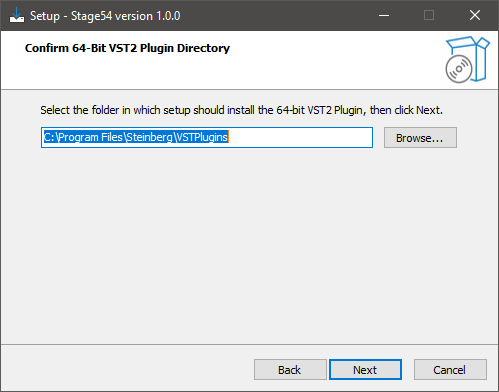
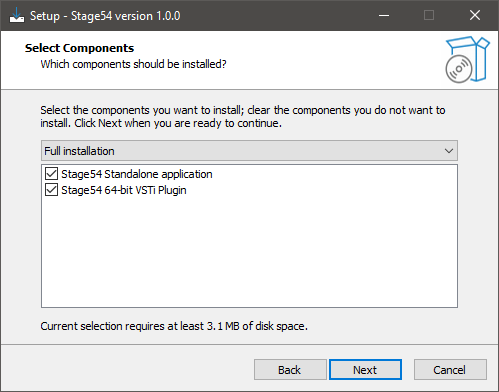
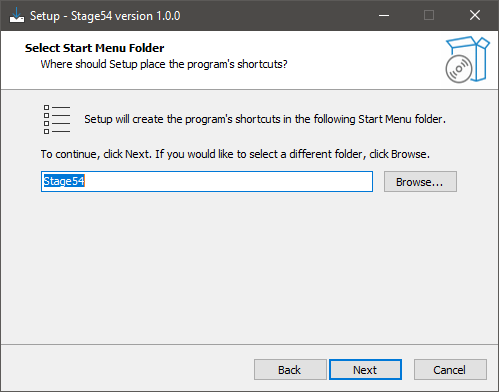
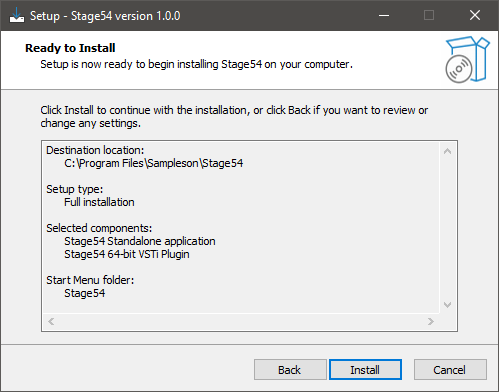
1. Navigate to your Downloads folder and locate the 'Stage54 Win Installer.exe' > Launch the installer.

2. Click 'Next'.

3. Click 'Next'.

4. Click 'Next'.

5. Click 'Next'.

6. Click 'Install'.

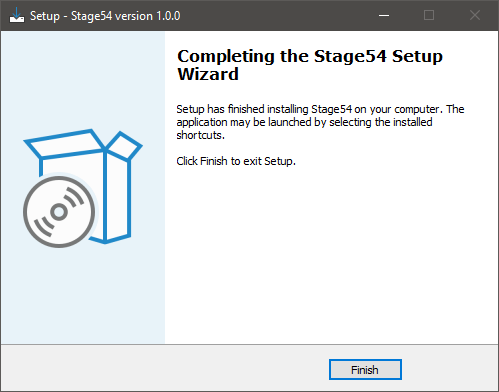
7. Click 'Finish'.

8. Launch your DAW > Create a new Virtual Instrument track > Insert Stage54 onto the channel > Paste your 16 digit serial number found within your Plugin Boutique User Account into the box > Click 'Authorise'.

Stage54 is now installed, activated, and ready to use within your DAW.

Bundle & Save

Sampleson Collection Bundle
$1,200.00

Plugin Boutique Rewards

Discover the most rewarding loyalty programme among all plugin retailers.

  • Free Loopmasters Samplepacks
  • Discounts on products and courses
  • Extra Virtual Cash claimed immediately at checkout
Find out more

Follow us:

X (Twitter) Facebook YouTube Instagram
Logo Logo

Plugin Boutique Limited, Part of the Beatport Group LLC.

Copyright © 2011-2025 Plugin Boutique. All rights reserved