


 Log In

Free gifts available with your purchase
Cymbal bleed is the enemy of great drum mixes. Traditional gates can only help so much before the gating itself becomes obvious. Silencer is the ultimate solution, eliminating cymbal bleed while preserving the integrity of your original sound. It’s not just a gate... it will forever change the way you mix drums.
More Than Just A Gate
Unlike a traditional gate that simply reduces volume, Silencer incorporates a transparent & musical sounding gate with an advanced de-bleeding circuit. This allows you to kill all of the nasty high-frequency bleed while preserving the attack, tone and body of the original sound.
Get 2x From Your Drums
For decades, mixers have had to rely on samples and compromise their live drum mixes because of bleed. With Silencer, all that nasty bleed will disappear - so go ahead and crank that EQ, saturation and compression twice as much as before. It’s so good that your live drum tracks will sound as clean as drum samples.
Intuitive Controls, Extreme Precision
With dedicated processing for Snare Top, Snare Bottom, Kick and Toms, Silencer intelligently filters out other parts of the kit to avoid mis-triggers. Its true lookahead means the transients you want always get through undamaged. The visualizer and simplified interface allow you to dial in your de-bleeded drum track in seconds.
Features
- Unique De-Bleed circuitry, absent in conventional gates, allows precise and natural gating across the frequency spectrum.
- Multiple predefined drum modes, ensure instant adaptability to any audio material.
- The DeBleed circuit is meticulously tuned by ear, delivering a natural high-end sound that blends seamlessly into any mix.
- The mode-dependent lookahead behavior ensures that no transient snap or attack goes unnoticed.
- Fine-tuned Gate Decay curve allows for gated drums that decay naturally at any length.
- Ghost Note toggle for easy automation, allowing ghost notes to pass through even when below the threshold.
- Precise Waveform Visualizer that provides a clear visual context for setting the Gating Threshold per Mode, allow for quick mix decisions.
- Sidechain Support so the plugin can react based on inputs from various sidechain sources, unlocking a world of flexibility and creative mixing potential.
- User-adjustable Reduction amount to either mute gated material entirely or blend it in to achieve the desired sound.
System Requirements
Mac
- Mac OS X 10.11 or higher
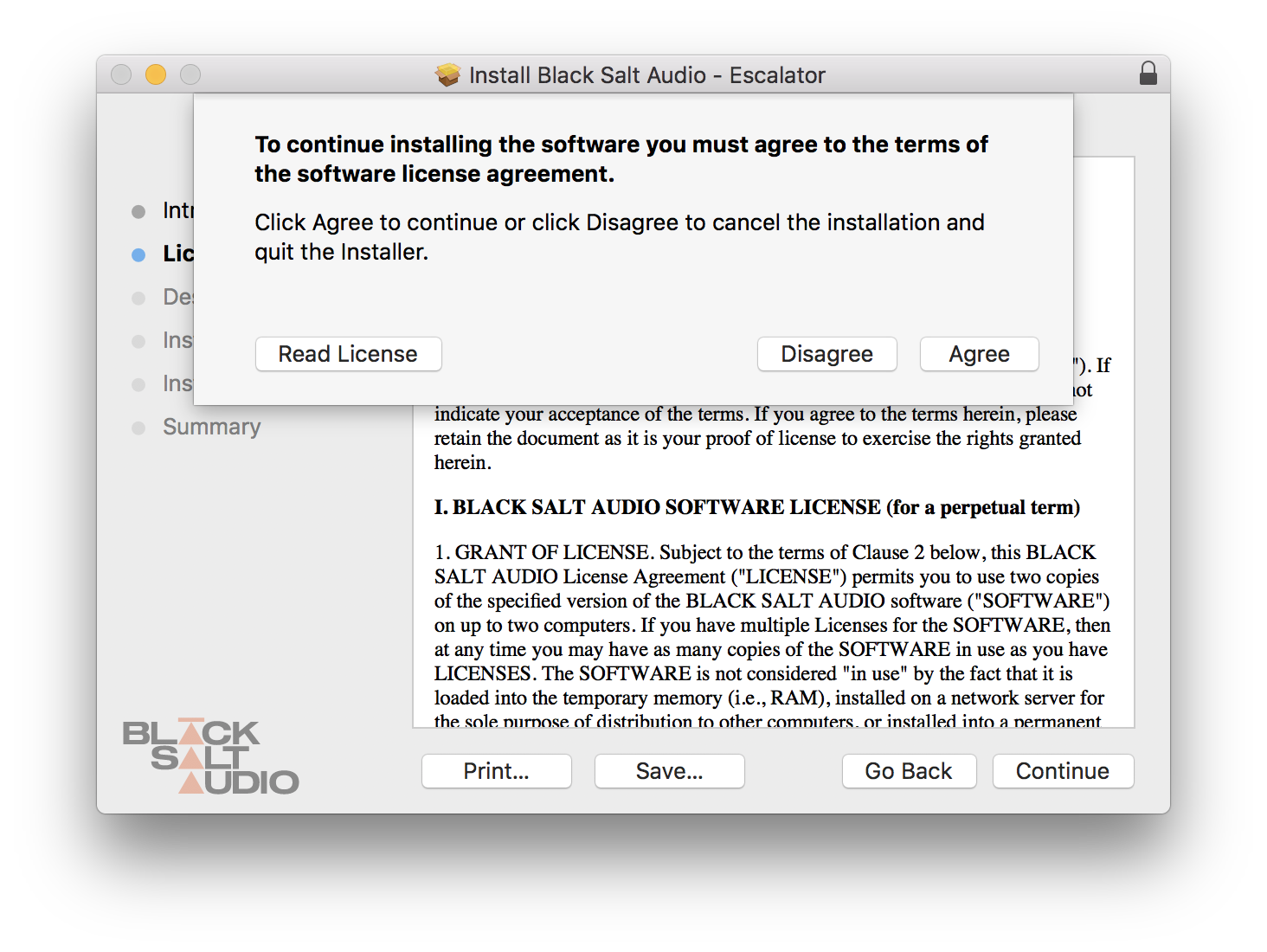
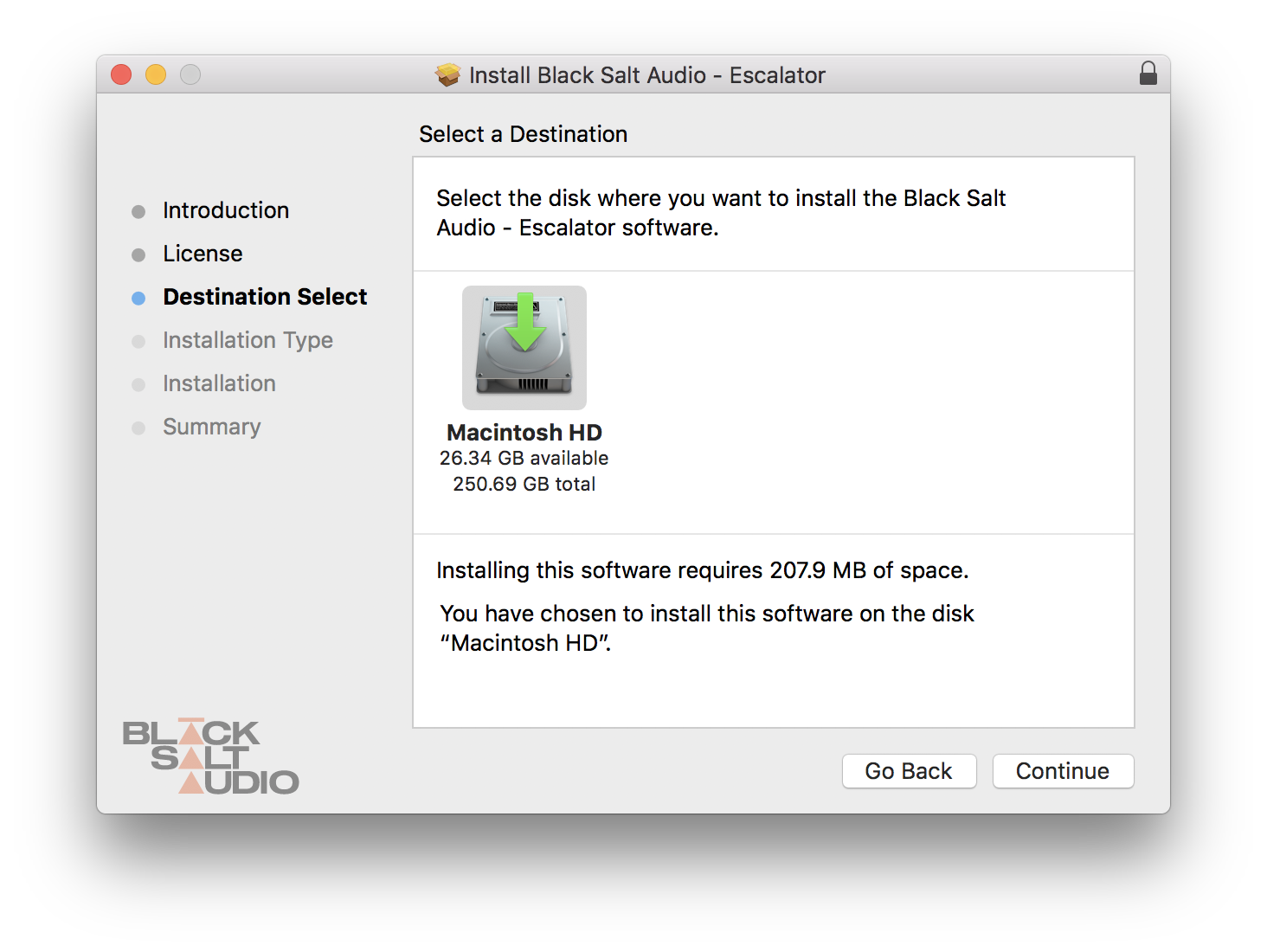
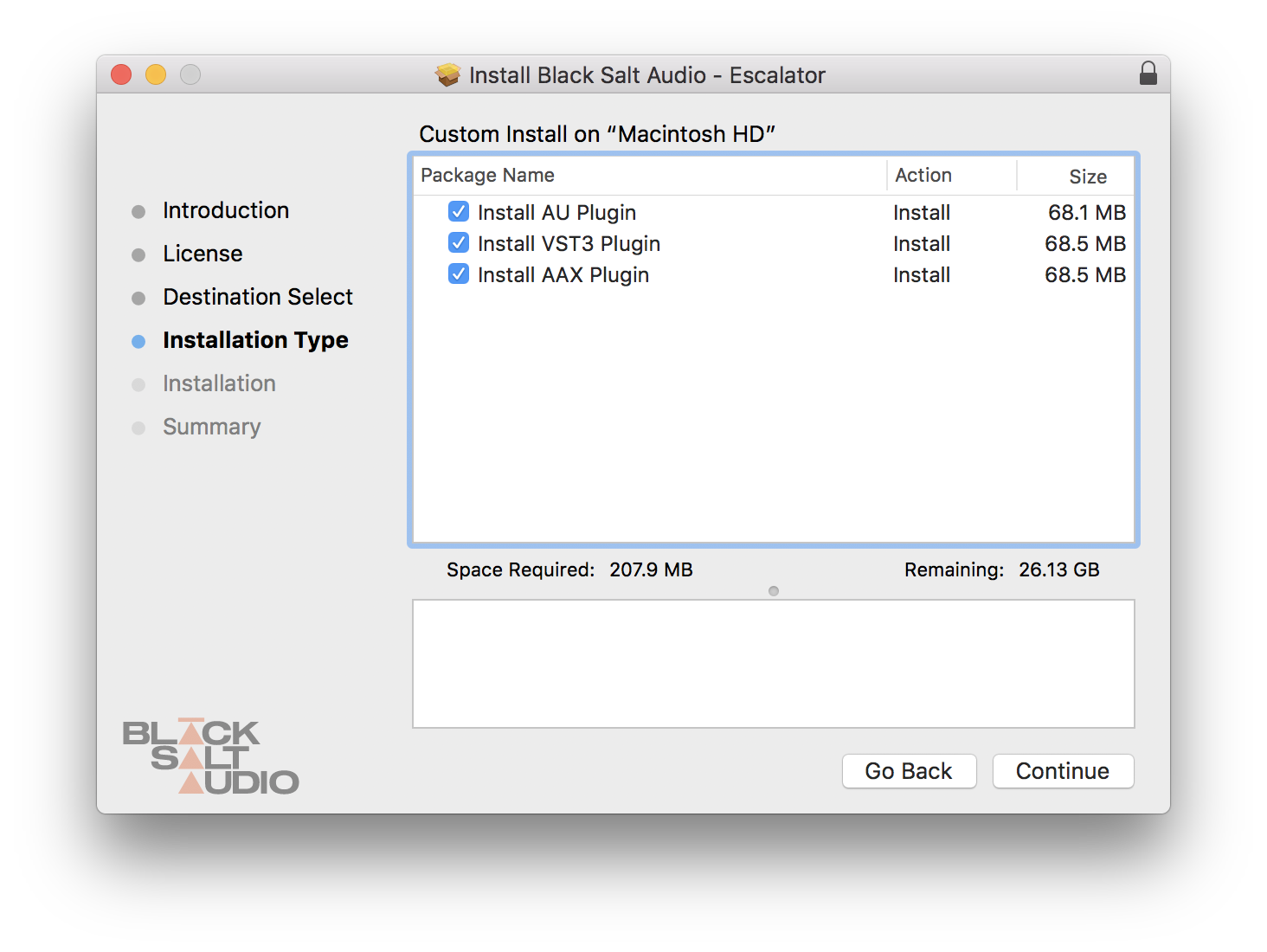
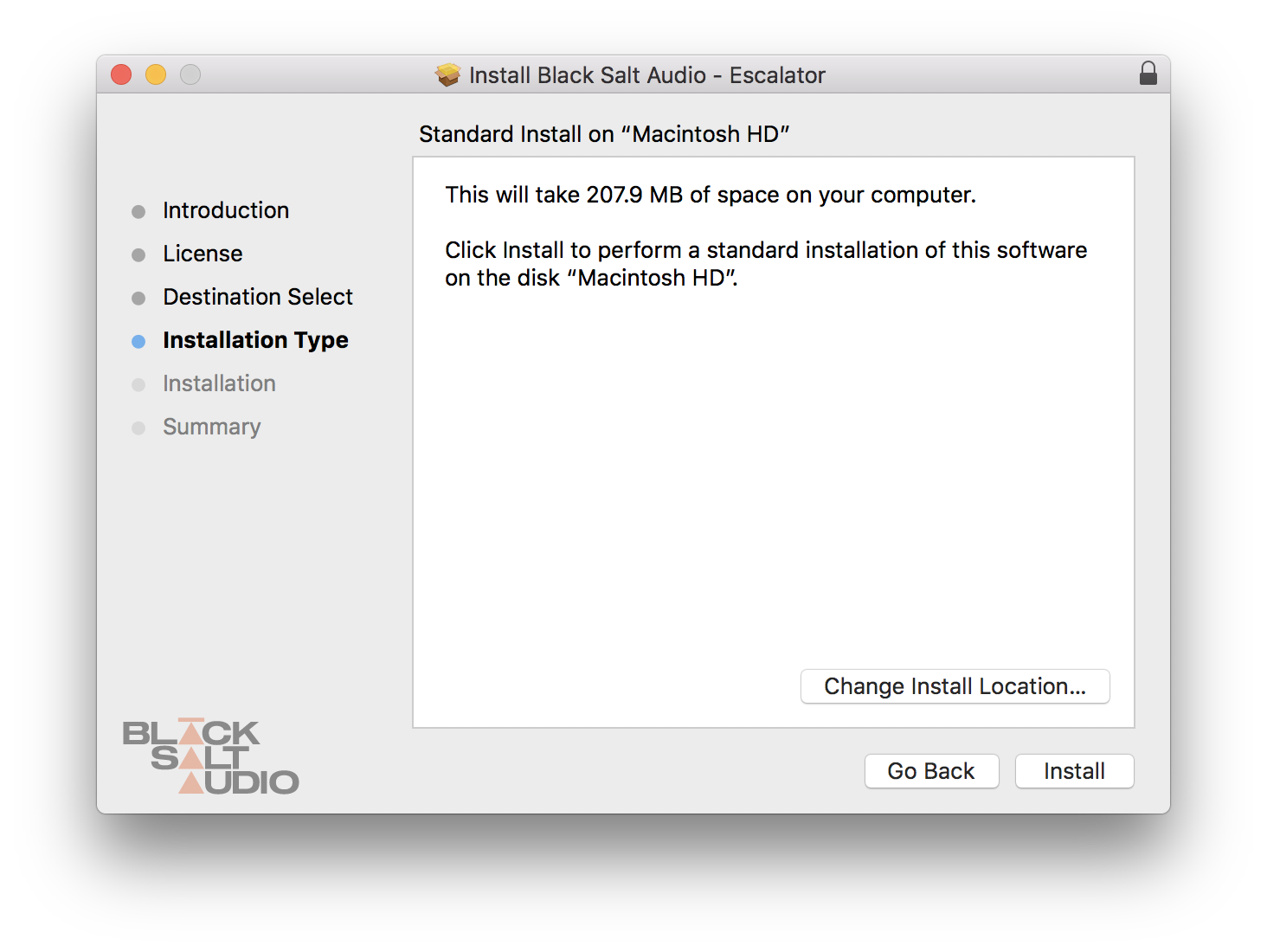
- At least 200 MB of free drive space
- AAX, AU, VST3 versions
PC
- Windows 10
- At least 200 MB of free drive space
- AAX, VST3 versions
Sam Guaiana
The Devil Wears Prada, Silverstein, Against The Current
“Silencer does exactly what its name implies, and super well I might add. The ghostnote and the sidechain feature make it the best of many gates all in one."
Forrester Savell
Karnivool, Skyharbor, Dead Letter Circus
“This plugin really is excellent. Silencer has replaced my entire gating chain because whatever I do, nothing sounds as clean as Silencer.”
Andy Sneap
Killswitch Engage, Dream Theatre, Fear Factory
“Silencer is one of the best and most intuitive drum gates I’ve ever used. I highly recommend it. Great work BSA!”






Reviews Summary
While it aims to provide a helpful overview, it may not capture every perspective or detail. We encourage you to read individual reviews to make an informed decision.
Overall, users highly praise this drum gate plugin for its simplicity, speed, and effectiveness at cleaning up drum tracks and removing bleed while maintaining articulation. While largely regarded as an excellent and time-saving tool, some users noted minor drawbacks, such as a slight softening of initial transients, occasional artifacts, and the need for sidechaining or fine-tuning in difficult mix situations.


