


 Log In

Free gifts available with your purchase
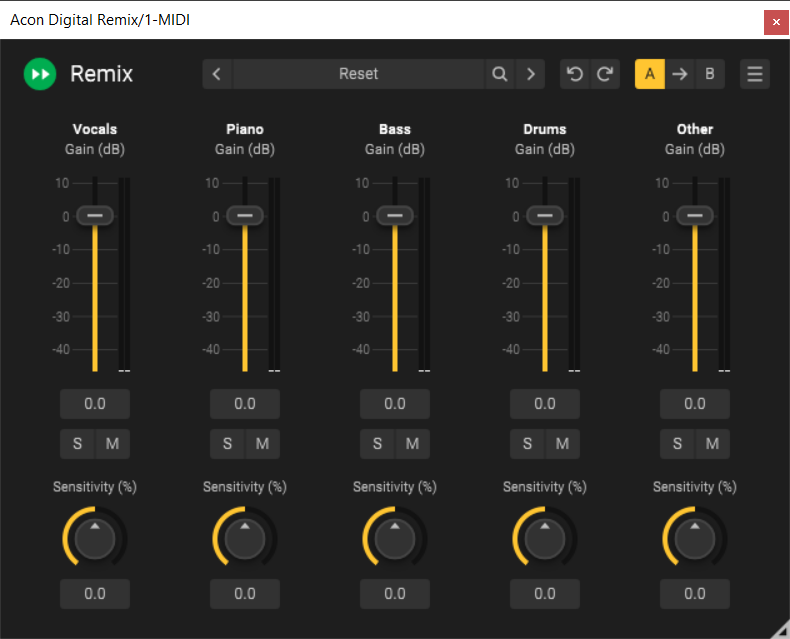
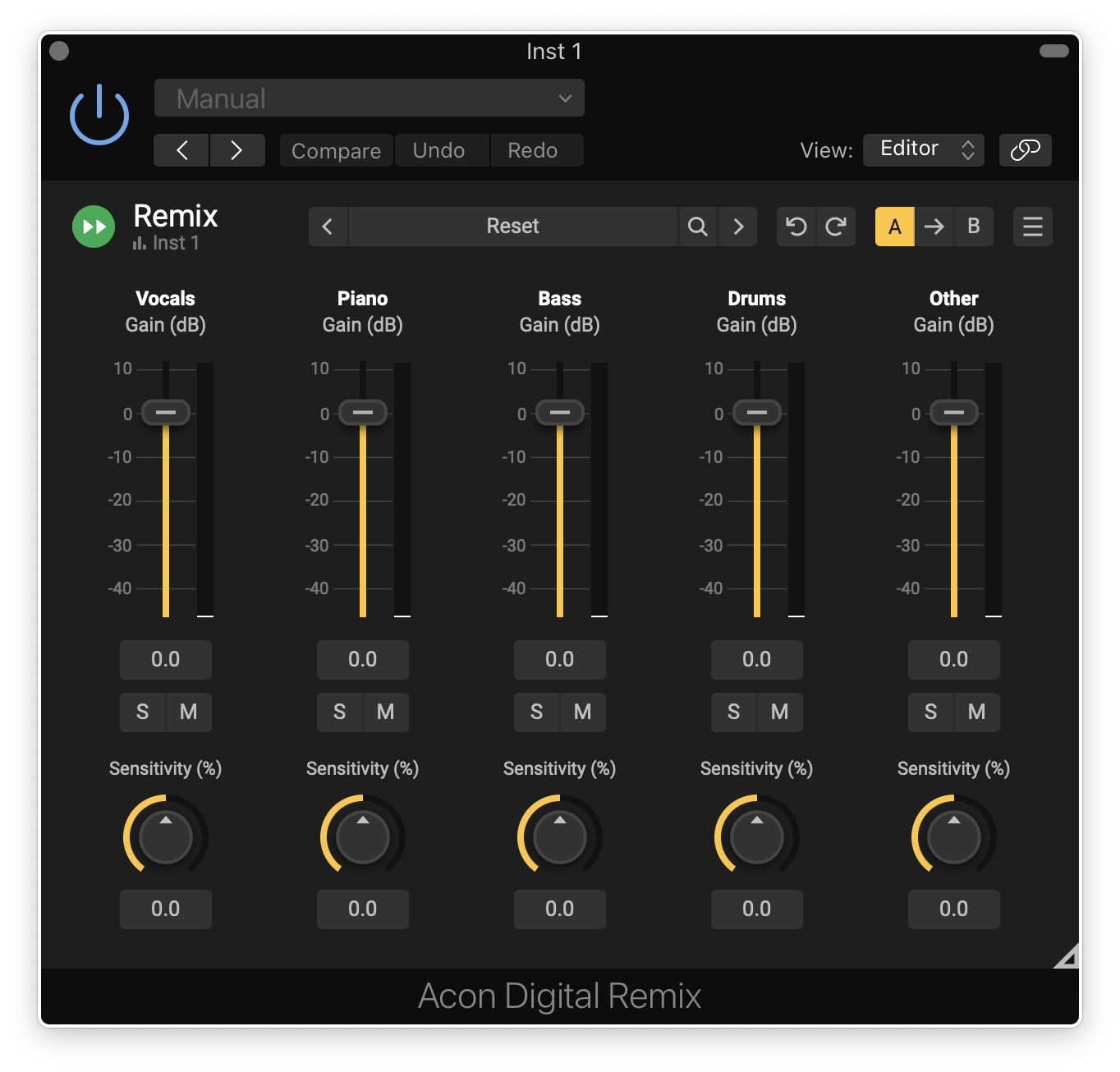
Remix is the first plug-in capable of separating instrument groups in a mix – so called stems – in real-time with an acceptable latency. Remix uses cutting edge technology based on artificial intelligence to separate complete mixes into five stems – Vocals, Piano, Bass, Drums and Other. These stems can be remixed so that you can easily increase the level of the vocals, reduce the level of the drums or even create a karaoke version.
Remix lets you control the sensitivity of the detection for each separate stem so that you can find the optimal balance between artifacts and spill. All the parameters are fully automatable.
In addition to the output with the signal mix, Remix offers separate outputs for each stem. You can route the outputs to separate tracks if your host allows it, thus making it possible to use insert effects as if you had five separate tracks.
Features
- Separate mixes into five stems – Vocals, Piano, Bass, Drums and Other
- Sensitivity controls for detection of each stem
- Output level meters for each stem
- Multiple audio outputs – Mix, Vocals, Piano, Bass, Drums and Other
- Preset manager and a large number of factory presets
- Save, load and categorize user presets
- Resizable graphical user interface
- Adjustable UI scaling
System Requirements
Windows
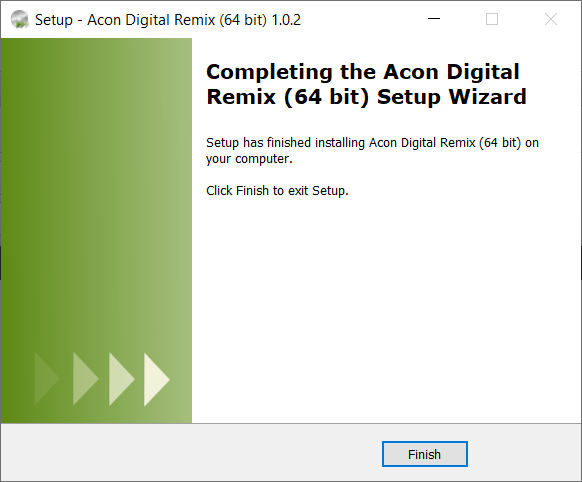
- Windows 11 / 10
- Intel Core i5 or AMD multi-core processor (Intel Core i7 or faster recommended)
- 1366 x 768 display resolution (1920 x 1080 or higher recommended)
- 1 GB RAM (4 GB or more recommended)
- 1 GB free HD space
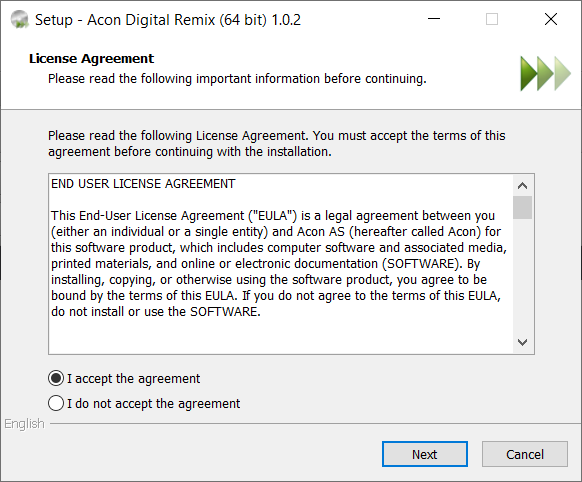
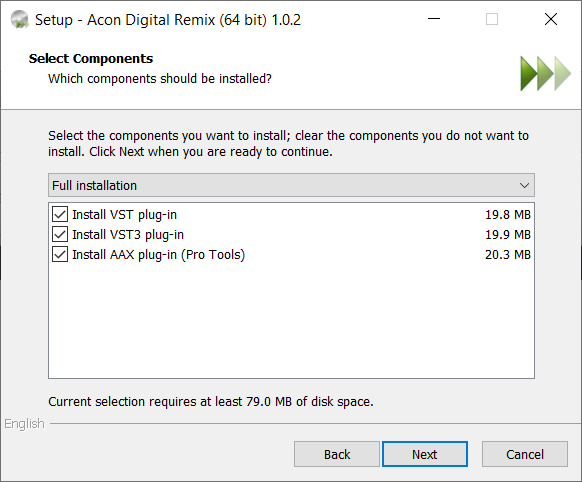
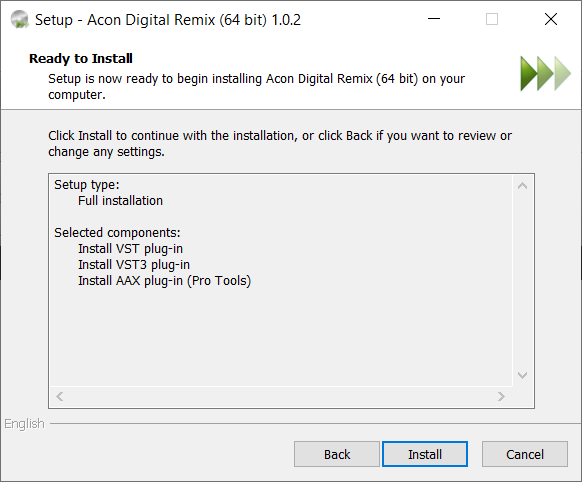
- A host application that is compatible with VST, VST3 or AAX (Pro Tools 12 or higher)
macOS
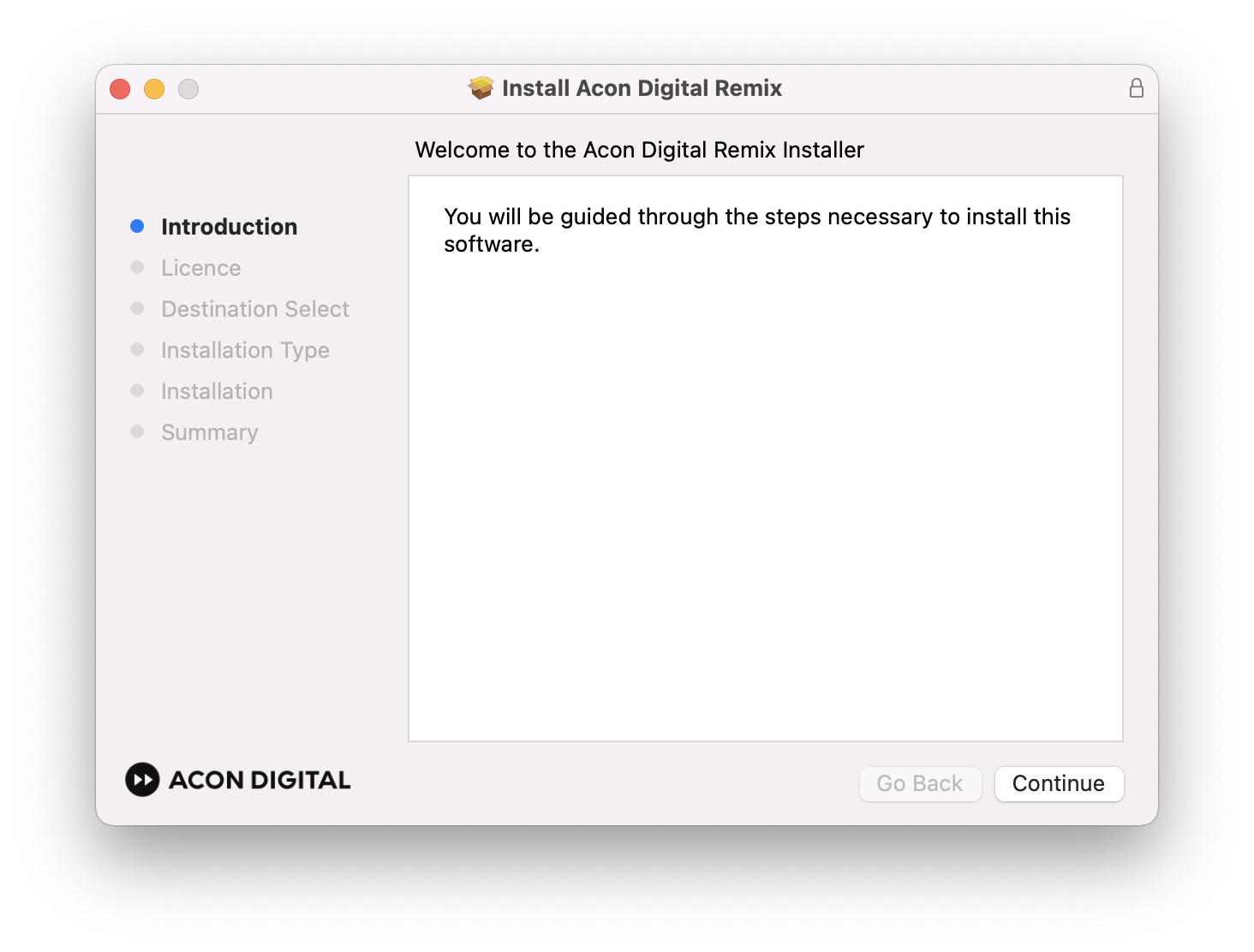
- OS X 10.13 or later
- Runs natively on ARM64 and Intel
- 1 GB RAM (4 GB or more recommended)
- 1 GB free HD space
- A host application that is compatible with AU, VST, VST3 or AAX (Pro Tools 12.8.3 or higher)
Ezequiel Morfi
Mastering Engineer at TITANIO STUDIOS
"As a mastering engineer, Remix is a must-have tool from now on. No more sending back mixes for a vocal-up version or a level-adjustment in the drums when I can now rebalance the song myself before going into the processing chain!"
Josh Berger
Emmy-Nominated Re-Recording Mixer - King Richard, Babygirl, The U.S.
"I’m really enjoying Remix. It’s especially useful for mixing dialog and music together. Instead of using an EQ or lowering the music level, Remix lets me adjust vocals or drums without sacrificing the track’s overall volume. Running it in real-time is a huge plus."
Mark Hensley
Dialogue Mixer - Genius:Picasso, Mayans, Tulsa King
"Remix has allowed me to keep the energy of a song cue up, by just lowering the level of the vocals."





Reviews Summary
While it aims to provide a helpful overview, it may not capture every perspective or detail. We encourage you to read individual reviews to make an informed decision.
Users consistently praise the plugin for its standout real-time stem separation capabilities, eliminating the need to render offline and making it ideal for quick rebalancing, sampling, referencing, live mix cleanup, and remixing. While reviewers note that it can be CPU-heavy and may not provide the absolute highest quality isolation compared to offline tools—with results varying by track—they find it intuitive, highly useful, and effective for fast workflow adjustments.


