Buy SkyWaves, get a free gift with purchase:
Analog Cinematic Soundscapes
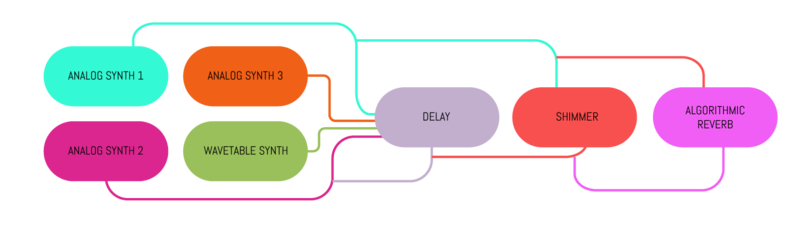
SkyWaves is a soundscape and ambient creator built upon faithful recreation of analog synth oscillators and analog effects.
High quality analog sound sources + spacious and diffuse ambient analog FXs. A simple formula that will give you a Hollywood-grade sound quality.
Analog Oscillators + Industry-Standard Effects
Experience the depth of a fat and harmonically rich synthesizer. Robust tones accompanied by immersive effects. This proven formula effortlessly blends analog waveforms with washed atmospheres, providing a versatile canvas for musical storytelling. From subtle to grandiose, this combination helps to shape evocative soundscapes that captivate listeners and enhance narratives.
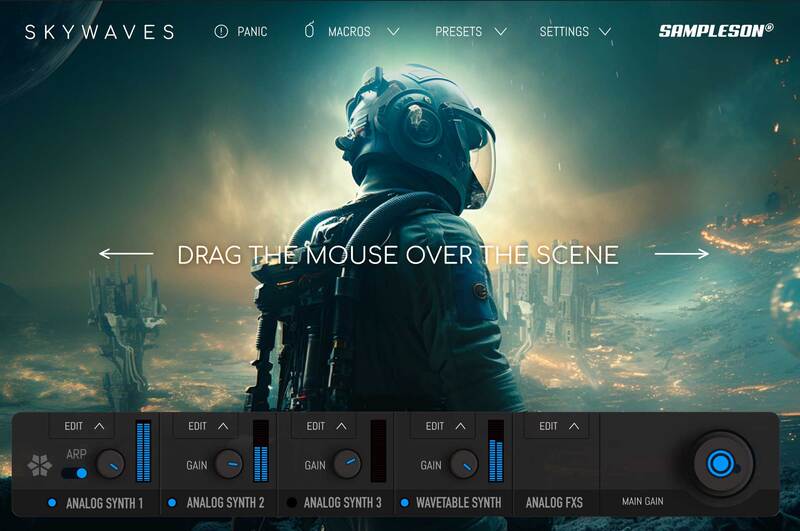
Its intuitive interface and mouse-drag UI zone provide you with complete control over the sound by consolidating numerous parameters into a single gesture. This makes SkyWave a unique and powerful tool for quickly creating immersive soundscapes that evolve with each mouse-drag or CC movement.
Beautiful Analog Waveforms
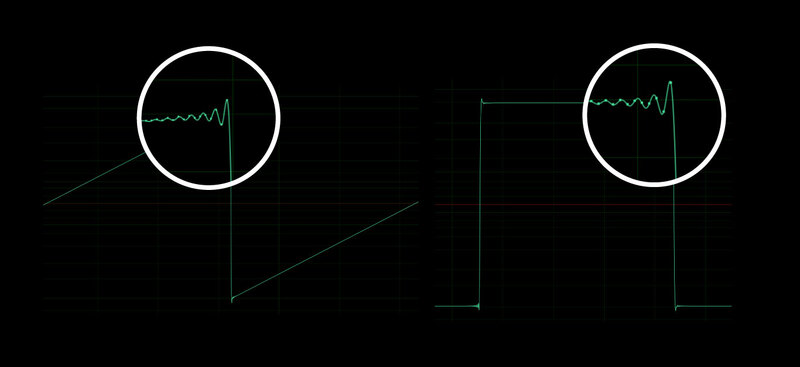
Immerse yourself in the world of sound with meticulously crafted analog waveforms. These waveforms are born from accurate modeling of analog oscillators, resulting in rich, dynamic signals that evoke the essence of vintage synthesis.
Features
- Cinematic Instrument for music scoring.
- Ambient, Arps, Drones, Melodic and Textures sounds.
- ~100 MB.
- Low CPU usage.
- 3 Analog-modeled synths
- 1 Wavetable Synth presets.
- Automated parameters for DAWs.
- Scalable HD interface.
Controls/FX
- Algorithmic Reverb.
- Shimmer Ambient FX.
- Stereo Delay.
System Requirements
MacOS
- Supported on Apple Silicon (Native) and Intel Macs.
- Standalone App, VST3 and AU included.
- Works on OSX 10.7 or later.
- Host must support VSTi or AU plugins.
- 100 MB HDD.
- 4GB RAM.
- 64 bits Plugin and Standalone.
Windows
- Standalone 64 bits App and VST3 included.
- Windows 7 or later.
- Host must support VSTi plugins.
- 100 MB HDD.
- 4GB RAM.
- 64 bits Plugin and Standalone.
Important Note: Pro Tools is not supported.

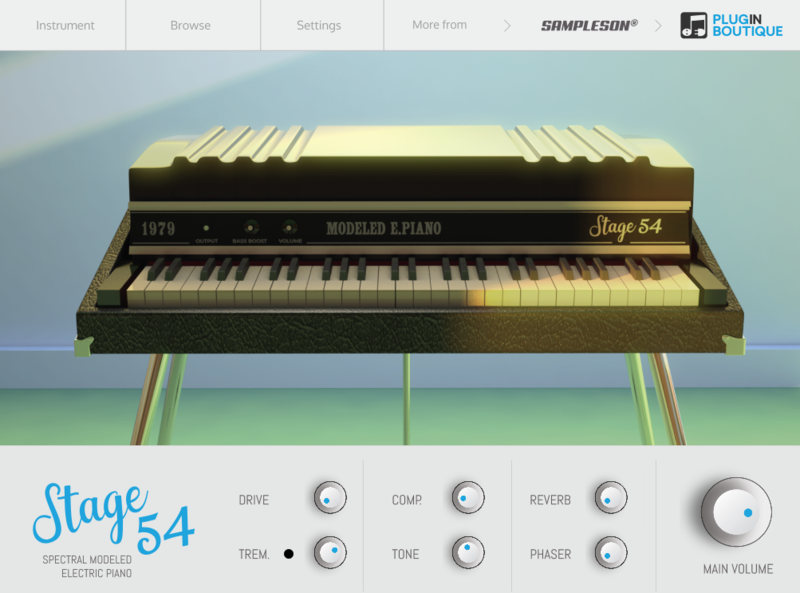
Please Note: Stage54 is used as an example.
Mac
Download Installer
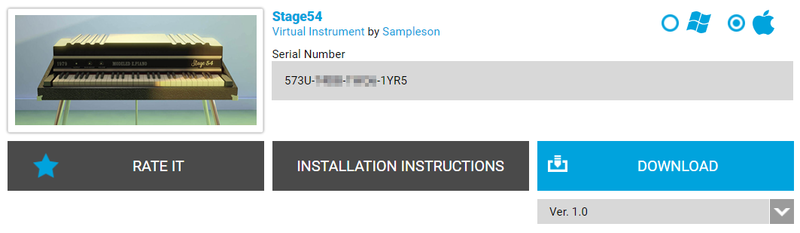
1. Navigate to your Plugin Boutique User Account and locate Stage54 > Click the blue 'DOWNLOAD' button.
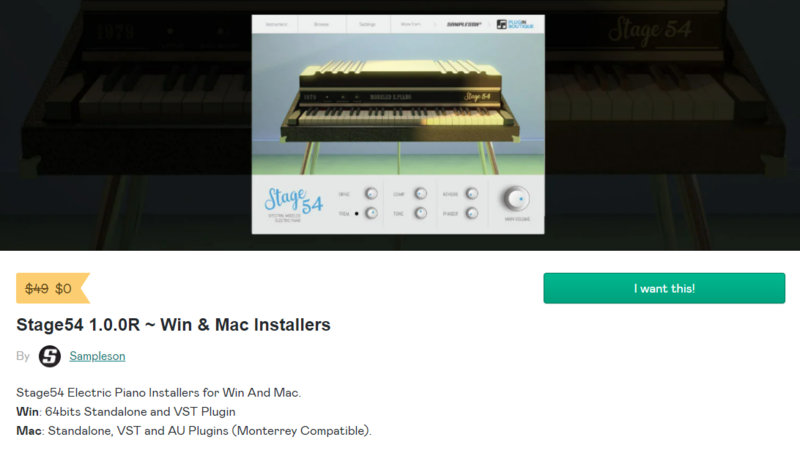
2. Click 'I want this!'.
3. Enter your email address > Click 'Get'.
4. Click 'View content' to proceed straight to your downloads > Alternatively, enter a password to create an account for future access to your download > Click 'Sign Up'.
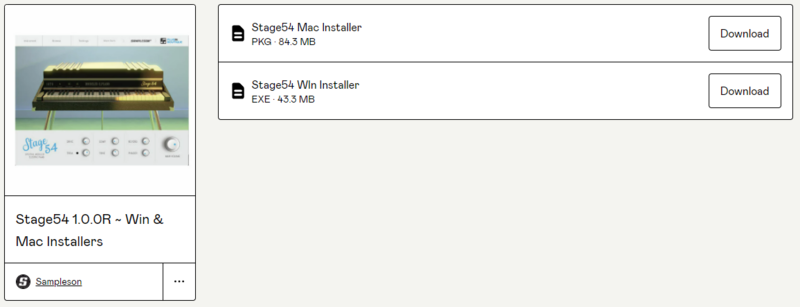
5. Locate the 'Stage54 Mac Installer' > Click 'Download'.
Installation
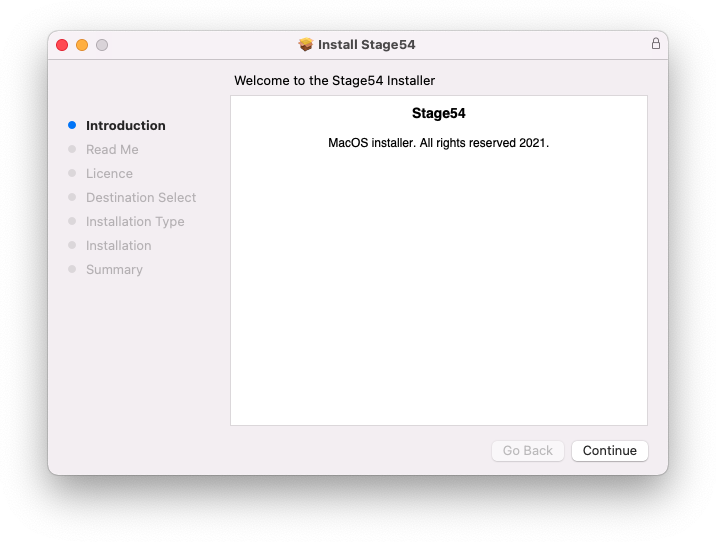
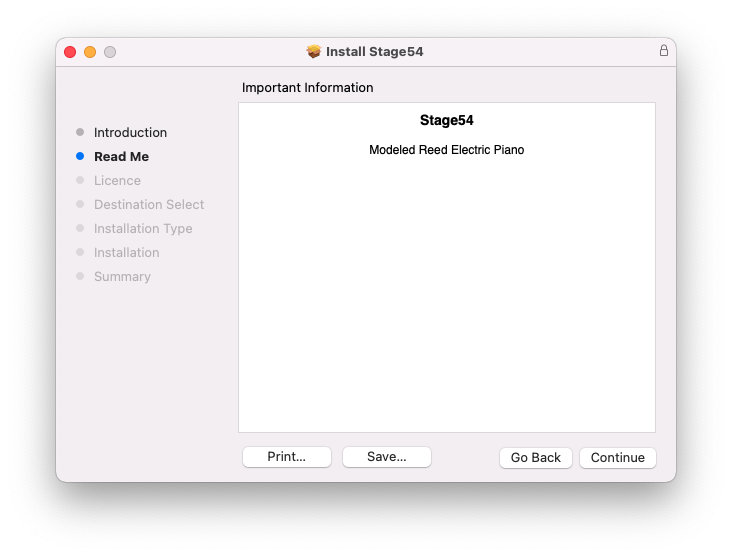
1. Navigate to your Downloads folder and locate the 'Stage54 Mac Installer.pkg' > Launch the installer.
2. Click 'Continue'.
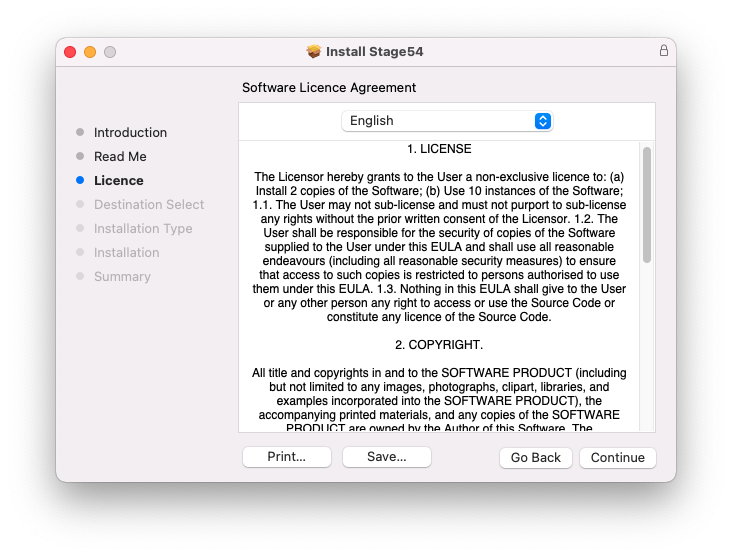
3. Click 'Continue'.
4. Click 'Continue'.
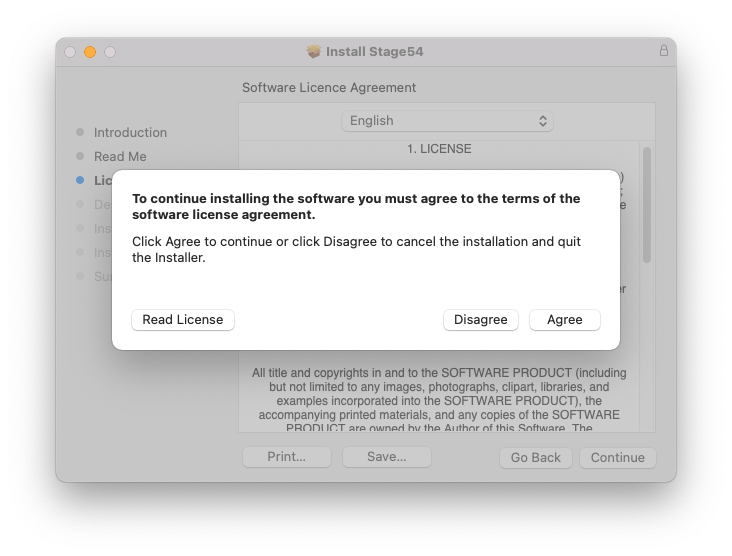
5. Click 'Agree'.
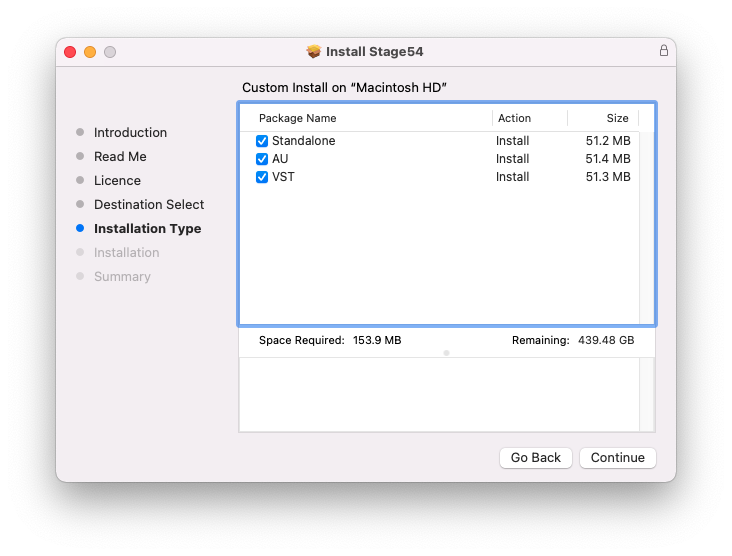
6. Click 'Continue'.
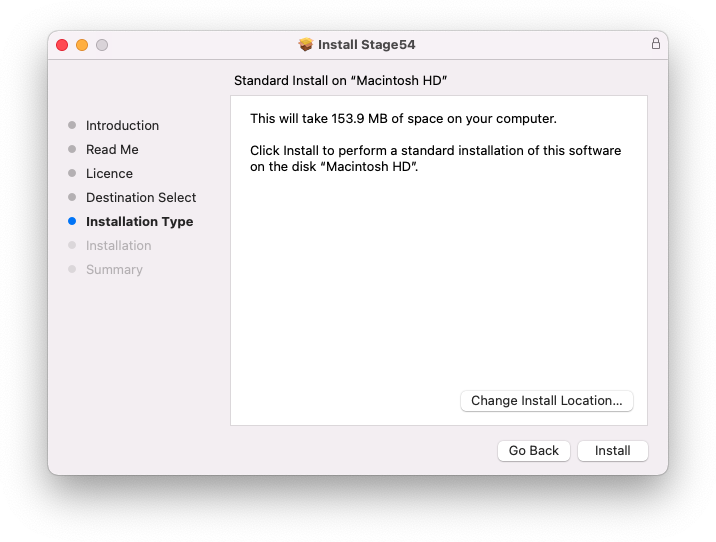
7. Click 'Install'.
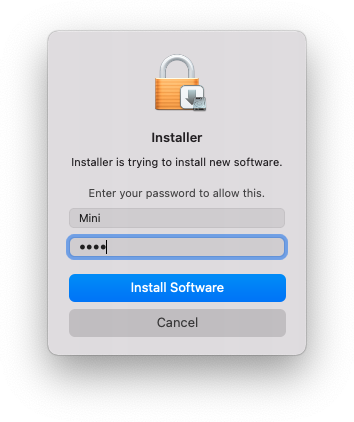
8. Enter your system password > Click 'Install Software'.
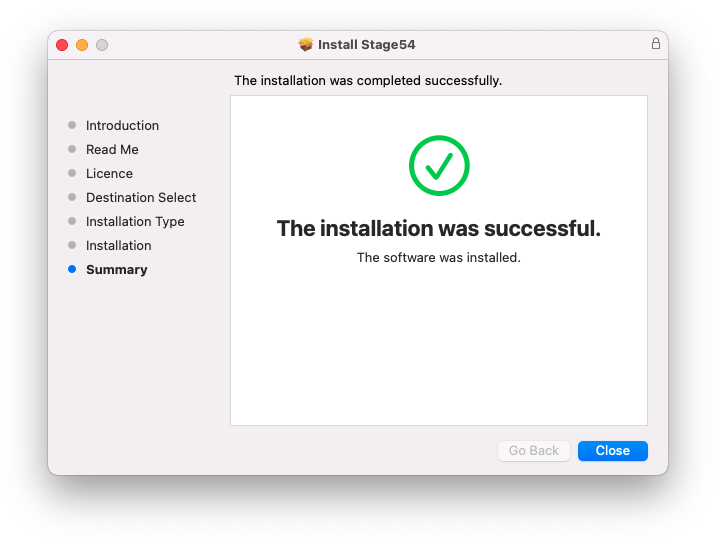
9. Click 'Close'.
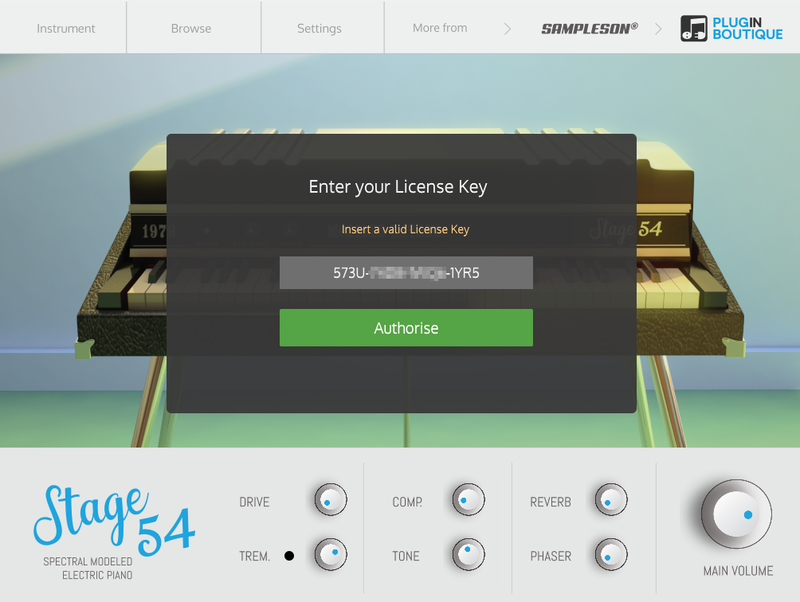
10. Launch your DAW > Create a new Virtual Instrument track > Insert Stage54 onto the channel > Paste your 16 digit serial number found within your Plugin Boutique User Account into the box > Click 'Authorise'.
Stage54 is now installed, activated, and ready to use within your DAW.
Windows
Download Installer
1. Navigate to your Plugin Boutique User Account and locate Stage54 > Click the blue 'DOWNLOAD' button.
2. Click 'I want this!'.
3. Enter your email address > Click 'Get'.
4. Click 'View content' to proceed straight to your downloads > Alternatively, enter a password to create an account for future access to your download > Click 'Sign Up'.
5. Locate the 'Stage54 Win Installer' > Click 'Download'.
Installation
1. Navigate to your Downloads folder and locate the 'Stage54 Win Installer.exe' > Launch the installer.
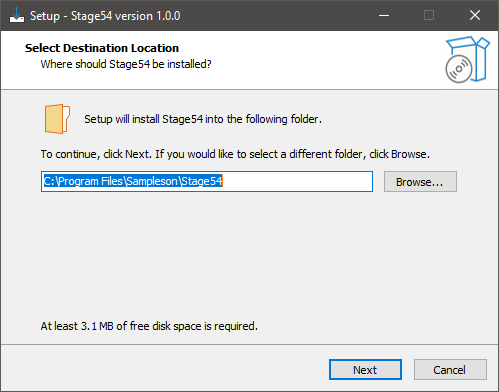
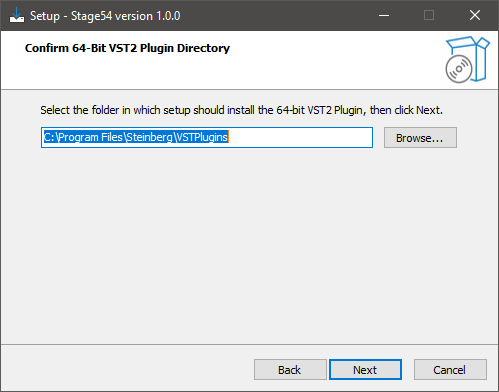
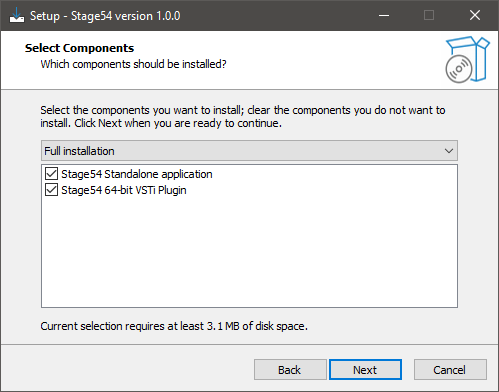
2. Click 'Next'.
3. Click 'Next'.
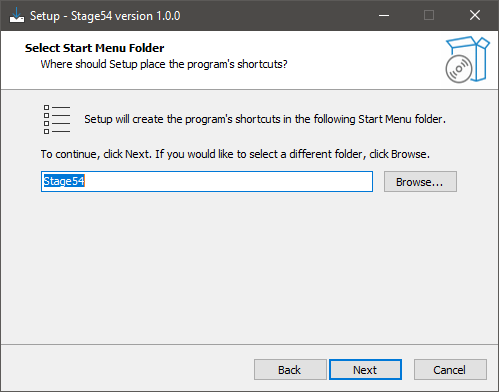
4. Click 'Next'.
5. Click 'Next'.
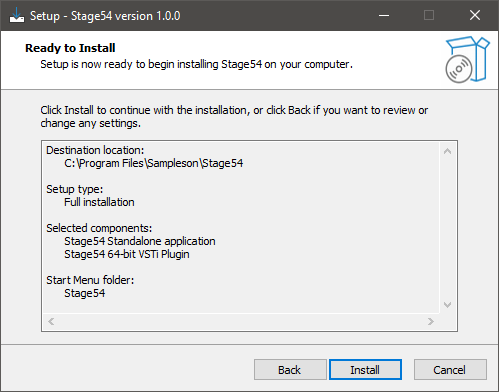
6. Click 'Install'.
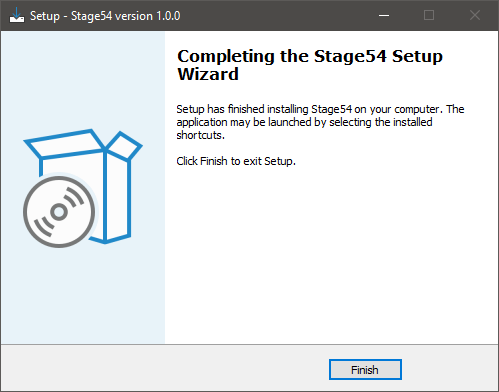
7. Click 'Finish'.
8. Launch your DAW > Create a new Virtual Instrument track > Insert Stage54 onto the channel > Paste your 16 digit serial number found within your Plugin Boutique User Account into the box > Click 'Authorise'.
Stage54 is now installed, activated, and ready to use within your DAW.