


 Log In

Free gifts available with your purchase
Orchestral Woodwind ensemble runs, phrases, and FX
PRESENTING THE CINESAMPLES INTELLIGENT TIME ENGINE (CITE)
The groundbreaking new method of sync on the fly. Kontakt will automatically recognize your sequence’s tempo and playback your scales and textures in time (live). In addition all patches using this engine have samples which have been recorded at multiple tempos. Kontakt will automatically and intelligently choose the correct sample and micro adjust it into place- providing incredibly realistic results and leaving the composer to worry about more important things.

MIC PLACEMENTS
Choose from exclusively Stage Mic patches or Close Mics patches, or using the hybrid patches create your own custom mix – live with no artifacts. Automate your levels using Kontakt 3.5+ or use our presets. Flavor your mix with the 3 Band EQ pre-sets.

INTRODUCING NOTATION VIEW
Using Kontakt 3.5+ you can actually visually see the music you are creating, live! The notation window displays incredibly detailed conductor – piano reductions of your current sample being triggered. Very useful for composers, educators and anyone curious.

AUTHENTIC HOLLYWOOD SOUND
Straight down the chain Cinesamples have focused their sound to emulate the voice of the Hollywood scoring stages. From the choice of ensemble, the players themselves, the gear, the mix, the orchestrations, the scale tunings,…. the entire concept is planned to sound with that one goal in mind. Plenty of trail/error, score studying, lunch meeting, phone calling and general research was gathered in pre production so Cinesamples blatantly tried to squeeze all the detail and life we possibly could at the sessions and in post. This is the extra step the great hollywood composers and orchestrator’s provide on a daily basis.

KEYBOARD PATCHES
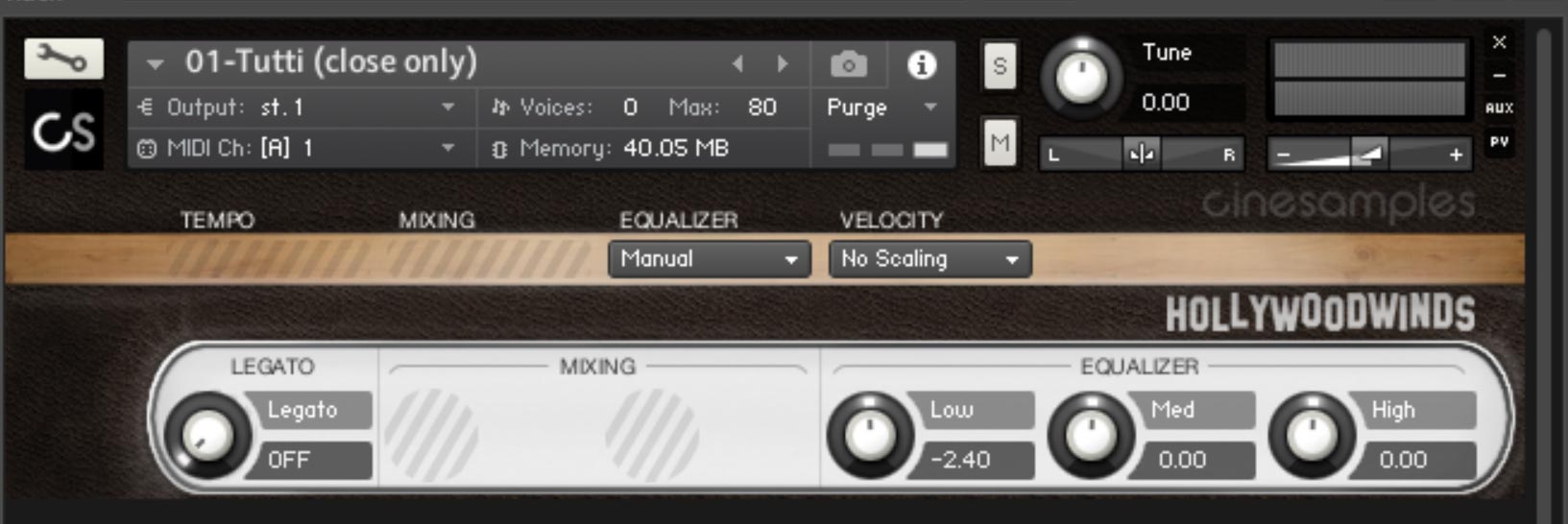
Cinesamples method of using tempo synced pre-records with typical keyboard patches is extremely efficient and realistic. The stacked patches, such as the octaves patch, allow the user to voice the ensemble over several different octaves in an authentic hollywood stack (see user manual for details). And of course there is the tutti patch, featuring everybody playing (including the piccolo). There is a whole other half to the library after you check out the GB’s of pre records.

20TH CENTURY TEXTURES AND RUNS
All that creepy stuff the winds do when the spider is attacking, when the beautiful face is morphing, when the eyes turn yellow??? Cinesamples decided they needed to have that too. From unison ensemble quarter tone bends, to 12 tone cluster stacks to massive collection of Atonal Rips to clarinet “meowing” to multi- piccolo flutters you are sure to find something you need for your track here.

System Requirements
- Works with the free Kontakt Player 6.6.1+
- Installed directly through Native Access
- 3.45 GB disk space required*
This instrument requires the FREE or FULL version of Kontakt 6.6.1+























