


 Log In

Free gifts available with your purchase
Brutal and beautiful solo Cello legato, percussive shorts and FX
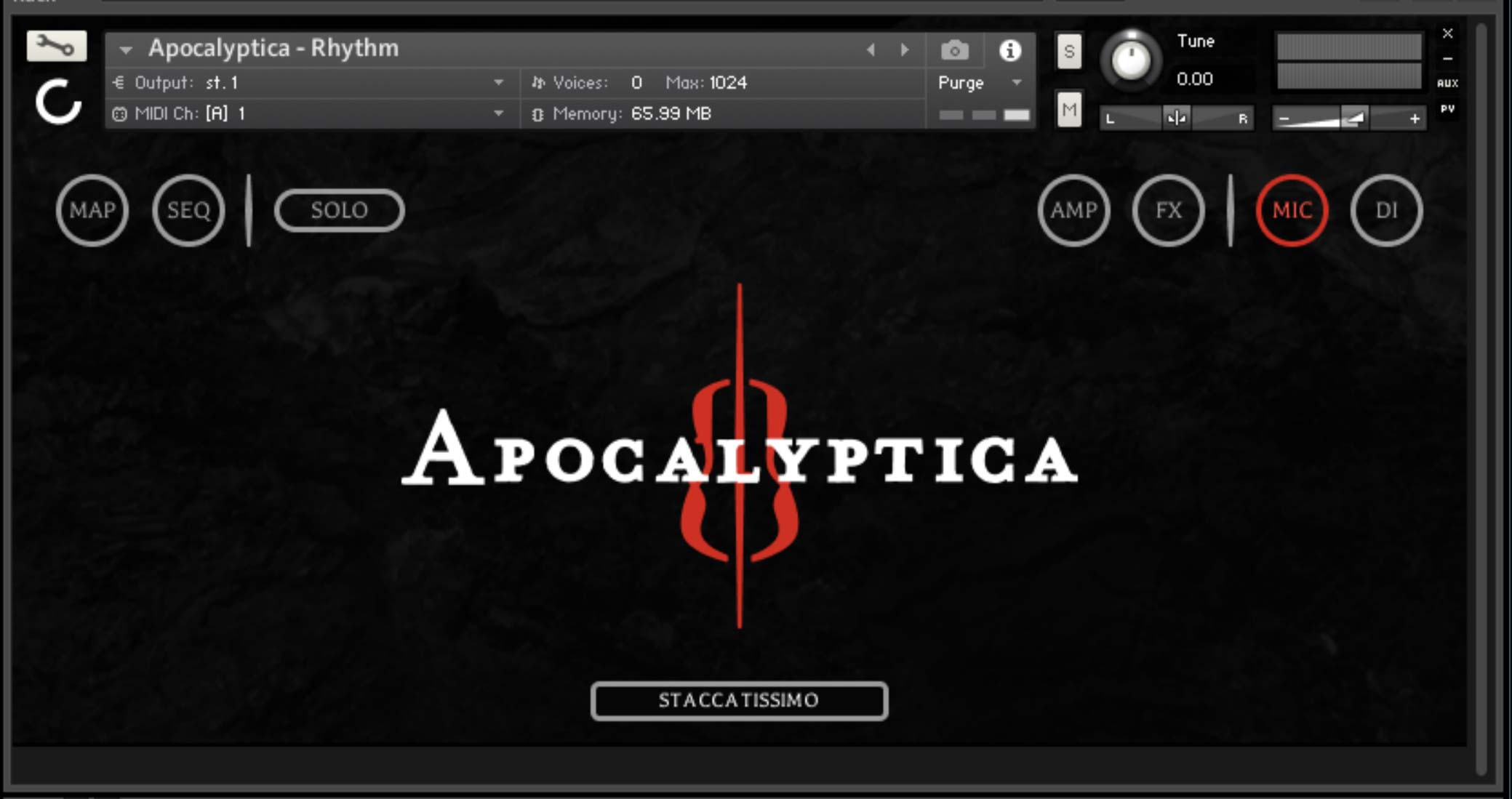
Apocalyptica is an innovative symphonic metal band formed in 1993 consisting of classically trained Finnish cellists hailing from Helsinki, Finland. They masterfully combine the refined nature of classical cello with the artistry and precision of metal. They’ve traversed uncharted territory in creating a new genre for themselves which now offers limlitless possibilities within this library.
With Apocalyptica’s unique approach to cello performance now at the fingerips of anyone with this library continued innovation abounds.
Tech Specs
7 GB of original sample content (14 GB uncompressed WAV)
Solo Articulations
- Aggressive Legato
- Aggressive Sustain
- Aggressive Tenuto
- Aggressive Staccato
- Aggressive Tremolo
- Aggressive Long Slide
- Aggressive Short Slide
- Mellow Legato
- Mellow Sustain
- Mellow Tenuto
- Mellow Staccato
- Mellow Tremolo
Rhythm Articulations
- Sustain
- Staccato
- Staccatissimo
- Sul Pont Sustain
- Sul Pont Tenuto
- Sul Pont Staccato
- Power Chord Sustain
- Power Chord Tenuto
- Power Chord Staccato
- Pizzicato Choke
- Pizzicato Resonant
- FX Growl Sustain
- FX Growl Tenuto
- FX Growl Staccato
- FX Harmonics
- FX Col Legno
- FX Sweep Ponticello Down
- FX Sweep Ponticello Up
- FX Babylon
- Includes custom amp + cab snapshots
- Fully encoded for the FREE Kontakt Player 6.7.1+ and NKS compatible
Kontakt and NKS Integration
Artist Series - Apocalyptica is scripted for Native Instruments' Native Kontrol Standard (NKS) format.
System Requirements
- Works with the free Kontakt Player 6.7.1+ and Komplete Kontrol
- System Requirements
- Mac OS X 10.12 or higher
- Windows 7 or later
- At least 2 GB of RAM, 4 GB is recommended
- At least 5 GB of free drive space
- FREE Kontakt Player 6.7.1 or higher
- 64 bit DAW is recommended for optimized performance
This instrument requires the FREE or FULL version of Kontakt 6.7.1+























