Log In

Free gifts available with your purchase
Are you ready to elevate your music production to new heights? Then join us on an exciting journey with Come Drone With Me! This incredible audio collection is packed with 100+ delicately crafted atmospheric samples that will take you on an immersive journey through long evolving atmospheres perfect for track underscores, film, and TV.
What’s even better is that there are no tempos intentionally, allowing you the freedom to add whatever you want without being restricted to a tempo. You can create your own unique music that will leave your audience breathless.
Sourced from modular synthesizers, guitar pedals, and analog synths, Come Drone With Me guarantees a full palette of textures that will add depth and emotion to any session. Whether you’re creating music for songs or film, these royalty-free audio loops and textures are the perfect addition to your toolkit.
So, what are you waiting for? Come Drone With Me today and explore the limitless possibilities of atmospheric textures and music underscore loops. Don’t miss out on this opportunity to take your music production to the next level. Get ready to create something truly extraordinary!
Features
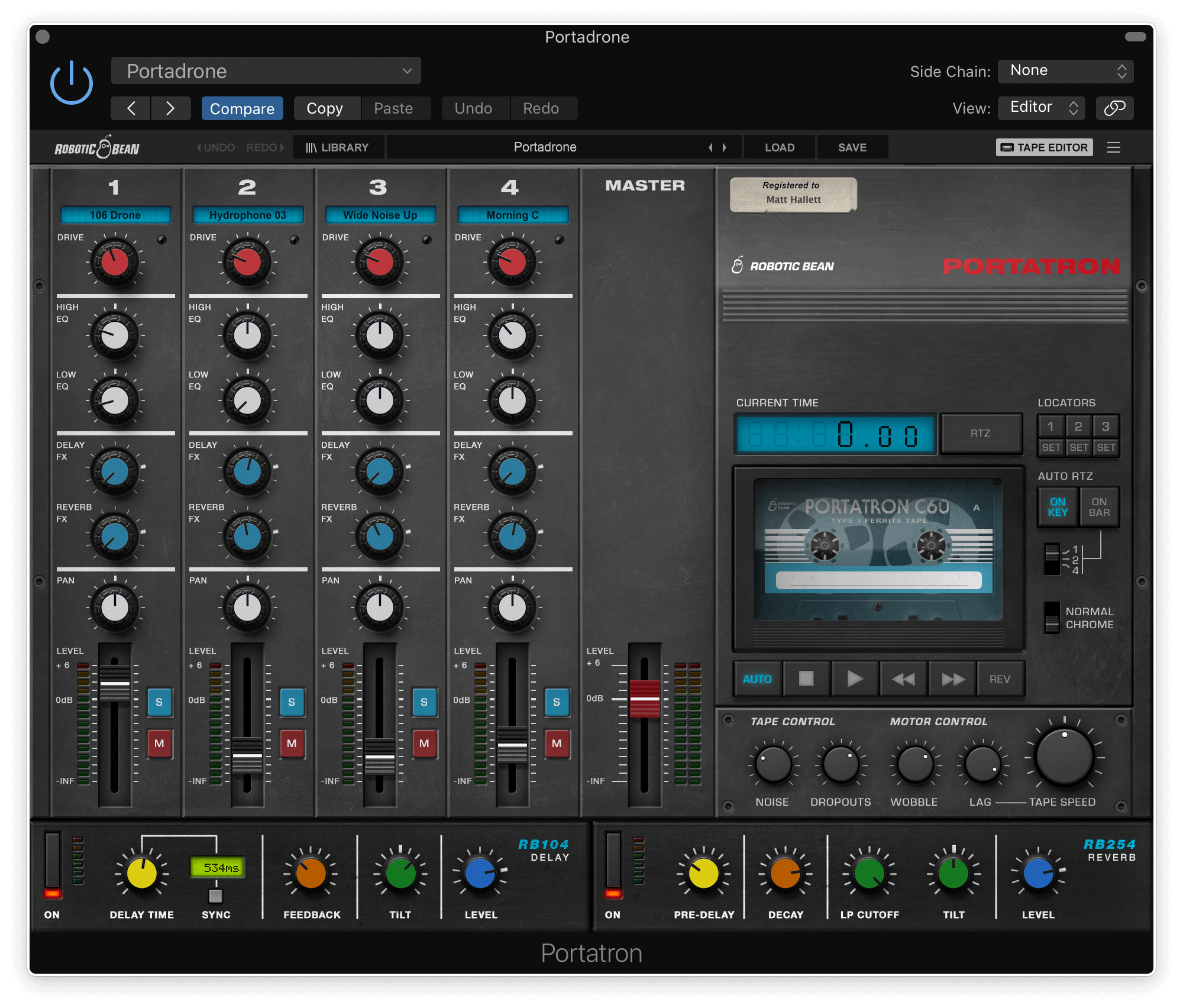
- 4-track format for Portatron
- Offered as a complete bundle of 31 Cassettes & 100+ loops
- A wide variety of keys and scales
- Perfect for music underscores
System Requirements
- Requires Robotic Bean’s Portratron.