Log In

Free gifts available with your purchase
There's No Turning Back
You have fallen into the void and something ominous approaches…
Take a sip from the holy grail of modular synthesis with the first entry of the enthralling Dark Matter loop pack series. Entrance listeners with sonic beds of evolving drones, or simply amplify any production with more depth and brooding atmosphere.
Once you enter this visceral realm, the most striking aspect you will notice is the absence of virtual instruments and four-on-the-floor loops. Anything cookie-cutter has been replaced with a complex array of analog and modular synthesizer loops. Above all, each loop and part was made to effortlessly coexist.
Designed To Co-Exist
Each Dark Matter Volume will contain 30+ loops — two sets of 15 loops (2 Bass, 3 Pads, 3 Arpeggios, 3 Leads, and 4 SFX textures/beds), plus a variety of keys and tempos (8-16 bar loops). Do not let the size of these packs fool you! Due to the intricate nature of this particular volume release, less is more and quality reigns supreme.
Spooky Sci-Fi Synthwave
Thoughtfully designed around electronic left of center sounds and textures, Dark Matter was conjured for all types of users and scenarios: composers/ artists/producers interested in cinematic style sounds and sequences, and anyone looking to add evocative modular and synthesizer based elements to their compositions.
Features
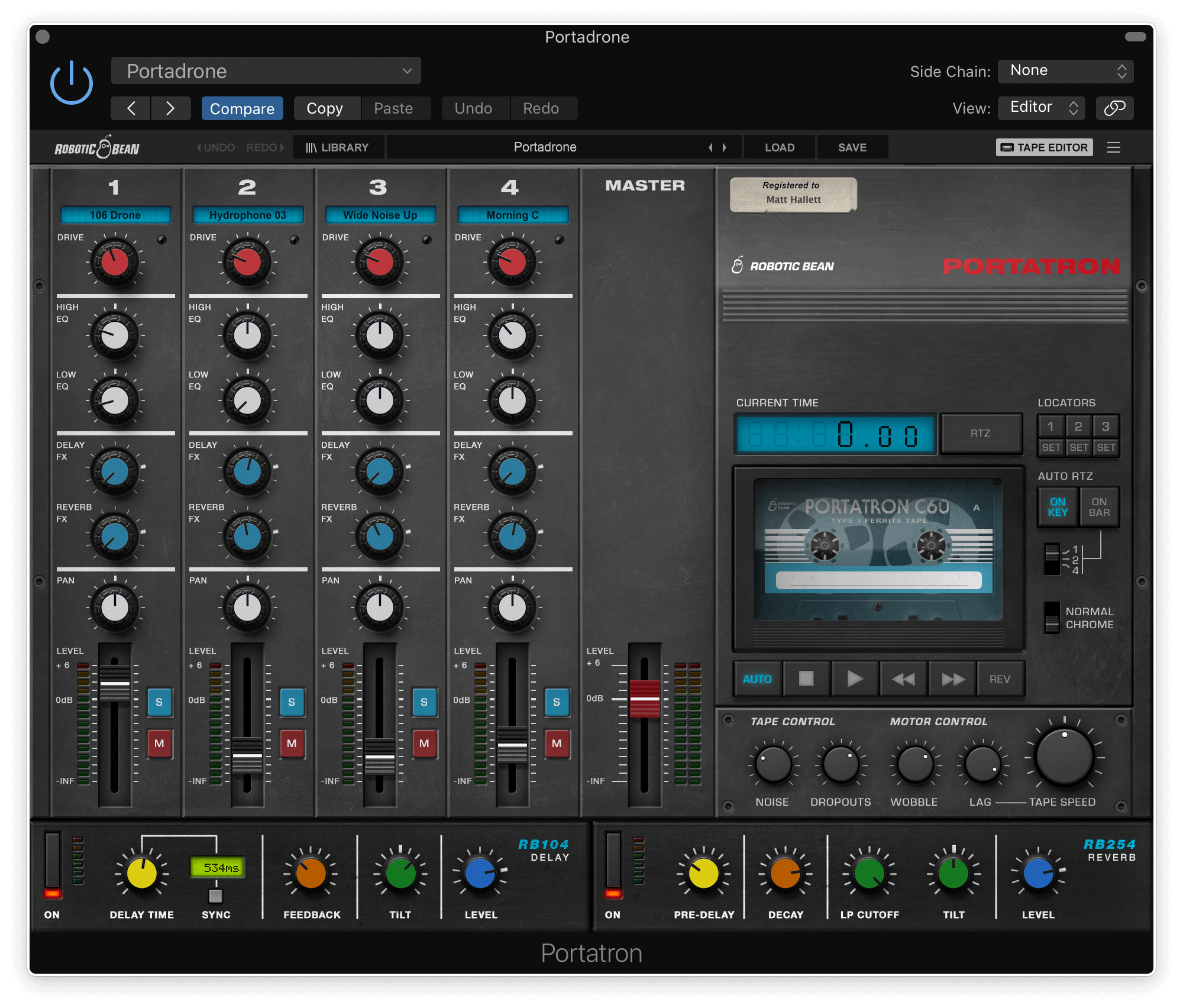
- 4-track format for Portatron
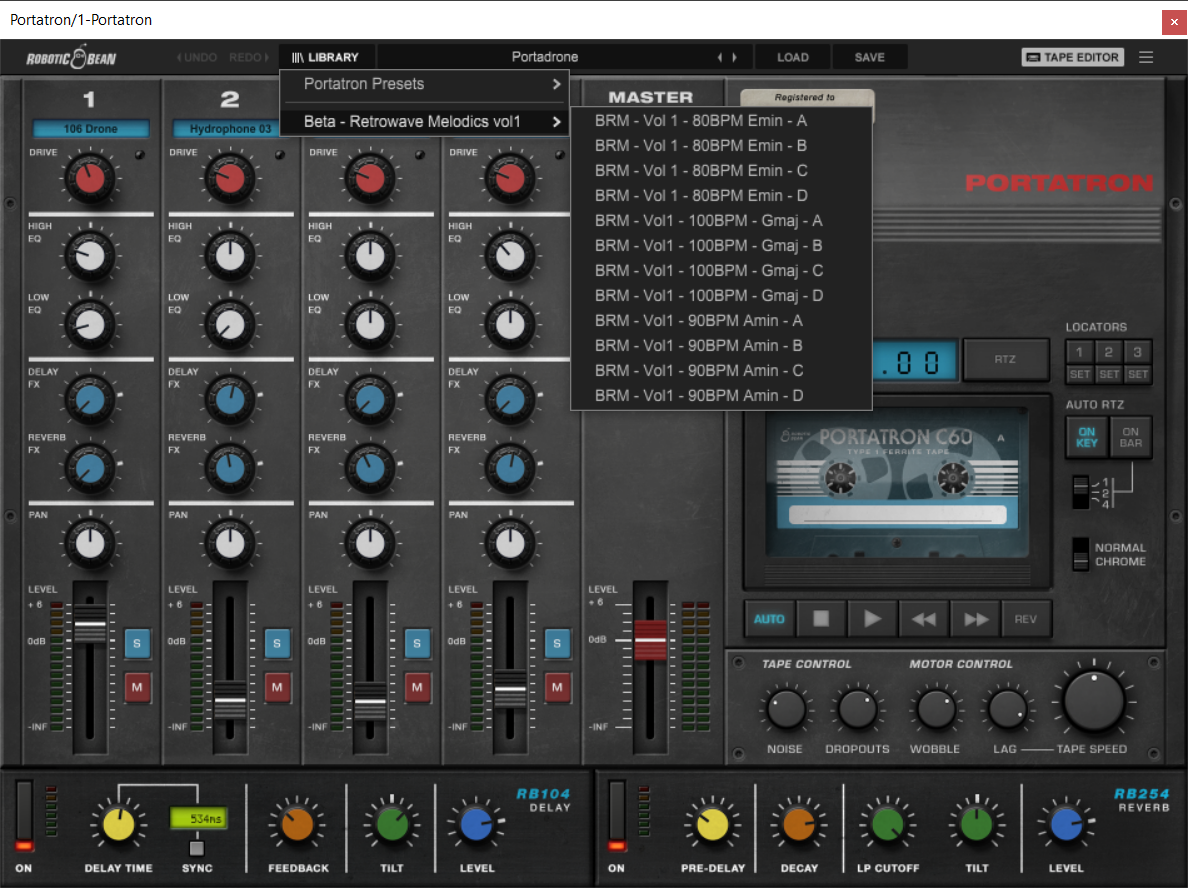
- 31 loops arranged onto 8 Cassettes
- A wide variety of loops to choose from like Bass, Arps, Leads, Pads, Drones, & SFX
System Requirements
- Requires Robotic Bean’s Portratron.