Log In

Free gifts available with your purchase
The immortal 4 track, the prize of bedroom producers and enduring muse of lo-fi aficionados, has once again been brought into focus in unique form. Sans Fin is a collection of 12 original 4 track tape loop sessions, played on the 4 track like an instrument, affected and recorded to set the backdrop for your next prolific production.
Stunning Signal
Each Sans Fin session is fuelled by an analog synth performance recorded in four parts to our vintage 4 track machine. Through real-time adjustment of guitar pedal effects, filters, level controls, etc during playback, we brought each session to life, routing in a tasteful array of outboard grit and external ambient effects. The result is a seamless, unending loop with endless potential for producers in search of a sonic drape on which to hang a melody, or an emotive texture with which to build a movement.
Sonic Breadth
These 12 sessions cover a ton of sonic ground, exploring expanding atmospheres, droning chord builds, and suspenseful shadows. Some loops (minimum of 45 seconds in length) set a reliable contour for a melodic overlay, perfect for live performance, studio textures, and gaming terrain. Producers will find endless inspiration in the longer designs of this collection, those 1 to 2 minute evolving, dynamic silhouettes that beg artistic or commercial limelight.
Features
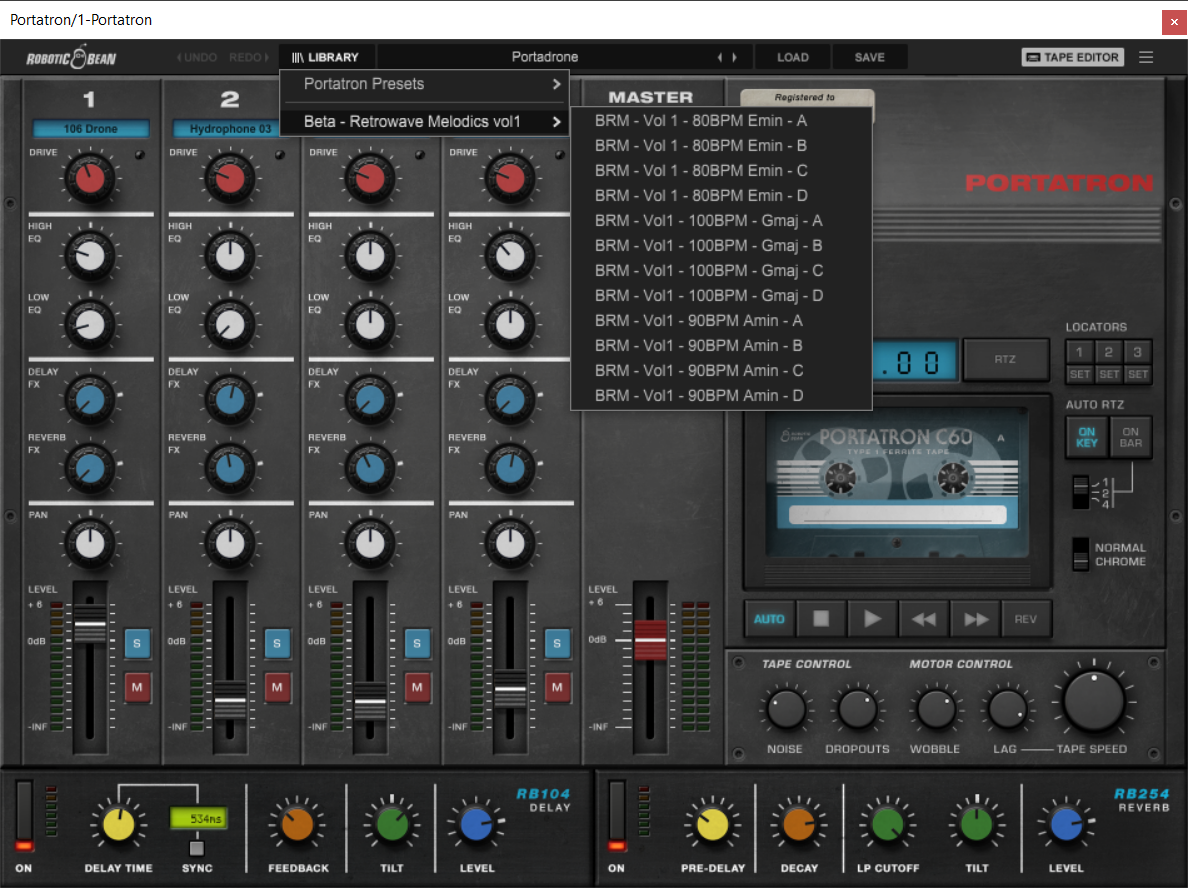
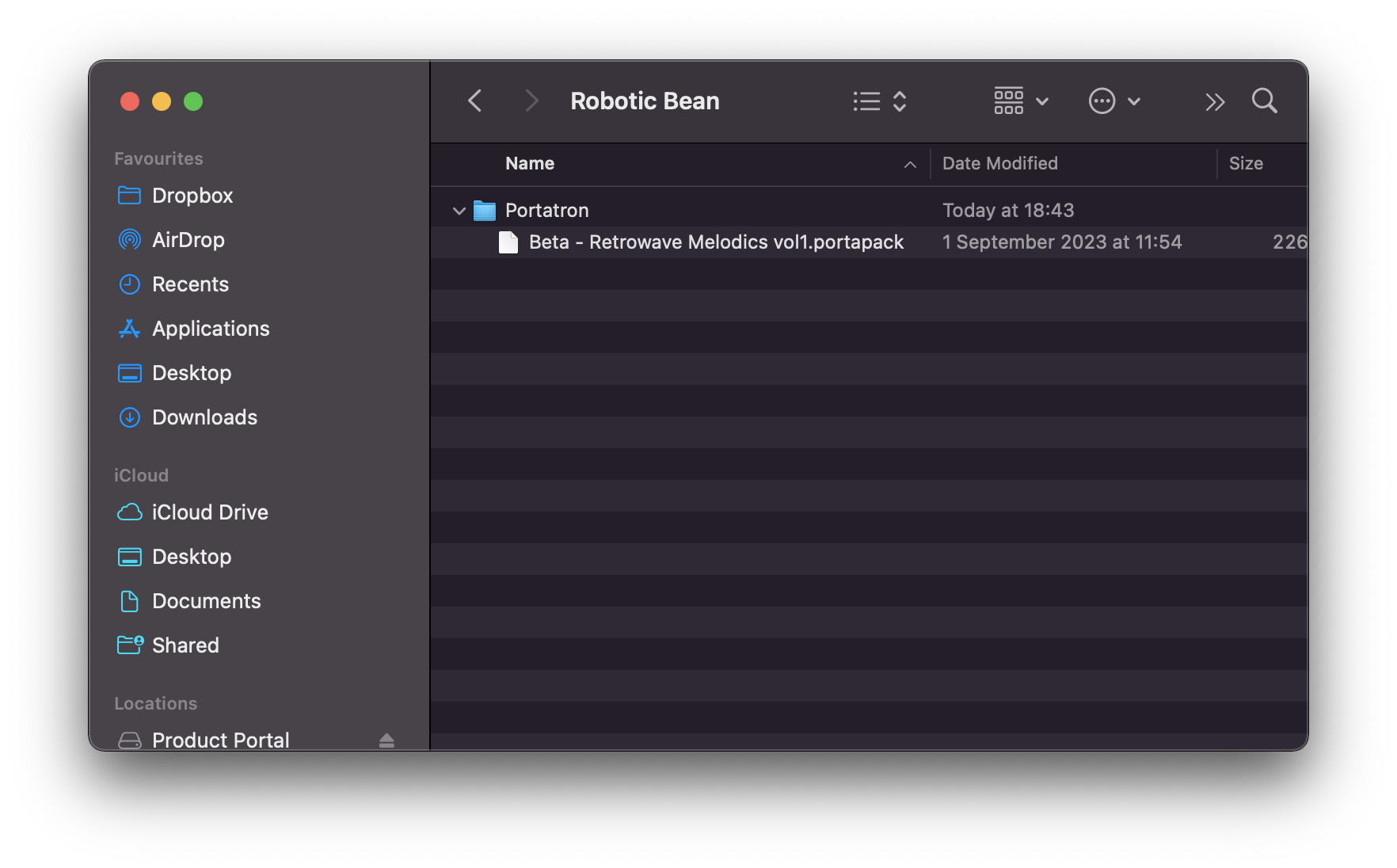
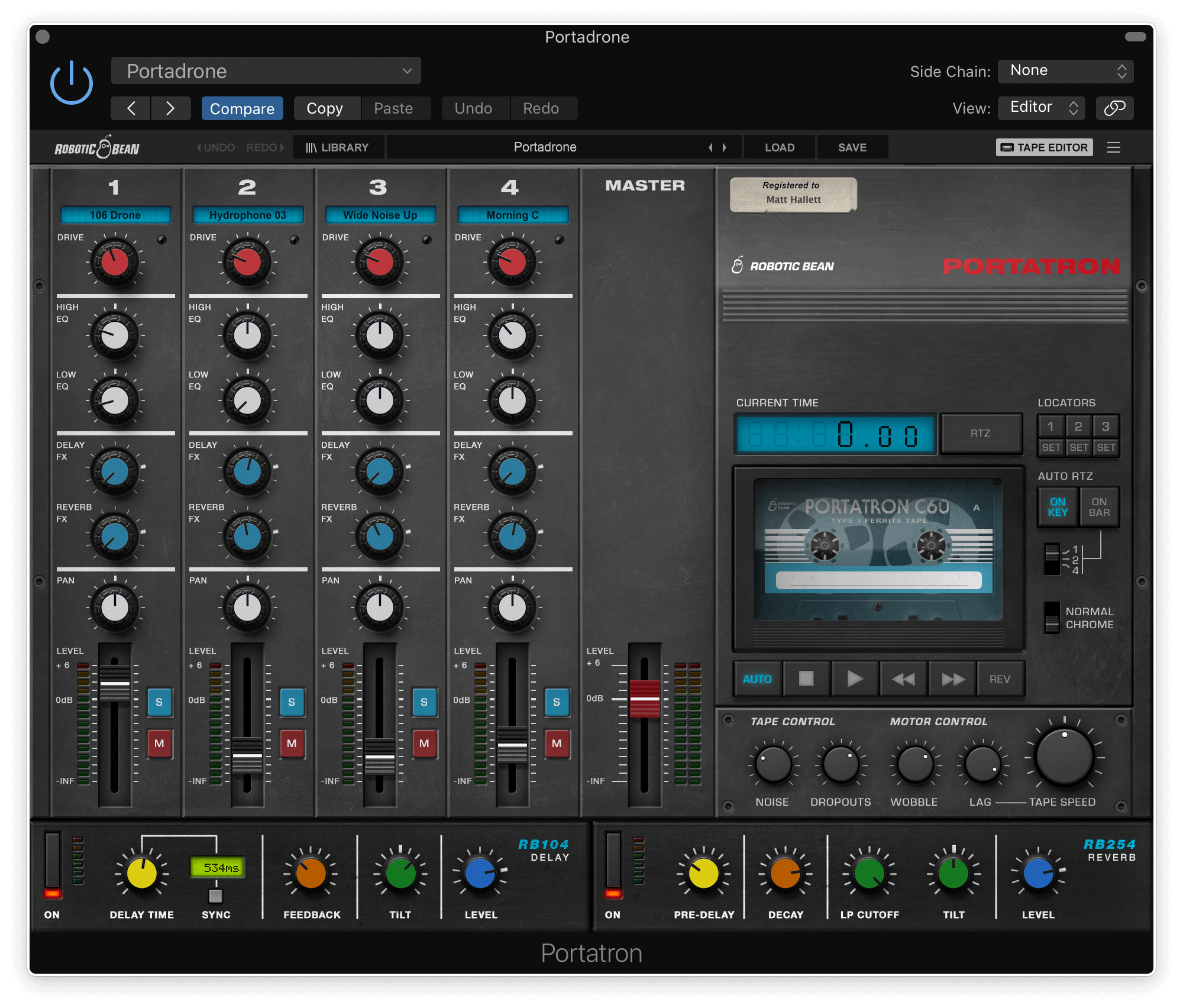
- 4-track format for Portatron
- 48 loops arranged onto 12 Cassettes
- Long evolving atmospheres, epic leads, melodic and static drones
- Wide variety of keys
System Requirements
- Requires Robotic Bean’s Portratron.