


 Log In
.jpg)
Free gifts available with your purchase

The MPC Channel is an all-in-one signal processing suite for mixing and editing audio in post-production film. It is equipped with six essential mixing tools that use the same powerful DSP found in Harrison’s renowned MPC (Motion Picture Console) used in high end film studios around the world.
The processing sections can all be monitored simultaneously in one resizable window, so everything that's happening can be seen at-a-glance. Other useful features include rearrangeable signal flow, fully automatable parameters, and advanced RTA displays.
The MPC Channel is optimized for large format post-production sessions allowing 100’s of instances to be deployed without negatively affecting your CPU performance.
MPC Channel an invaluable tool that will take any post-production workflow to the next level.
Denoiser
The Denoiser is optimized for processing speech. The cutoff frequencies of the high and low filters are preset to best accommodate the frequency range of the human voice and the envelope is set to match the rate of normal speech.
The Denoiser functions like an expander for frequencies outside the range of the human voice. The HIGH and LOW sliders control the maximum amount of Gain reduction applied to signals within each band’s respective Frequency range.
The maximum Gain reduction set for each band will only be applied to signals below the Threshold. All Signal levels above the Threshold will be allowed to pass through with variable Gain reduction based on the dynamic characteristics of the signal.
De-Esser
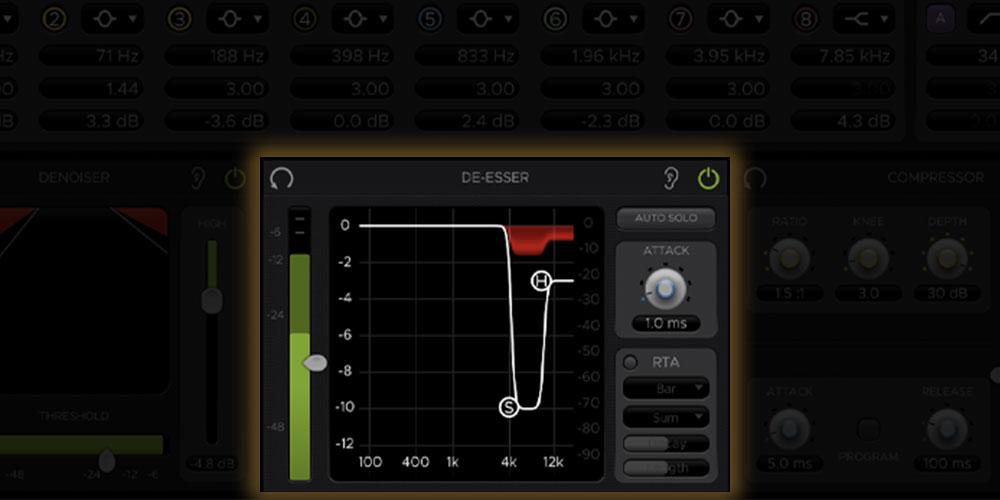
Harrison’s renowned De-Esser algorithm is primarily used to attenuate harsh frequencies caused by sibilance in human speech.
The two circular markers on the graph display, labeled “S” and “H”, are the controls for the Ess and Hi bands (S = Ess, H = Hi). These controls can be dragged horizontally or vertically to set the Bandwidth and Depth of their respective bands. The low cutoff Frequency for the Ess band has a range of 200 Hz to 8 kHz, while the Hi band control has a range of 2 kHz to 12 kHz for taming any additional frequencies above that.
Compressor
Compressor
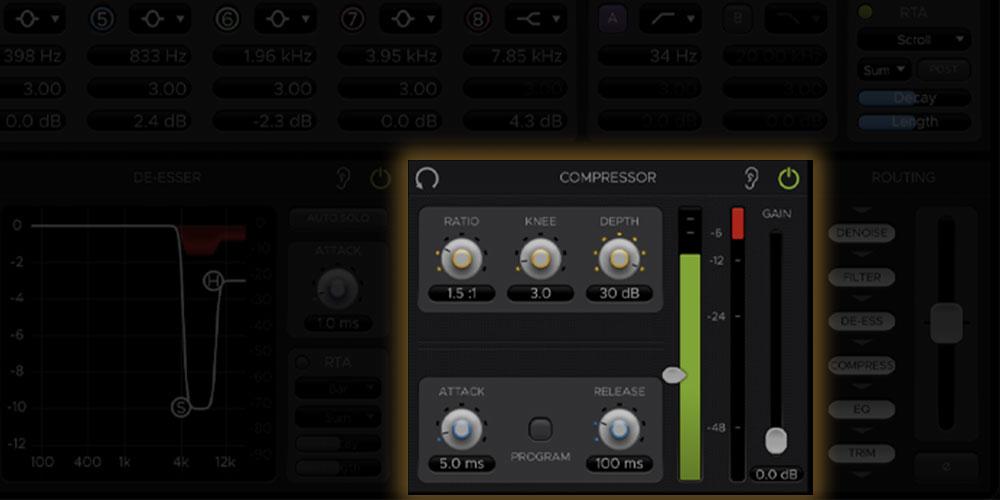
The MPC’s Compressor module is optimized for vocal compression, but its flexible controls allow it to meet a variety of other needs as well. Its components includes:
- Ratio - with possible values from 1:1 to 100:1
- Knee - with a possible values range of 1.0 to 30.0
- Depth - with a possible values range from 0.1 ms to 100 ms
- Attack - times range from 0.1 ms to 100 ms
- Release - times range from 5 ms to 500 ms
Routing, Trim & Polarity
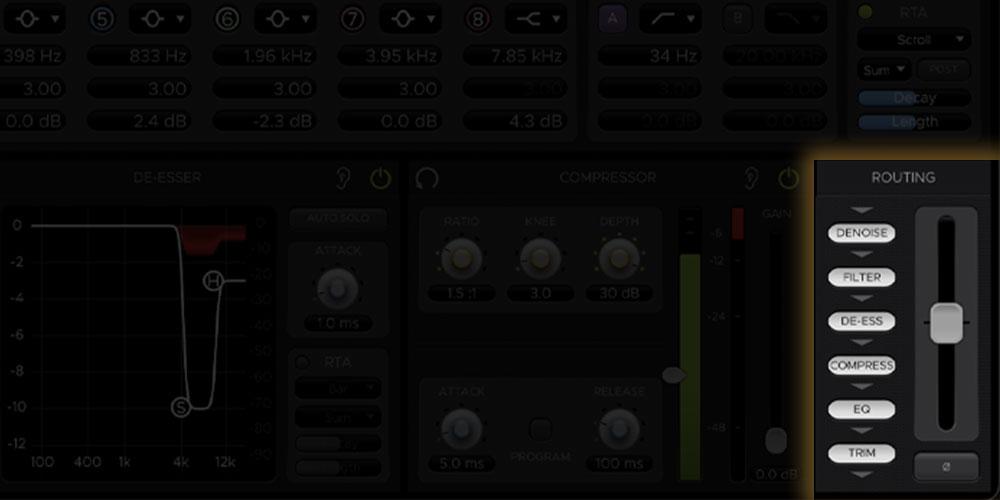
The order of signal flow between the six elements can be rearranged by dragging an element’s marker to its desired position along the signal chain, which flows from top to bottom. Dragging an item to another slot will swap the positions of the two items.
The Trim fader can adjust the Gain of the signal passing through it (-20 dB to +20 dB). This is also a routable item, so it can serve as an input or output Trim depending on its position in the signal chain.
The Polarity switch inverts the phase of the output waveform (flips it 180°) when selected.
RTA
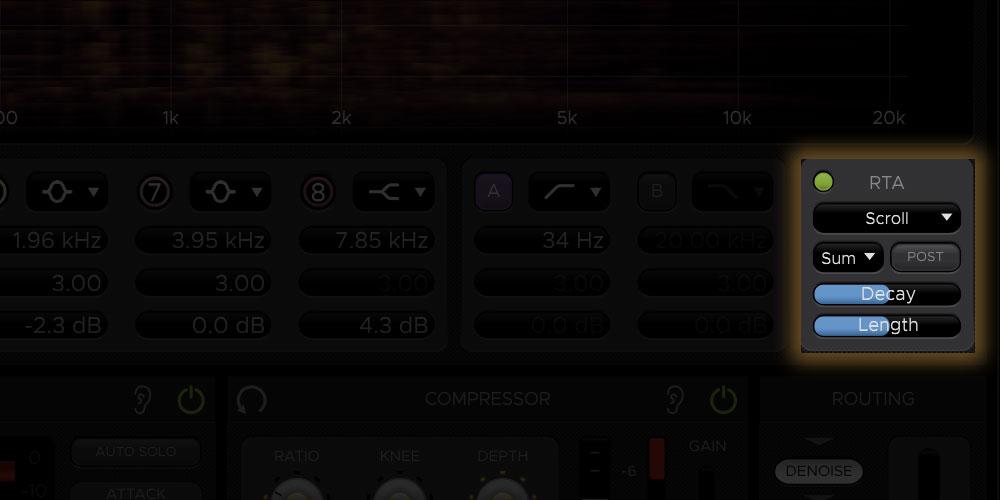
The RTA is calculated using a Discrete Fourier Transform, which provides high resolution data even in lower frequency ranges. The Equalizer and De-Esser modules each have sections for controlling their RTA displays. The controls described here apply to the RTAs in both modules, unless noted otherwise.
Features
- Parametric 8-Band Equalizer with a wide range of RTA options
- Pair of multi-pole Filters with various selectable shapes
- 2-Band De-Esser based on the X-Tool DSP found in Harrison MPC digital consoles
- 2-Band Denoiser for cleaning up unwanted background noise
- Compressor with a variety of adjustable parameters and a selectable Program Dependent mode
- Routing, Trim & Polarity section for re-arranging the order of signal flow, toggling Polarity, and adjusting input/output Trim
System Requirements
Mac
- macOS 11 Big Sur - macOS 13 Ventura (64-bit only) (M1 Mac supported)
- Intel Dual-Core Mac running at 2.4GHz or higher
- 4 GB of RAM minimum (8 GB of RAM recommended)
- AU, VST2, VST3, AAX Native
Windows
- Windows 10 - Windows 11 (64-bit only)
- Intel Core 2 (or comparable) CPU running at 2.4GHz or higher
- 4 GB of RAM minimum (8 GB of RAM recommended)
- VST 2, VST3, AAX Native
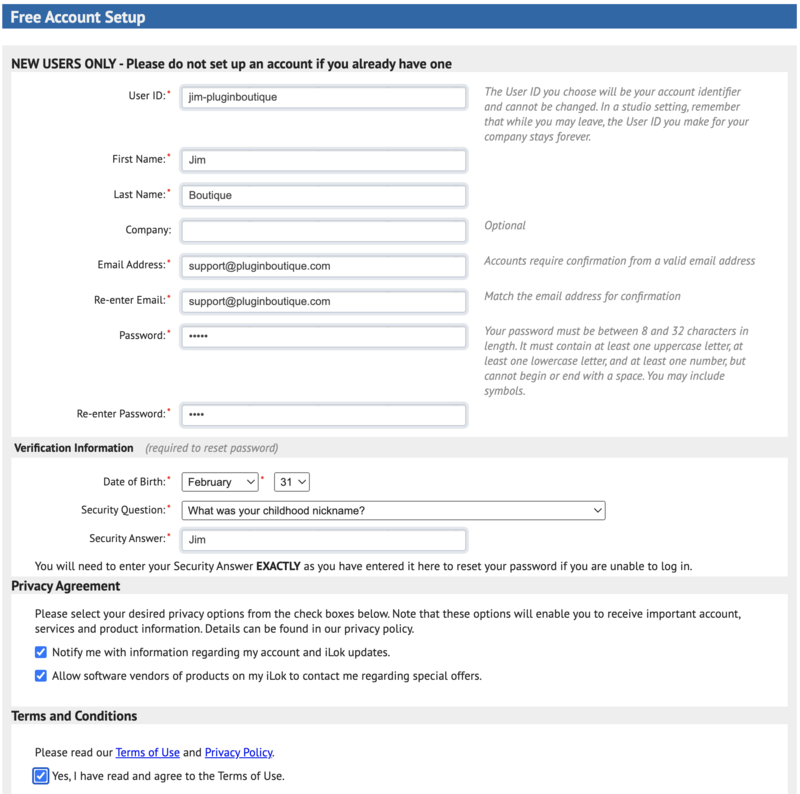
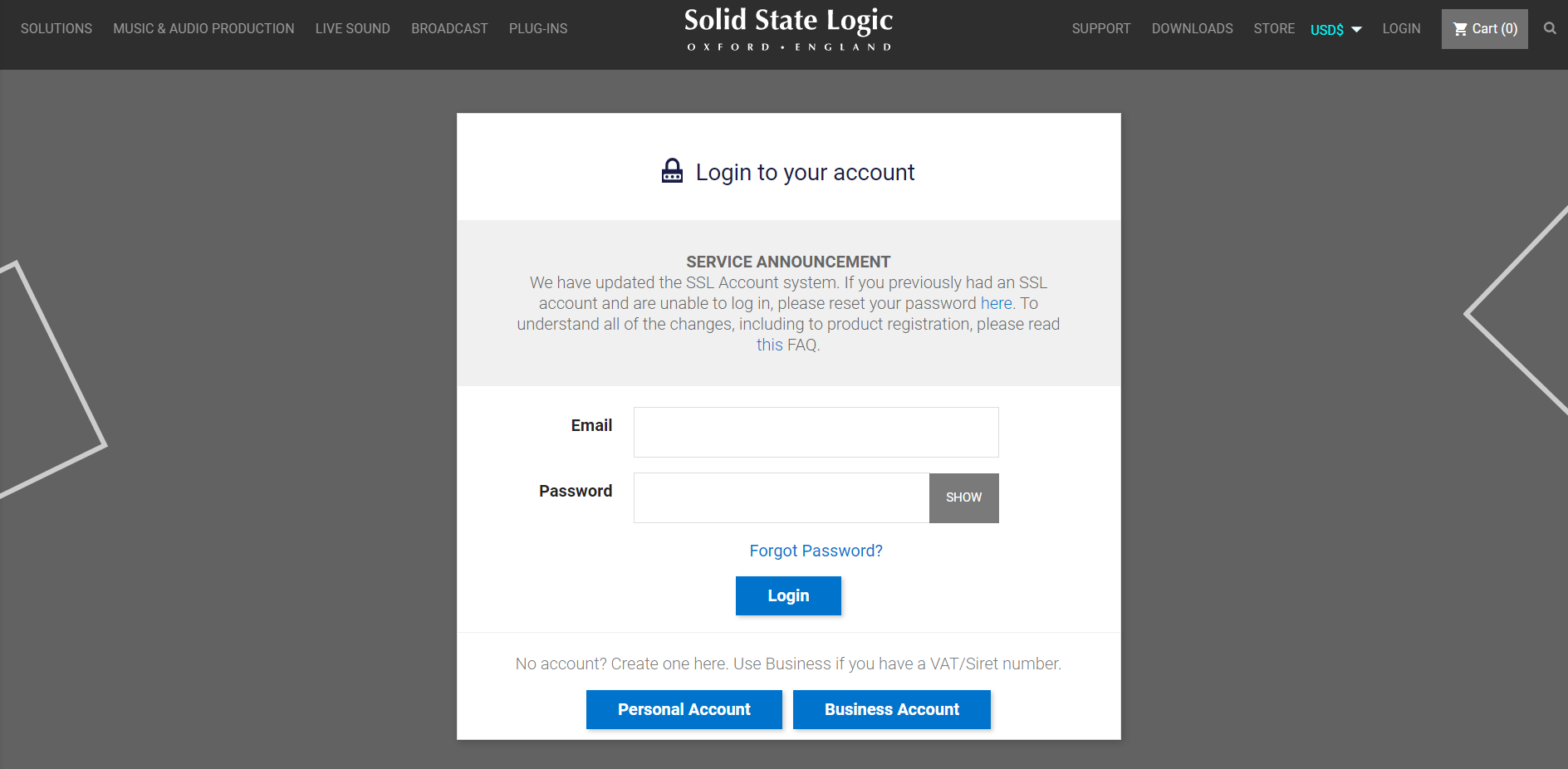
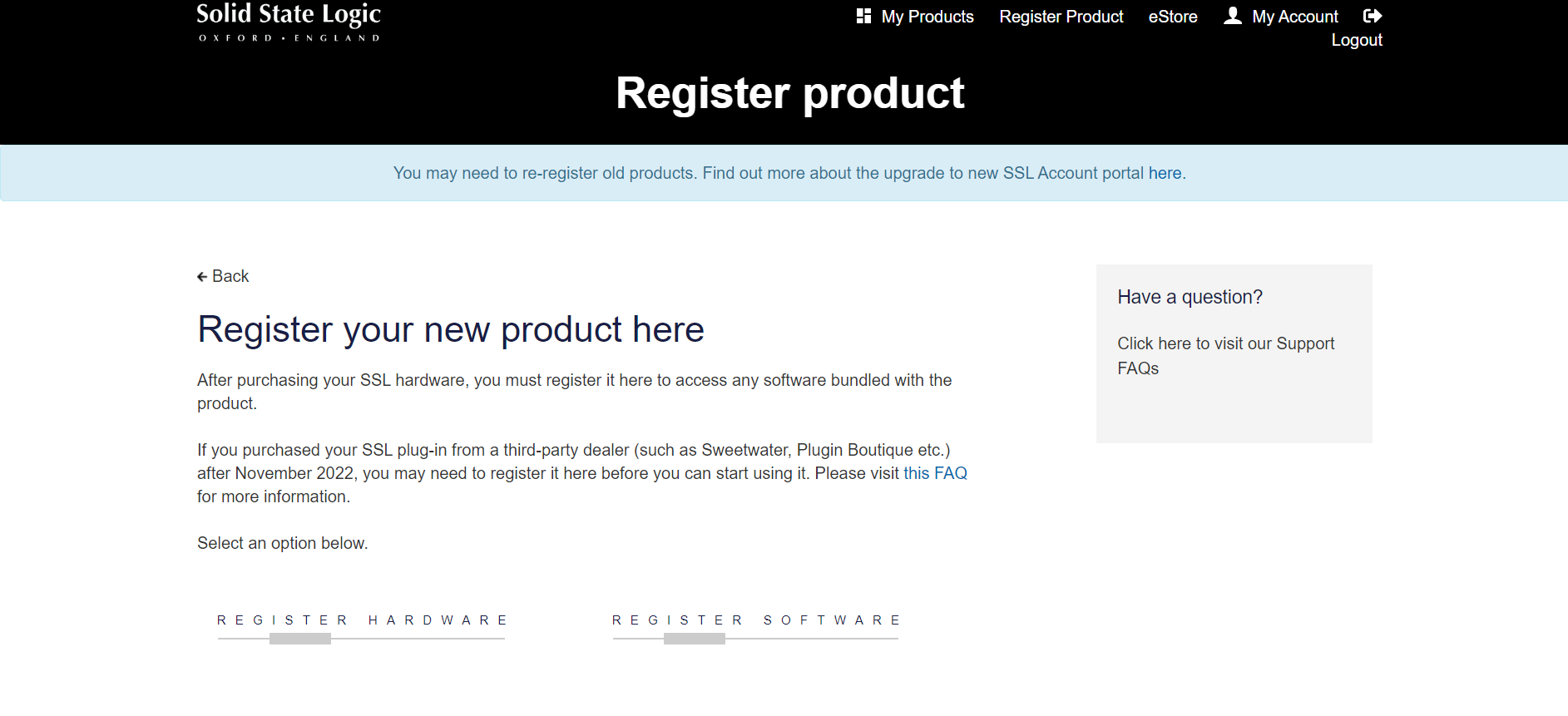
Please Note: A FREE iLok Account is required for the authorisation of this software.











Reviews Summary
While it aims to provide a helpful overview, it may not capture every perspective or detail. We encourage you to read individual reviews to make an informed decision.
Users praise this comprehensive channel plugin for streamlining post-production with its visually clear, all-in-one interface. It delivers a characterful, cohesive sound that adds weight across frequencies, and while it lacks presets, reviewers appreciate the depth and precision available for refining audio.


