


 Log In
.jpeg)
Free gifts available with your purchase

Spectrum Exciter
Have you ever had one of those moments where you just want to click a button and hear your sound come alive with excitement? ChromaBox is designed to do just that, with minimal fuss and maximum results. Inject your productions with electrifying energy that instantly transforms any kind of audio into a bigger, badder and more bombastic version of itself.
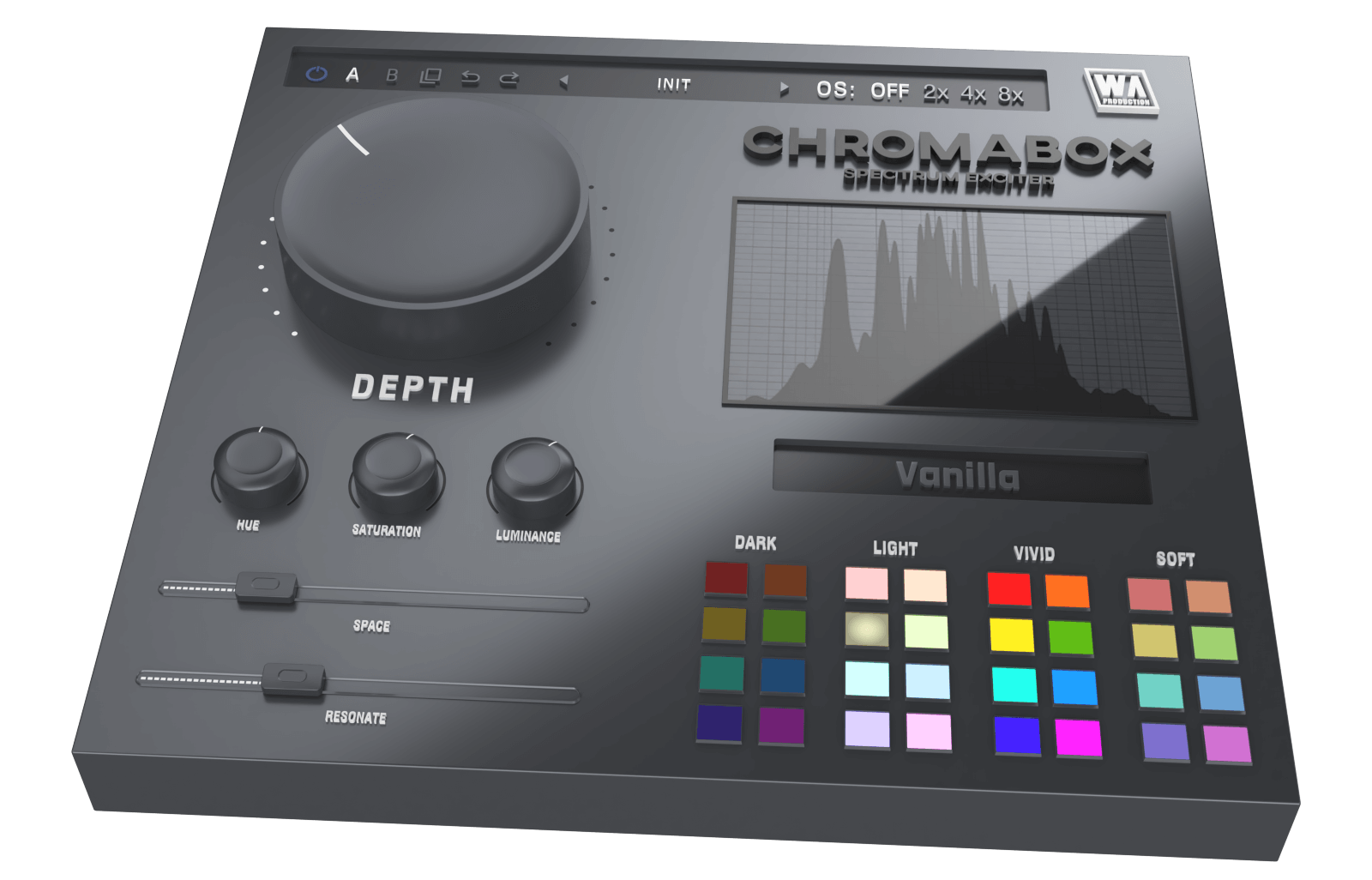
Choose from 32 meticulously crafted color profiles, each designed to infuse your audio with rich and characterful saturation and frequency shaping. Further sound-shaping possibilities are endless with intuitive controls that allow fine-tuning of any color or preset so that it slots right into your mix.
But that's just the beginning, as you dive deeper into more complex processing. Space and Resonate controls unlock immersive 3D enhancements and expansive stereo width that will drag your instruments right out of the box. This plugin is pure ear-candy, sending synths into orbit and bass lines down to hell.
One Knob To Rule Them All
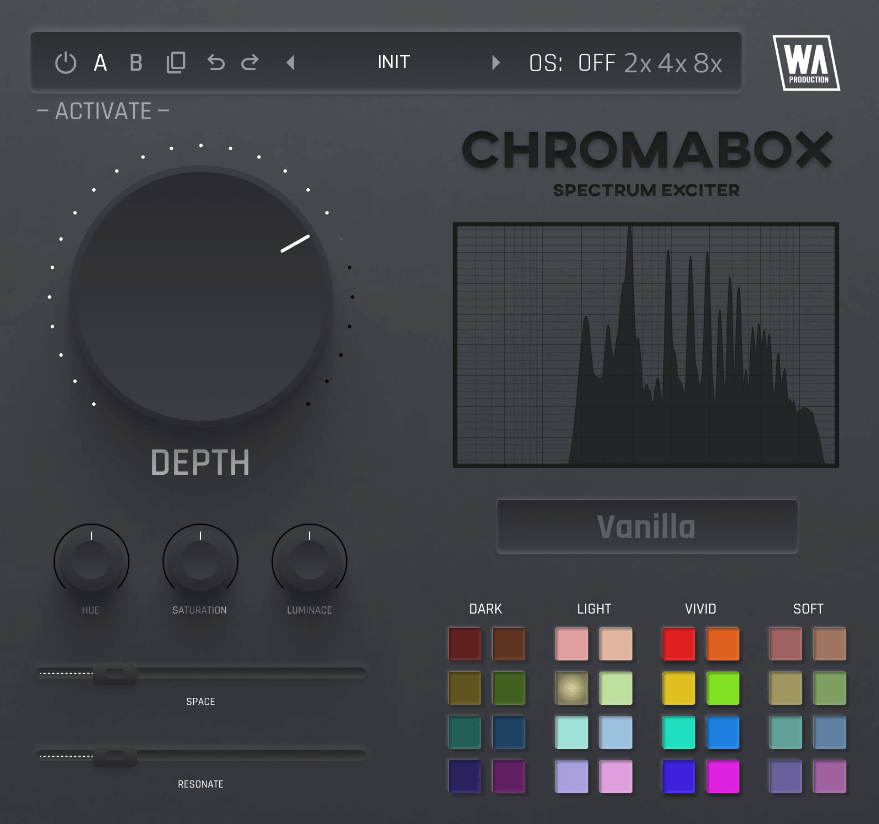
Whether you're dialling in subtle enhancements or pushing the boundaries of sonic experimentation, this knob is the starting point. Turn the Depth dial to scale every other parameter with this single control, introducing saturation, 3D effects, frequency shaping and more. The harder you twist the dial, the more outrageous the effect will become, so use with care.
Color Your World
Controls for Hue, Saturation and Luminance shape the color profile in interesting and sometimes surprising ways. Tweak these dials to give your guitars sparkle, or give acoustic instruments more body. For quick and easy transformations, the 32 color palette gives a plethora of starting points for your sound shaping. Categorised into Dark, Light, Vivid and Soft, these different flavors of tone shaping are easy to browse and can give your audio an instant lift, with just one click.
Resonate the Space
Two controls which are integral to the creative mutations of ChromaBox are Space and Resonate. Space adjusts the amount of reflections within a simulated 3D space with character that’s dependent on color profile selection. Resonate controls resonant peaks that can ring out, again with timbre changes based on your chosen color profile.
Visual Feedback & Comparison
ChromaBox is built on vector graphics with a resizable interface. A live frequency spectrum is displayed on the right hand side, showing exactly what’s happening to the signal as it travels through the plugin in real time. This allows for accurate monitoring at every step of the chain. For those who like to experiment, contrast different processing chains with AB comparison and copy / paste. Use the undo / redo buttons to revert any changes.
Presets
ChromaBox includes a huge number of factory presets, suitable for all kinds of audio processing in multiple genres. Use the provided parameters as starting points for your own transformations, to bring the best out of your sounds.
W. A. Production are real-life producers making creative plugins to help you achieve studio quality processing quickly and easily. Enjoy!
Features
- Spectrum Exciter plugin with one-click transformations
- Unique processing modules
- 32 color quick access palette
- Sound sculpting: Hue, Saturation, Luminance
- Space & Resonance adjustment
- Frequency spectrum monitoring
- AB comparison & Undo / Redo
- Resizable interface
- Responsive & CPU friendly
- Flexible factory presets
- Full PDF Manual & Tutorial video
System Requirements
Windows
- Windows 8 and later (64-bit only)
- Formats: VST2, VST3, AAX
Mac
- macOS 10.13 and later (64-bit only)
- Formats: VST2, VST3, AAX, AU
Please Note: AAX compatible with ProTools 11 and higher only.
Important Note for Mac Apple Silicon users: Before purchasing, please review the current compatibility status of this plugin on your system here.


