


 Log In
.jpg)
Free gifts available with your purchase

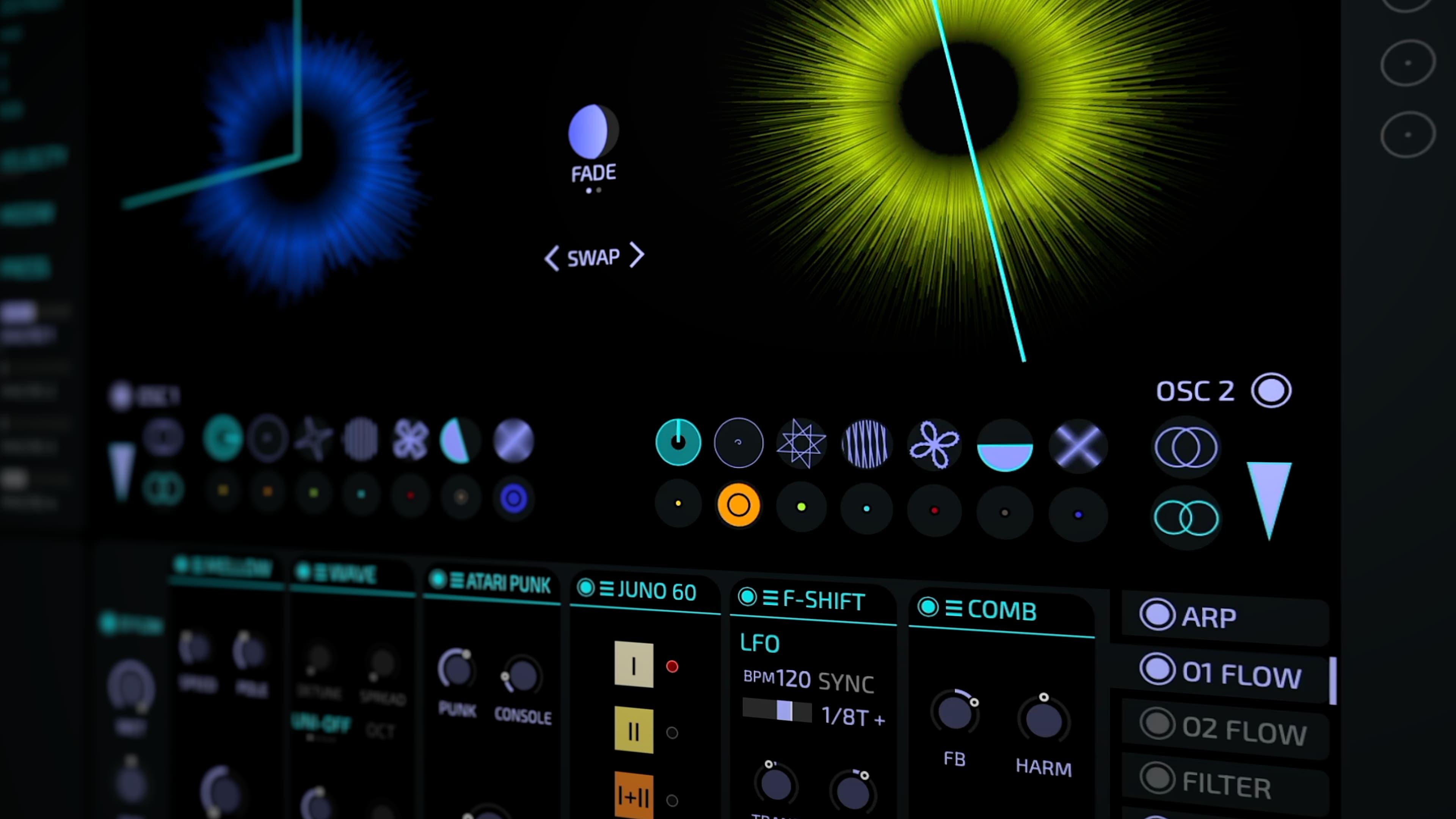
A Living Beast
MYTH was built to create the joy and inspiration we feel when playing with hardware. Instead of “programming” sounds you create sounds by exploration and tweaking. The sound is rich and organic, and the entire system acts like one organism.
Re-synthesis
In classical synthesis, oscillator waves are mostly static and you add filters and modulators to “program” all the variations to make the sound organic and interesting. MYTH offers a paradigm shift: drag and drop audio and it will be re-synthesised as an IRIS. The inherent variations and richness of the sample can now be exploited with the TRANSFORMER dials. Of course - you can also add classical LFOs, envelopes or filters as much as you want. Just ... you will rarely feel the need!
Look Mum, No Cables
Modular systems are so powerful, but also complex and easily confusing. MYTH has modules, but no cables: like in a pedal board the modules are simply chained from left to right. Insanely powerful and unbeatably simple!
Weird and Wonderful
You can use MYTH as a virtual analog subtractive synth, create shimmering metallics, add colourful acoustic resonances, create glittering grain clouds ... or do all at the same time. From fragrant pads to striking kicks - MYTH can do any sound with ease. And if you prefer to ride a wild horse: there are things like ORBIT, GLURP or ATARI PUNK - weird and wonderful new stuff.
The Fastest Workflow in the West
Let's be honest: sound design can be tedious, and we all love tweaking presets! MYTH goes one step further with a randomisation system on steroids: for example you can freeze sections to keep them unchanged. Or you "breed" new presets from a selection of parent presets. Or you take a sample and then browse through presets to put them over your sample like a dress. It's incredibly easy, fast and fun!
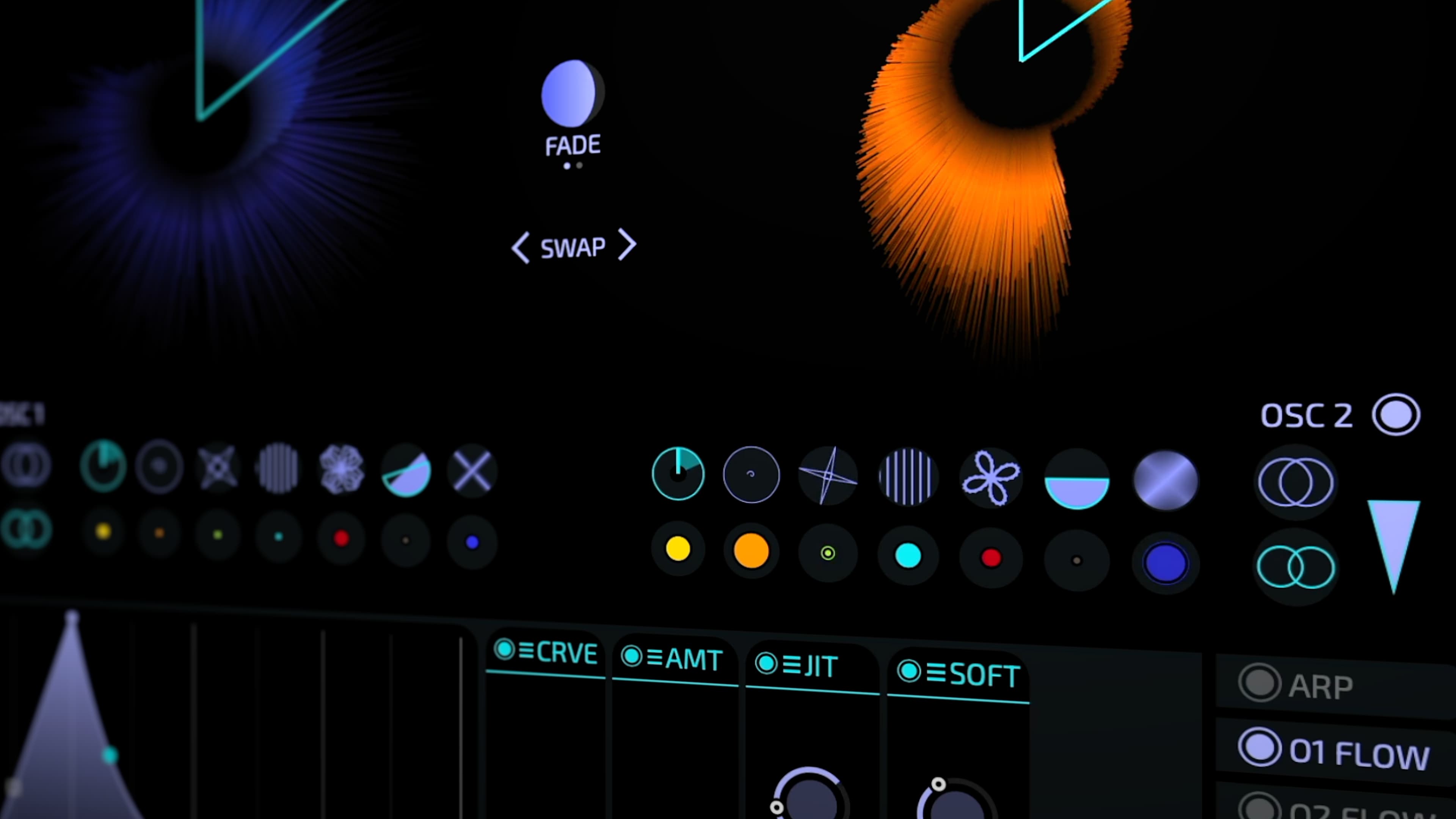
700 Presets By 15+ Sound Designers
- Databroth
- Spektralisk
- Arovane
- Sound Author
- HydraTek
- NEST Acoustics
- ModeAudio
- Sound for Affect
- Tomavatars
- NoizeBusters
- ... and many more
Features
- advanced organic re-synthesis based on machine learning
- more than 500 presets created by more than 10 sound designers and artists
- intuitive modular system
- trainable resonators (by dropping a sample)
- virtual analog filters
- creative midi effects
- full MPE support
- build-in tutorial system
- powerful and innovative randomisation system
- intuitive modulation system
- supports MTS-ESP for microtonality
Mac
- macOS 10.13 or Later
- 64-bit Intel or Apple Silicon
- AAX / AU / VST3
Windows
- Windows 10, 11
- 64-bit
- AAX / VST3


















Reviews Summary
While it aims to provide a helpful overview, it may not capture every perspective or detail. We encourage you to read individual reviews to make an informed decision.
Users praise this Dawsome synth plugin for its unique sound design capabilities, extensive modulation options, and highly inspiring presets. While some note a learning curve and a somewhat unconventional UI that requires patience to master, it is widely celebrated for producing distinct, experimental sounds and generating creative happy accidents.


