


 Log In

Free gifts available with your purchase
Product information

De-essing should be simple
Black Salt Audio believe de-essing should be fast and easy. No complicated controls, no confusing parameters and no distracting extras. So they built DSR - the simplest, fastest, most satisfying way to get transparent & musical de-essing in your mixes.
Features
- DSR is a simple & effective De-Esser, fine-tuned to achieve transparent musical results.
- Only two controls for Threshold and Range. Black Salt Audio put all of the complexity under the hood where it belongs.
- Threshold: This sets the Threshold in dB at which point the de-esser starts applying gain reduction. The Threshold acts on an internally fine-tuned sidechain signal, focusing on the most problematic regions in the vocal track.
- The Range sets a limit for how much gain reduction can occur. For example, with a range of -6dB, the de-esser will reduce up to -6dB but not further, so you can dial in the perfect amount of “Sss”
- Attenuates sibilance without harming the natural frequency balance of the vocal.
- DSR has ZERO latency, which makes it the perfect candidate to tame any harsh vocal in real time.
System Requirements
Mac
- Mac OS X 10.11 or higher
- At least 200 MB of free drive space
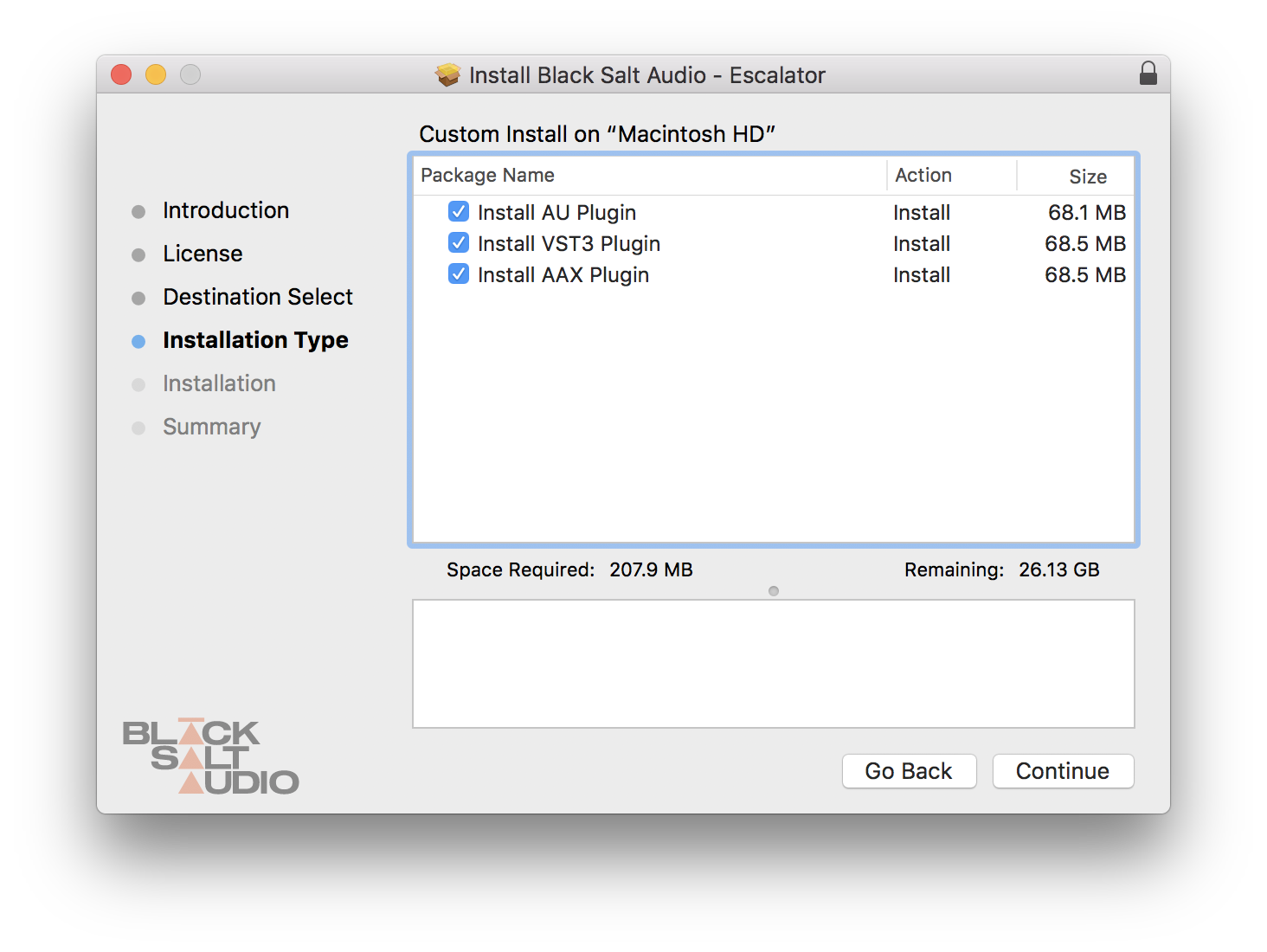
- AAX, AU, VST3 versions
PC
- Windows 10
- At least 200 MB of free drive space
- AAX, VST3 versions
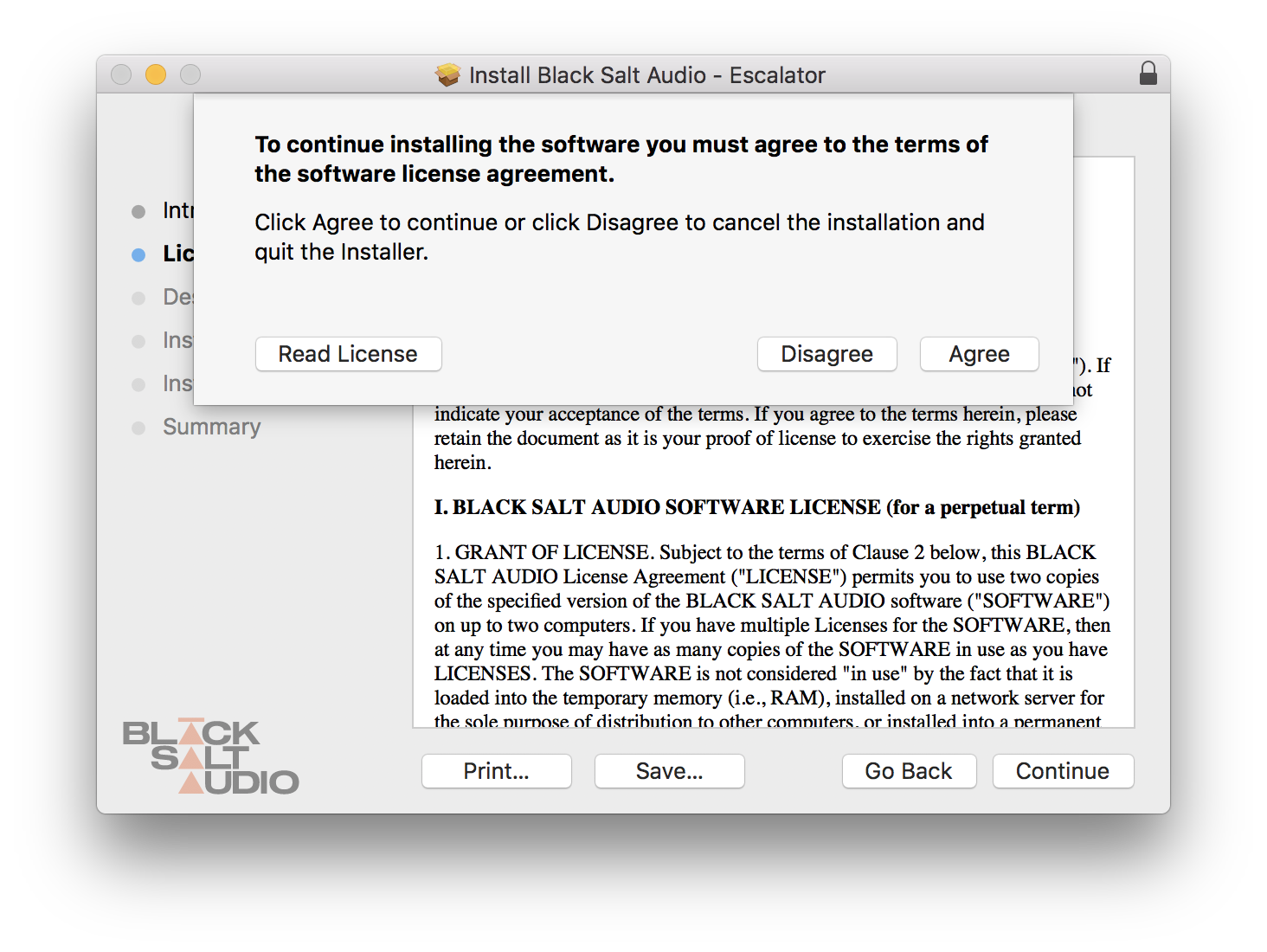
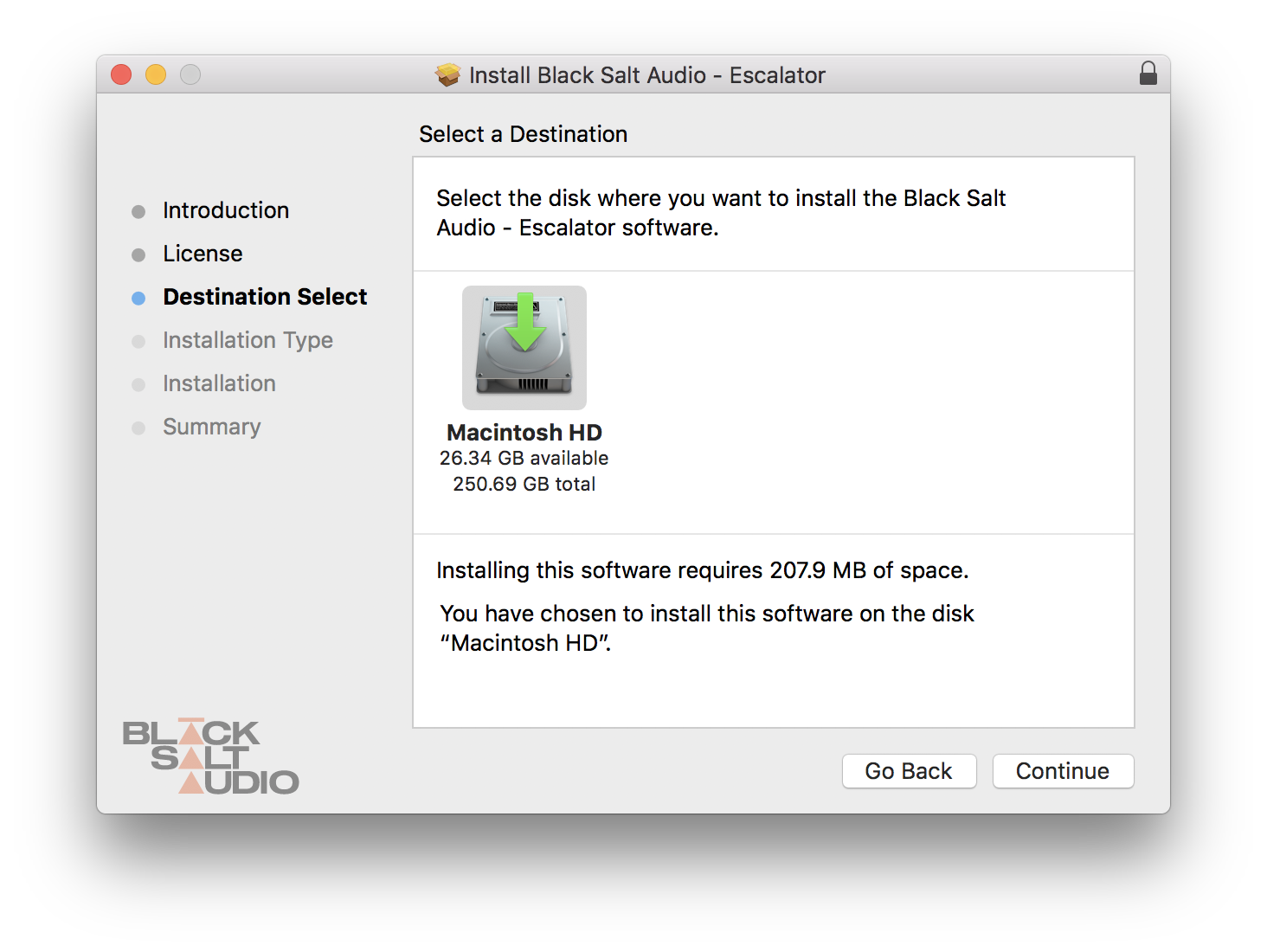
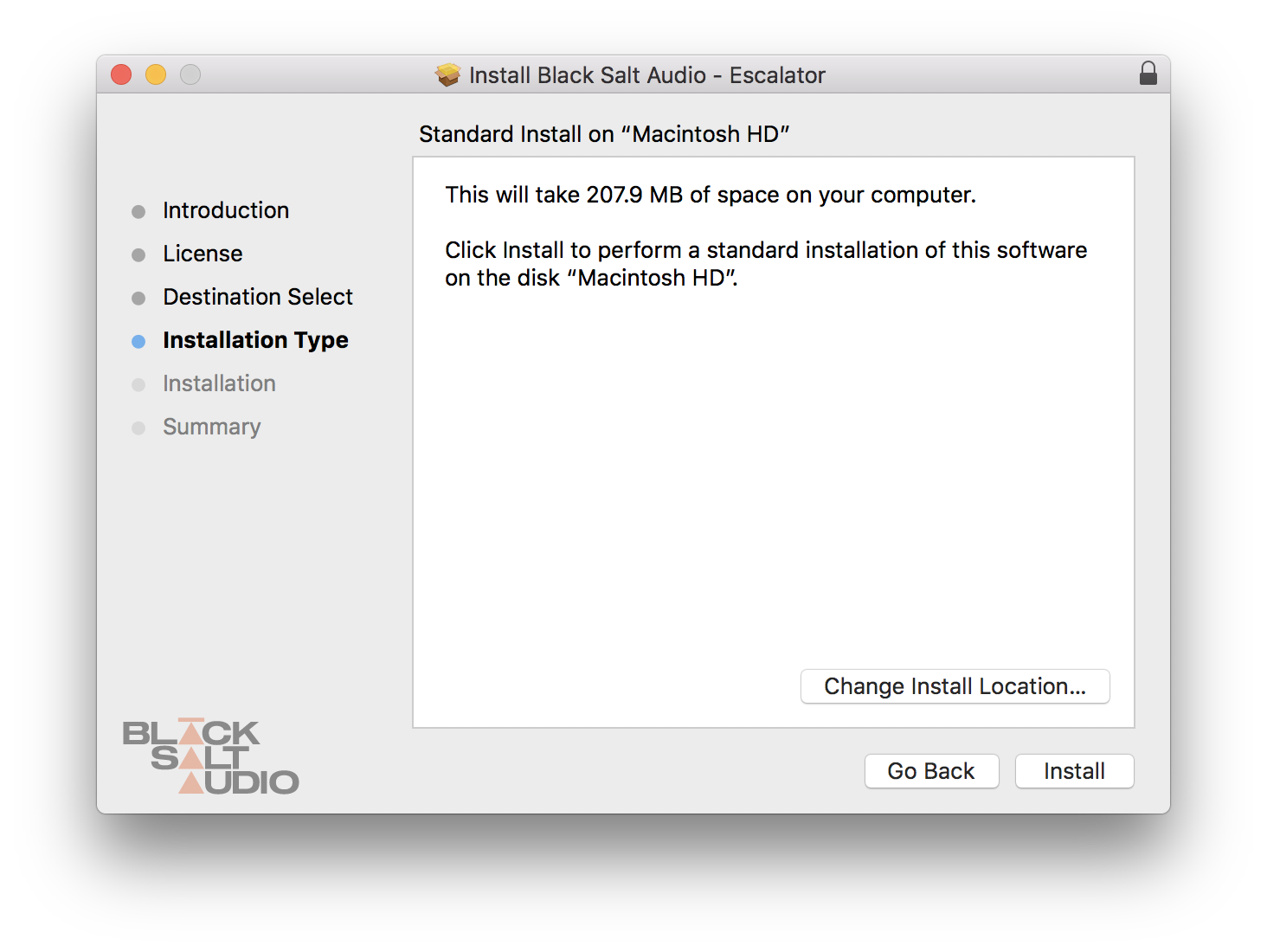
Installation Instructions




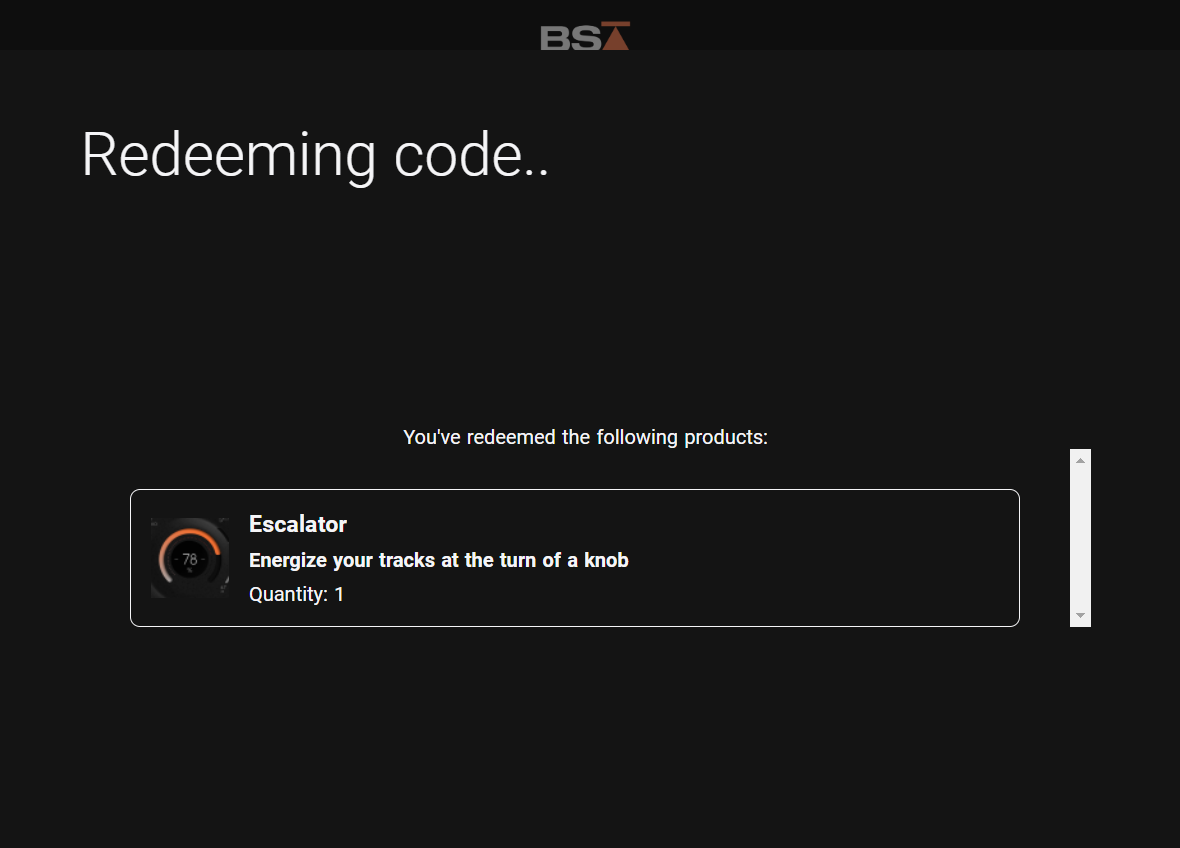

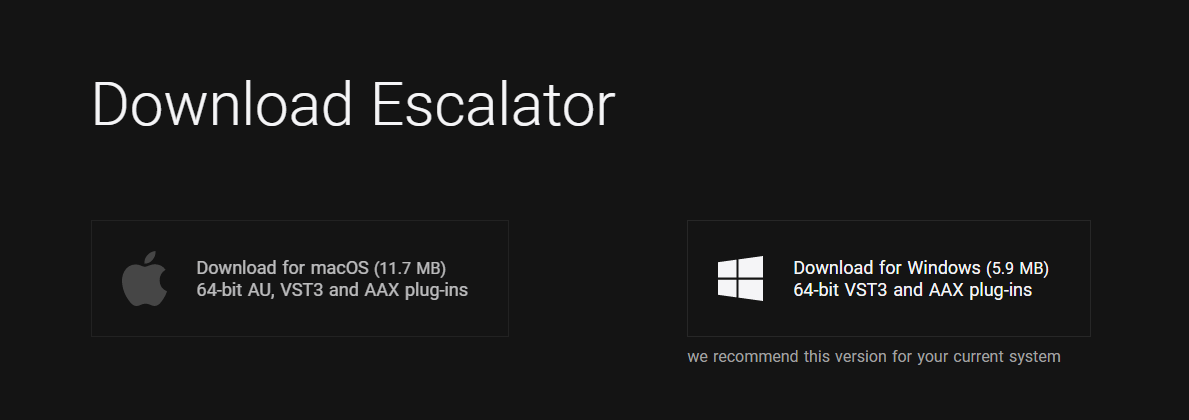
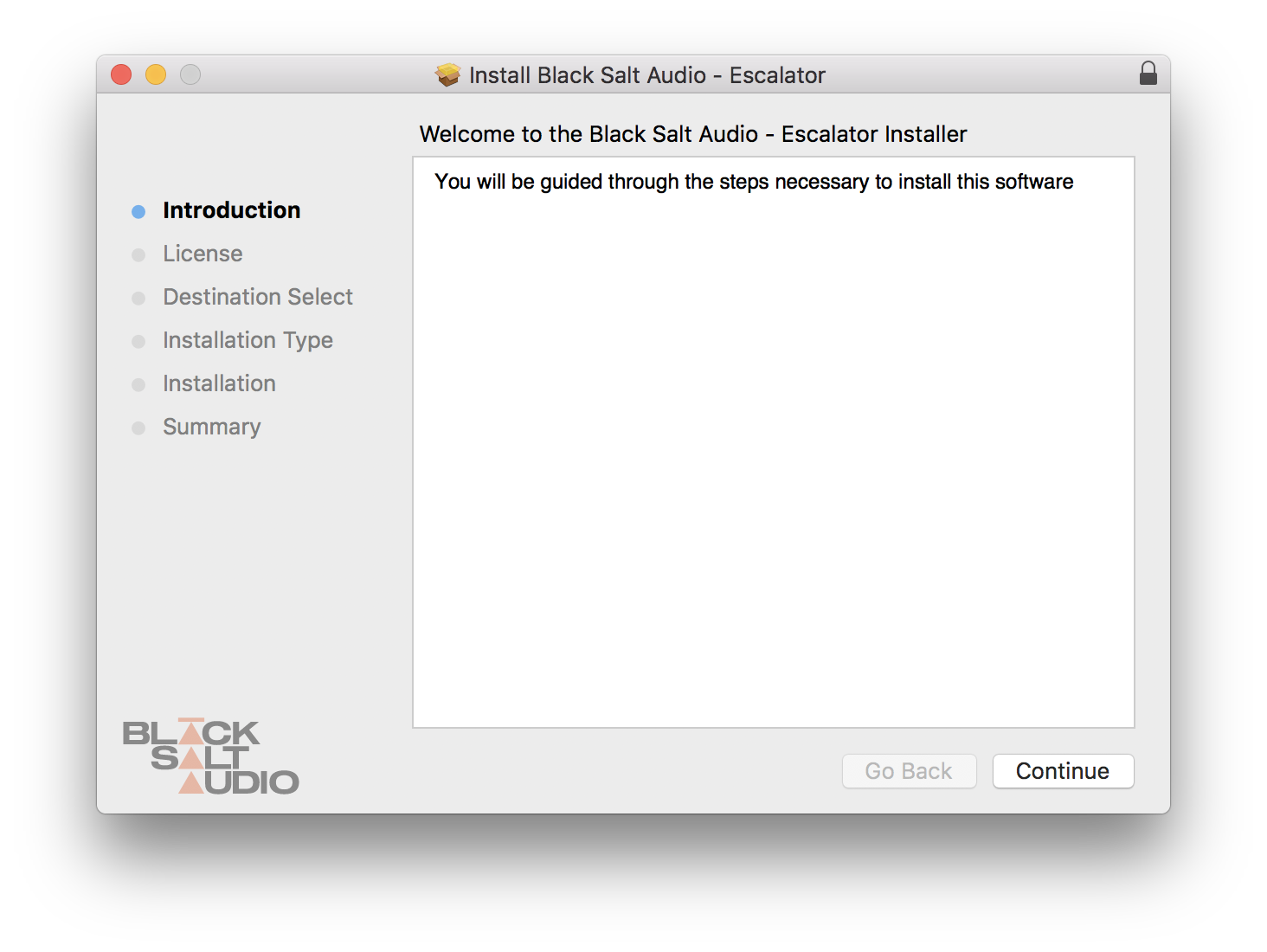
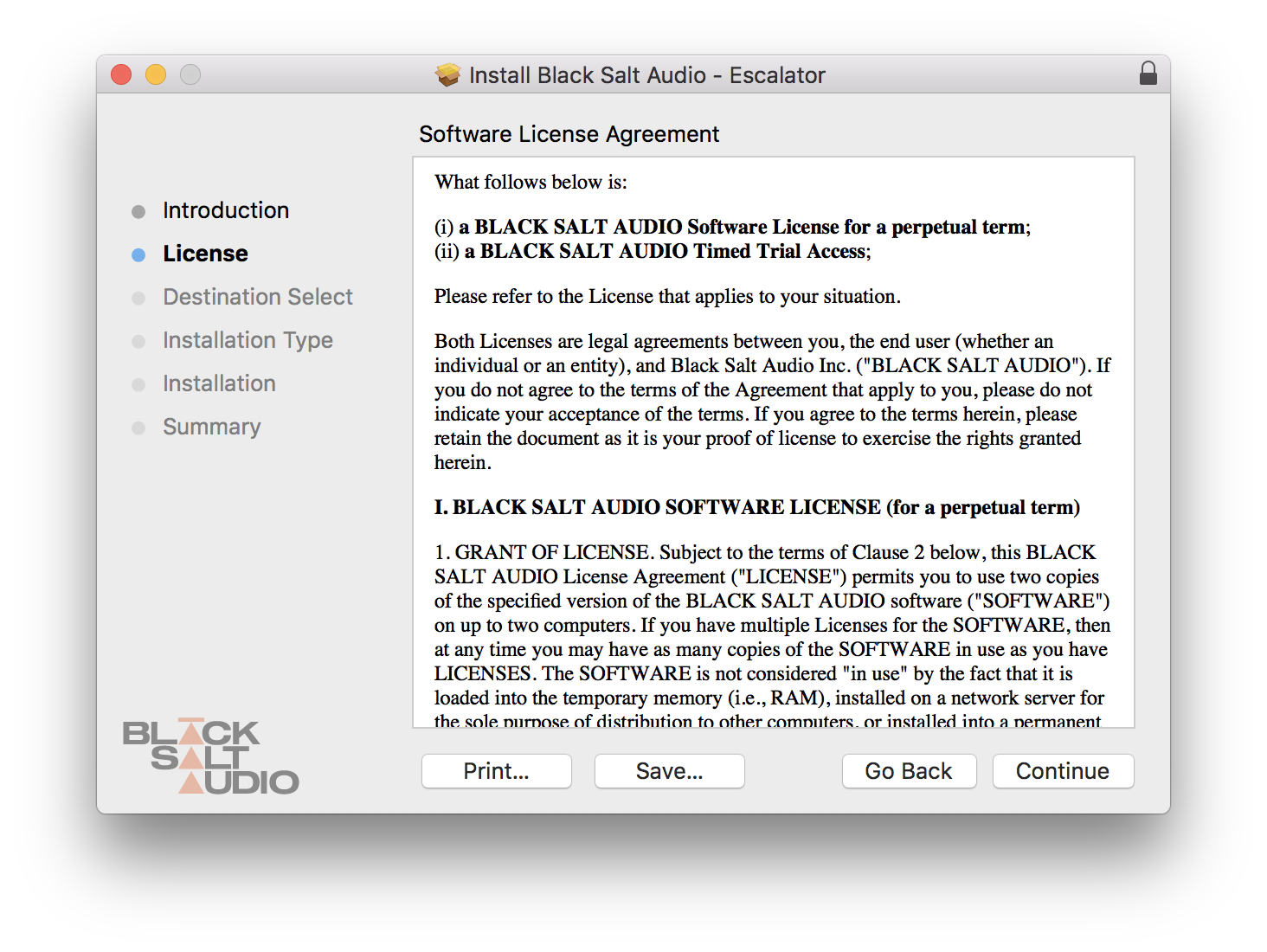
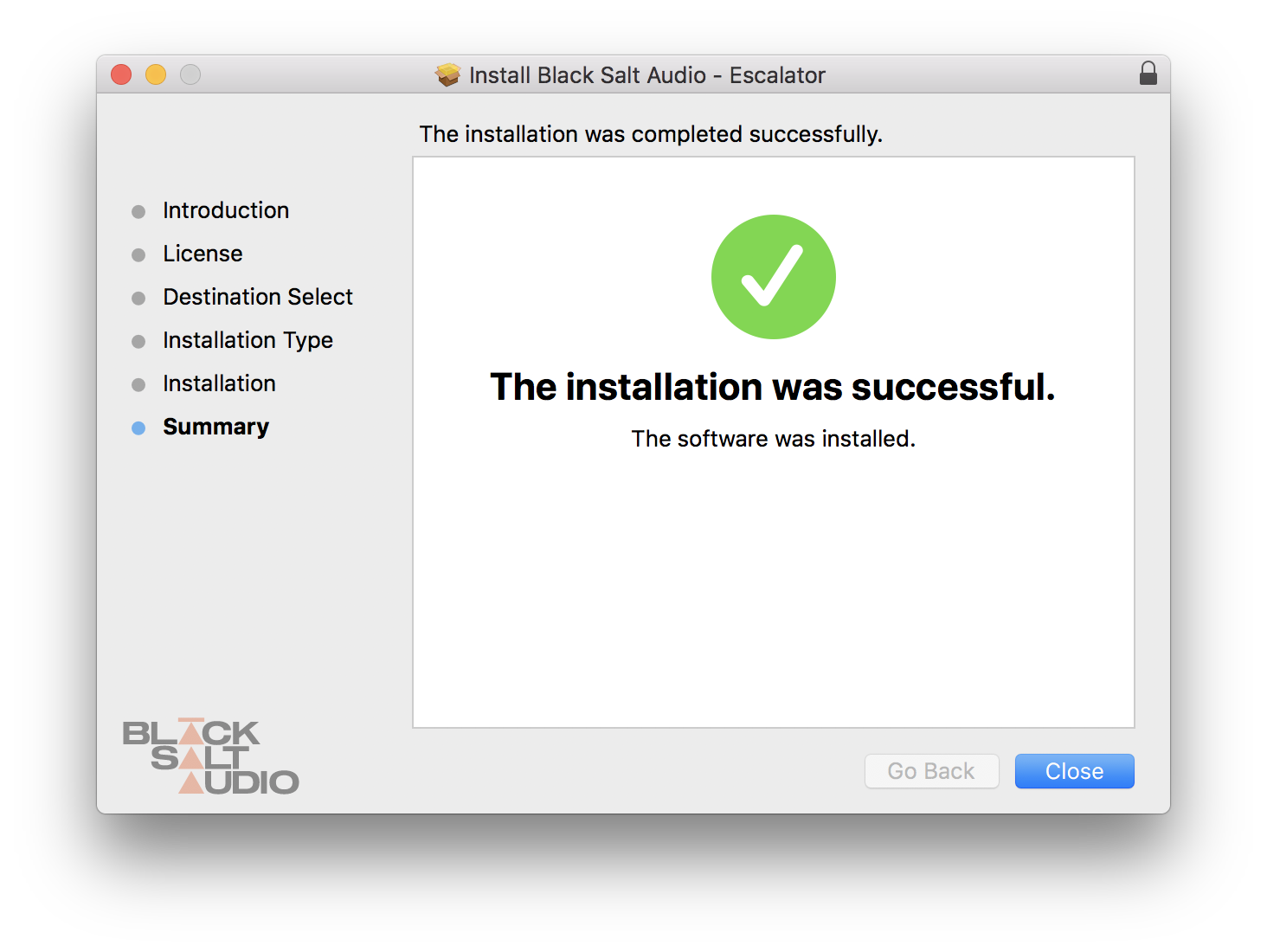
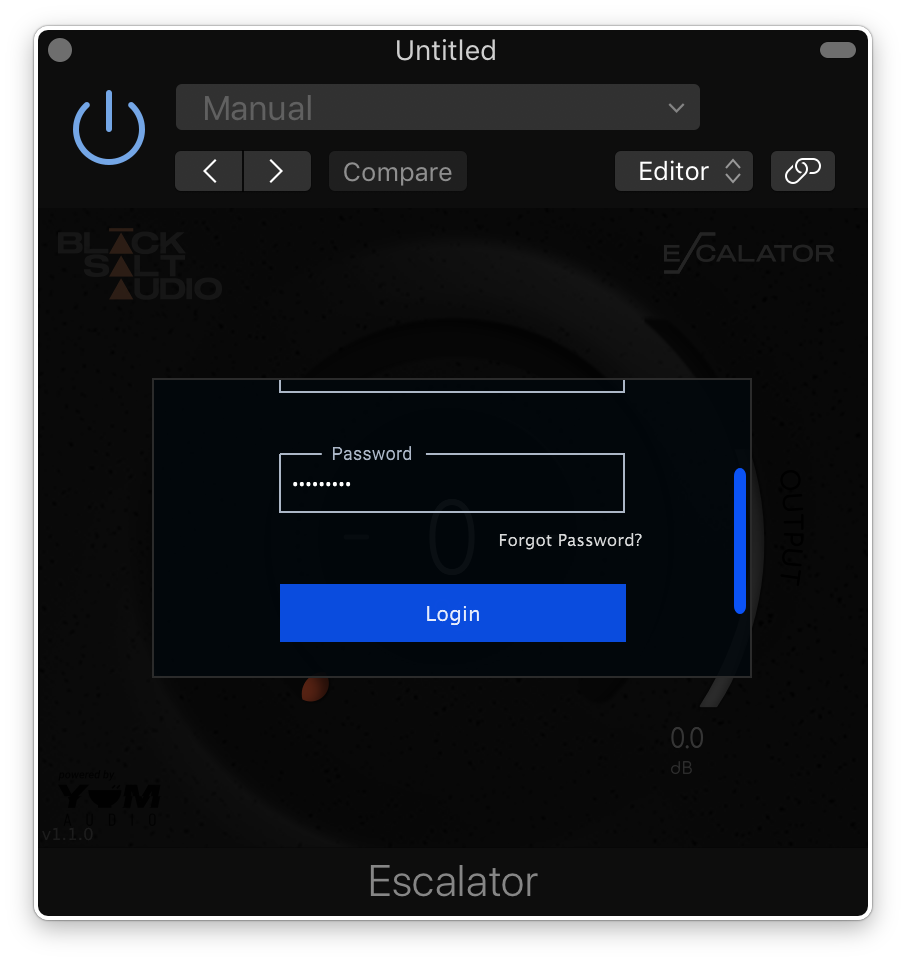
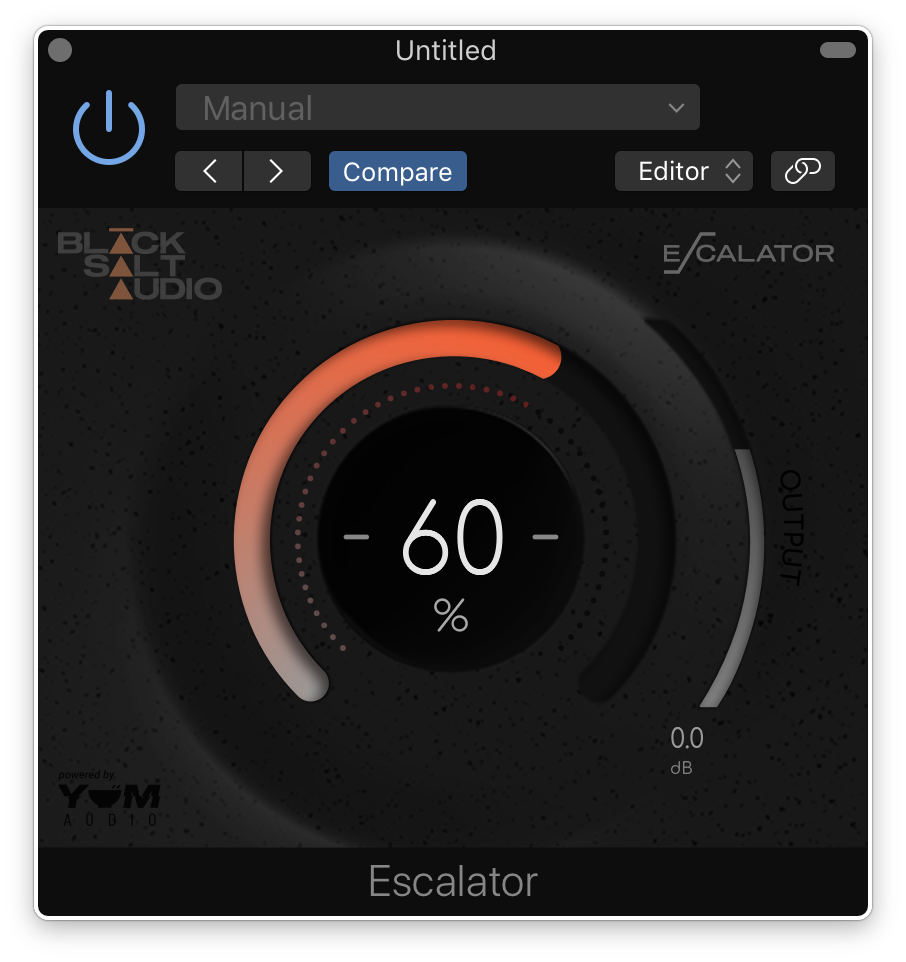
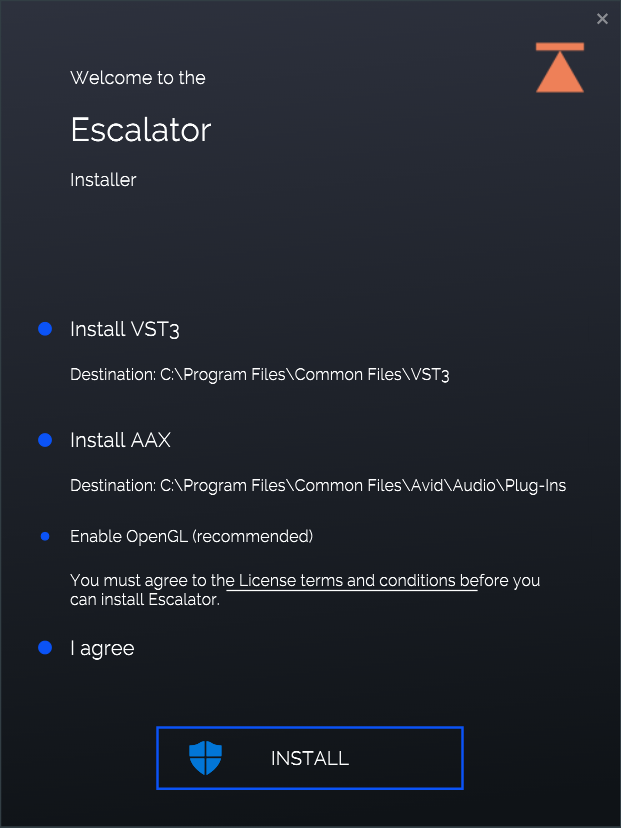

Bundle & Save
BSA Vocal Bundle
$137.00


