Log In
Save $0.00 compared to buying products individually
Free gifts available with your purchase
Everything is best with modulation- or so they (almost) say. Welcome to the Plugin Boutique Core Modulation Collection - the kryptonite to your creative block in the form of three of our hardest-hitting creative plugins. Take control of your sound with a vast array of powerful modulation parameters, tucked neatly away in deceptively simple UIs- add subtle sparkle, evolving echoes, complex stutters, perfectly timed sweeps, acidic distortion, rhythms within your rhythms- and if we've missed something out of the list... yes, you can probably do that too.

Distortion Meets Modulation
Whether it is subtle saturation or extreme overdrive, distortion is often at the heart of the very best productions & mixes.
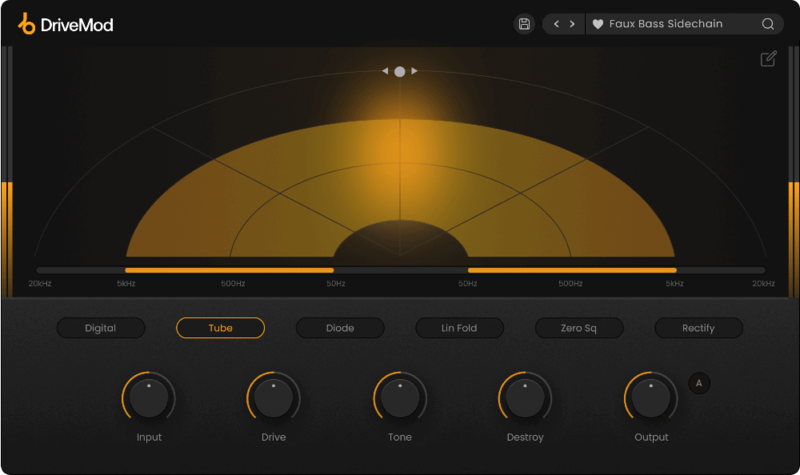
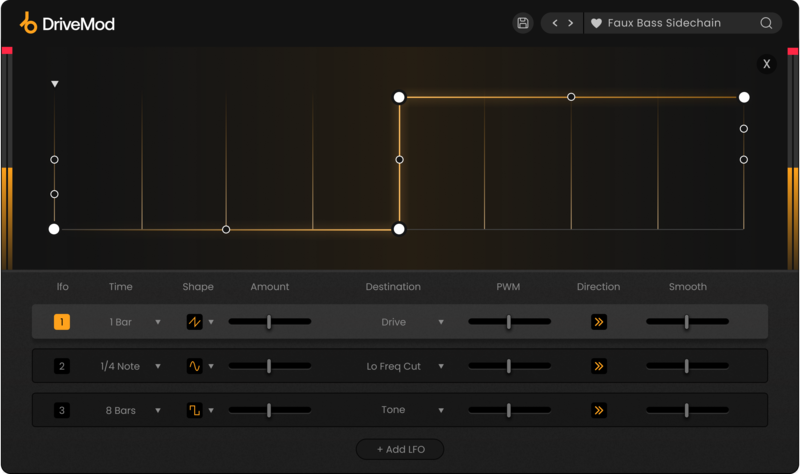
DriveMod takes the traditional distortion plugin one step further, combining heated overdrive with added life and movement. Choose from six types of distortion, shape your signal with filtering and gain, then modulate the results with custom-drawn LFO shapes.
What can DriveMod do?
- Add life and movement to static loops.
- Quickly create looped evolving textures.
- Add punch and presence to your drums.
- Add character to leads & vocals to make them stand out.
- Add warmth and edge to make 808s & bass cut through a mix.
- Generate extreme waveform shaping for experimental distortion effects.
- Add cohesion to a bus or a full mix and 'glue' groups of instruments together.
Modulate your Distortion
After you have dialled in your distortion sound, the Movement panel is where you can add movement to any parameter using the LFOs. With draw-your-own modulator shapes, you can customize an LFO’s shape to fully suit the music you're working on. DriveMod also offers playhead reversal, waveform smoothing and pulse width modulation for fine-tuning the effect.

Features
- Six distortion algorithms for different flavours of drive.
- Stereo panner for placing the distortion in your mix.
- Filter for focusing the distortion on a specific frequency band.
- Tone control to brighten or darken the signal.
- Destroy control to push the distortion even further.
- Auto-gain control to balance the output signal.
- Draw-your-own modulator shapes for modulating any distortion parameter.
- Pre-built sine, square, sawtooth and triangle wave modulation shapes.
- Modulation time intervals from 1/64 up to 32 bars.
- Automatic under-the-hood oversampling.
- 75 Presets
Learn more about DriveMod.

Instant Volume Ducking
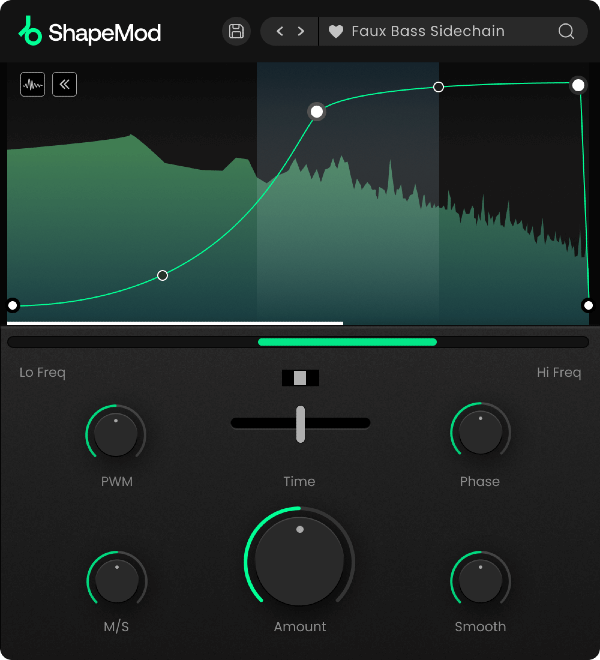
ShapeMod is a volume modulation plugin that provides full flexibility to achieve modern volume ducking effects in seconds.
What can ShapeMod do?
- Create ducking effects on any sound to add rhythm to your audio.
- Quickly add sidechain-style volume ducking to bass.
- Add movement to synth chords and arpeggios.
- Create tension and release during key moments of a track.
- Rhythmically filter out unwanted frequencies.
Full Control Over Your Sound
Within ShapeMod's main envelope section, you can design the exact volume ducking shape for your sound to follow. With no limit to the number of possible modulation nodes, you can draw the shape in intricate detail, before using the hi and lo frequency sliders to focus the ducking on a specific frequency band.
Create pumping sidechain bass effects in time with your kick drum, draw repeating tremolo effects for synths & pads, map out precise rhythmic gating effects, and much more.
Once you've drawn your modulation shape, you can dial in the depth of the effect using the Amount control and set the time interval of the envelope to determine how long the envelope takes to complete a cycle. Set rapid stutter effects on 1/6th notes, or build a slow and evolving volume swell over 16 bars, or anything in between.
Features
- Volume modulation envelope with an unlimited possible number of nodes.
- Time Syncing from 1/32 to 32 Bars with straight, dotted or triplet rhythms.
- Display your signal as a spectrum analyser or a moving waveform.
- Unlinked Envelope start and end points.
- Flip control to reverse the direction of the envelope playback.
- Focus the volume shaping to a specific frequency band.
- Eliminate pops and clicks with the smoothing control.
- Mid/side balance control to focus the effect on the mid or side signal.
- Pulse Width Modulation control that creates a more analogue feel.
- 75 Presets
Learn more about ShapeMod.

Animate your Filtering
Whether it's drums, bass, synths, pads or vocals, filtering is a key element of the production process for adding variation and excitement to a track.
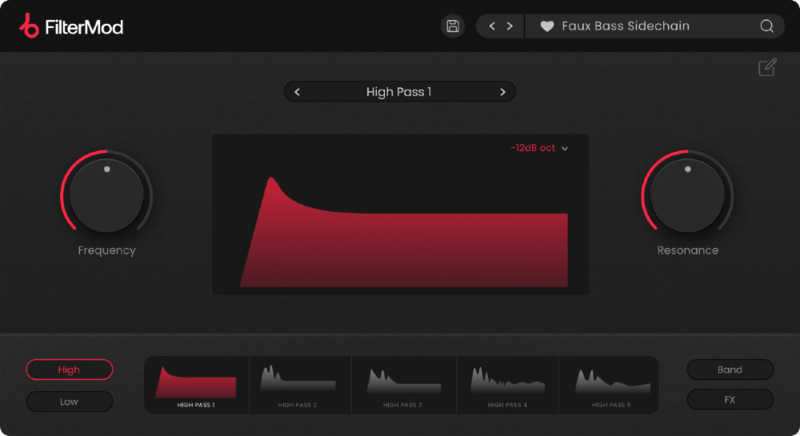
FilterMod goes beyond the traditional filter plugin to bring you 20 different filter types and two modulation envelopes, giving you complete flexibility and more creative possibilities.
What can FilterMod do?
- Create dynamic and evolving filter sweeps.
- Add groove and movement to a sound with rhythmic filtering.
- Create custom bass filters.
- Add movement to synths, pads, chords and arpeggios.
- Create tension and release during key moments of a track.
20 Filter Types
At the core of FilterMod is 20 different filter types to choose from, including Lo-Pass, Hi-Pass, Band-Pass and FX filters. These filters have been designed to mimic the odd and even harmonics of analogue saturation and deliver a level of clarity, sheen and precision not found in other filters. Cycle through to find your desired filter, set the steepness of the filter cutoff, and then set the cutoff and resonance to taste.
FilterMod's modulation page contains the two independent envelopes for modulating the cutoff and resonance of the filter. From here, with no limit to the number of nodes, you can draw your own precise envelope shape. Set the time interval of the envelope to repeat the modulation, and use the smoothing option to create smooth, clean filtering effects.
Features
- 20 custom-designed filters.
- Two dedicated envelopes for adding movement to the cut-off and resonance.
- Unlimited node creation capability.
- Time intervals ranging from 1/32 to 32 bars.
- Tempo sync & straight / dotted / triplet timing options.
- Snap to grid function for the envelope nodes.
- Smoothing control to smooth out the envelope.
- 75 Presets
Learn more about FilterMod.
System Requirements
macOS
- macOS 10.14 or higher.
- Natively compatible with Apple Silicon
- Plugin Formats: VST, VST3, AU, AAX, Standalone
- DAW's Supported: Ableton Live, Pro Tools, Logic Pro, FL Studio, Cubase, Nuendo, Reaper, Reason + more.
- Compatibility: 64-bit compatible only.
Windows
- Windows 7 or higher
- Plugin formats: VST, VST3, AAX, Standalone
- DAWs supported: Ableton Live, Pro Tools, FL Studio, Cubase, Nuendo, Reaper, Reason + more.
- Compatibility: 64-bit compatible only.
Please Note:
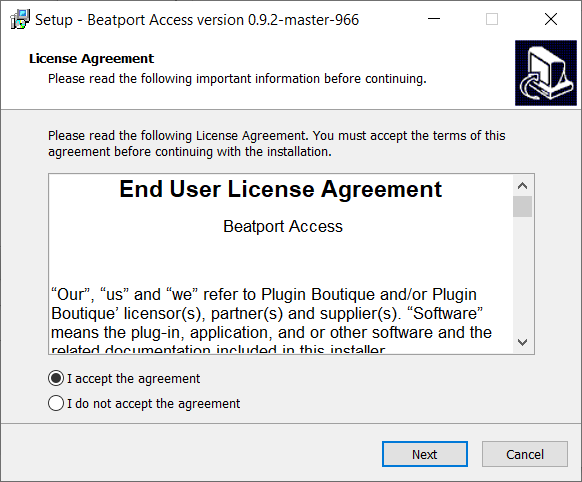
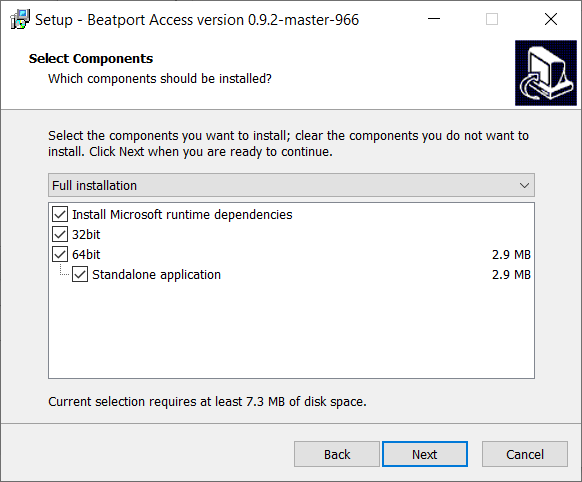
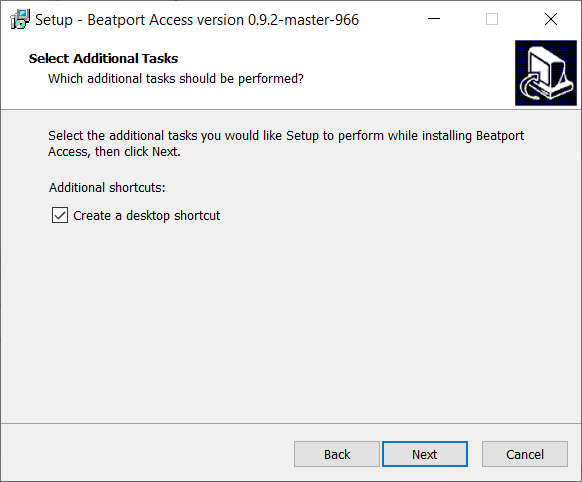
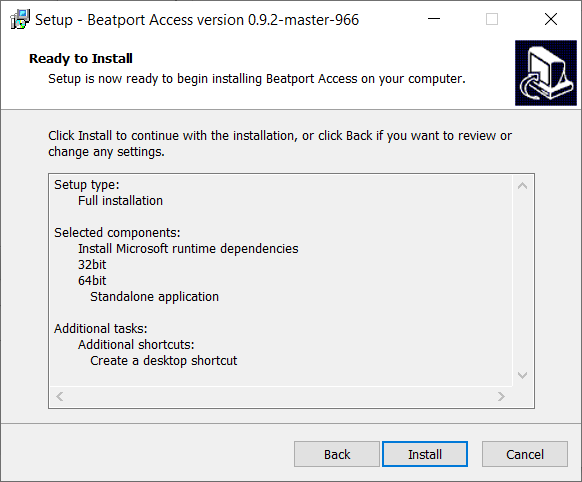
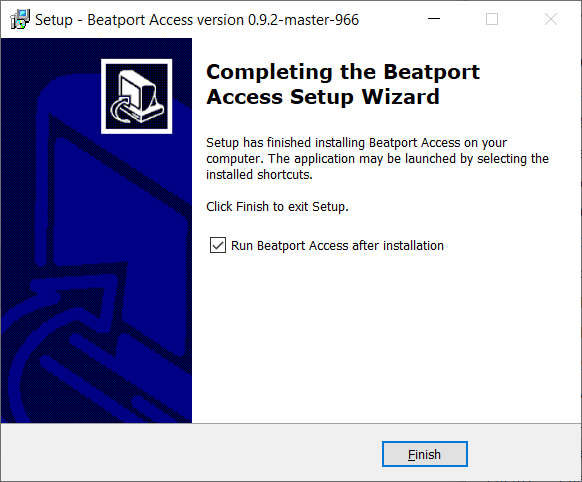
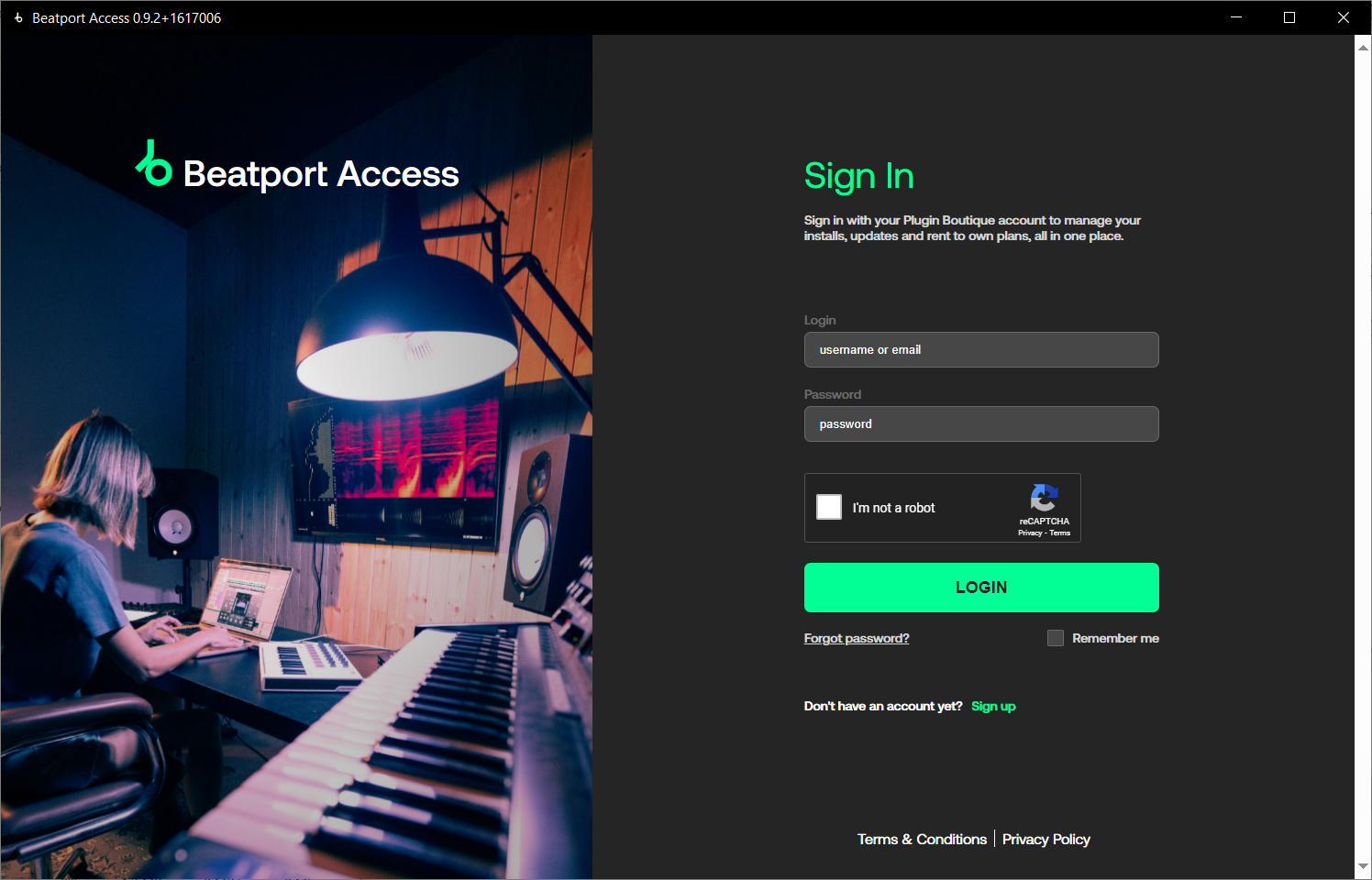
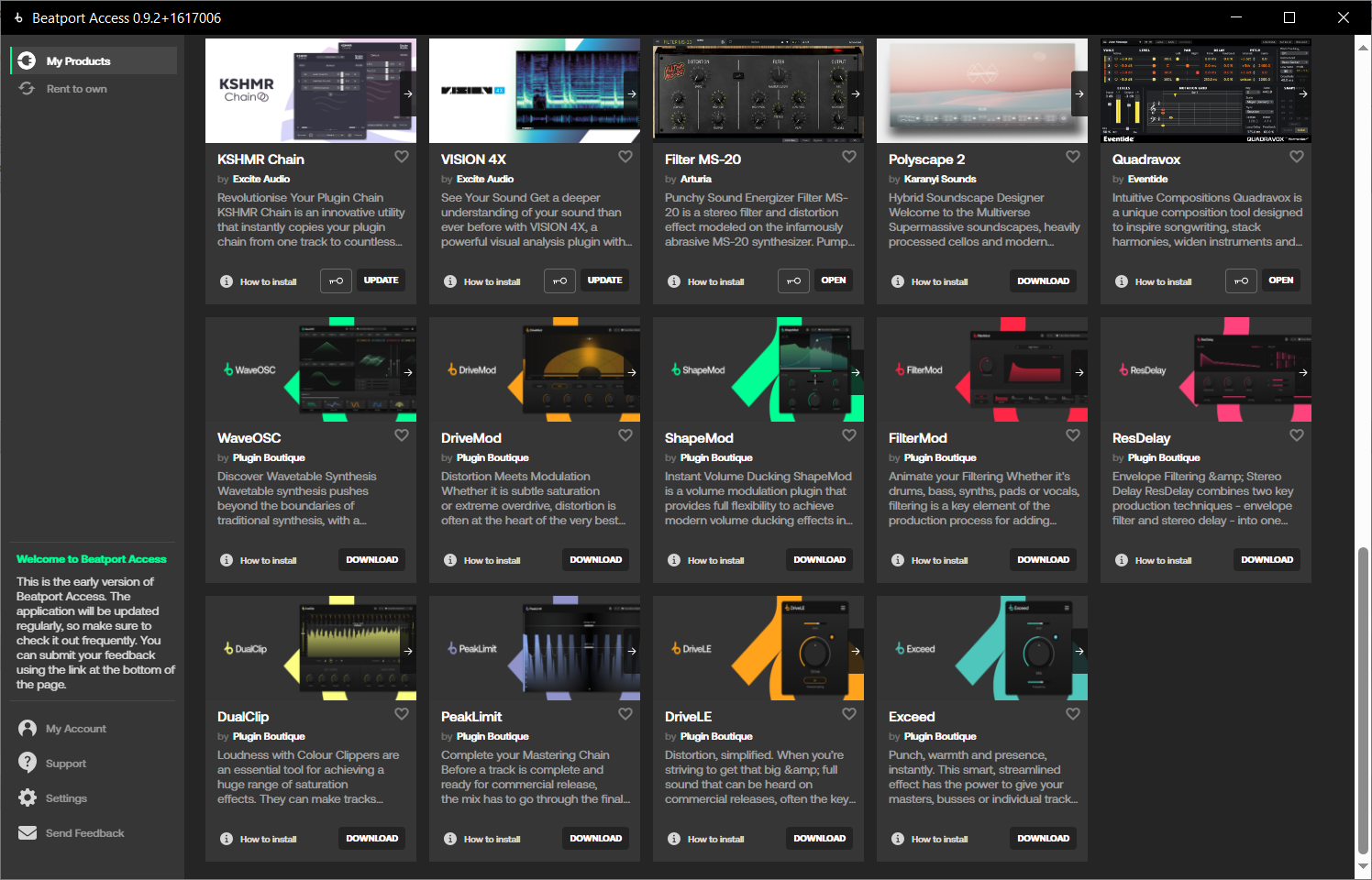
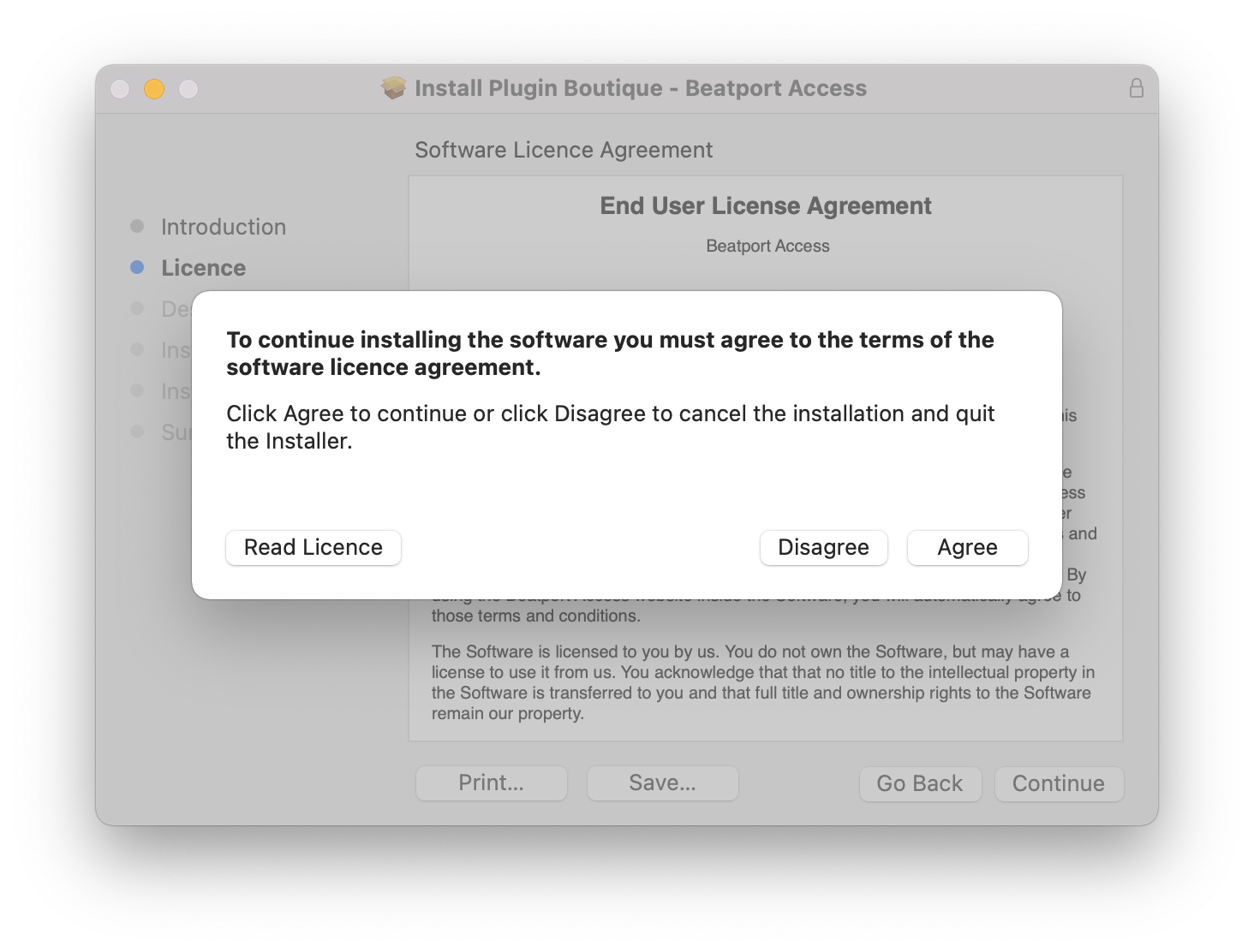
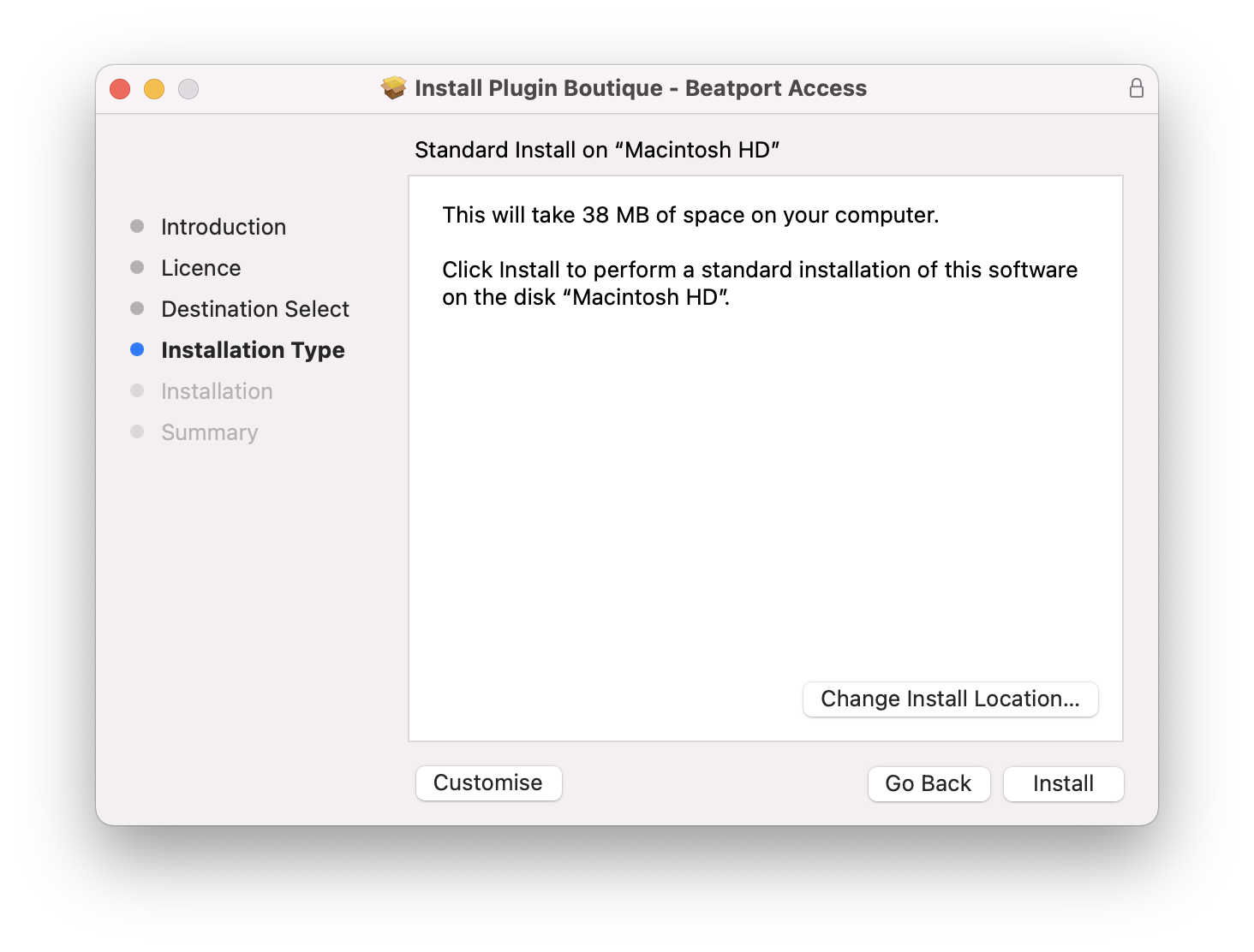
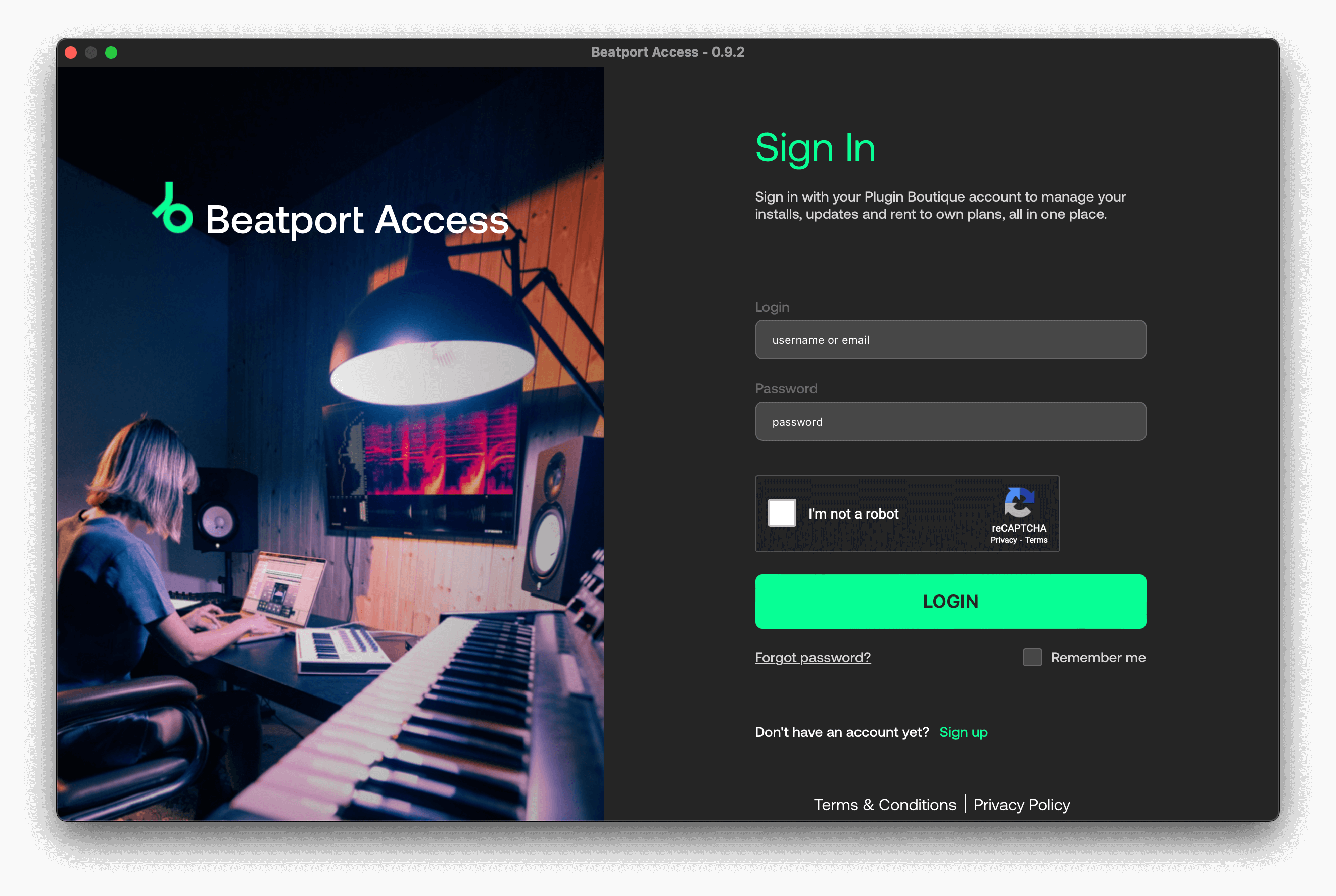
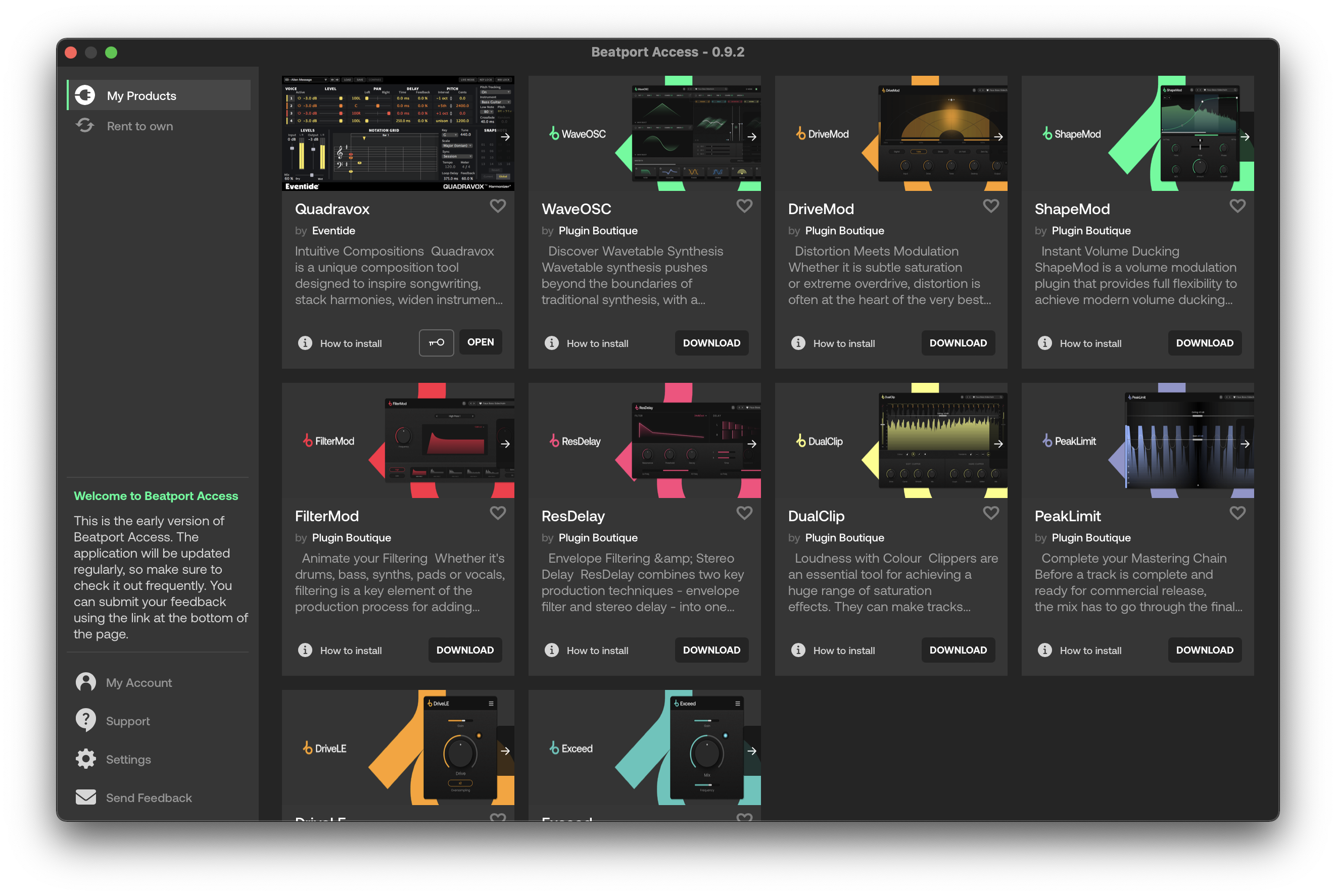
- This software can only be installed and run via the Beatport Access portal and an internet connection is required at all times.•
- It is not possible to load Union presets into WaveOSC.
• It's also worth noting that future developments to this Core Collection software will allow it to be installed and used independently without the need for Beatport Access or an active internet connection; when it is purchased as a one-time perpetual licence and NOT via a Rent to Own payment plan or Beatport Studio membership.
If you have any questions regarding these forthcoming updates, please feel free to contact our Customer Care team.