Log In

Free gifts available with your purchase
Tellingly, the classic Waldorf Edition has had a visual makeover, but its core values remain unchanged and unchallenged: the holy trinity of inspiring software instruments!
All plugins now have a radically revamped user interface. Besides this, Attack now contains an exceptionally expanded effects section with Delay, Equalizer, Drive, Phaser, Flanger, Chorus, and Reverb.
PPG Wave 2.2V
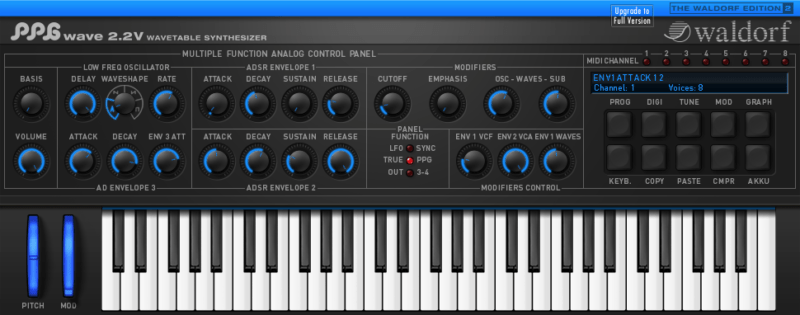
PPG Wave 2.2V is a virtual reincarnation of its namesake cult classic, coming to prominence with the trailblazing PPG Wave series starting back in 1982.
First resurrected in 1989 with the Waldorf Microwave, today it enjoys a new lease of life in virtual studios on Mac and PC computers. Classic wavetable synthesis is known for conjuring up the feisty analogue and digital hybrid sounds that have graced so many hit records over so many decades.
Features
- Accurately modelled after the legendary PPG Wave 2.3
- 32 wavetables with 64 waveforms each
- Synced arpeggiator
- 8-part multitimbral
- 2 stereo outputs
- Up to 64 voices per instance (depending on available CPU power)
- Over 700 sounds included
Attack
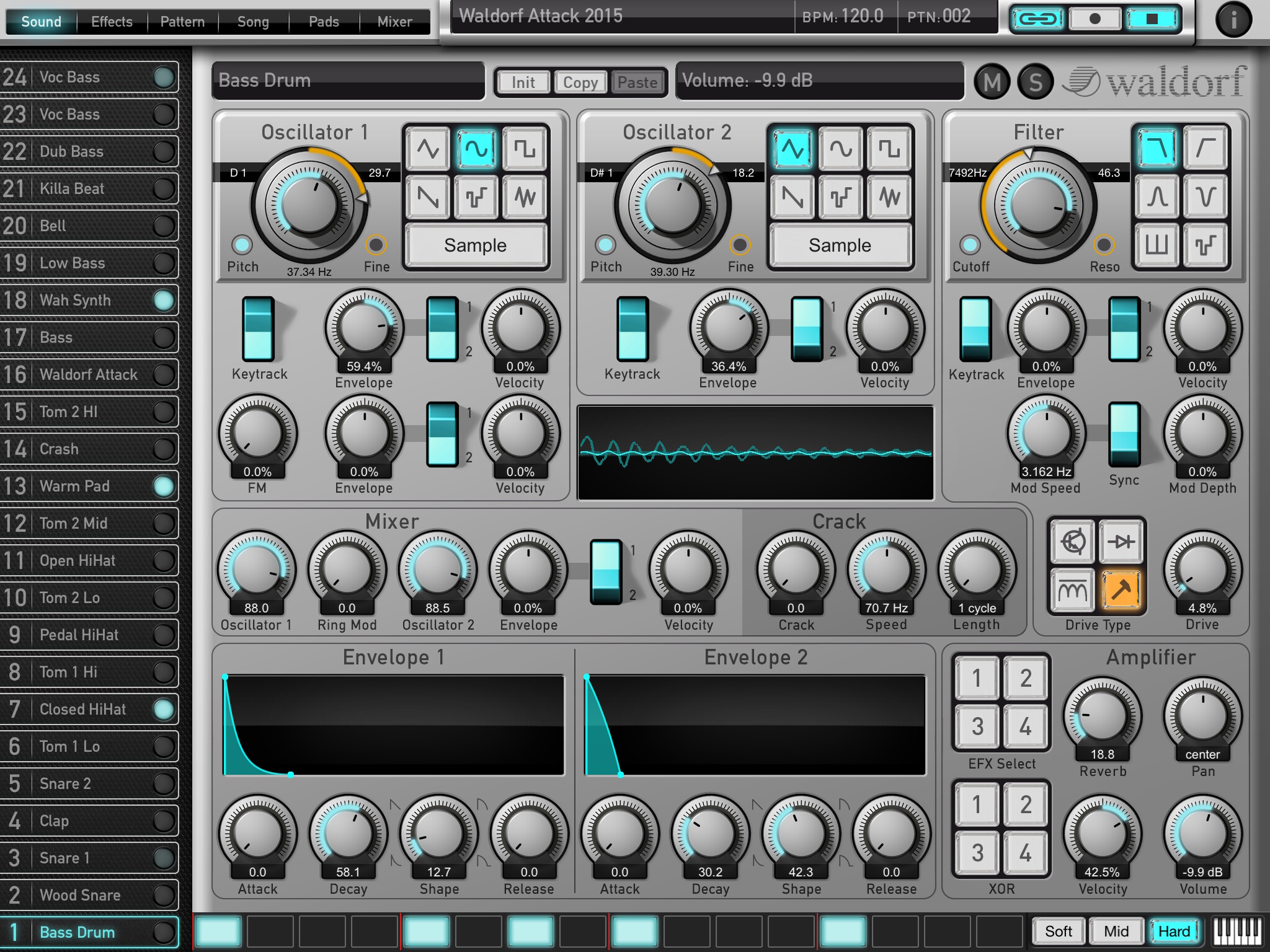
Attack is a percussion synthesizer powered by an almighty analogue synth sound generator. It transports the trademark sounds of classic Eighties analogue drum machines and the progressive electronic club beats of the Nineties onwards and upwards into truly 21st Century production environments.
Features
- Virtual analog sound synthesis
- 24 percussion sounds per kit
- Plays polyphonic bass and lead sounds
- 6 stereo outputs
- Per sound (editable):
- 2 oscillators
- Frequency modulation and ring modulation
- “Crack” module
- 6 filter types with resonance up to self-oscillation
- Overdrive up to 52dB
- Filter LFO, sync-able to tempo
- 2 envelopes
- Delay, Equalizer, Drive, Phaser, Flanger, Chorus and Reverb effects
- Up to 64 voices per unit (depending on available CPU power)
- 36 percussion kits with over 850 sounds included
As Attack computes all sounds in realtime, users can change any parameter directly.
D-Pole

D-Pole completes the Waldorf Edition 2 lineup as a very versatile filter plug-in with five filter types (lowpass, bandpass, high pass, notch, and resonator), SAMPLE RATE reduction, RING MOD, OVERDRIVE (ranging up to +52 dB), and stereo delay — all in wondrous Waldorf quality!
Features
- Multimode filter (5 filter types: Low Pass, Band Pass, High Pass, Notch, Resonator)
- 12dB or 24dB slope
- Resonance up to self-oscillation
- Overdrive up to +52dB
- Ring modulation
- Sample rate reduction
- LFO rate adjustable to over 7000Hz, sync-able to tempo and audio
- Delay effect with up to 2000ms delay time,
- sync-able to tempo
- Stereo input/output
System Requirements
Microsoft Windows
- 7/10/11
- Intel- or AMD-based PC
- VST2/VST3/AAX
- NKS support
- Pro Tools 2023.9 currently unsupported
MacOS:
- 10.14x or higher
- Inter or Apple Silicon-based Mac (64 Bit only)
- VST2/VST3/AU/AAX
- Pro Tools 2023.3 Rosetta mode only / Pro Tools 2023.9 currently unsupported)
- NKS support