


 Log In

Free gifts available with your purchase

Enhance Harmonics
Adding warmth and character to your audio can significantly enhance its presence and emotional impact in a mix. Lifeline Dirt uses classic saturation to swerve between subtle warmth and thickness through to hard-hitting distortion and fuzz.

Whether you need delicate textures or aggressive overdrive, Dirt takes on the challenge, effortlessly. Warm your mixes with gentle tape or tube saturation, or add a gritty edge to vocals, guitars, basses, synths and drums with Rectify and Fuzz.
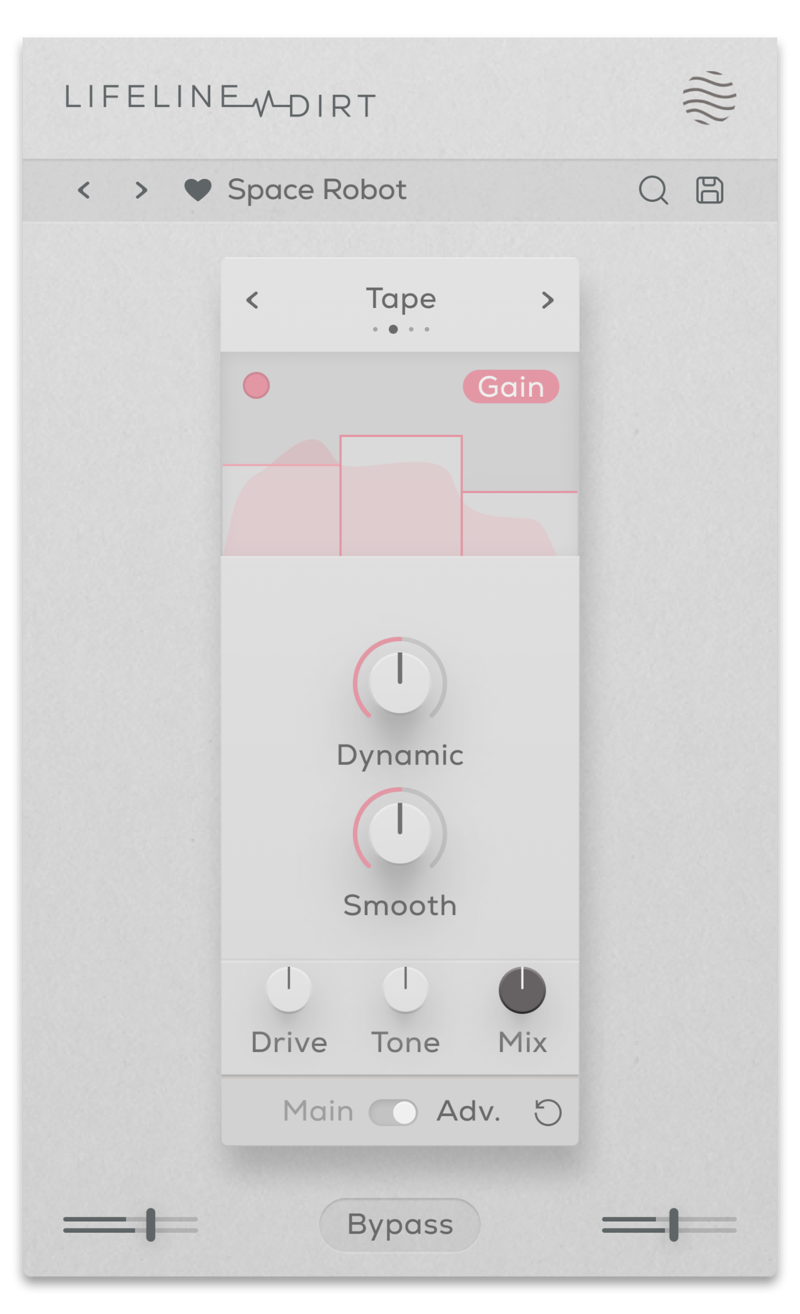
The Tube, Tape, Rectify and Fuzz algorithms instantly add distortion, saturation, aggressive harmonics and noise to any sound you want. Using the Drive, Smooth and Tone controls, the intensity or smoothness of each effect can be easily dialled in to suit any context.
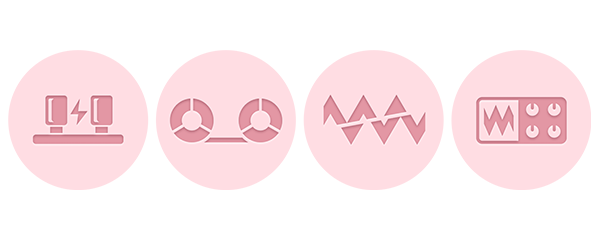
- Tube: Smooth saturation for all-around analogue warmth. Increasing the drive provides heavier distortion.
- Tape: Adds subtle warmth, glue and fullness. Increase the drive for extra punch.
- Rectify: Introduces extra harmonics and fuzz an octave above the incoming signal.
- Fuzz: A heavy guitar fuzz for extreme harmonic overtones.
Features
- 4 Saturation/Distortion algorithms
- Drive control (With advanced Multiband processing)
- Frequency Smoothing & Dynamics Preservation control
- Dry/Wet Mix, Output Gain & Tone controls
- Multiband functionality for Gain and Effect processing
- Input/Output Gain Controls
- Global Bypass
- Resizeable UI
- Zero Latency
- 50 Presets
System Requirements
macOS
- macOS 10.15 or higher (Intel / Native Apple Silicon supported).
- Plugin Formats: VST3, AU, AAX, Standalone
- DAW's Supported: Ableton Live, Pro Tools, Logic Pro, FL Studio, Cubase, Nuendo, Reaper, Reason + more.
- Compatibility: 64-bit compatible only.
Windows
- Windows 7 or higher
- Plugin formats: VST3, AAX, Standalone
- DAWs supported: Ableton Live, Pro Tools, FL Studio, Cubase, Nuendo, Reaper, Reason + more.
- Compatibility: 64-bit compatible only.

MixbusTv
Platinum-selling mixing/mastering engineer and producer David Gnozzi.
"It's my new favourite for 808s and basslines."

Dokkodo Sounds
Composer, Producer, and Sound Designer - Inner Ocean Records, Ninja Tune Music, EMI.
"A great tool to help convey emotion and add life to your recordings."

KSHMR
American musician, songwriter, record producer, and DJ.
"When a sound is too plain or needs character - boom - Lifeline is the shortcut."
Reviews Summary
While it aims to provide a helpful overview, it may not capture every perspective or detail. We encourage you to read individual reviews to make an informed decision.
Customers highly praise this distortion and saturation plugin for its intuitive, clean interface and ease of use, which facilitates a quick and distraction-free workflow. Reviewers highlight its high-quality sound—especially the tape, tube, and lo-fi characteristics—as well as the versatility of its distinct algorithms like Crack, Crush, Dist, Fuzz, and Grime. While a few find it a bit too simple or basic in options, the overall consensus is very positive, making it highly recommended for producing great grit and character efficiently.


