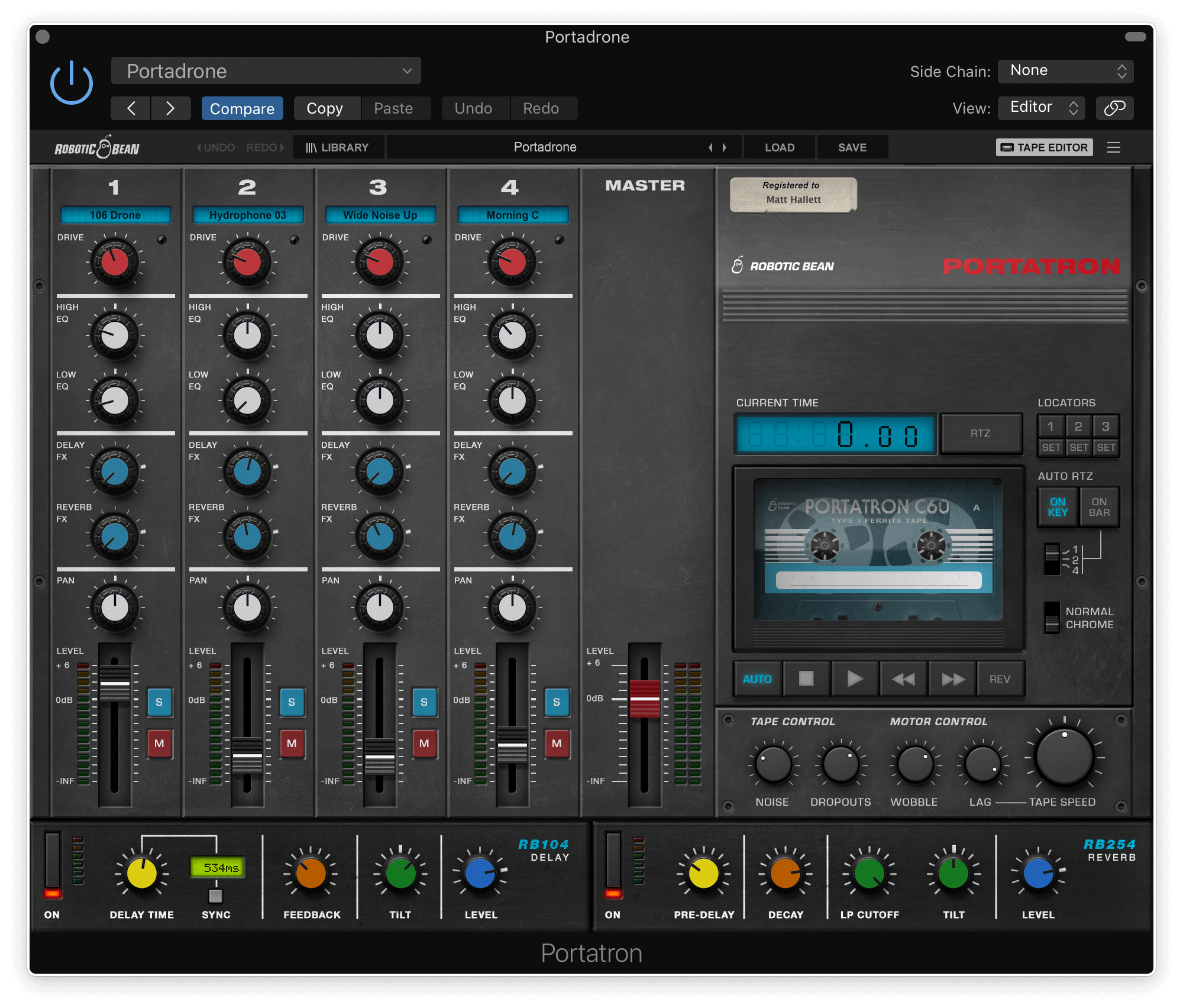
/ Synth Presets / Portatron Preset Pack: Obscura – Dark Synthesis
Robotic Bean

Portatron Preset Pack: Obscura – Dark Synthesis

4.5 (2 Reviews)
$14.99
Portatron Preset Pack: Obscura – Dark Synthesis
Obscura - Dark Synthesis gallery thumbnail
PortaPack - Obscura - Dark Synthesis gallery thumbnail
Buy Now
Product information
  • Dark organic tape loops
  • A wide variety of BPMs and keys
  • Loop types to choose from like drones, sequences, atmospheres, etc.

Delve into the abyss of sound with Obscura – Dark Synthesis, an audioscape essential for composers and sound designers seeking the darkest cinematic tones. With the masterful composer René G Boscio at its core, this collection crafts expansive, epic, and ominous textures ideal for the grand canvas of film and beyond.

Its unique palette ranges from enigmatic synth lines to engulfing ambiances and drones, punctuated by haunting piano echoes and intricate effects. Perfectly balanced for a sinister sonic narrative, Obscura is your gateway to a realm where dark meets darker in a symphony of shadows.

Elevate your production with this unmatched collection of deep, textural sound designs.

Features

  • 13 Cassettes with matching samples
  • 52 loop samples
  • ~500 MB of samples
  • Long evolving loops

System Requirements

  • Portatron 1.2 or higher
  • 600 MB disk space
Installation Instructions
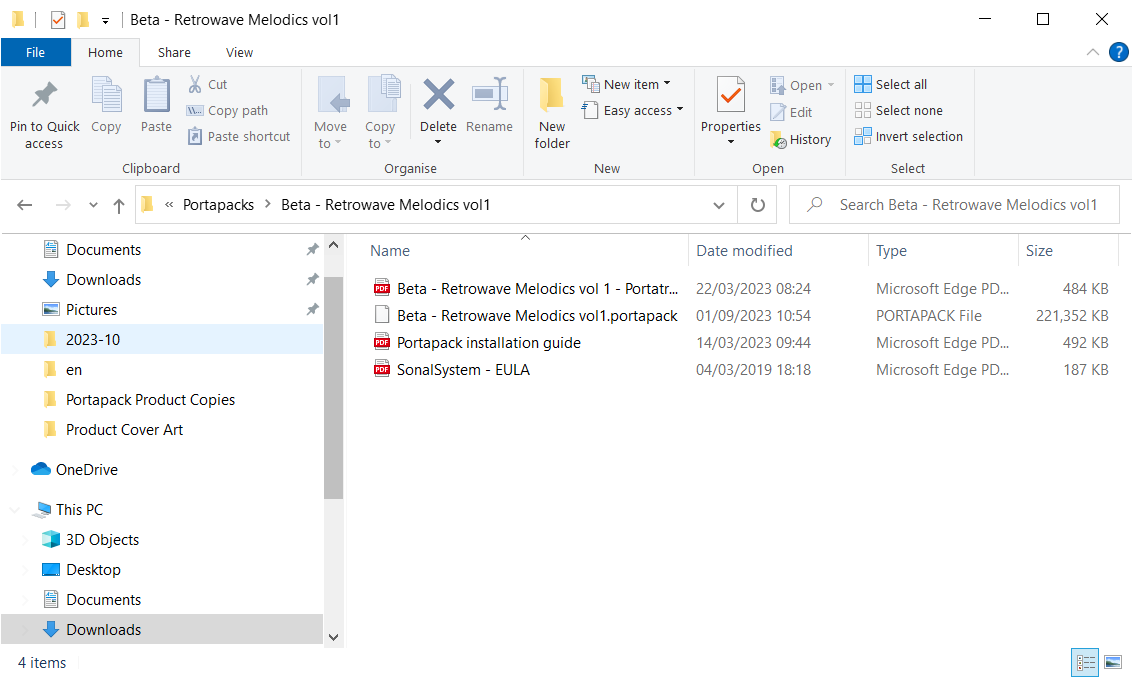
Please note: Portatron Preset Pack Textures - Evolving Textures is used as an example.

Installation

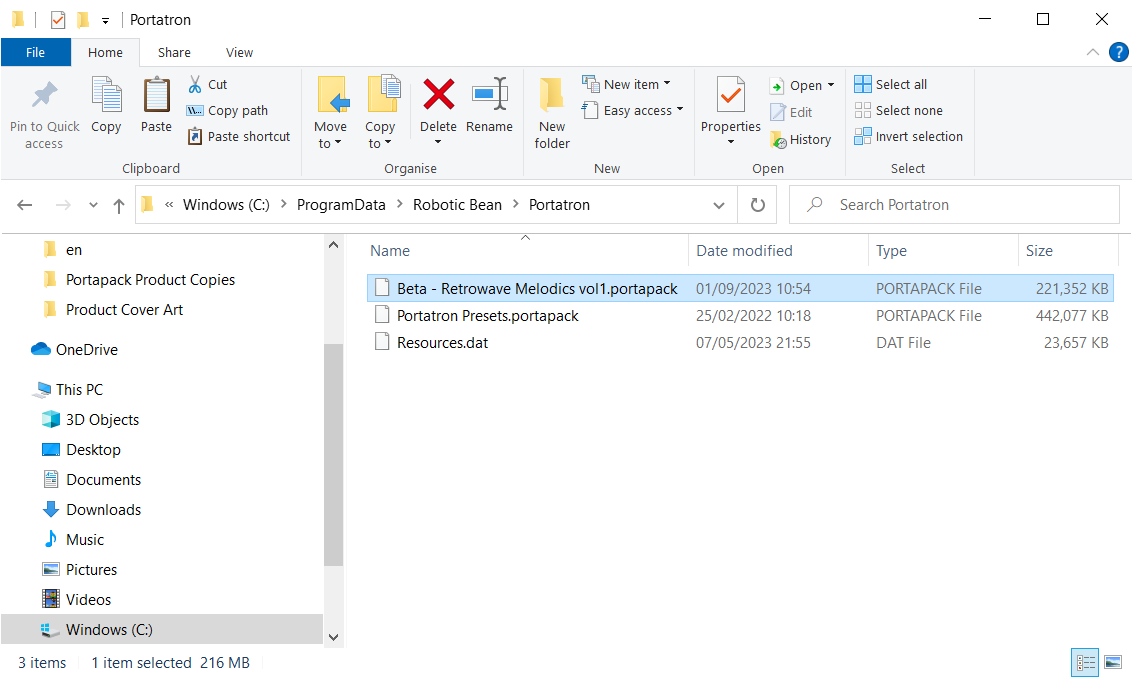
PC

1. Download the synth presets by double-clicking the 'Download' button within your Plugin Boutique User Account.

2.  Unzip the folder and locate the .portapack file within.

3. Copy the .portpack file to the following folder: C:\ProgramData\Robotic Bean\Portatron 

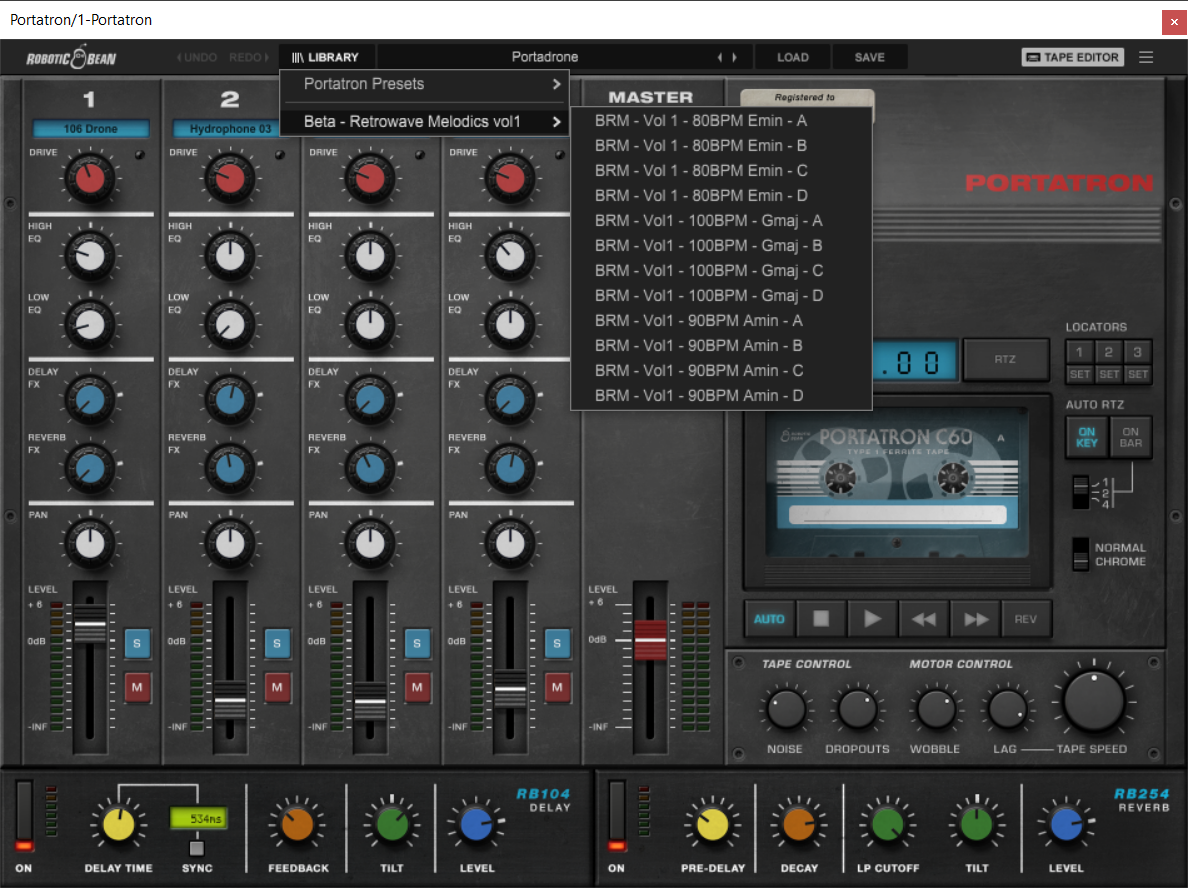
Your presets have now been added to Portatron and are ready to be used!

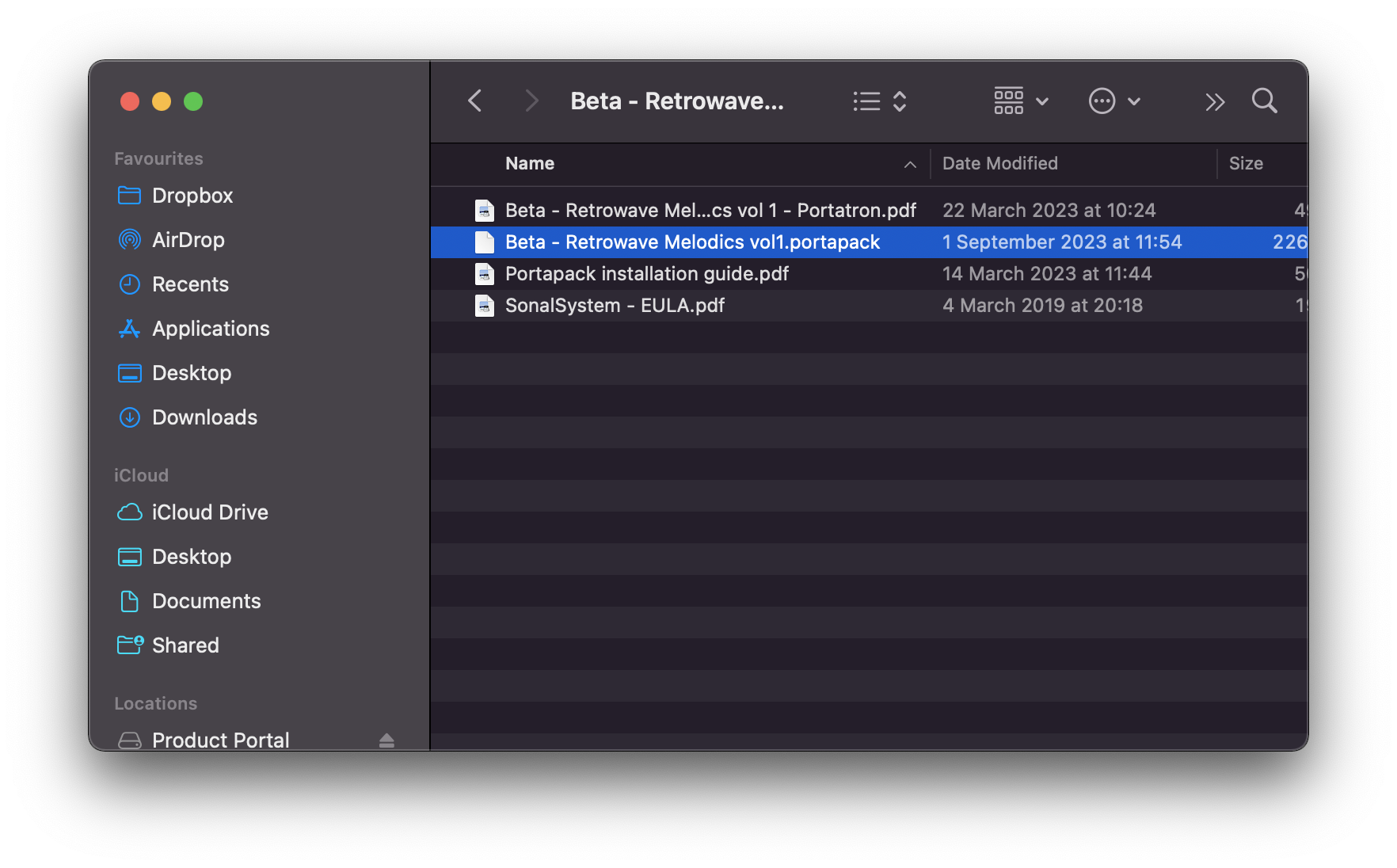
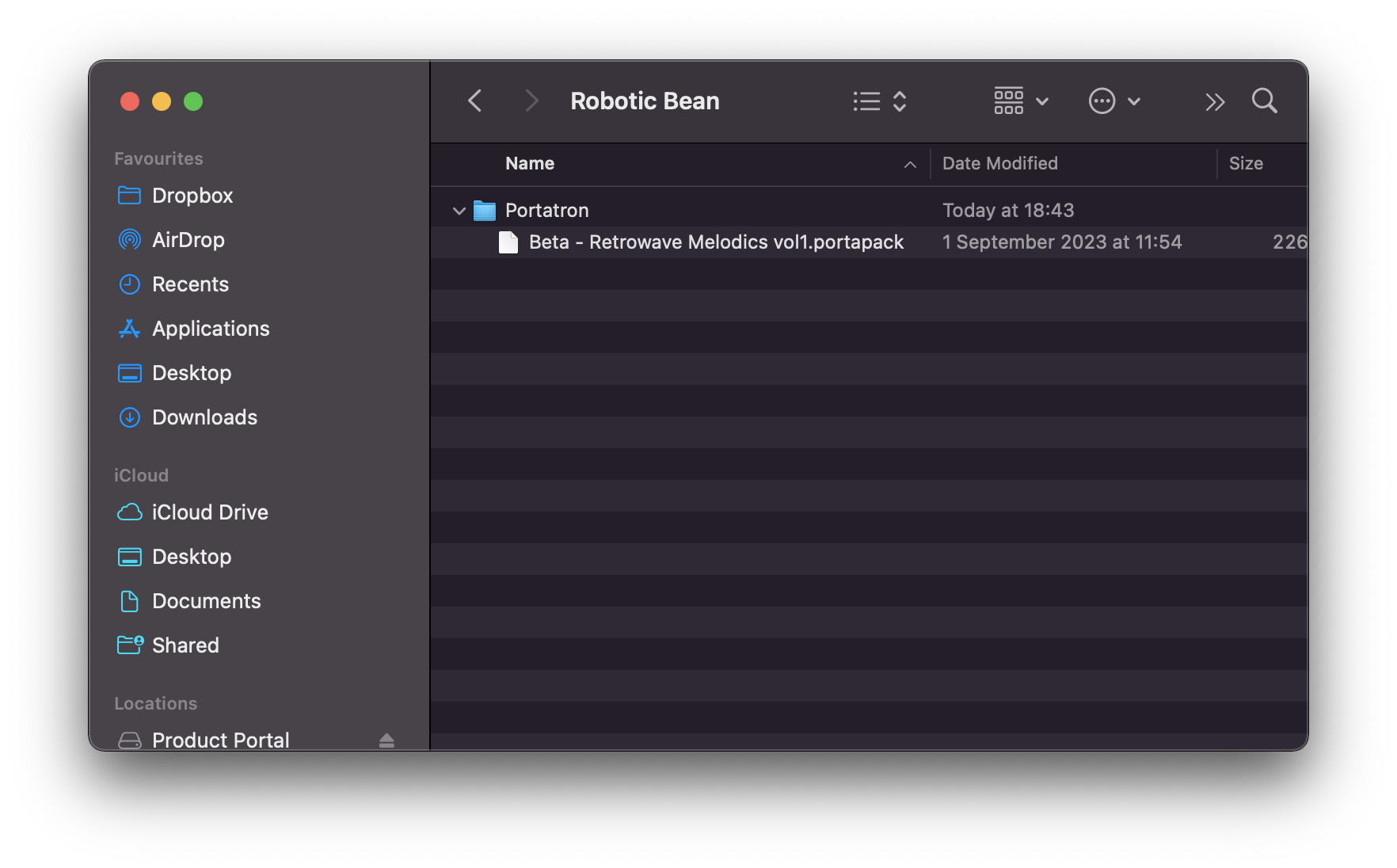
Mac

1. Download the synth presets by double-clicking the 'Download' button within your Plugin Boutique User Account.

2.  Unzip the folder and locate the .portapack file within.

3. Copy the .portpack file to the following folder:  /Library/Audio/Presets/Robotic Bean/Portatron

Your presets have now been added to Portatron and are ready to be used!

Plugin Boutique Rewards

Discover the most rewarding loyalty programme among all plugin retailers.

  • Free Loopmasters Samplepacks
  • Discounts on products and courses
  • Extra Virtual Cash claimed immediately at checkout
Find out more

Follow us:

X (Twitter) Facebook YouTube Instagram
Logo Logo

Plugin Boutique Limited, Part of the Beatport Group LLC.

Copyright © 2011-2025 Plugin Boutique. All rights reserved