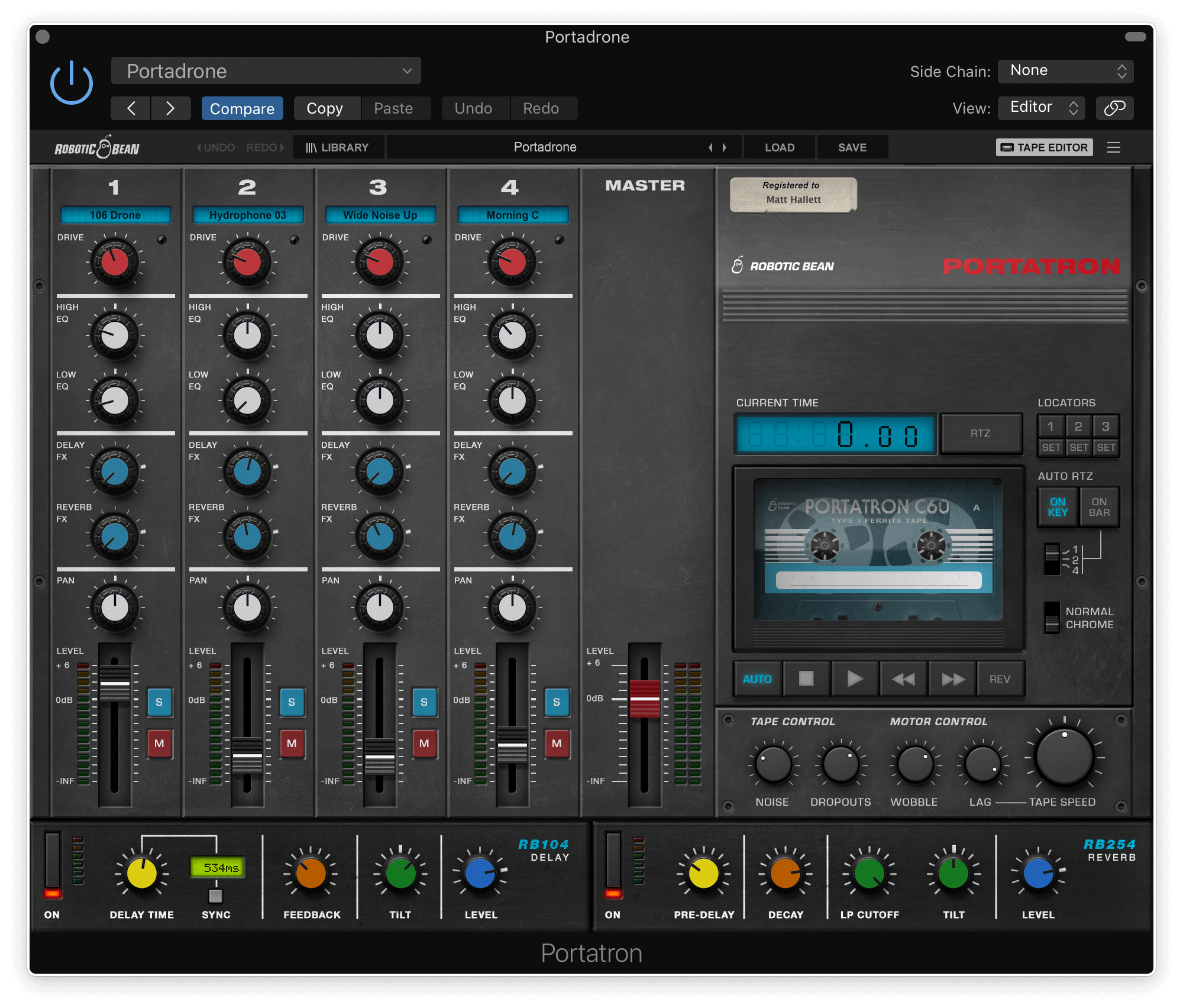
/ Synth Presets / Portatron Preset Pack: Field Notes – Nature Infused Sounds
Robotic Bean

Portatron Preset Pack: Field Notes – Nature Infused Sounds

5.0 (4 Reviews)
$14.99
Portatron Preset Pack: Field Notes - Nature Infused Sounds
Field Notes - Nature Infused Sounds gallery thumbnail
PortaPack - Field Notes gallery thumbnail
Buy Now
Product information
  • Nature infused analog tape loops
  • A wide variety of BPMs and keys
  • Loop types to choose from like nature, atmospheres, drones, melodic etc.

Transform your productions into immersive sonic landscapes with the Field Notes. This meticulously curated cassette pack, recorded with the OP-1 Field, delivers the essence of nature straight to your fingertips.

Evoke the Outdoors

Unleash a symphony of ambient pads, textural drones, and evocative field recordings, meticulously crafted to enrich your musical creations:

  • Ambient Pads: Lush, evolving soundscapes that add depth and atmosphere
  • Textural Drones: Create captivating sonic textures that evolve and transform
  • Nature’s Symphony: Distant thunder, rustling forests, gentle winds, and chirping crickets transport your listeners to serene outdoor environments

Crafted for Creativity

Seamlessly integrate these high-quality sounds into your Portatron workflow, sparking inspiration and adding a unique dimension to your music. Whether you’re crafting ambient soundscapes, experimental electronica, or cinematic scores, the Field Notes will ignite your creativity.

Features

  • 13 Cassettes with matching samples
  • 52 loop samples
  • 500+ MB of samples
  • Long evolving loops – 30 seconds or more

System Requirements

  • Portatron 1.2 or higher
  • 600 MB disk space
Installation Instructions
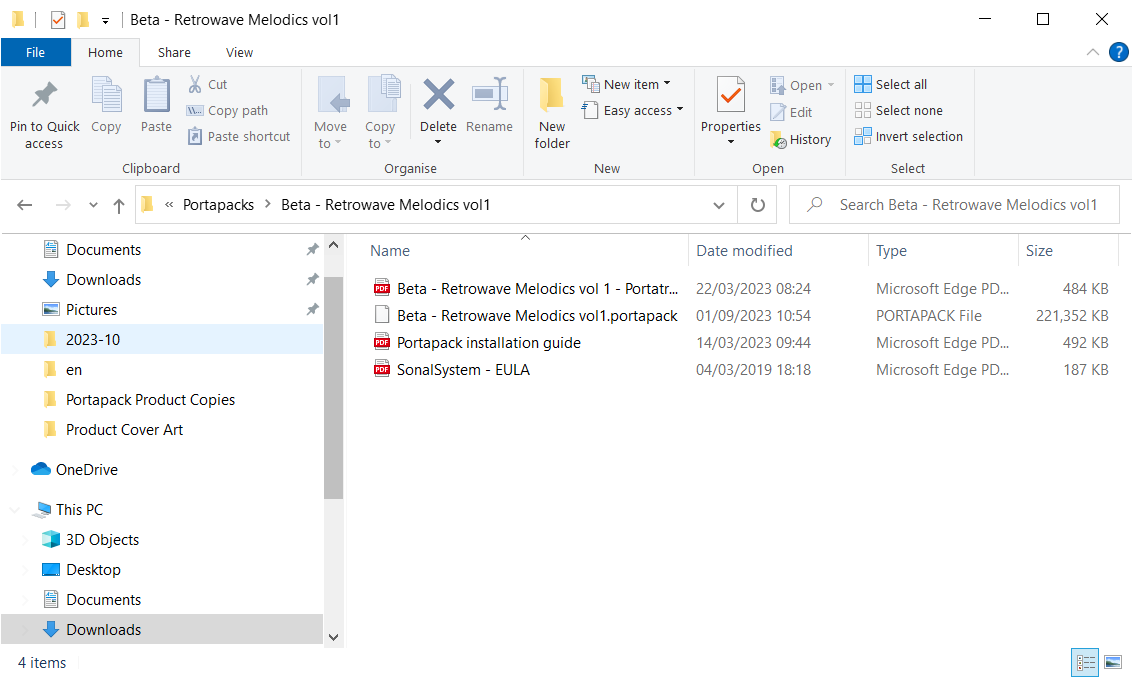
Please note: Portatron Preset Pack Textures - Evolving Textures is used as an example.

Installation

PC

1. Download the synth presets by double-clicking the 'Download' button within your Plugin Boutique User Account.

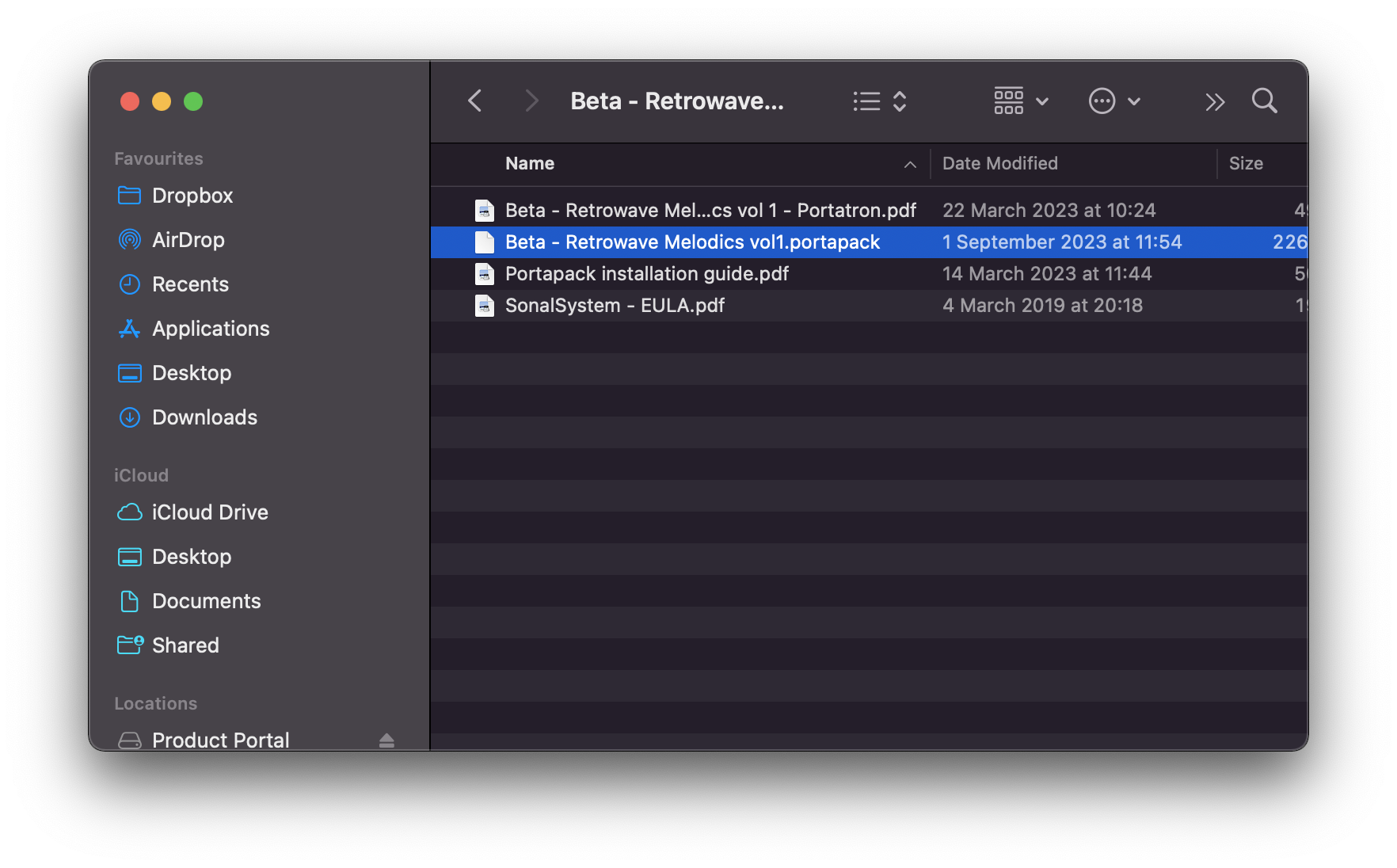
2.  Unzip the folder and locate the .portapack file within.

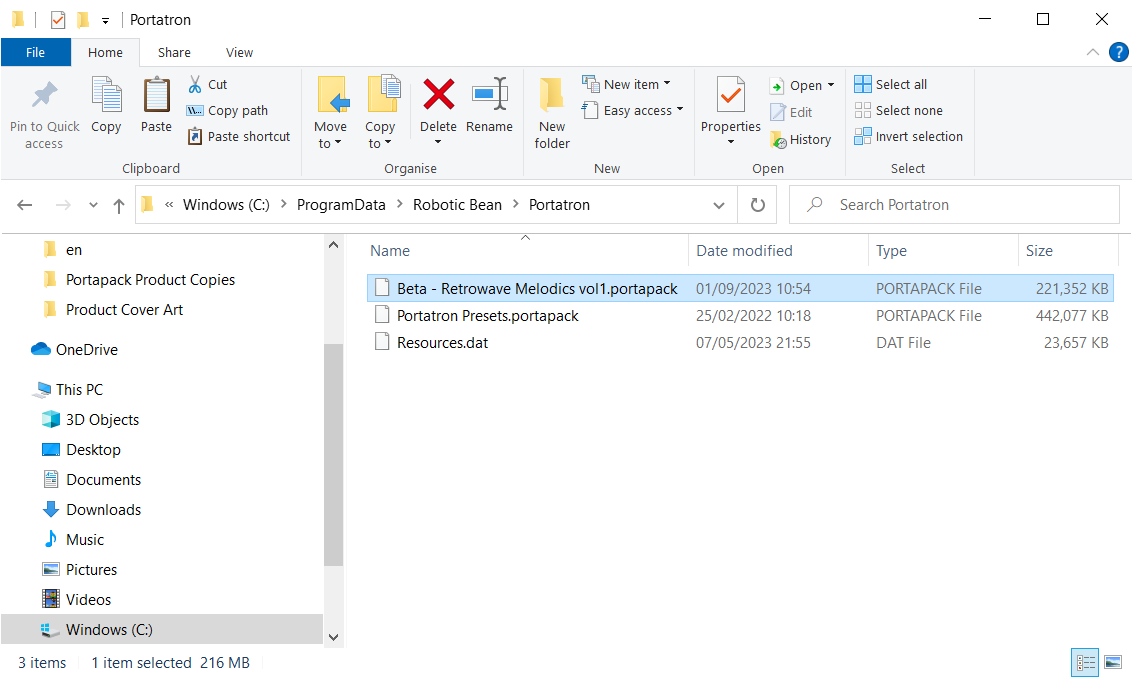
3. Copy the .portpack file to the following folder: C:\ProgramData\Robotic Bean\Portatron 

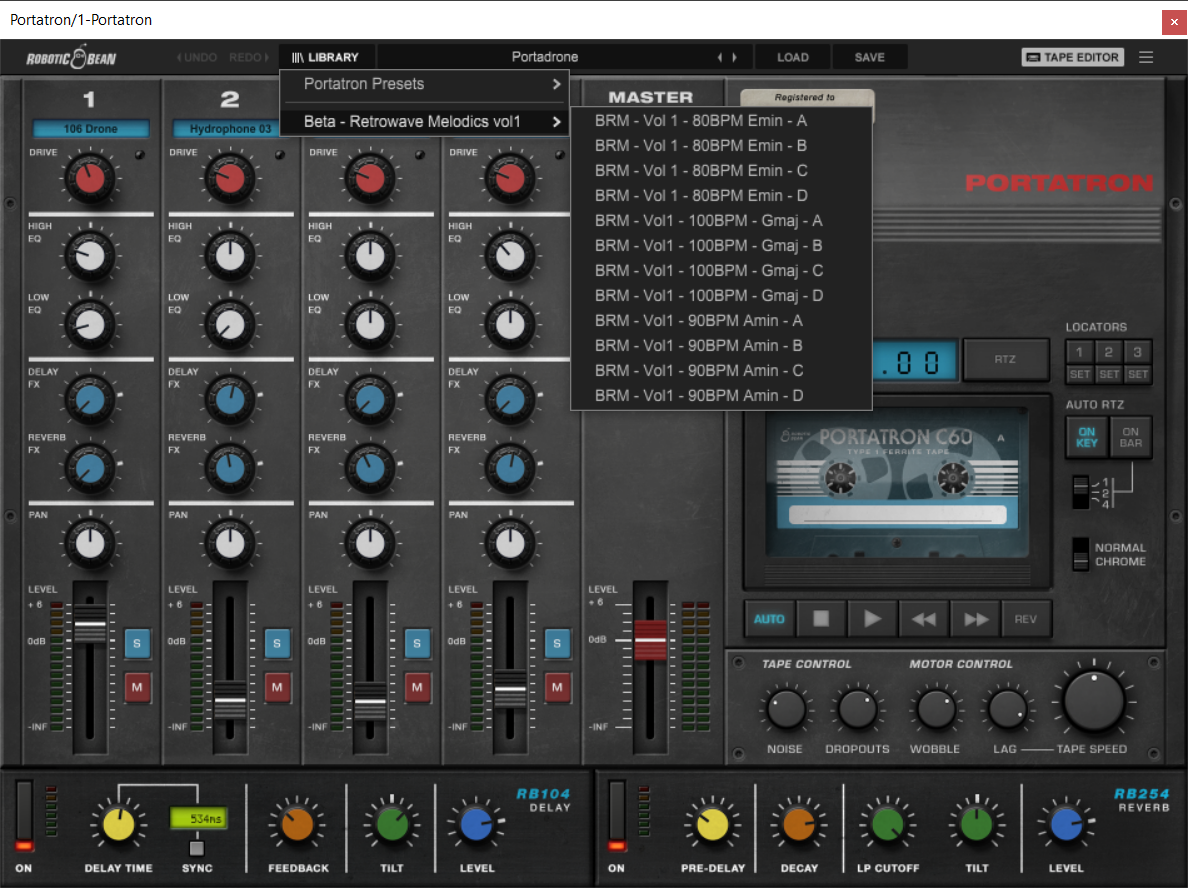
Your presets have now been added to Portatron and are ready to be used!

Mac

1. Download the synth presets by double-clicking the 'Download' button within your Plugin Boutique User Account.

2.  Unzip the folder and locate the .portapack file within.

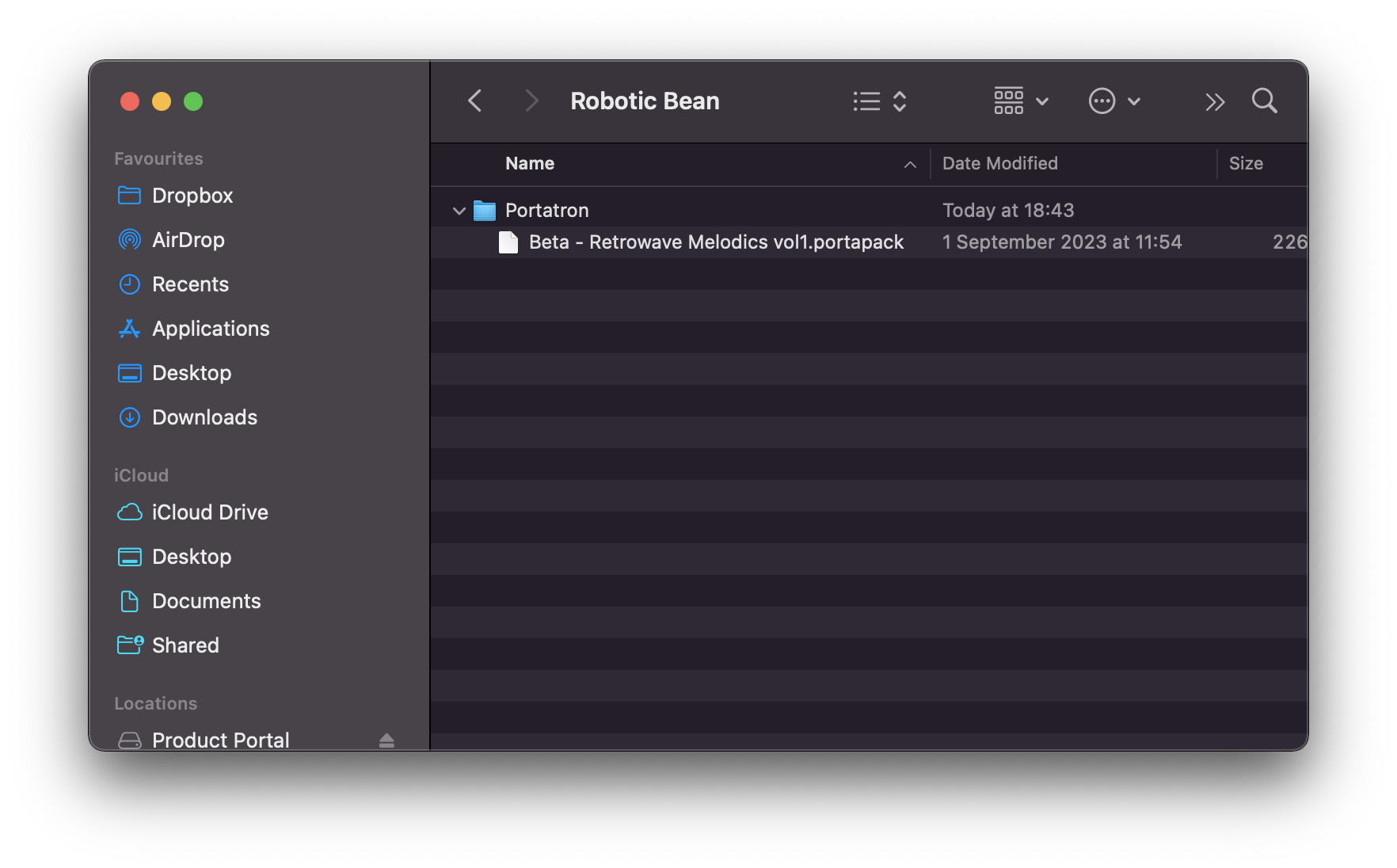
3. Copy the .portpack file to the following folder:  /Library/Audio/Presets/Robotic Bean/Portatron

Your presets have now been added to Portatron and are ready to be used!

Plugin Boutique Rewards

Discover the most rewarding loyalty programme among all plugin retailers.

  • Free Loopmasters Samplepacks
  • Discounts on products and courses
  • Extra Virtual Cash claimed immediately at checkout
Find out more

Follow us:

X (Twitter) Facebook YouTube Instagram
Logo Logo

Plugin Boutique Limited, Part of the Beatport Group LLC.

Copyright © 2011-2025 Plugin Boutique. All rights reserved