/ Expansion Packs / Hertz Drums 2 Péter Somos MIDI Grooves
Hertz Instruments

Hertz Drums 2 Péter Somos MIDI Grooves

5.0 (2 Reviews)
$11.60 $29.00

60% off until Dec 07

Hertz Drums 2 Péter Somos MIDI Grooves
Hertz Drums - Péter Somos Midi Groove Pack "NOT 4/4 " - Wanna jam with great drummer? gallery thumbnail
Buy Now
Product information

This is an expansion pack for Hertz Drums, and to use this pack, you need to have Hertz Drums installed.

This pack is for those who are ready to leave their comfort zone and try something less ordinary.

The name stands for grooves that contain a twist to them – broken grooves or grooves in odd meters.

You can relate them to legendary prog-rock bands (Genesis, Frank Zappa, Yes, King Crimson, etc), contemporary metal bands (Dream Theater, Animals as Leaders, Liquid Tension Experiment) or even authentic balkan music.

Peter Somos, the drummer recording the grooves has a vast experience in playing rock-metal but because of his birthplace (Budapest, at the door of the balkans), he feels very comfortable with these rhythms.

The pack contains 520 grooves in time signatures such as: 5/4, 7/4, 8/4, 9/4, 10/4, 11/8, 19/16.

Leave your comfort zone and try midi grooves with time signatures: 5/4, 7/4, 8/4, 9/4, 10/4, 11/8, 19/16. DEDICATED TO: Prog-Rock, Progressive Metal, Balkan Music

System Requirements

Installation Instructions

Please Note: Hertz Drums 2 is used as an example.

Activation

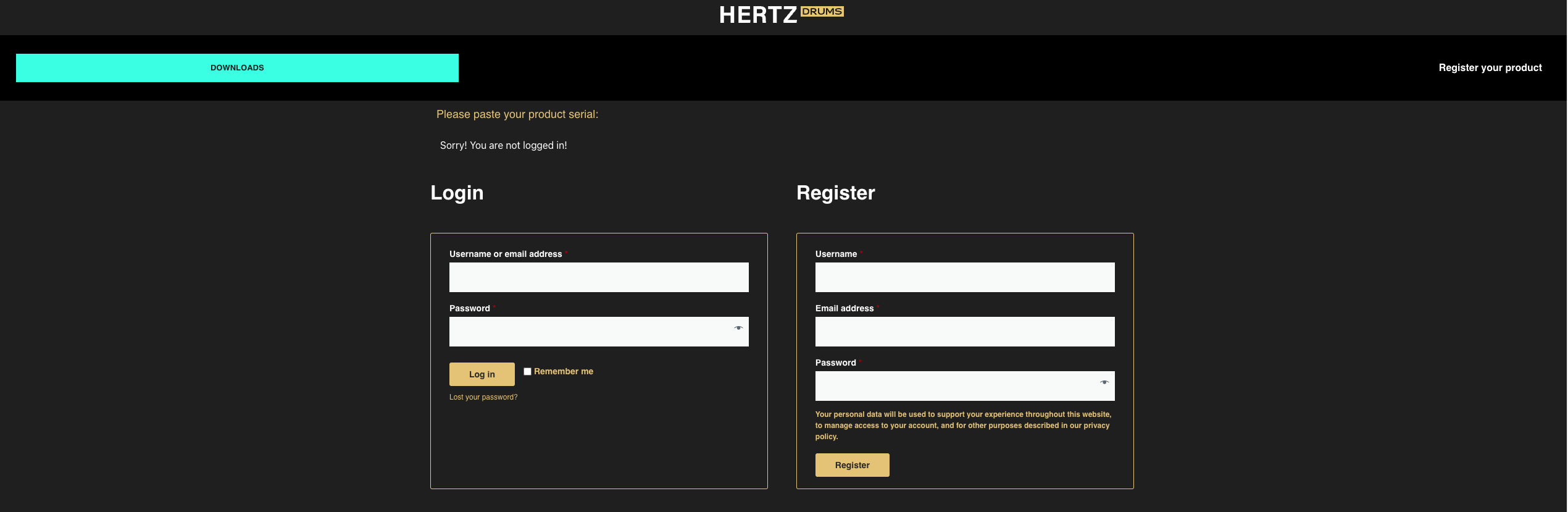
1. Go to https://registration.hertzinstruments.com/ or click 'Download' in your Plugin Boutique User Account.

2. Enter the requested details and register an account > If you already have an account, log in.

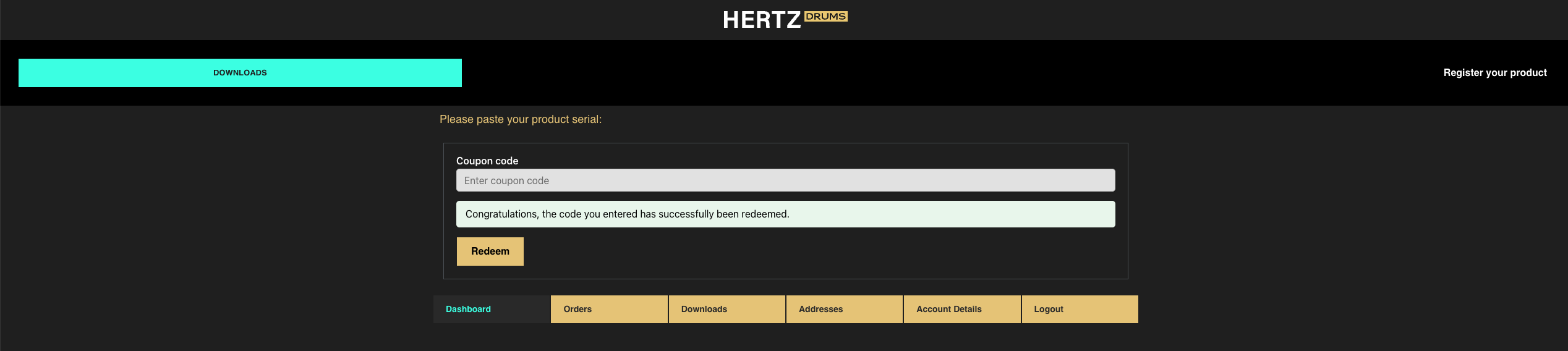
3. Enter the serial code found in your Plugin Boutique User Account > Click 'Redeem'.

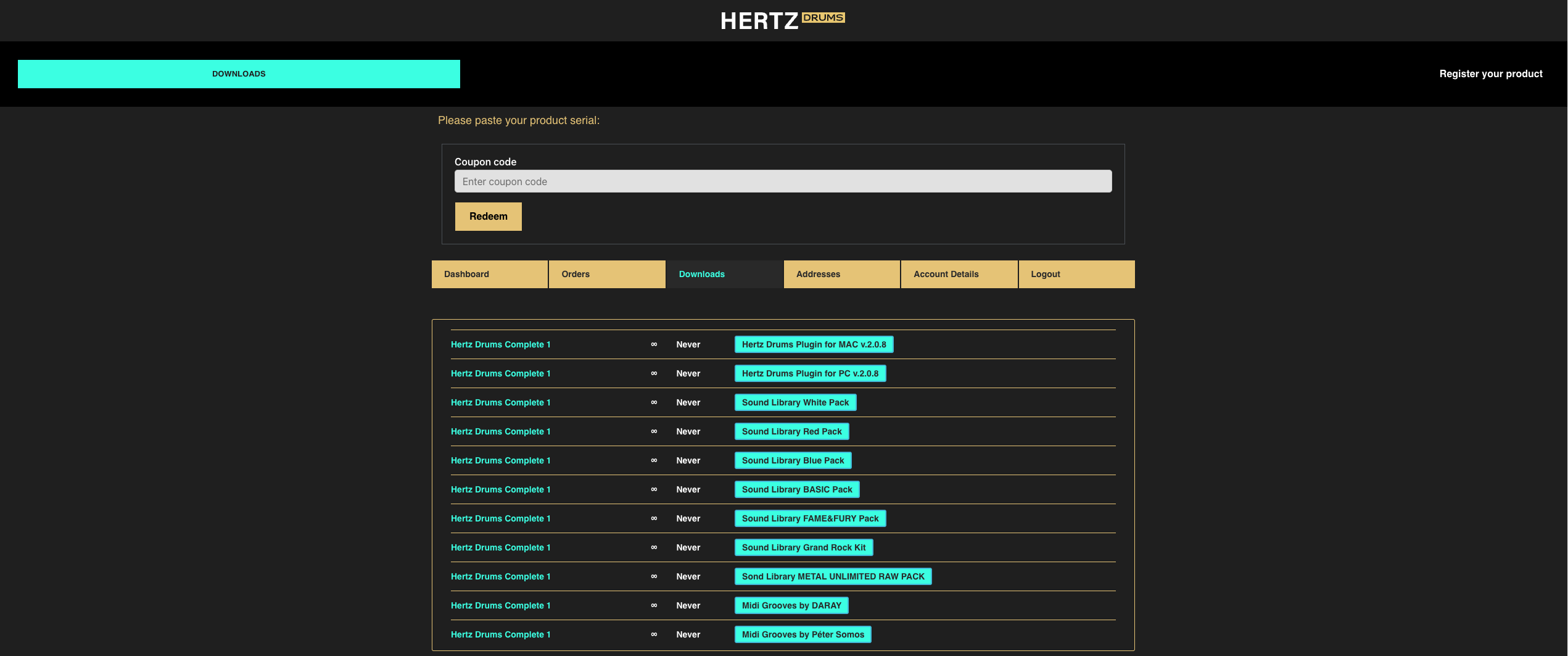
4. Navigate to the 'Downloads' tab.

5. Download your software.

Installation

Mac

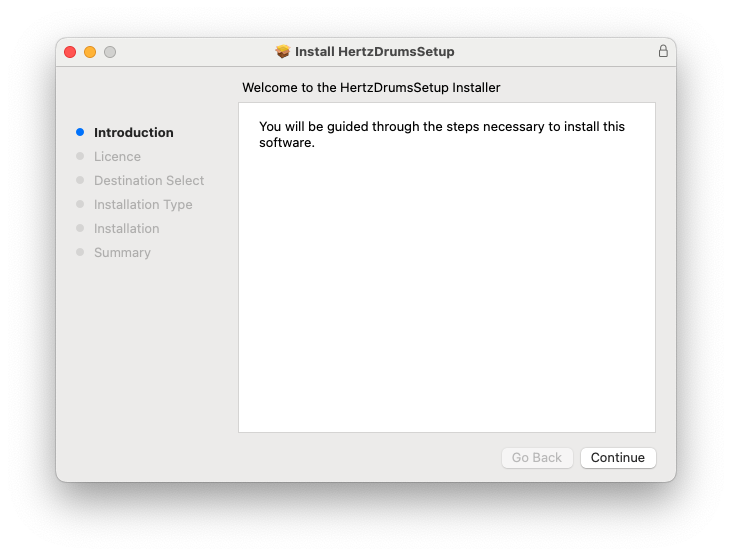
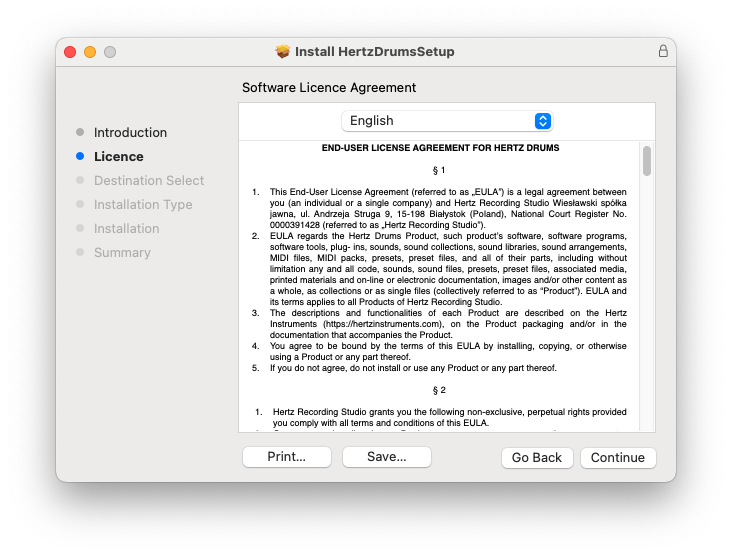
1. Double click the .pkg file to begin the installation.

2. Click 'Continue'.

3. Click 'Continue'.

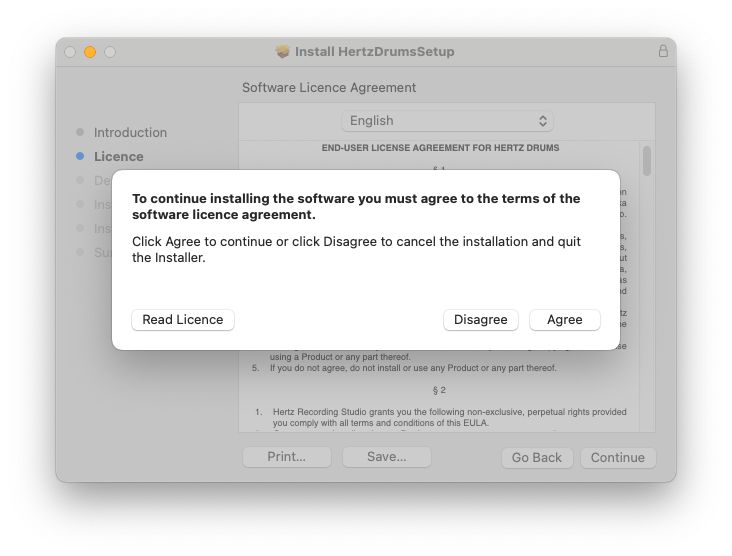
4. Click 'Agree'.

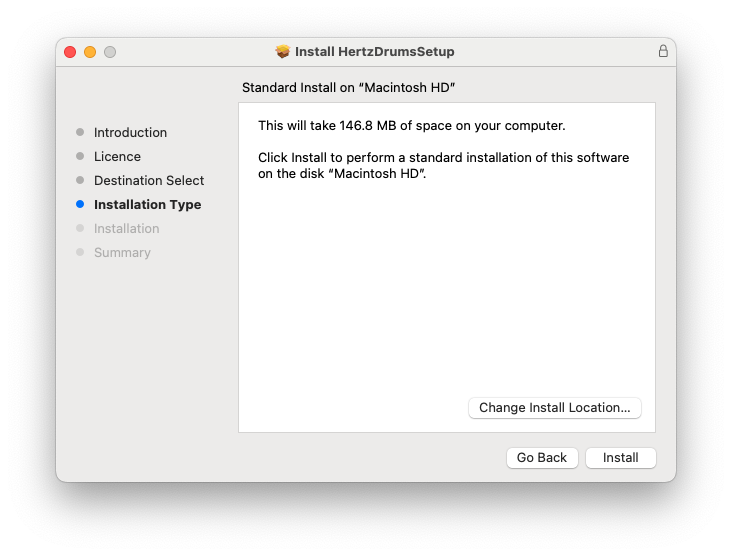
5. Click 'Install'.

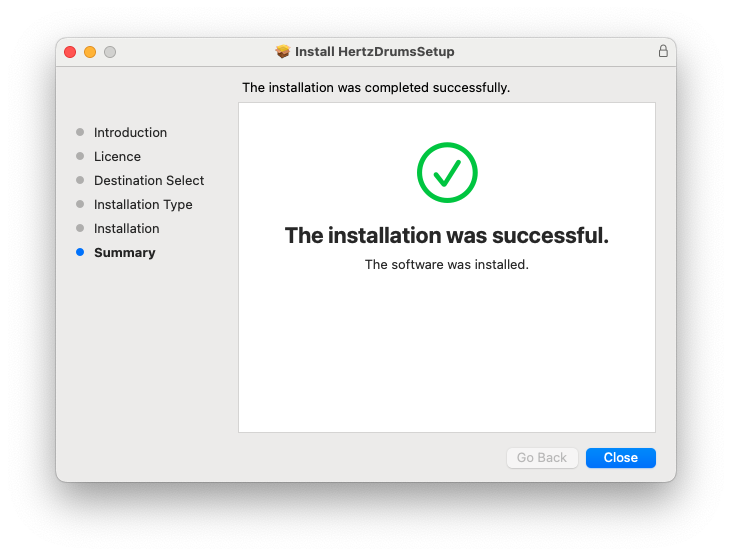
6. Click 'Close'.

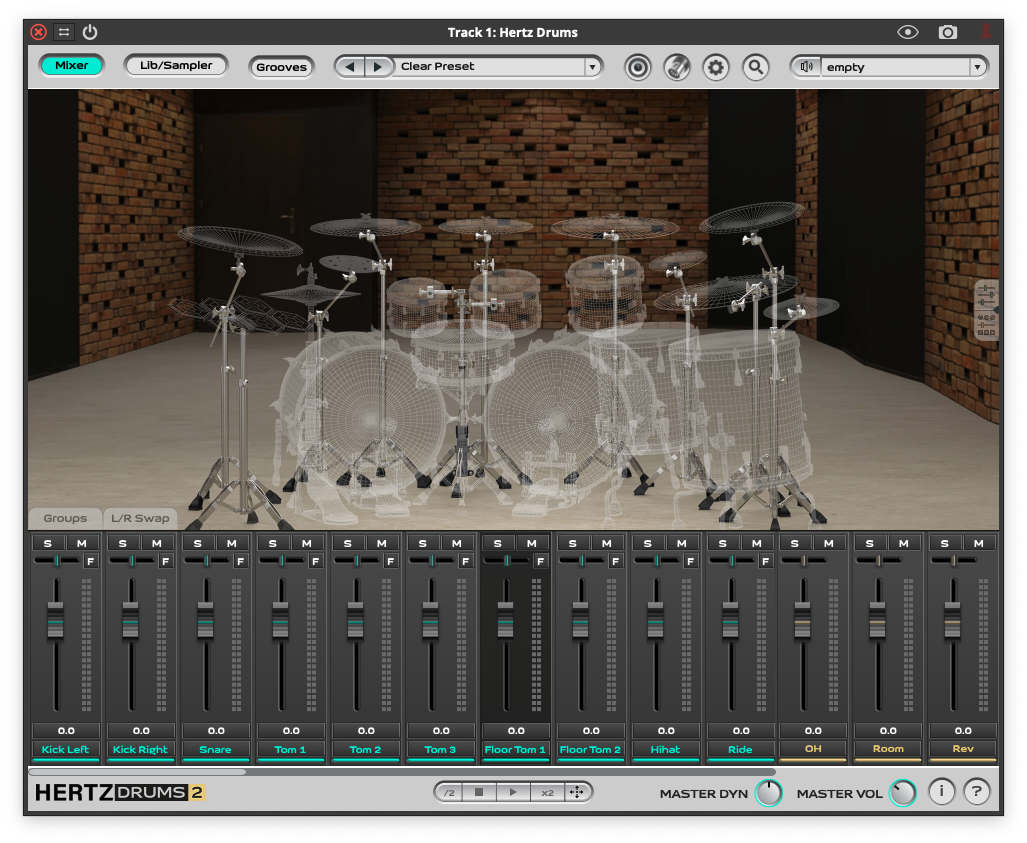
7. Open your DAW and locate Hertz Drums.

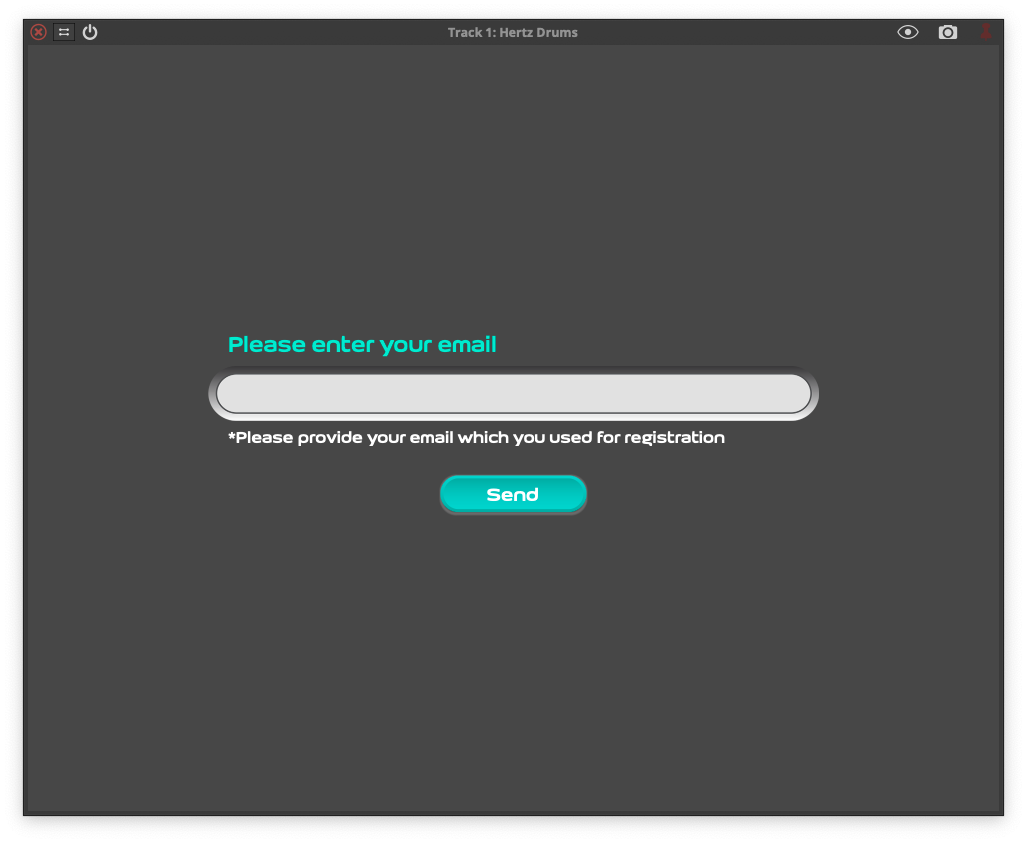
8. Enter the email address you used to sign up for Hertz Instruments > Click 'Send'.

Your software is now installed and ready to be used within your DAW!

PC

1. Double click the .exe file to begin the installation.

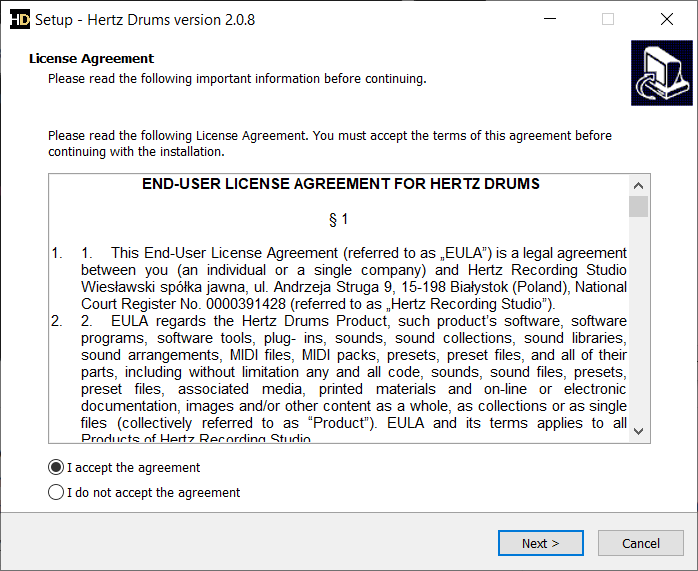
2. Click 'Next'.

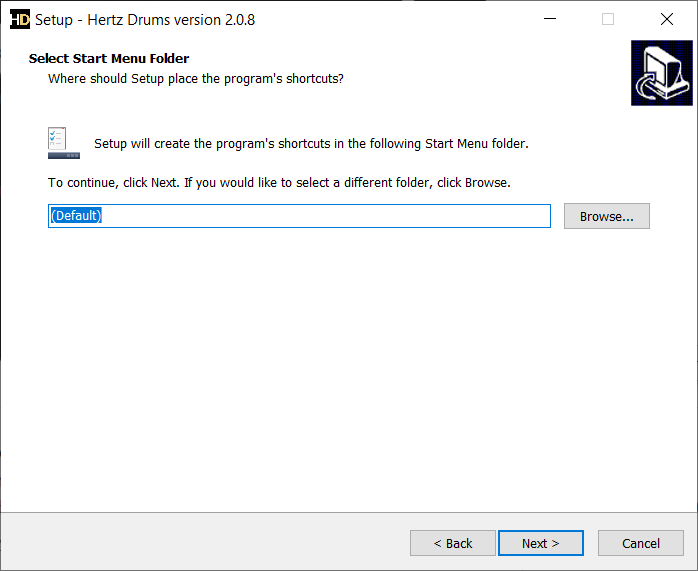
3. Click 'Next'.

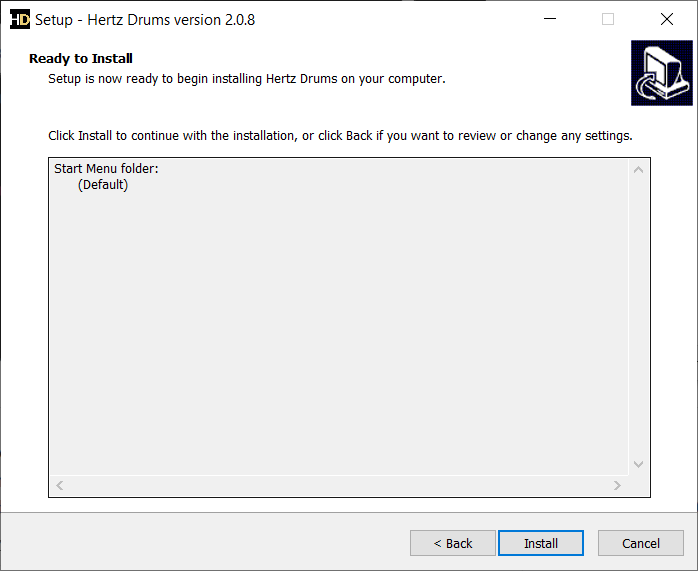
4. Click 'Install'.

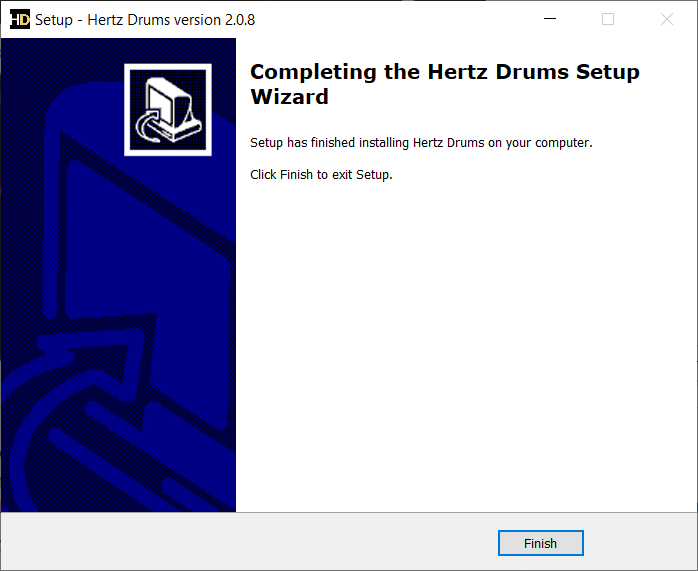
5. Click 'Finish'.

6. Open your DAW and locate Hertz Drums.

7. Enter the email address you used to sign up for Hertz Instruments > Click 'Send'.

Your software is now installed and ready to be used within your DAW!

Plugin Boutique Rewards

Discover the most rewarding loyalty programme among all plugin retailers.

  • Free Loopmasters Samplepacks
  • Discounts on products and courses
  • Extra Virtual Cash claimed immediately at checkout
Find out more

Follow us:

X (Twitter) Facebook YouTube Instagram
Logo Logo

Plugin Boutique Limited, Part of the Beatport Group LLC.

Copyright © 2011-2025 Plugin Boutique. All rights reserved