


 Log In

Free gifts available with your purchase
Infinite Percussive Sounds
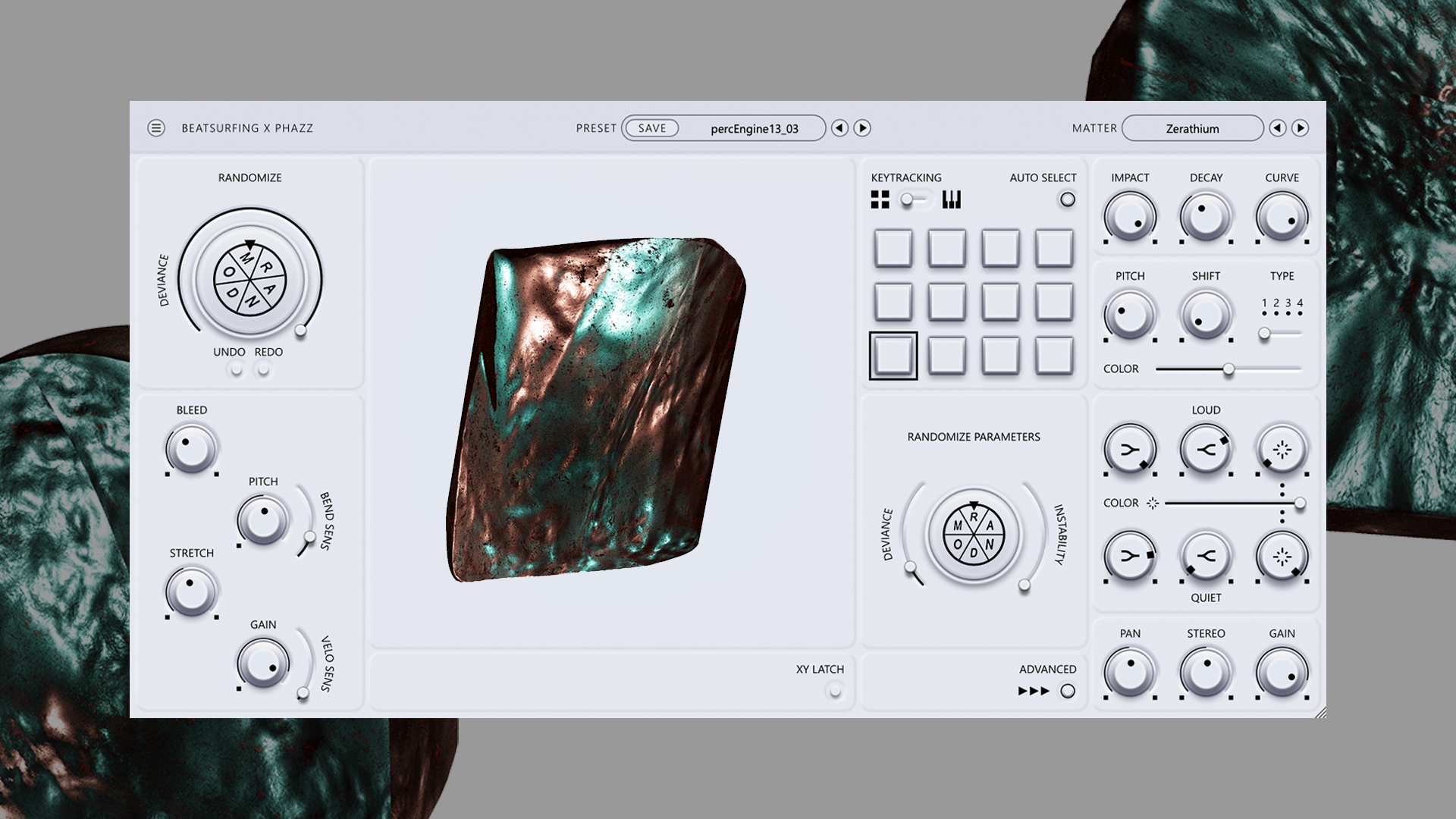
Inspire creativity and exploration with percussive chaos
RANDOM Metal is a unique percussive mono synthesizer designed to inspire creativity and exploration. With 25 distinct percussive engines, expressive controls, and a focus on randomization, it's the perfect tool for musicians and sound designers looking to create unique and evolving sounds.
Embrace the Chaos of RANDOM Metal
RANDOM Metal is all about experimentation and sonic exploration. Stop digging through endless samples – find the perfect percussive sound with just a click. Let your creativity run wild, embrace the chaos, and discover new sounds that will set your music apart. RANDOM Metal is made to increase your percussive potential and start creating extraordinary sounds.
Artists collaboration - Herrmutt Lobby & Phazz
The collaboration between Herrmutt lobby and Phazz on RANDOM Metal, a percussive synth, was a creative journey reminiscent of crafting an album. They built a collection of prototypes of engines as "sketches," each with unique percussive potential. Through a process of refining and curating, these sketches transformed into a powerful instrument, capable of both standard and experimental sounds.
RANDOM Metal offers producers a tool for crafting basic percussion elements, but it truly shines when exploring the unconventional. With its blend of familiar percussion and the unexpected, Herrmutt lobby and Phazz hope to inspire new sounds and styles in the world of music production.
Features
- 40+ Percussive Matter type: Choose from a wide range of sonic textures, from aggressive metallic cymbals to shakers, hi-hats or odd percussive sounds.
- Randomization: Instantly transform your sounds with the “RANDOM” button, with adjustable deviance for subtle or dramatic changes.
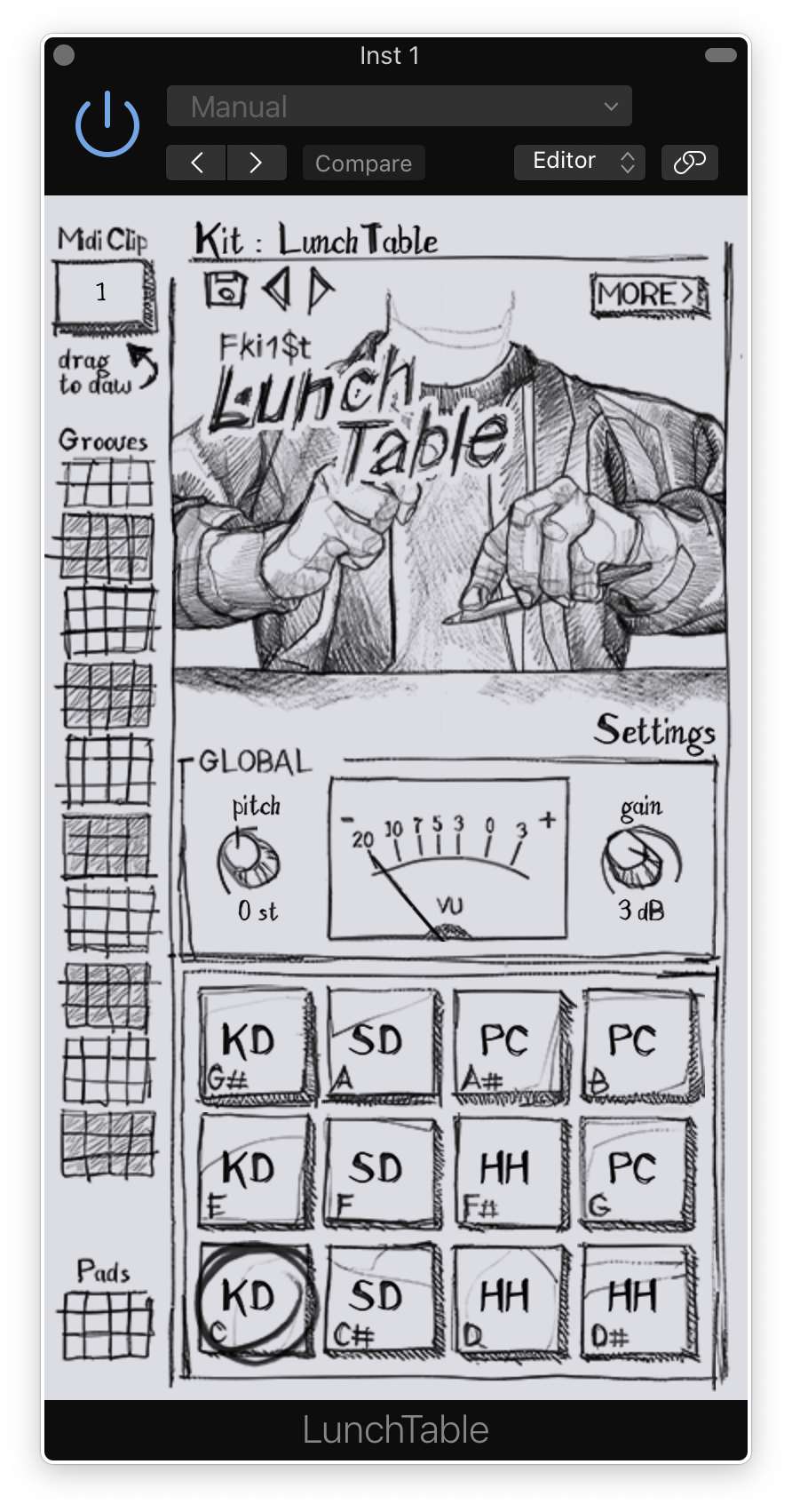
- Expressive XY Pad: Experiment with hundreds of dynamic parameters, unique to each engine, for endless experimentation and exploration
- Dual Modes: Trigger 12 unique pads or play notes chromatically. Unlock endless creative possibilities with seamless controls.
Pad's Features
- Individual Pad Parameters: Fine-tune each pad’s sound with controls for instability, impact, decay, curve, gain, pitch shift, FX color, and type.
- Loud and Quiet Knobs: Sculpt your sound’s dynamic range by adjusting the amplitude of high and low frequencies.
- Mix and FX Color Amount: Set the dry/wet control twice—once for the louder parts of the signal and once for the quieter parts—to create a dynamic FX mix.
- Pan/Stereo: Position your sounds in the stereo field and adjust width/depth.
- Lots of Presets for Sound Design: Start with inspiring presets or dive into deep sound design with each engine's unique parameters.
System Requirements
Windows
- Windows 10
- 2GHz Pentium IV processor or equivalent
- A host that supports 32-bit or 64-bit VST
- At least 16MB free disk space
- Formats: VST, VST3, AAX
macOS
- macOS 10.13 High Sierra or later
- Intel or Apple Silicon processor
- A host application that supports 64-bit VST or AudioUnit
- at least 52MB free disk space
- Formats: AU, VST, VST3, AAX
Reviews Summary
While it aims to provide a helpful overview, it may not capture every perspective or detail. We encourage you to read individual reviews to make an informed decision.
Users highly praise RANDOM Metal as a fun, unique, and inspiring plugin for generating metallic, industrial, and experimental percussion sounds. Reviewers appreciate its low learning curve, interactive XY pad, and the random generation feature, which quickly produces unusual textures and beats outside standard sample packs. While a few find its use cases niche or limited, most consider it an exceptional, high-quality creative tool for when projects require distinct and experimental sound design.


