Log In

Free gifts available with your purchase
Re:Produce Your Singing Voice
A new singing voice-changing plugin created using VOCALOID:AI,
It faithfully reproduces your singing voice with VOCALOID:AI Voice Bank.
Enjoy the experience of a new style of vocal work.
AI Voice Bank converts and reproduces your voice without changing the style or characteristics of your singing. Whether lead vocals, backup, or harmony, there are endless ways that VOCALOID:AI Voice Bank can be used, allowing you to create exactly the vocal tracks your creativity demands.

Real-time Processing
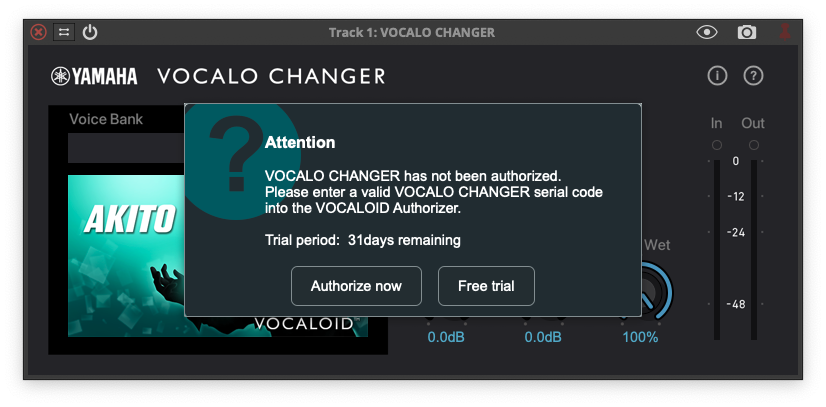
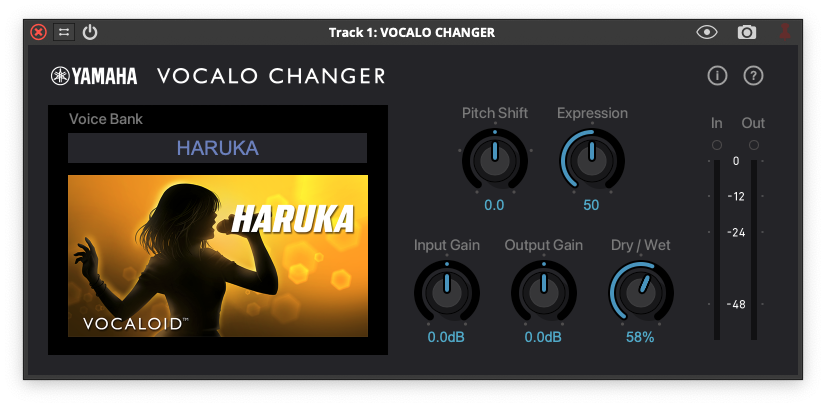
VOCALO CHANGER PLUGIN operates as a VST3/AU/AAX(macOS only) plugin effect, converting audio data into an AI Voice Bank voice in real time. You can alter any of the parameters in DAW automation to perform vocal direction at will.

Analysis and Reconstruction
Unlike conventional voice changers that process singing voices, VOCALO CHANGER PLUGIN analyzes singing voices using AI, and sings them back in a VOCALOID voice to reconstruct them.

AI Voice Bank
VOCALO CHANGER PLUGIN is compatible with VOCALOID:AI Voice Bank. Choose your favorite from a comprehensive lineup of unique Japanese and English male and female singing voices.
VOCALO CHANGER PLUGIN is compatible with all VOCALOID:AI Voice Banks.
You can freely reproduce your voice into your favorite singer's voice.
Features
- Supported voice banks - VOCALOID:AI voice banks *2
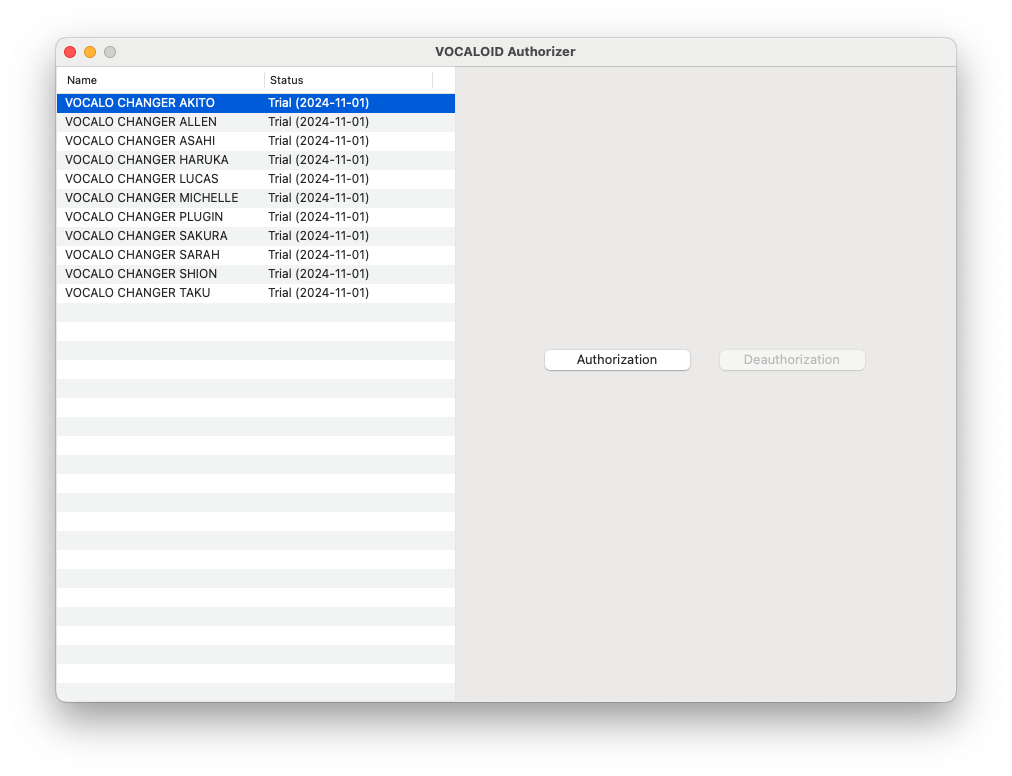
- Included voice banks - 10 vocalists (HARUKA / AKITO / ALLEN / SARAH / SAKURA / ASAHI / TAKU / SHION / LUCAS / MICHELLE) *3
- Supported languages - Japanese, English, Chinese
- Compatible formats - 16bit/24bit/32bit float - 44.1kHz/48kHz/88.2kHz/96kHz/176.4kHz/192kHz
- Compatible automation - Depends on DAW specifications
- Max. number of simultaneous instances - Depends on CPU
- Can be run simultaneously with VOCALOID5/6 Editor - Yes
System Requirements
PC
- Windows 10, 11 (64-bit). Cannot be used with a 32-bit OS.
- Haswell (4th generation) or later Intel Core or Xeon series
- At least 8GB RAM
- At least 50 MB storage space
- 1366 × 768 or higher display
- Internet access required
- Compatible audio devices - ASIO, DirectSound
Mac
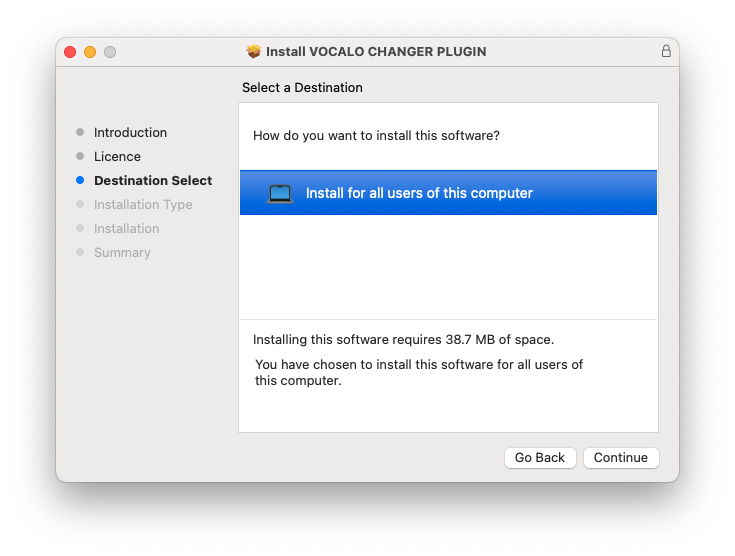
- macOS 12 (Monterey), macOS 13 (Ventura), macOS 14 (Sonoma)
- Haswell (4th generation) or later Intel Core or Xeon series/Apple Silicon
- At least 8GB RAM
- At least 50 MB storage space
- 1366 × 768 or higher display
- Internet access required
- CoreAudio