


 Log In

Free gifts available with your purchase
Product information
Nx – Virtual Mix Room over Headphones
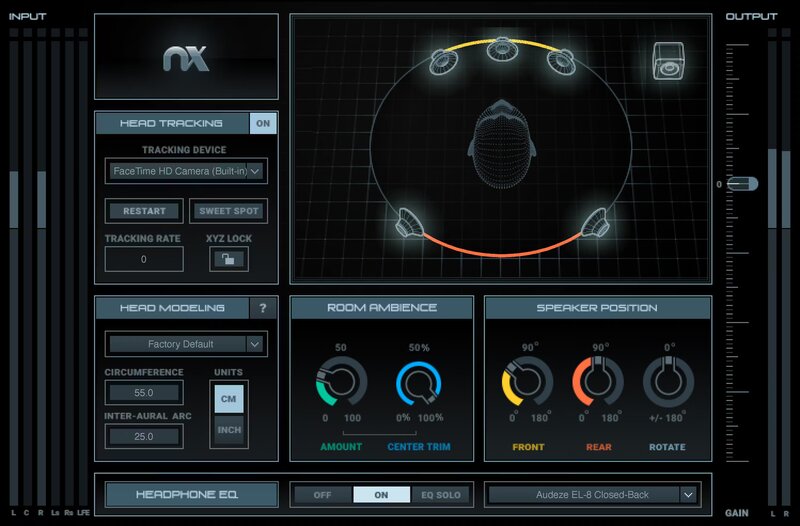
Headphone to Speaker Translation You Can Trust
You don’t always have access to an ideal acoustic space. Quality headphones eliminate room issues, but mixes done on headphones rarely translate well to speakers. With consumers listening over both headphones and speakers, you have to be certain that your mixes translate to both.
Nx Virtual Mix Room virtualizes a 3D acoustic space, and includes correction EQ curves for 270 headphone models—so you’ll feel like you’re mixing with speakers, in the perfect control room.
Features
- Mix with confidence, knowing that mixes will translate over speakers
- Monitor stereo, surround, and Ambisonics B-format
- Customize speaker positioning and room ambience
- EQ correction curves for over 270 headphone models
- Judge depth, stereo balance, and panning properly with headphones
- Head tracking for a totally immersive mix experience
System Requirements
Mac
- macOS Monterey 12, Ventura 13, Sonoma 14, Sequoia 15
- VST / AU / AAX
PC
- Windows 10+
- VST / AAX
Installation Instructions














