


 Log In

Free gifts available with your purchase
Product information
Renaissance Compressor
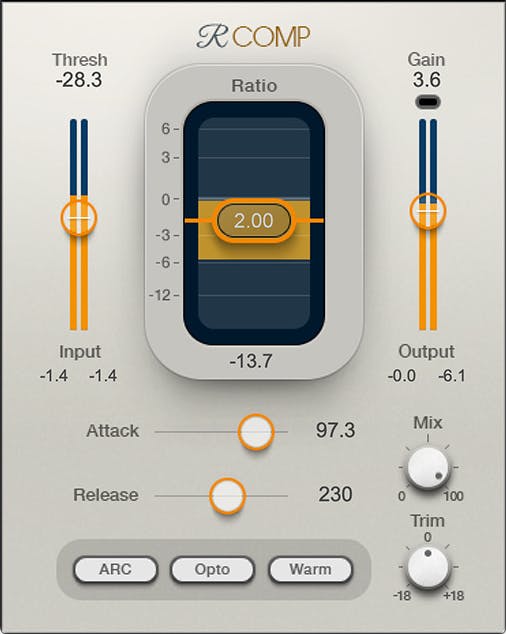
The Gold Standard for Modern Compressors
The Renaissance Compressor revives the warmth that made vintage analog compressors great—with the transparency and additional features made possible only with modern software designs.
As the gold standard for modern compressors, R-Comp brings clarity and definition, with the added versatility of classic opto or modern “electro” attack/release times.
Features
- Choose from warm or smooth character
- Auto-release provides silky gain reduction, even when pushed
- Flexibility to handle all common compressor scenarios
- Compression and upward expansion, both with soft knee
- Parameters control “feel” as well as performance
- Ultramaximizer-based limiter catches peaks
- Three skins customize the compressor’s look
- Informative metering includes a limiting indicator
System Requirements
Mac
- macOS Monterey 12, Ventura 13, Sonoma 14, Sequoia 15
- VST / AU / AAX
PC
- Windows 10+
- VST / AAX
Installation Instructions














