Log In
Free gifts available with your purchase
Optomus Maximus
Like the Real Thing
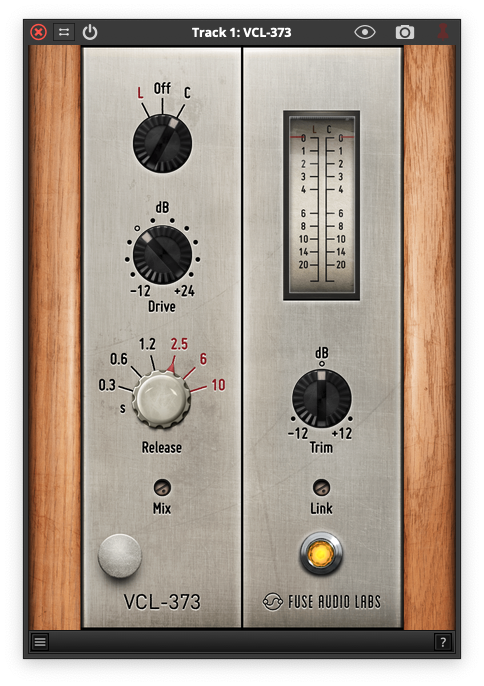
The VCL-4 is the silver face revision of the solid state leveler following the most famous classic opto design from the late 1960s. This inspiring emulation behaves very much like the praised model, very relaxed and smooth. In fact, you might want to stop looking for the original hardware with this powerful plugin in your folder, especially as it is very light on the CPU.
Glue Where Glue Is Due
The opto-based leveling process gives you that glue everyone is talking about by producing a more even and steady level with those tricky transients tamed easily. This is especially useful when processing drums, where the VCL-4's punch, tightness, sustain and control just put everything right in the mix. On vocals, it adds a nice smoothening sheen and a tad more clarity.
Groove Operator
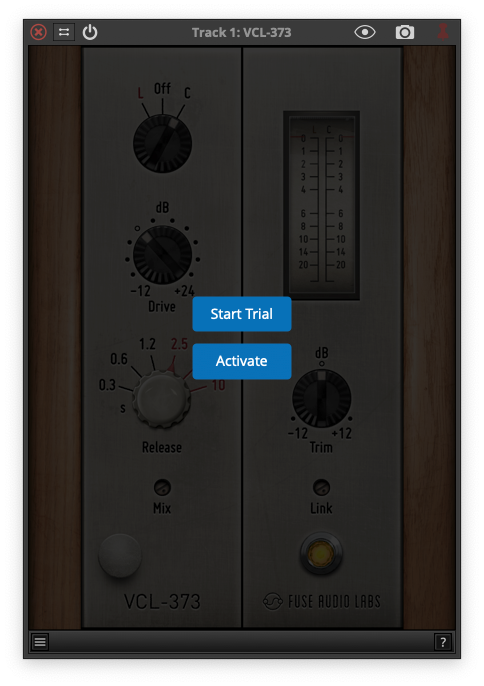
The individual aspects of the vintage circuitry and components have been modeled with greatest care, so it's no wonder this feels like working with real hardware: Patch, turn knobs, print. The switchable ratio option proves to be super flexible for all kinds of different sources, with each individual setting resulting in a different type of groove.
Extreme, Not Mean
The VCL-4 covers a lot of ground with just a few controls. And whatever you set, this leveler will remain highly usable even at extreme settings. Or, saying it in the words of a satisfied customer: “What's really mind blowing is that it does the 'Hey Ma, I'm doing 20dBs of GR" thing so effortlessly that it almost feels like cheating.”
Features
- Classic Opto Design: The VCL-4 emulates a legendary 1960s opto leveler, offering smooth, relaxed dynamics and low CPU usage.
- Effective Leveling: Provides consistent levels and tames transients, making it ideal for drums and vocals with added punch and clarity.
- Realistic Feel: Modeled with precision, the plugin mimics hardware operation for intuitive control, allowing you to easily patch, adjust, and print.
- Versatile Controls: Features switchable ratios for flexibility across different sources while maintaining usability, even at extreme gain reduction settings.
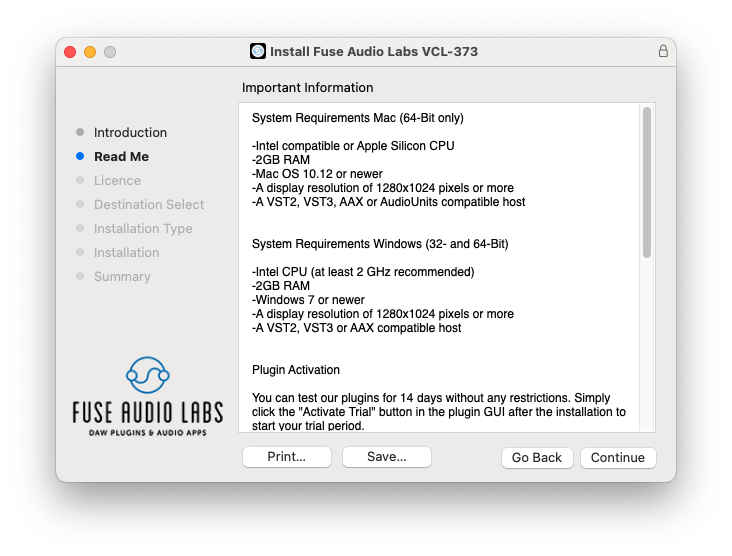
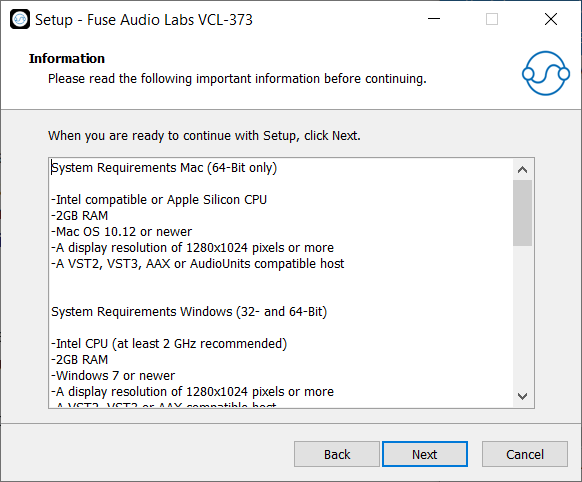
System Requirements
Mac (64-Bit only)
- Intel compatible or Apple Silicon CPU
- 2GB RAM
- Mac OS 10.12 or newer
- A display resolution of 1280x1024 pixels or more
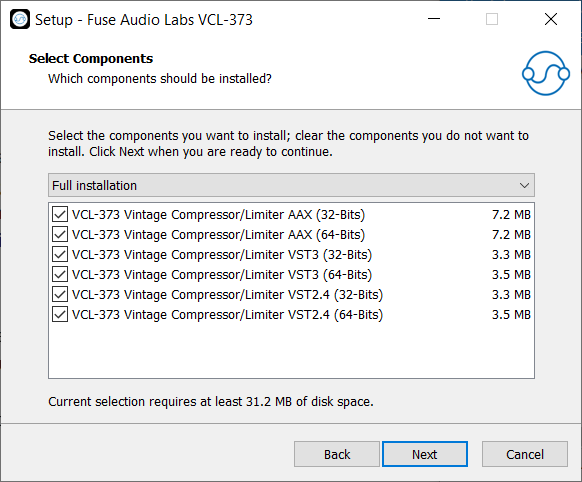
- A VST2, VST3, AAX or AudioUnits compatible host
Windows (32- and 64-Bit)
- Intel compatible CPU (at least 2 GHz recommended)
- 2GB RAM
- Windows 7 or newer
- A display resolution of 1280x1024 pixels or more
- A VST2, VST3 or AAX compatible host