


 Log In

Free gifts available with your purchase
Renaissance Bass
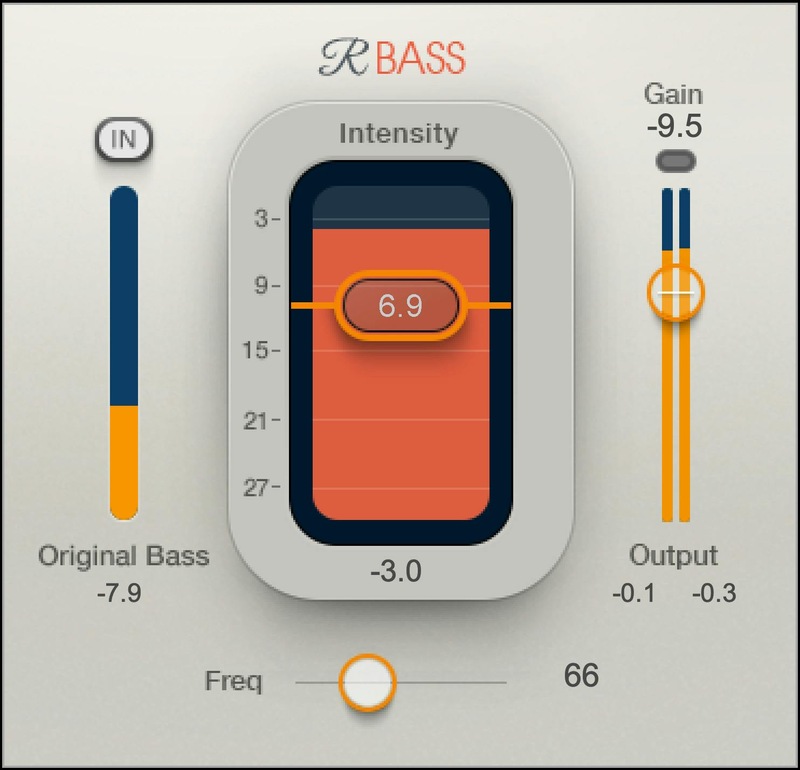
Rich, Punchy Bass—Even on Small Speakers
When people listen to music over computer speakers and earbuds, the bass gets lost—and with it, we lose the power that bass brings to any music. Renaissance Bass enables you to deliver rich bass even over the smallest playback systems—with a super-easy interface.
Based on psychoacoustic studies into how ears perceive bass, Renaissance Bass creates harmonics that convince the ear it’s hearing deeper bass than what actually exists—and hearing is believing.
Features
- Unlike EQ, Renaissance Bass doesn’t muddy the sound
- Adds bottom to a mix without losing headroom
- Balance the original and enhanced bass sounds
- Use on individual tracks, or entire mixes
- Clip protection simplifies gain-staging
- Gives the bass more power in hip hop and dance/club productions
System Requirements
Mac
- macOS Monterey 12, Ventura 13, Sonoma 14, Sequoia 15
- VST / AU / AAX
PC
- Windows 10+
- VST / AAX












Reviews Summary
While it aims to provide a helpful overview, it may not capture every perspective or detail. We encourage you to read individual reviews to make an informed decision.
Reviewers consider this plugin an essential, must-have tool for music producers, praising its ability to beef up low-end elements, sit bass nicely in the mix, and ensure basslines remain audible even on small speakers.


