


 Log In

Free gifts available with your purchase
Vocal Rider
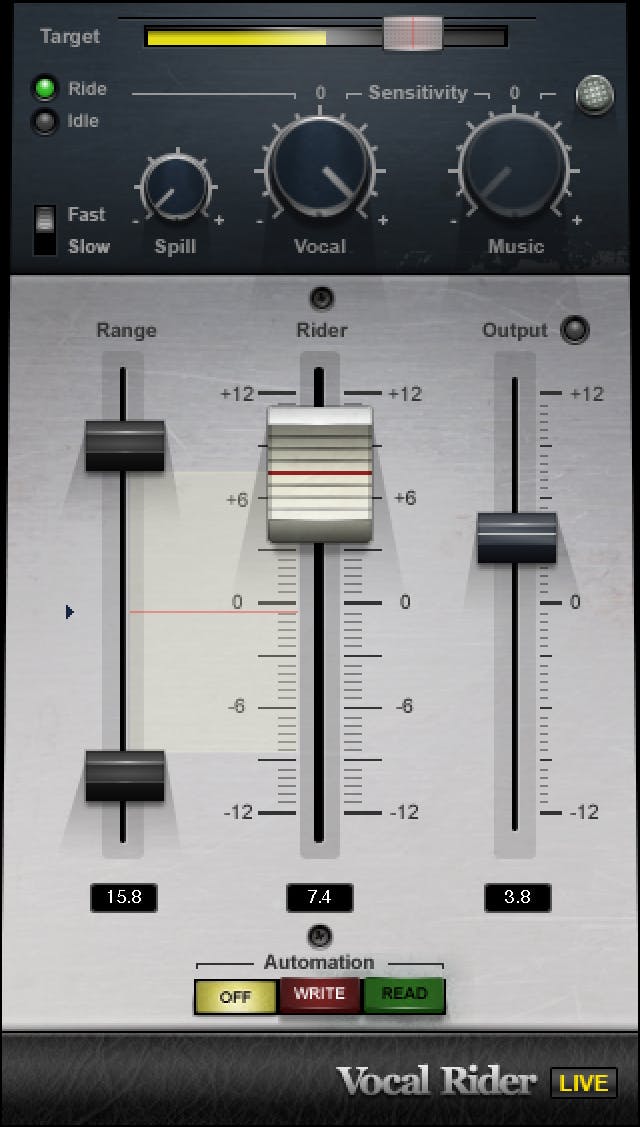
Perfect Vocal Levels—Automatically
Vocals are the focus of almost all popular music, so they need a consistent level that’s never buried in the mix. But automating levels manually is tedious, and using heavy compression to even out the vocal levels ends up coloring your vocal sound.
Vocal Rider saves you time by riding gain automatically, while preserving the vocal’s full fidelity. Set a target level for the vocal, and Vocal Rider will take care of the rest. It unobtrusively raises or lowers the vocal’s gain to maintain the target level—just as if you were making fast, precise fader moves.
Features
- Time-saver: No need for manual drawing of automation curves
- Ideal for vocals & voice in music, podcasts & video narration
- No need for over-compression that suffocates the voice
- Real-time operation adds no latency
- Suitable for both studio and live mixing
- Writes an automation track, so you can fine-tune levels easily
System Requirements
Mac
- macOS Monterey 12, Ventura 13, Sonoma 14, Sequoia 15
- VST / AU / AAX
PC
- Windows 10+
- VST / AAX












Reviews Summary
While it aims to provide a helpful overview, it may not capture every perspective or detail. We encourage you to read individual reviews to make an informed decision.
Reviewers highly recommend this plugin as an efficient, essential time-saver for automating volume leveling across vocals and instruments. While praised for its effectiveness and professional utility, a few users noted a slight learning curve regarding its user-friendliness.


