


 Log In
.png)
Free gifts available with your purchase
Product information
NLS Non-Linear Summer
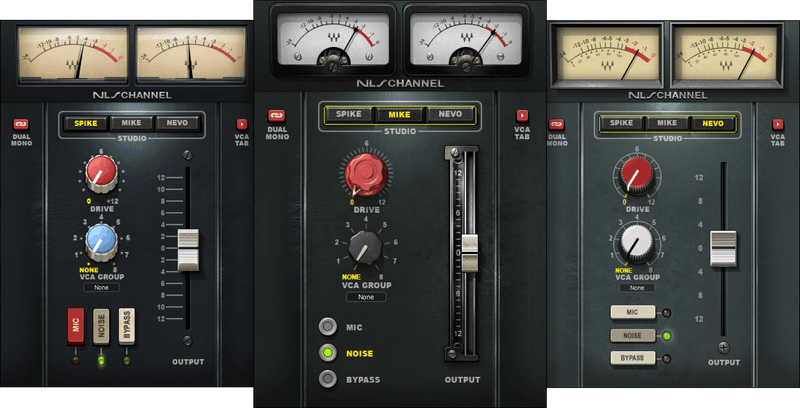
Mix with the Color of Three Classic Analog Consoles
Analog consoles are known for richness, depth, and harmonic complexity—not because they’re perfect, but because they aren’t. This is why pro engineers revere how analog summing colors audio. And now, Waves has spared no effort to capture the sound of 3 superlative analog consoles.
Whether you prefer the solid-state console that launched thousands of hits, the tone of vintage British tubes, or even the console used to record The Dark Side of the Moon—NLS brings them to your DAW, modeled from the consoles of master mixers and producers Mark “Spike” Stent (Paul McCartney), Mike Hedges (The Cure), and Yoad Nevo (Sia).
Features
- Models how the summing bus and channel preamps interact
- Models 96 channels including every input and summing bus amp
- Mix and match different consoles on different channels
- Control harmonic distortion with Drive control
- Add (or don’t add) a whisper of accurately modeled preamp hiss
- Choose the “line in” for clarity, or crush the mic preamp-based input
- For global tweaks, the logical interface groups controls
- VCA groups control NLS, and can serve as standard VCA channels
System Requirements
Mac
- macOS Monterey 12, Ventura 13, Sonoma 14, Sequoia 15
- VST / AU / AAX
PC
- Windows 10+
- VST / AAX
Installation Instructions














