


 Log In

Free gifts available with your purchase
Product information
NS1 Noise Suppressor
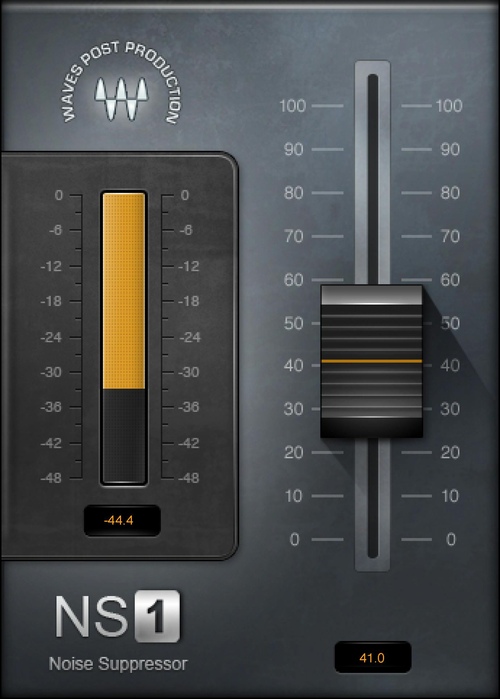
Simple—and Superb—Noise Suppression
When there’s a contest between voice and noise, NS1 gives the voice a huge advantage. NS1’s single control ties in with sophisticated, “under the hood” technology to analyze the audio, separate the voice from the noise, apply noise reduction, and deliver clean audio—all in real time.
The straightforward operation speeds up workflow, and banishes problems quickly and effectively. There’s only one option that’s simpler than NS1: not having any noise in the first place.
Features
- Real-time audio analysis produces instant results
- Ideal for video dialog and voiceover, or music tracks
- Meter shows the instantaneous amount of noise reduction
- Simple one-fade control saves time, speeds workflow
System Requirements
Mac
- macOS Monterey 12, Ventura 13, Sonoma 14, Sequoia 15
- VST / AU / AAX
PC
- Windows 10+
- VST / AAX
Installation Instructions












Customer Reviews
(2)


