Log In
Free gifts available with your purchase
Riding the Wave
Limo Style
The VCL-25A is an authentic Vari Mu audio leveler originally designed for radio broadcasting in the 1950s. It treats your mixes with elegance and stunning ease – just plug it in, give it the general direction and keep it there forever. It’s actually one of those rare limiters which literally ride the reduction and breathe dynamics along the way.
Natural Edge
The greatest advantages of the VCL25A are its beautiful, natural and smooth feeling and sound. It easily adds natural depth and shimmer without sounding hyped or muddy. But still – the grit is there in case you need it! The extended threshold and release allow to abuse the unit quite a bit, turning the gentle creature into a drum crushing beast on the parallel bus.
Original V2
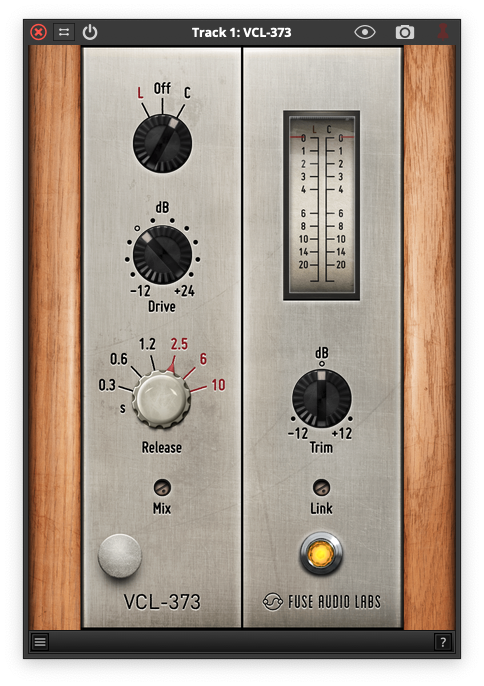
On top of its authentic vibe, the VCL-25A offers a set of special features for an even more enjoyable mixing experience. A large VU/GR meter, input gain compensation, switchable release times, linear output attenuator, adjustable noise floor level and a dedicated mix control complete this fabulous limiter while staying true to its original concept.
No-brainer
Black magic or not, the VCL-25A sounds and feels like one of those good old tube levelers right inside your computer. A valued customer just nailed it: “There's a sound to this thing in addition to how smooth it is and the sound is glorious.” Produce solid dynamics on the fly and introduce some typical good-natured leveling heard on countless records to your tracks? You can’t go wrong.
Features
- Authentic Vari Mu Leveler: Designed for 1950s radio broadcasting, the VCL-25A elegantly controls dynamics, providing a natural and smooth sound.
- Dynamic Control: Effectively adds depth and shimmer without muddiness, with the ability to push for gritty sounds, especially on drums.
- Enhanced Features: Includes a VU/GR meter, input gain compensation, switchable release times, a linear output attenuator, adjustable noise floor, and mix control.
- User-Friendly: Delivers vintage tube-leveler characteristics in a digital format, making it easy to achieve solid dynamics in your mixes.
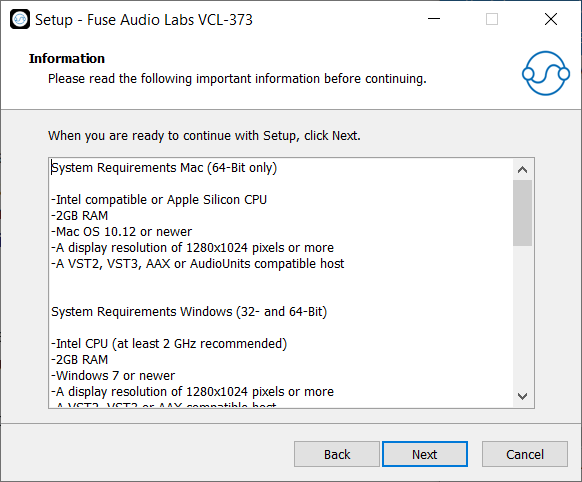
System Requirements
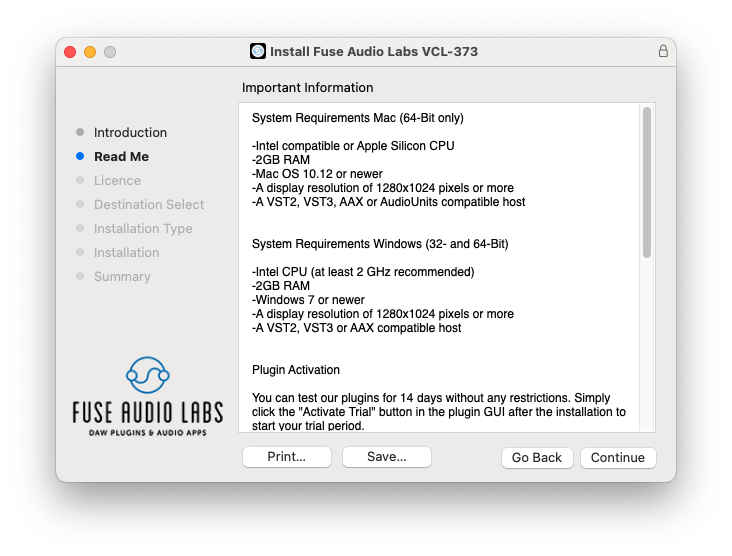
Mac (64-Bit only)
- Intel compatible or Apple Silicon CPU
- 2GB RAM
- Mac OS 10.12 or newer
- A display resolution of 1280x1024 pixels or more
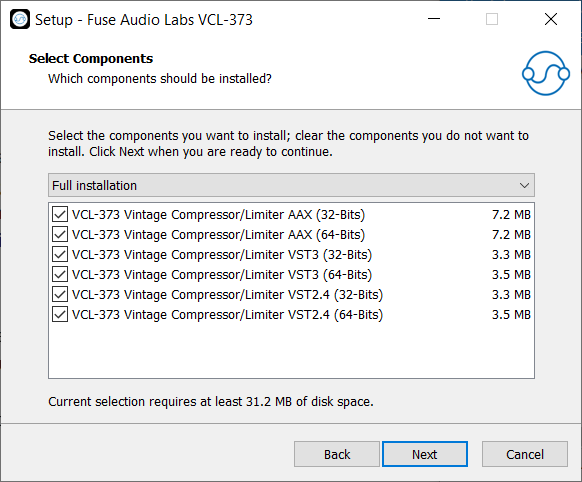
- A VST2, VST3, AAX or AudioUnits compatible host
Windows (32- and 64-Bit)
- Intel compatible CPU (at least 2 GHz recommended)
- 2GB RAM
- Windows 7 or newer
- A display resolution of 1280x1024 pixels or more
- A VST2, VST3 or AAX compatible host